

Peloton has expanded access to its pace target classes, meaning members no longer need Peloton Tread hardware to utilize this feature.
Previously, only members with a Peloton Tread or Tread+ could utilize pace targets (and only while using their hardware device), but now these classes are accessible via the digital app as well.
Applicable classes on the Peloton app now have a small icon in the bottom right corner, indicating that pace targets are enabled. This icon expands when viewing the class preview, offering a quick reference for members interested in incorporating pace targets into their workout.
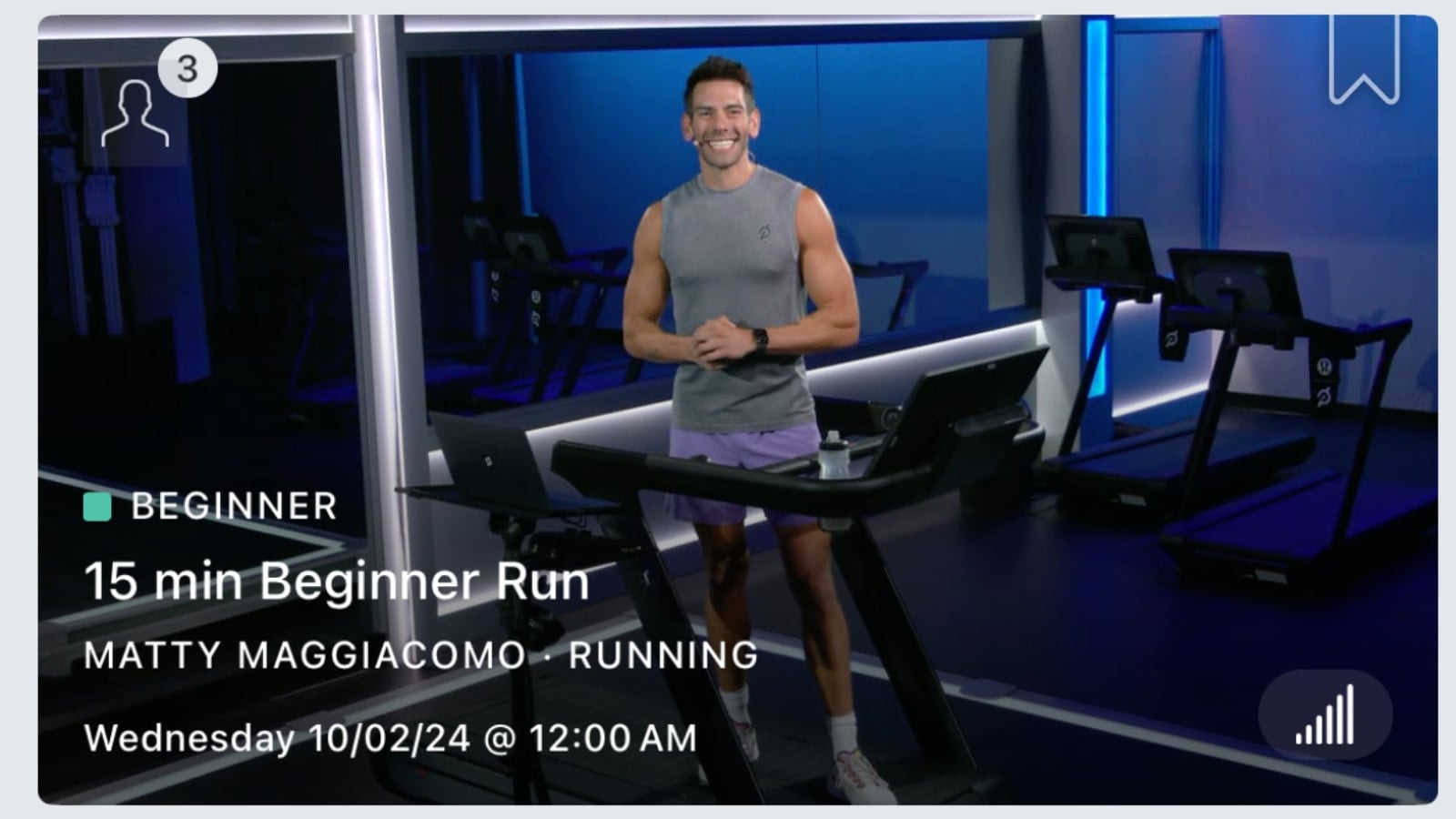
We anticipate that Peloton may soon add a specific filter on the app, making it even easier to find pace target classes across the app.
The Pace Target class collection is now accessible through the app & website as well.
This change accompanies Peloton’s launch of a brand-new 10K training program, which heavily features pace targets to help guide members through the sessions. However, the update isn’t limited to this latest program; it includes all older pace target classes and will also cover any future ones. Erik Jager’s recent new running program also uses pace targets, so is also now available through the app.
Initially introduced in June, Peloton’s pace targets classes allow runners to stay within personalized speed ranges during classes, helping them achieve specific workout goals more efficiently. Rather than cueing a specific speed, the instructor indicates an effort level. Those effort levels are automatically mapped out and displayed to speed ranges on the Tread based on the difficulty level selected by the member. If you’re unfamiliar with Peloton’s pace target levels, you can find a comprehensive overview via our guide.

Shortly after the initial rollout, Peloton mentioned their plan to introduce walking pace target classes and added a filter on the Tread & Tread+ to help users more easily locate classes with pace targets.
This recent update to the app now allows even more members to access Pace Target classes — no Tread required.
Are you excited to see Peloton make Pace Target classes available on the digital app?
Support the site! Enjoy the news & guides we provide? Help us keep bringing you the news. Pelo Buddy is completely free, but you can help support the site with a one-time or monthly donation that will go to our writers, editors, and more. Find out more details here.
Get Our Newsletter Want to be sure to never miss any Peloton news? Sign up for our newsletter and get all the latest Peloton updates & Peloton rumors sent directly to your inbox.

If you are running these classes just using the app on a non-Peloton treadmill how do you determine what the pace ranges are and what level you are running? On the app it only appears to display HR zones, and not the target paces, so whereas on the Tread you know how fast to run, how do you do this with just the app, how does the app know which level of difficulty you’re going to run at, is it just by feel, or does Peloton publish a chart of the ranges for each level of difficulty?
This feature does not work on the app – only the Tread. Peloton Support has told me that the classes should not be available on the app, only the Tread, so looks like they’ll be pulled soon.
Is there a class to help you set your Pace(like a FTP ride on the bike) or does it just base your Pace on the fastest mile you’ve done on the tread.