

The Peloton app has been upgraded this week with a small, but useful feature.
The search feature has now been expanded. Whereas before it would only search against classes and musical artists – it will now also search Peloton programs and collections.
Previously, to find a specific program, there were two main ways to find them. One was to have a link to a specific program – which you could find on our list of full Peloton programs, which also has class lists and more about every program. The other way was to go to the programs page or collections page on the Peloton app, or your Peloton devices – and try to find it manually there. The issue with that has always been that the list of programs & collections is continuing to grow. But beyond that- the order is not consistent. A program or collection might be near the top of the list one day, but then the next, be two thirds down the page.
This new search feature – which is now available on both the Peloton iOS app and the Peloton Android app – aims to make finding a new (or your favorite) program & collection easier – with you being able to search for the name or coach involved.
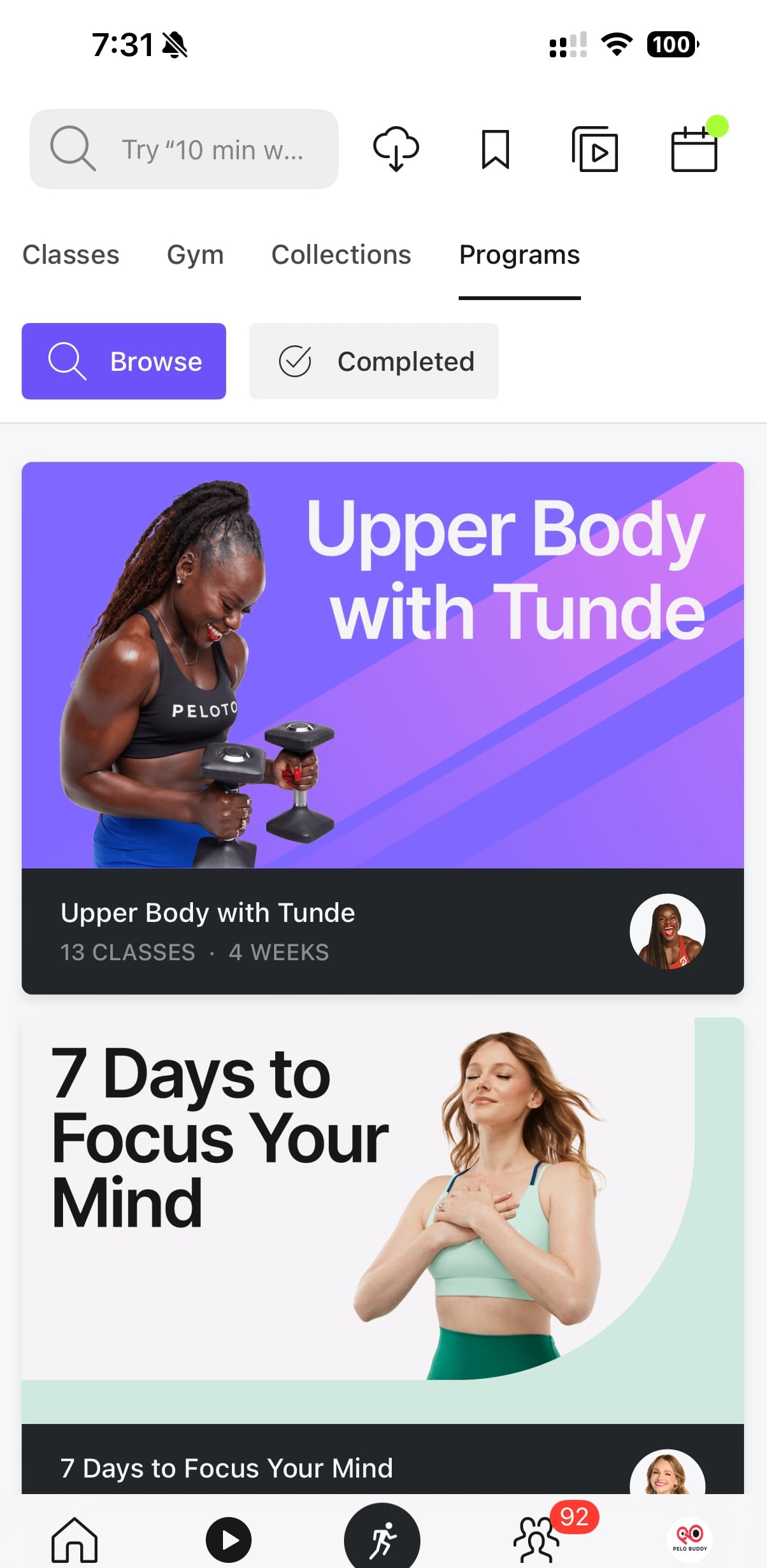
When doing a search (which is still found on the Classes tab of the Peloton app, which is currently the second icon from the left in the footer menu) – you’ll now find a new section of tabs at the top of the screen. The default result list will be classes. However, you’ll now have two new options: a tab for Programs, and a tab for Collections.
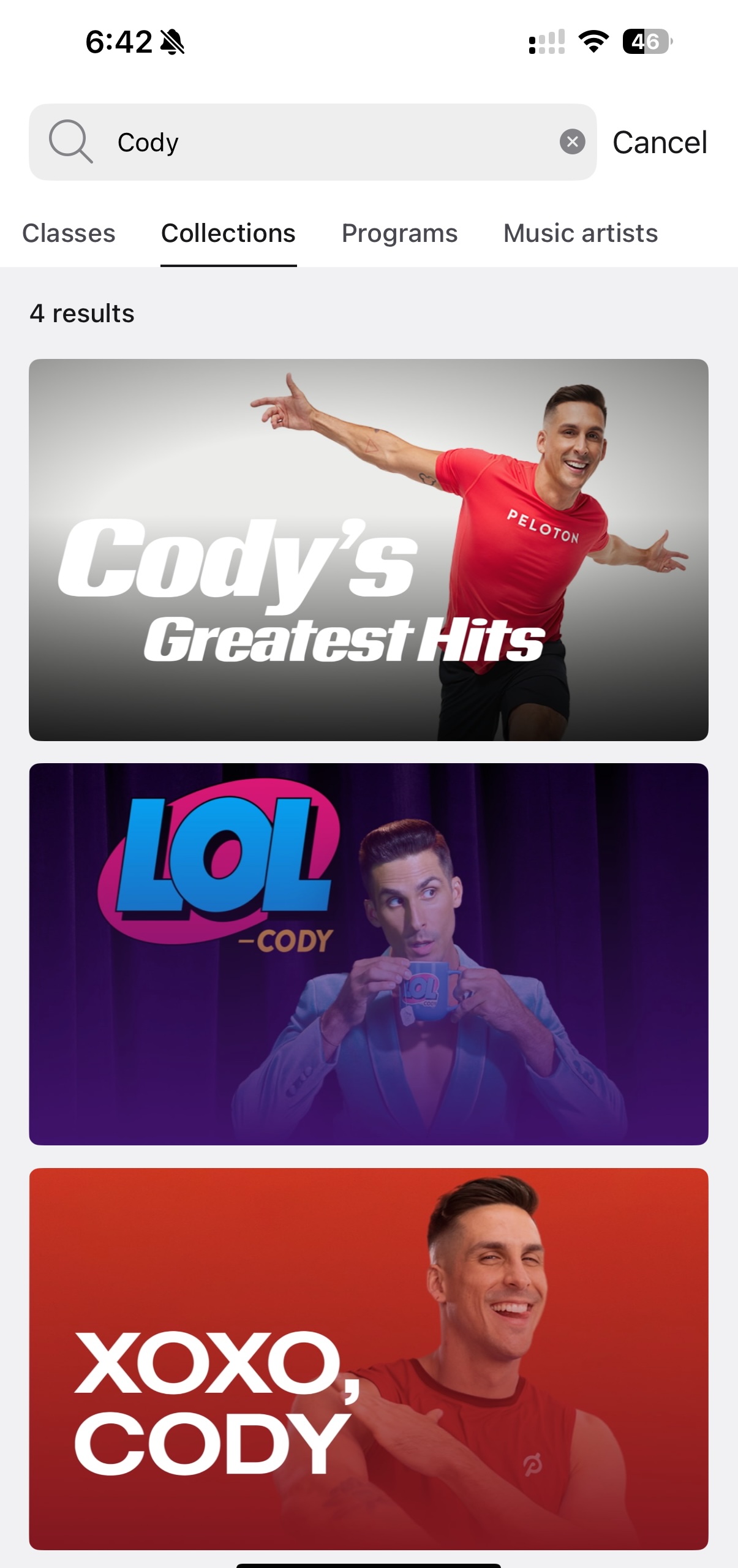
You can search by various criteria to narrow down what you are looking for. For example: You can search by an instructor (“Cody”) to get all the collections by Cody Rigsby.
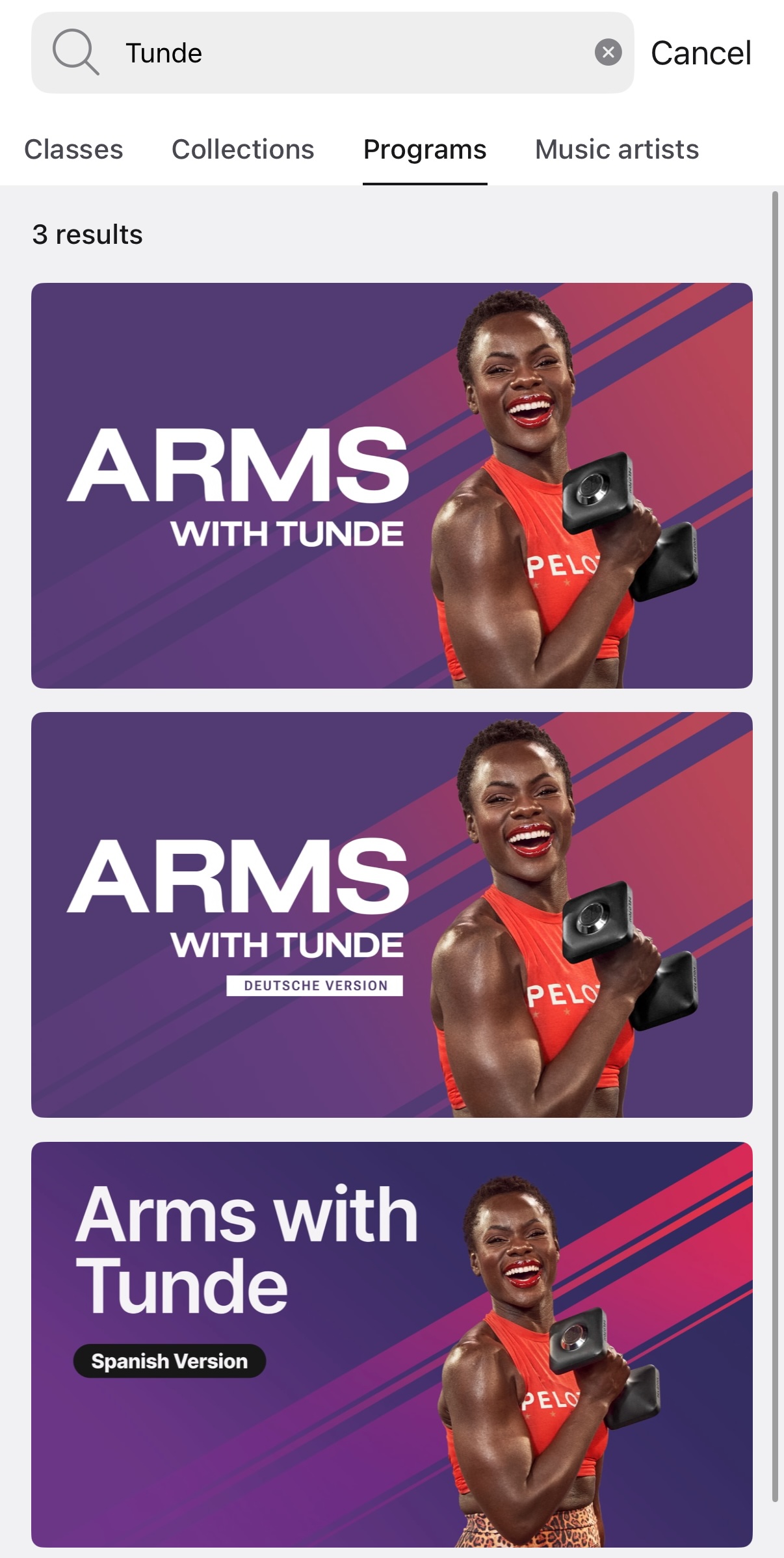
You can also search an instructor name to find programs. Below is a search for “Tunde”, and you can find the Arms with Tunde program (in all 3 languages it is available).
However, that screenshots shows that new programs aren’t added immediately to the search results. At time of publishing, it has been several hours since Tunde Oyeneyin’s brand new program (“Upper Body with Tunde”) was released – but it is not showing up as a search result at this time, even though it should be.
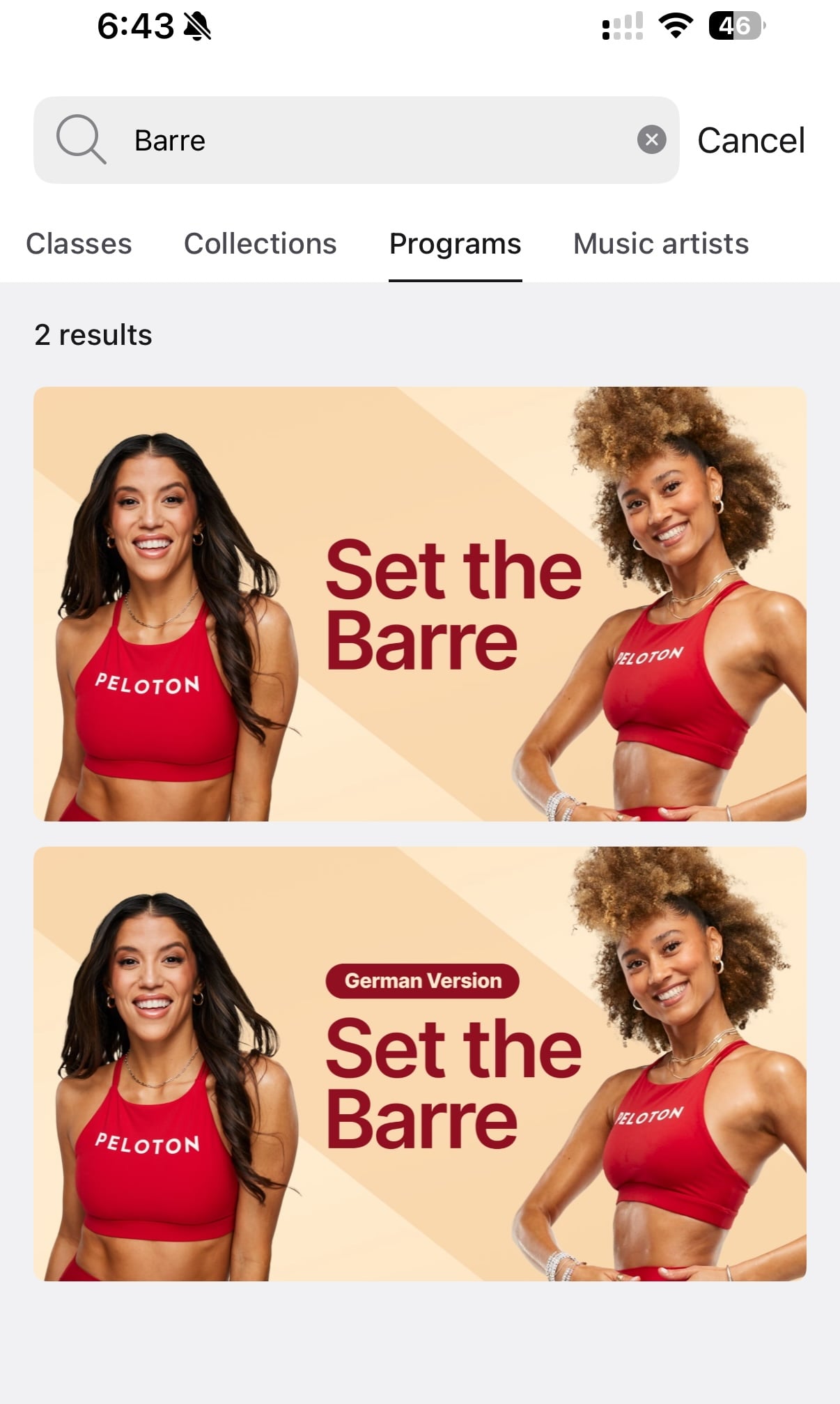
In addition to instructors, you can search for class types – searching for “Barre” surfaces the “Set The Barre” program.
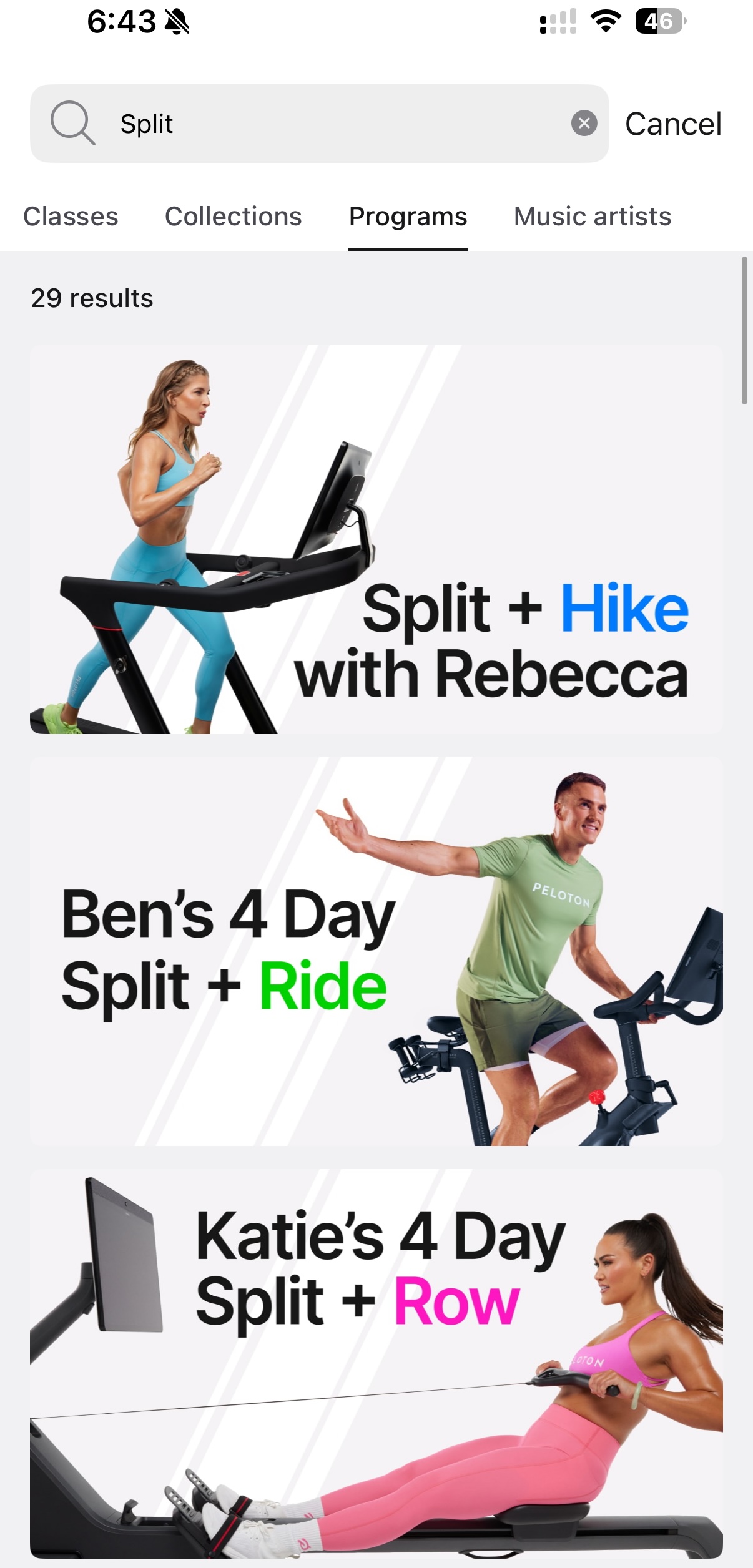
Peloton’s split programs have been growing in popularity, and you can search for “Split” to more easily narrow down and look through Peloton’s split programs.
One might think that if you are looking for a split program by a certain instructor you could do a specific search to further narrow it down. For example – you might search “Split Jess”, thinking you would end up with one result matching for Jess Sims’ 3-day split strength program.
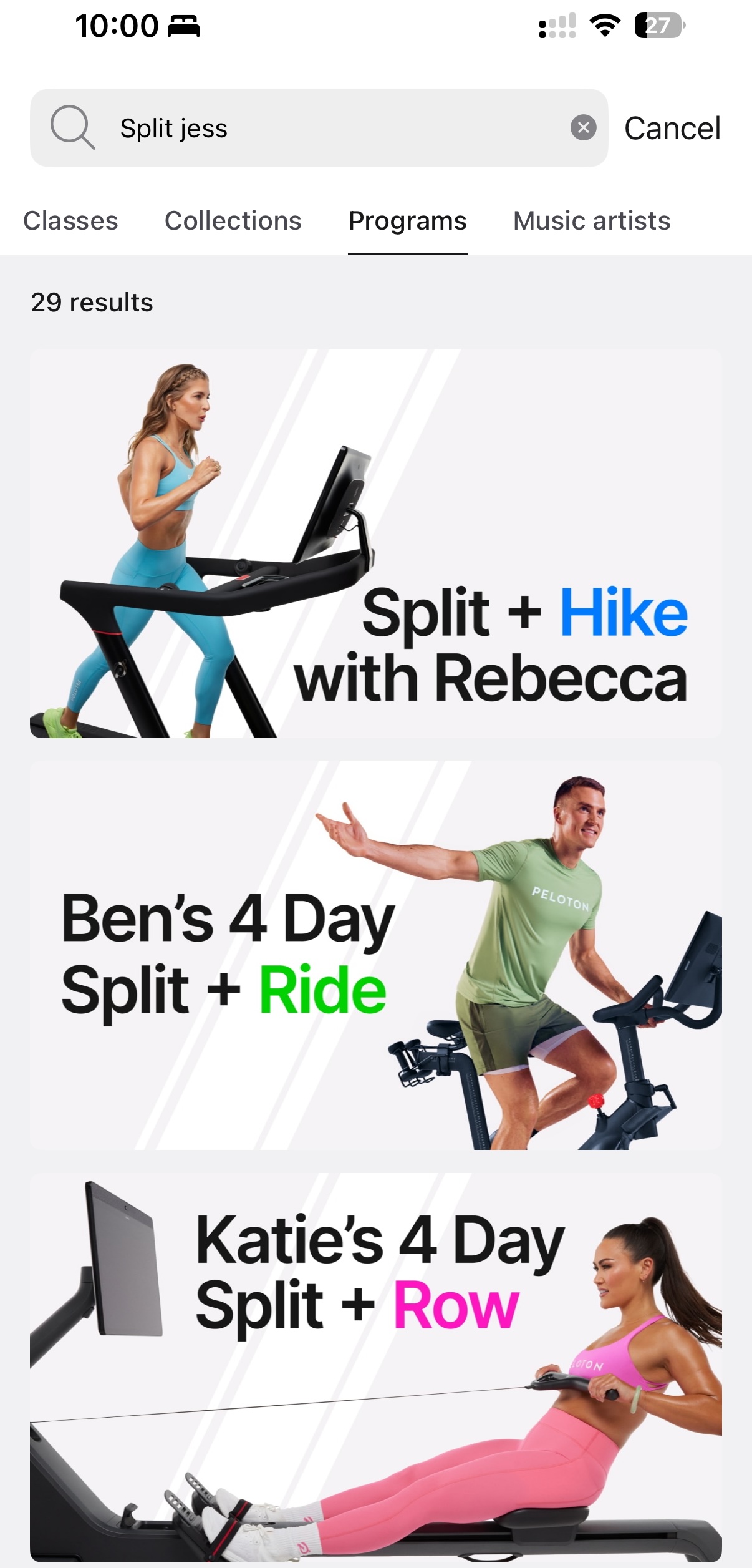
However, as you can see in the screenshot above – it does not return the expected results at this time. Instead, it returns the same 29 classes as searching simply for the one word “Split” did.
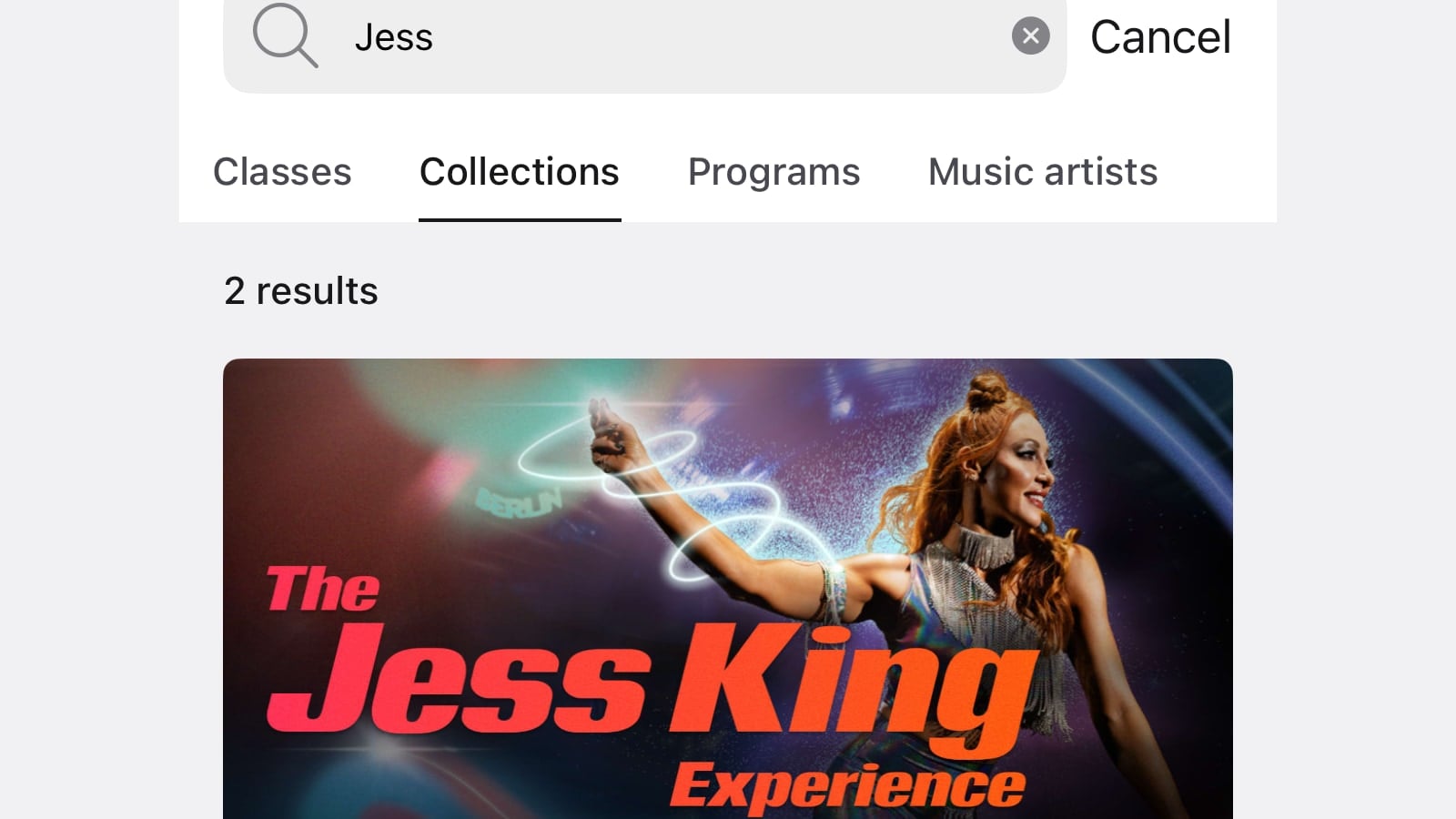
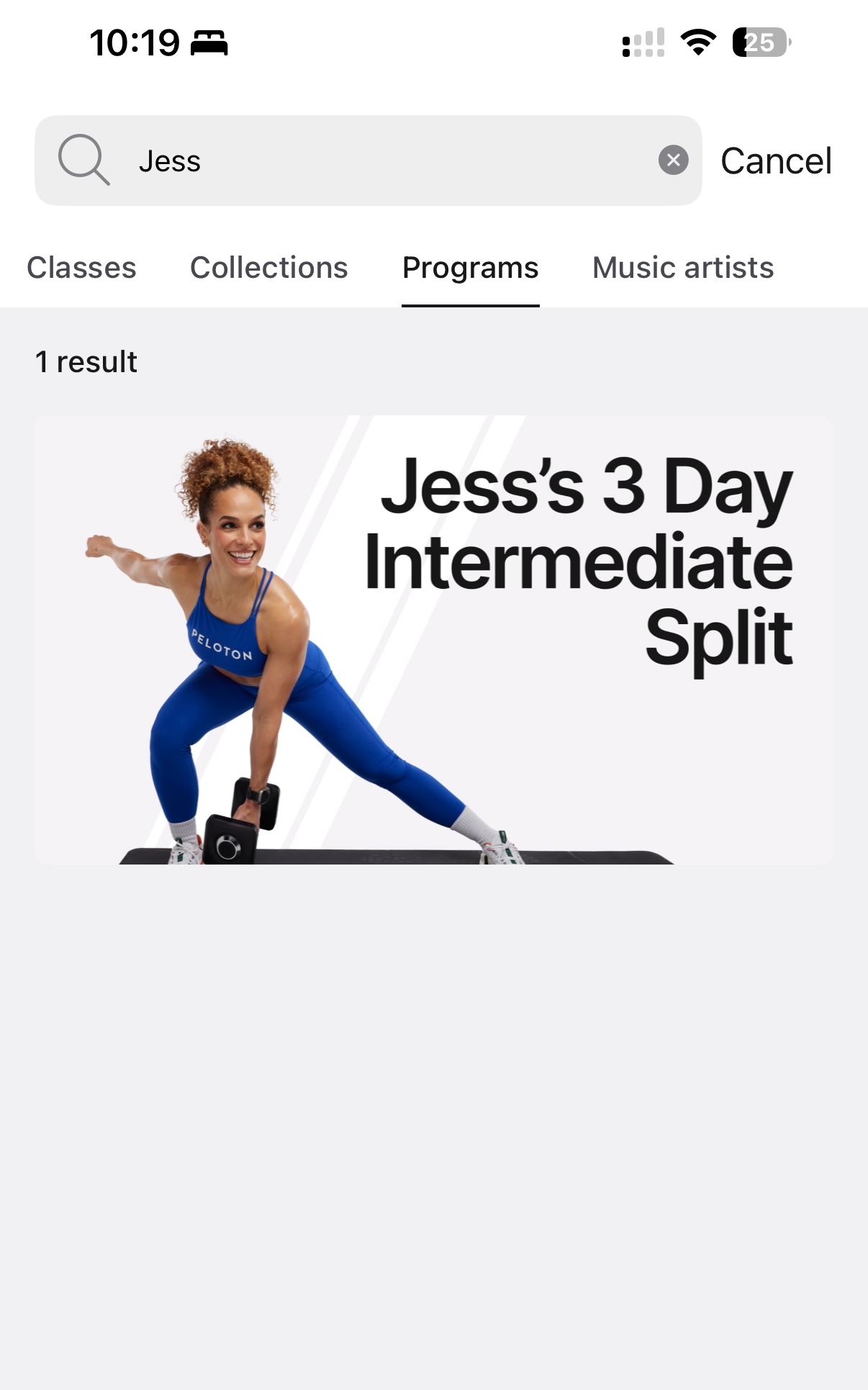
But, if you search for just “Jess” – you’ll find the Jess Sims split.
Searches work in a similar way in both collections & programs, with you being able to search for the title of a collection to narrow down to that specific one. Below, you can see a search for “Artist” brings you directly to the Artist Series collection.
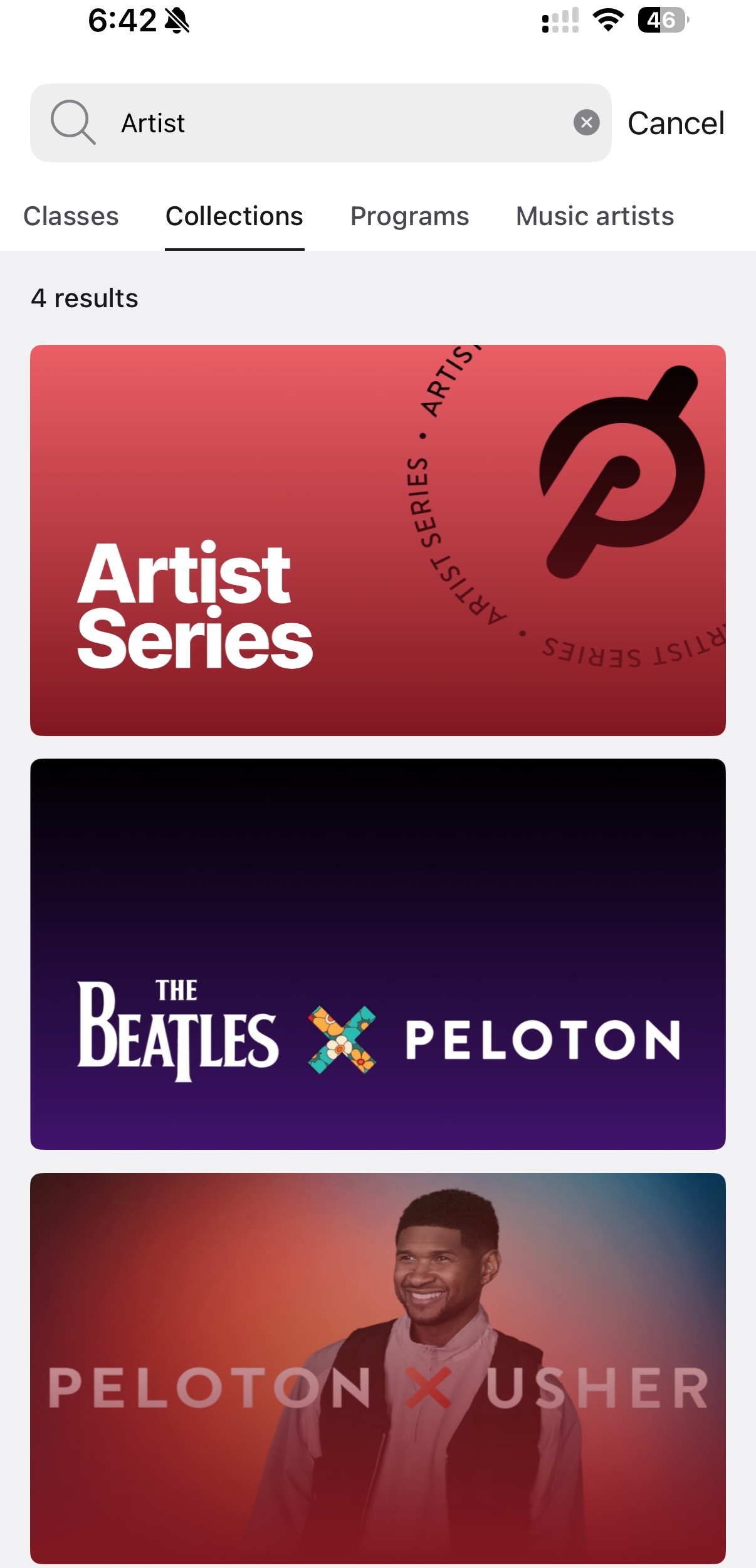
This update to search has also resulted in a small change to searching for classes with songs by specific artists. Previously, when you searched by an artist name, there was only one tab of results, and at the top, you would see a small section along the lines of “Artists that match this search”, which you could narrow down into to see those results.
Now, there is a specific tab for “Music Artists” if you are searching for specific artists. The results will be the same, however, the layout of how that search and where to find it slightly shifted with this new results tab that also brought the new feature of Collection & Program search.
Note that at this time you still cannot search to see what classes have specific songs in them – you can still only search by musicians. However, there are third party tools out there such as Domestiq that allow you to search for Peloton classes that have specific songs in them.
At this time, the program & collection search is only available in the Peloton iOS & Android app. It has not yet been made available on the Peloton Bike/Bike+/Tread/Tread+/Row.
Support the site! Enjoy the news & guides we provide? Help us keep bringing you the news. Pelo Buddy is completely free, but you can help support the site with a one-time or monthly donation that will go to our writers, editors, and more. Find out more details here.
Get Our Newsletter Want to be sure to never miss any Peloton news? Sign up for our newsletter and get all the latest Peloton updates & Peloton rumors sent directly to your inbox.

Very helpful tutorial Chris, thank you! I’m a member dedicated to splits for strength training and love some of the other programs in different modalities but it has been INSANELY frustrating trying to find them by scrolling through! Thank you Peloton!