

Peloton has added the option to swap from the now-default “Dark Background” to “Light Background” on the Peloton hardware devices – including the Bikes, Treads, and Row.
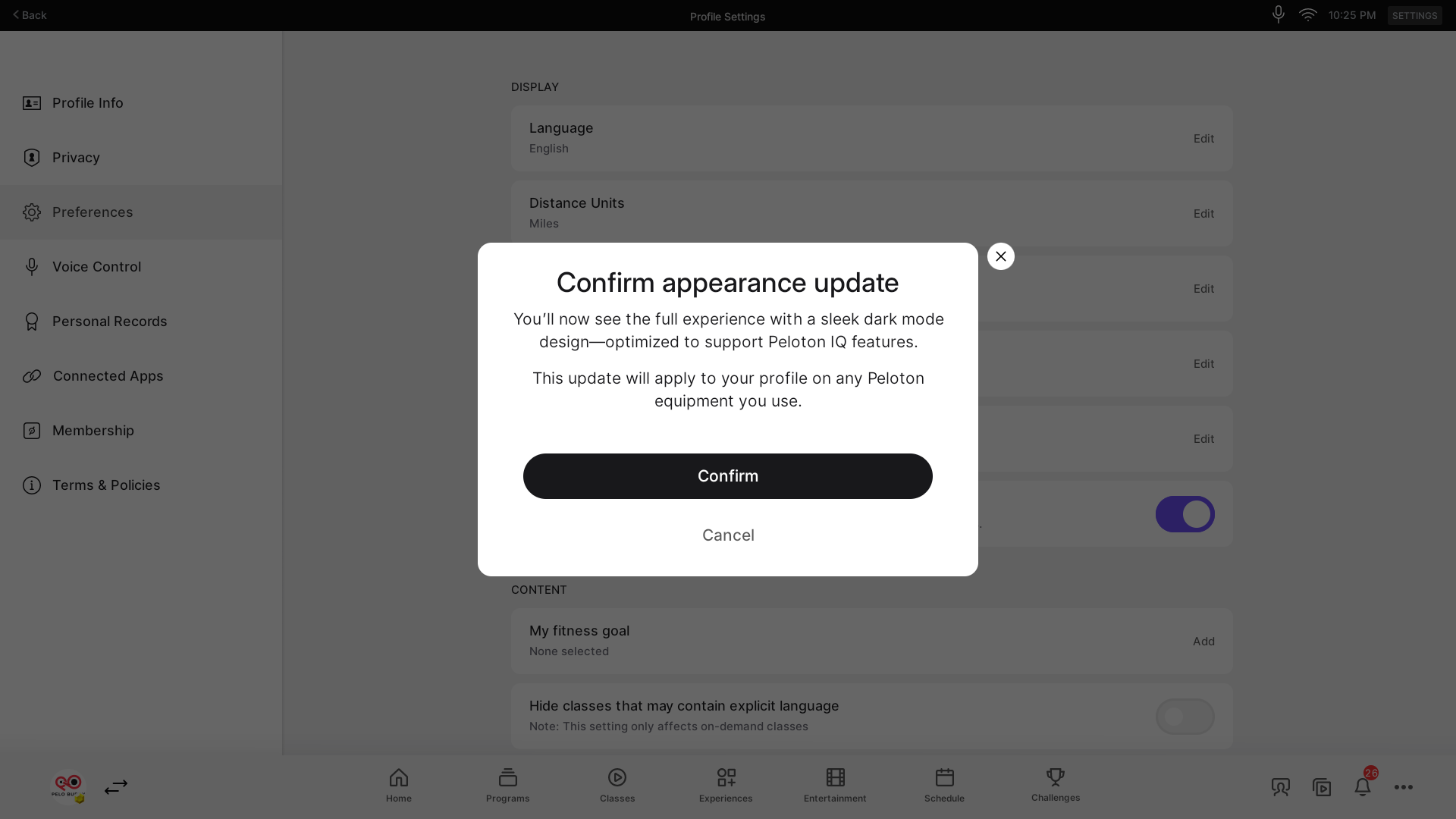
This is the “Light Mode” toggle many Peloton members have been asking for in recent months. In October, when Peloton rolled out Peloton IQ to all hardware devices (it came alongside the launch of the Peloton Cross Training hardware) – the user interface on Peloton devices (and the Peloton app) was updated to a “dark mode” – with no way to change it.
Last month, Peloton added a toggle between light mode & dark mode on the Peloton app – but the hardware devices were still only in dark mode.
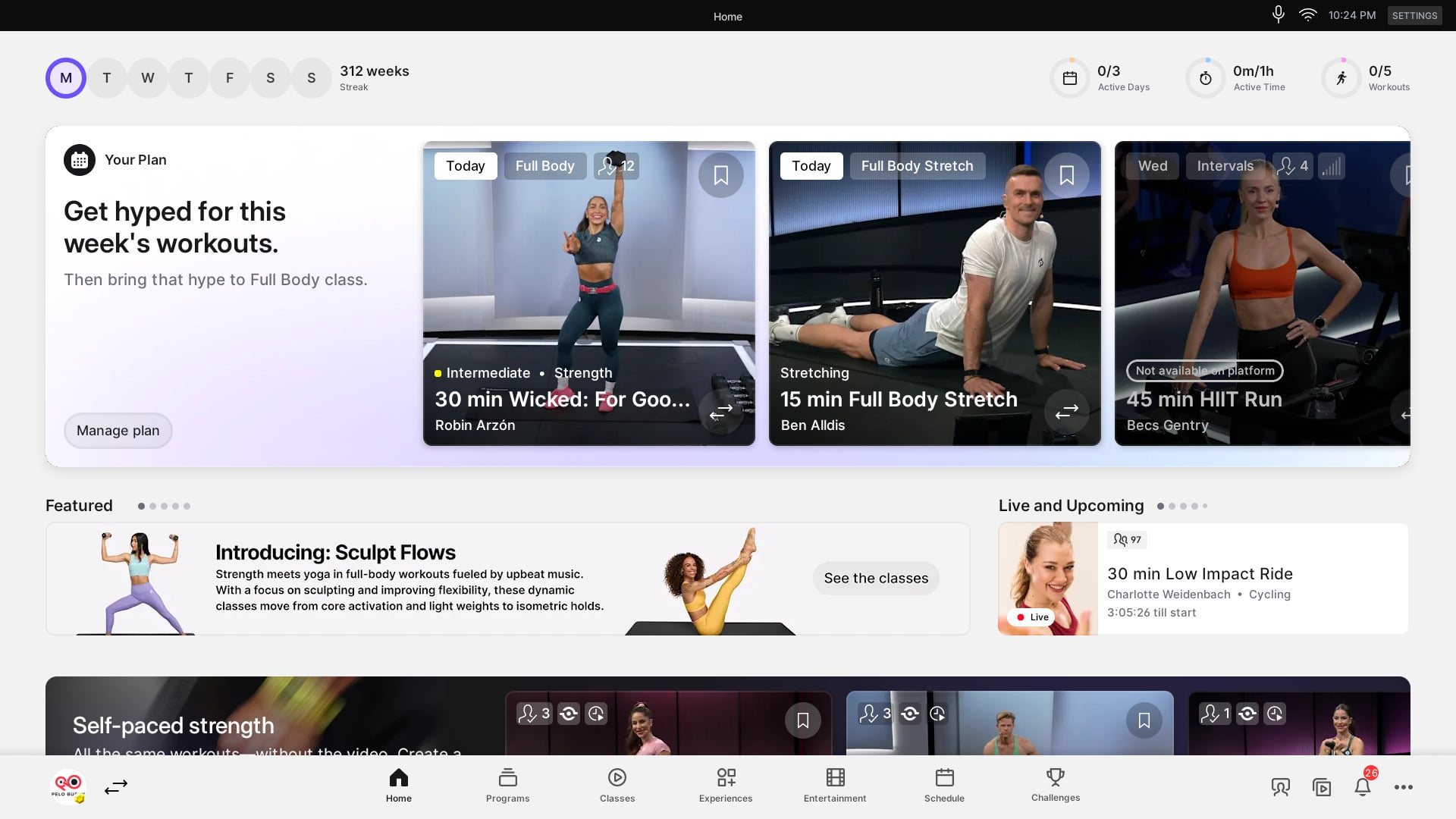
Peloton has now added a way to update this on Peloton hardware devices with a new “Enable Light Background” preference that can be changed.
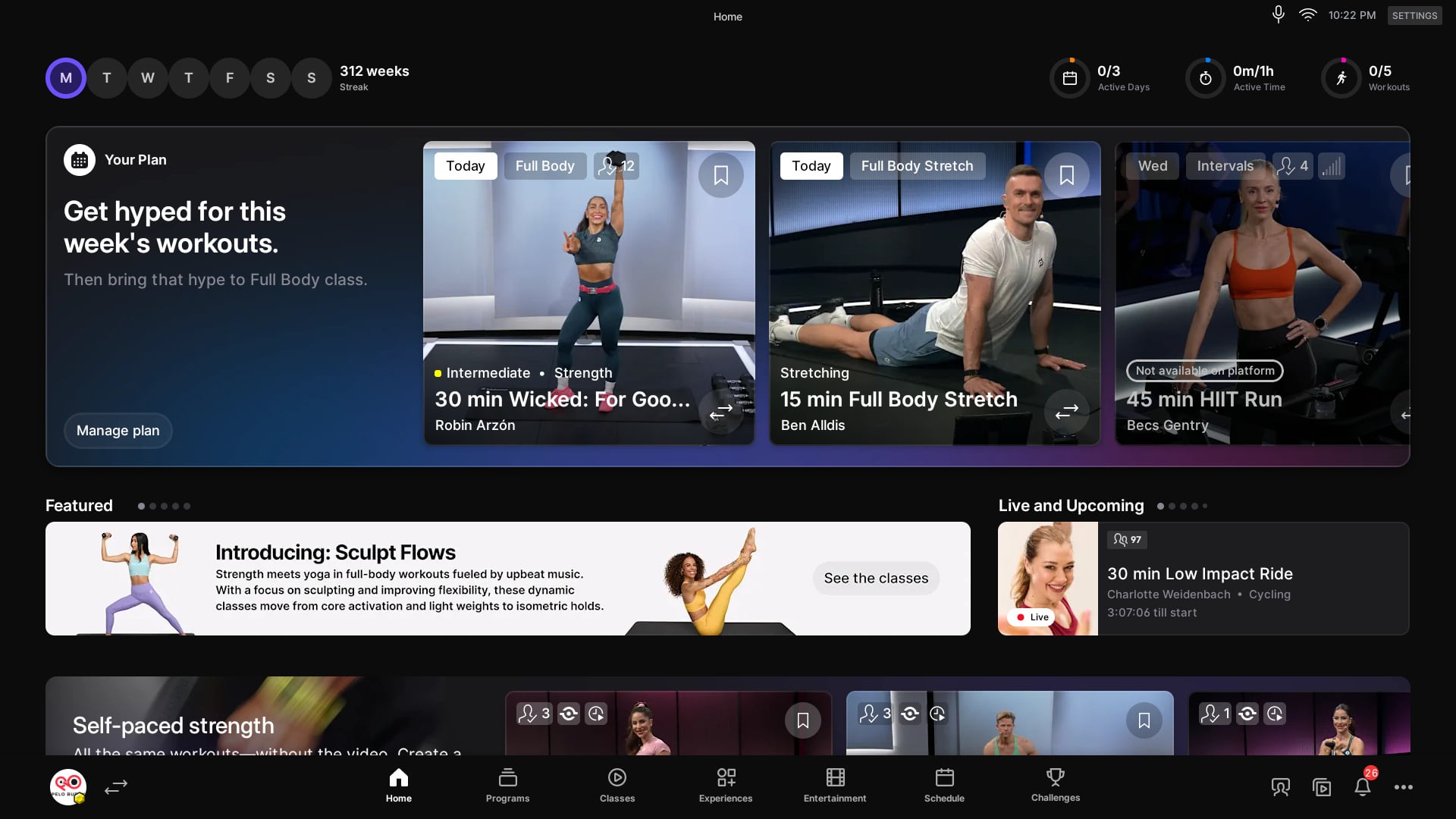
To access this, use the 3 dots menu at the bottom right of the Peloton screen. From there, select “Profile Settings”. Then, select “Preferences”
There should then be a new “Enable Light Background” setting under the “Date Format” option in the “Display” settings.
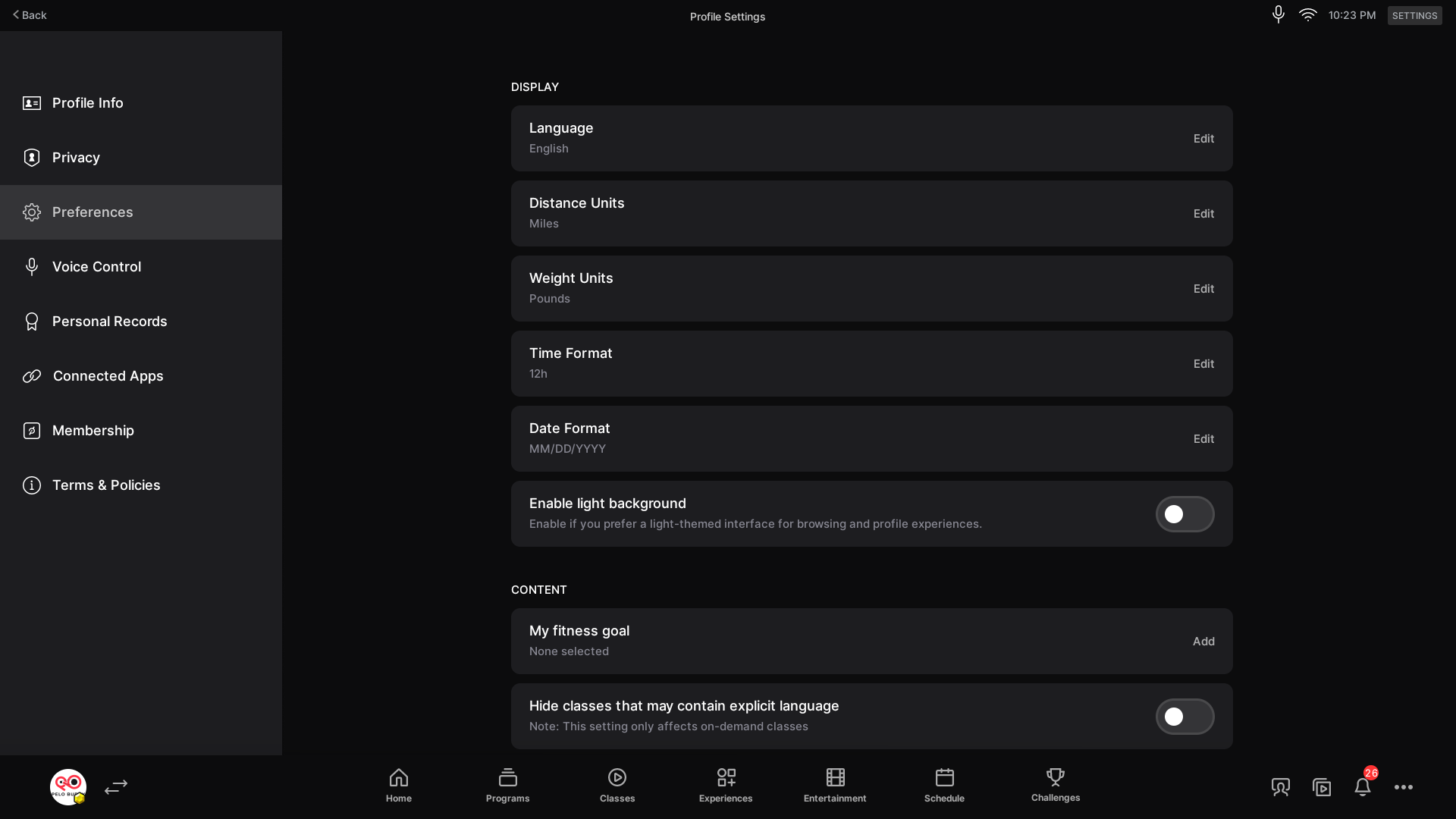
When you change this for the first time, you’ll get a message that this setting will apply to your profile across all Peloton devices. In other words – if you set it on your Bike, you will also then see light mode on your Tread when you login there. There is currently no way to have it be light mode on one device and dark mode on another – but you could toggle it each time.
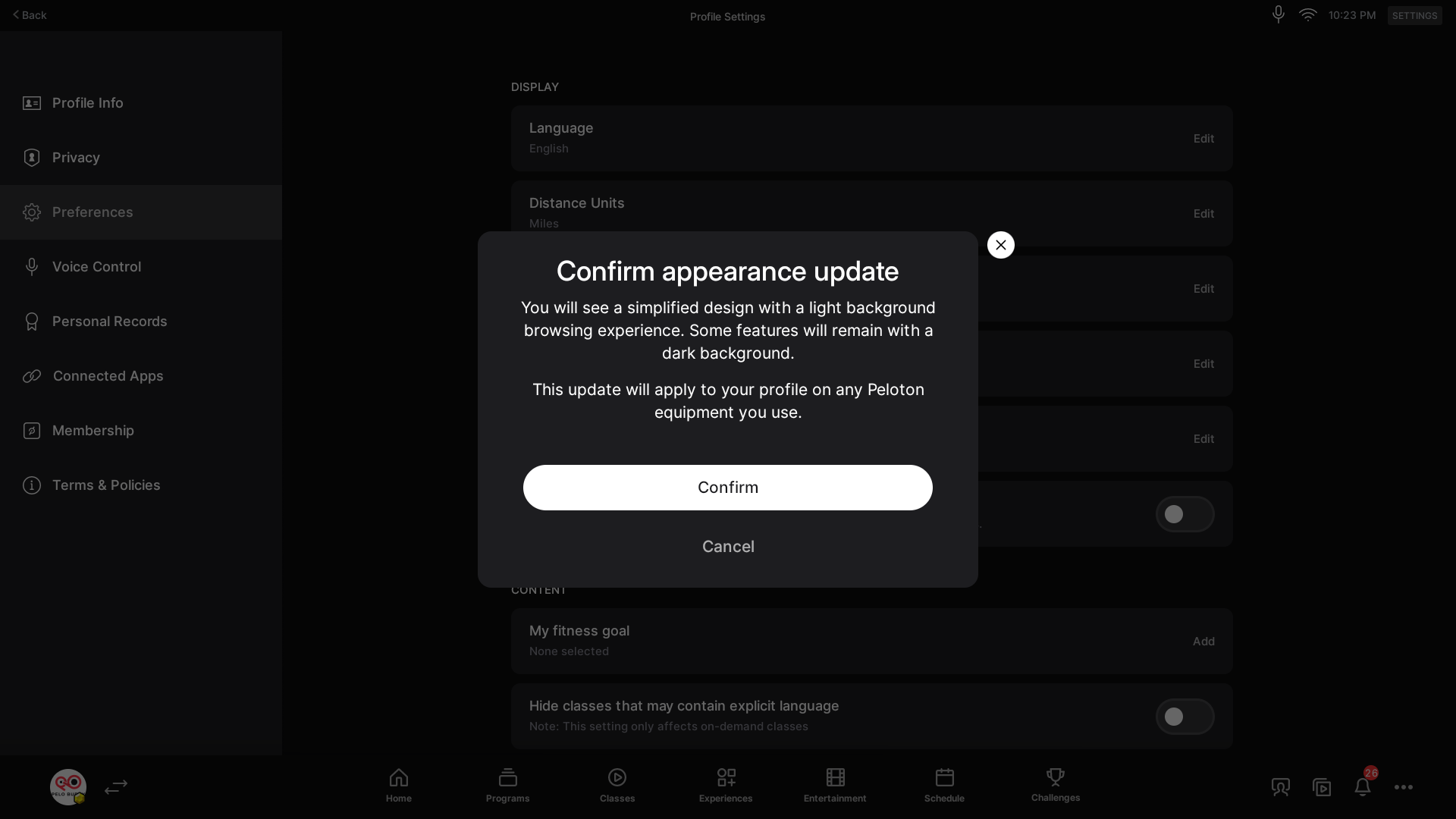
A popup is shown when you make the change, notifying you of what to expect. Changing to light mode says the following:
You will see a simplified design with a light background browsing experience. Some features will remain with a dark background.
This update will apply to your profile on any Peloton equipment you use.
Changing it back notifies users that dark mode is “optimized” for Peloton IQ features:
You’ll now see the full experience with a sleek dark mode design—optimized to support Peloton IQ features.
This update will apply to your profile on any Peloton equipment you use.
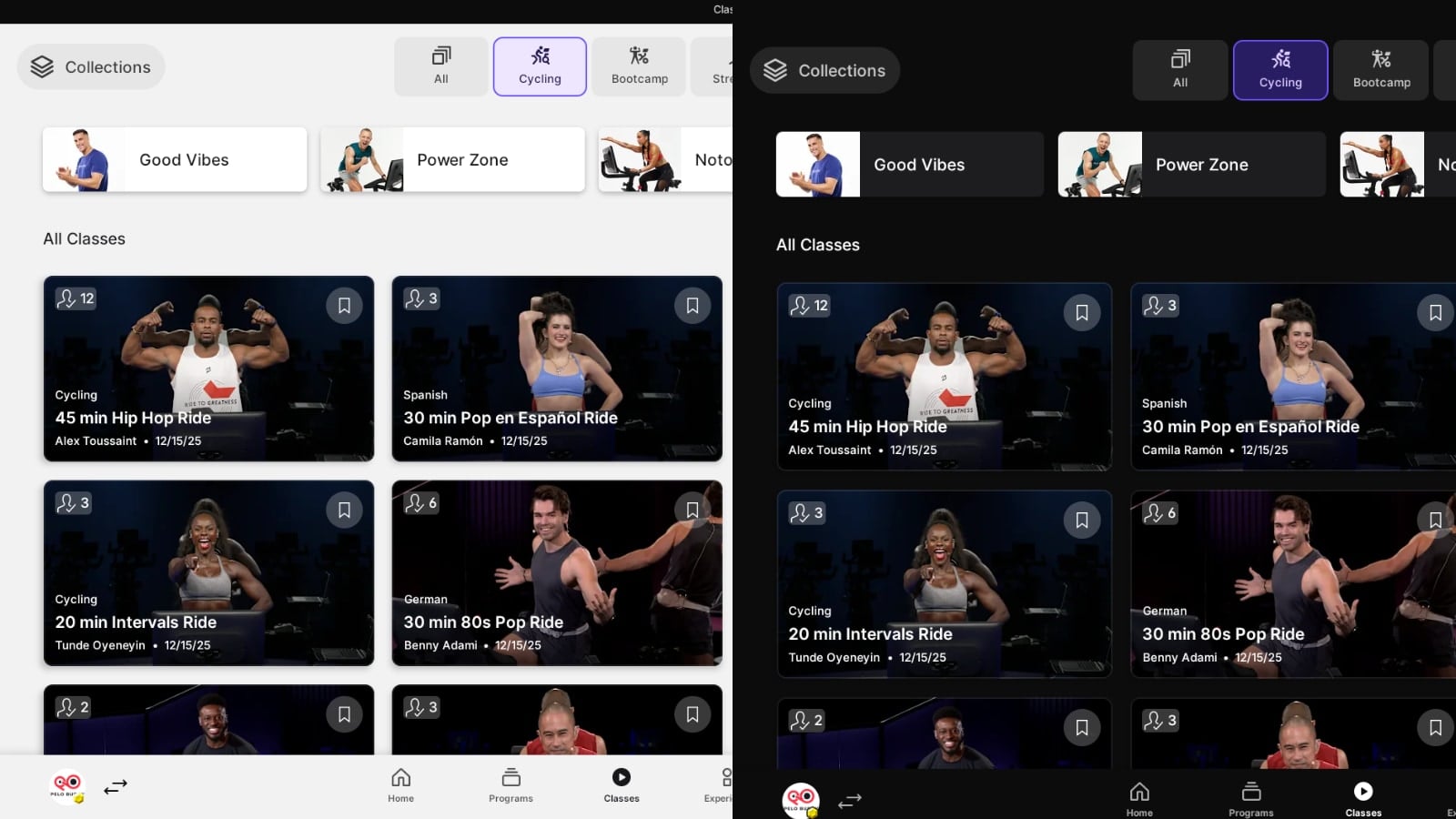
Some screens have bigger differences than others in light mode compared to dark mode. For example, the class library and home screens look very differently visually between modes, as seen above.
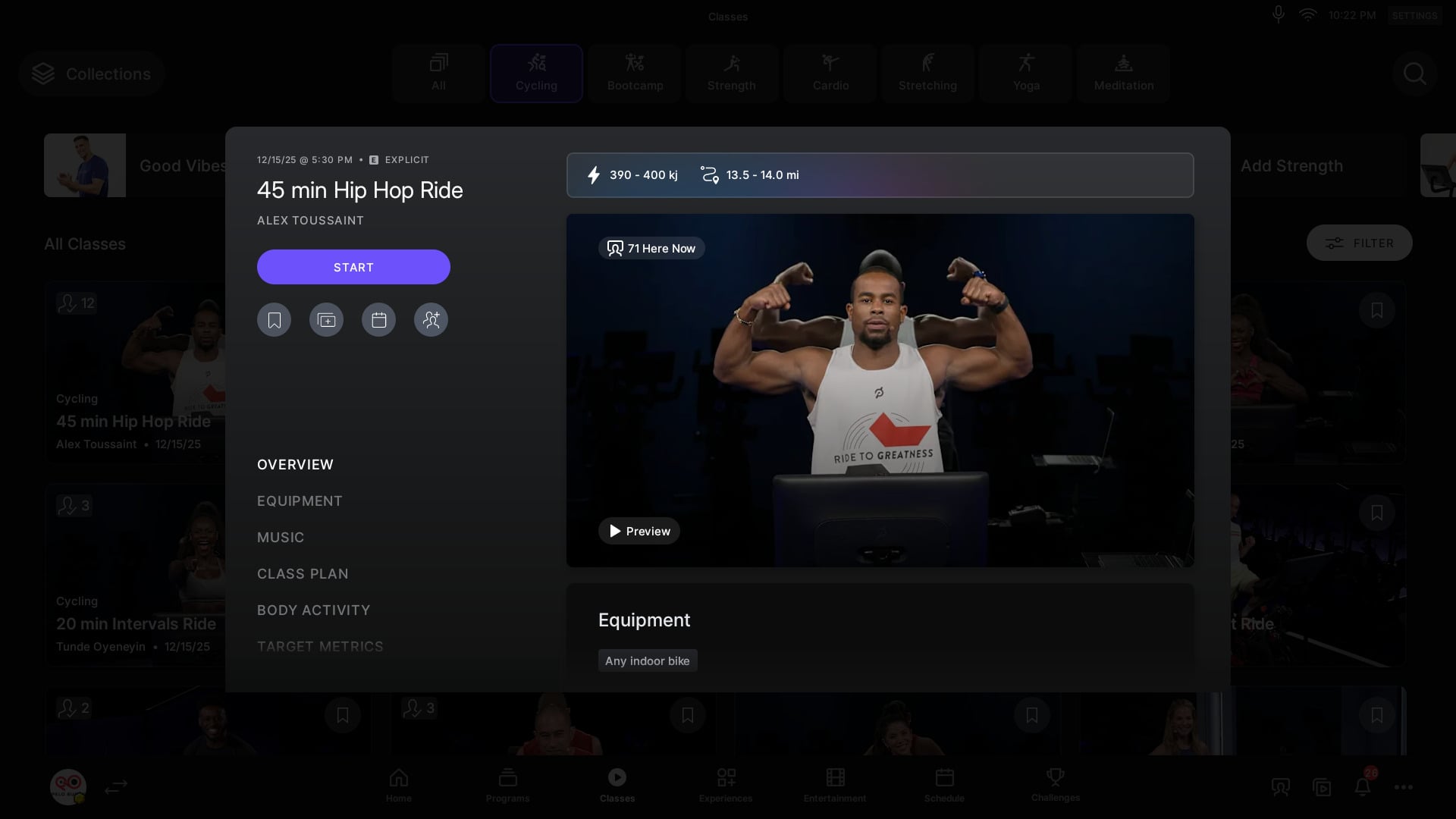
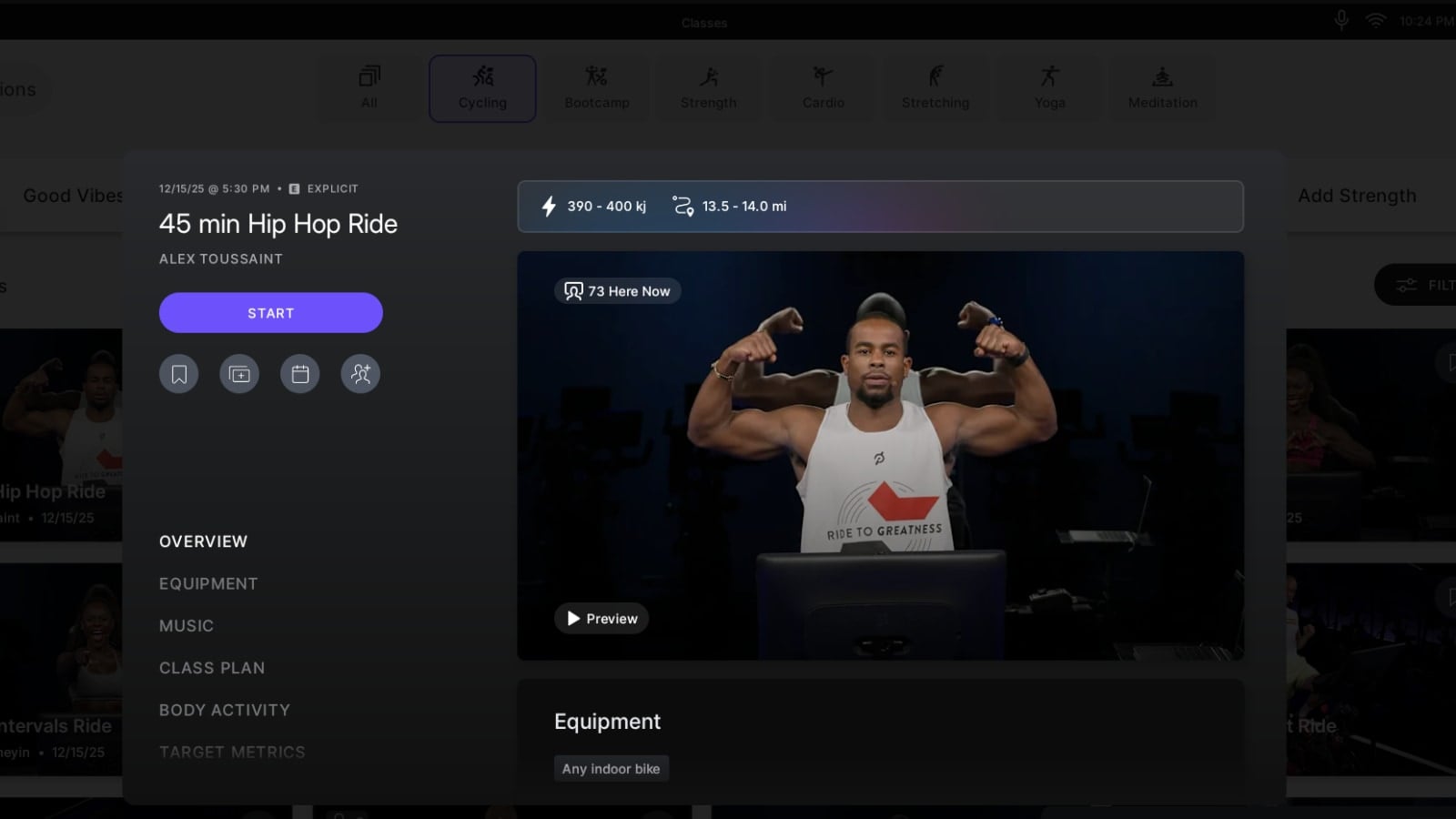
However, on other screens, like the class details screen when viewing details of a specific class, the differences are more muted.
As with all Peloton updates, this might not be immediately available to update, as changes can sometimes takes days (or weeks) to roll out to all Peloton members.
Support the site! Enjoy the news & guides we provide? Help us keep bringing you the news. Pelo Buddy is completely free, but you can help support the site with a one-time or monthly donation that will go to our writers, editors, and more. Find out more details here.
Get Our Newsletter Want to be sure to never miss any Peloton news? Sign up for our newsletter and get all the latest Peloton updates & Peloton rumors sent directly to your inbox.

Leave a Reply