

Peloton is working to add a new toggle to the Peloton app.
Last week, the Peloton App got updated to include support for some of the Peloton IQ features. This came as Peloton refreshed their hardware, increased subscription pricing, launched Peloton IQ, and more.
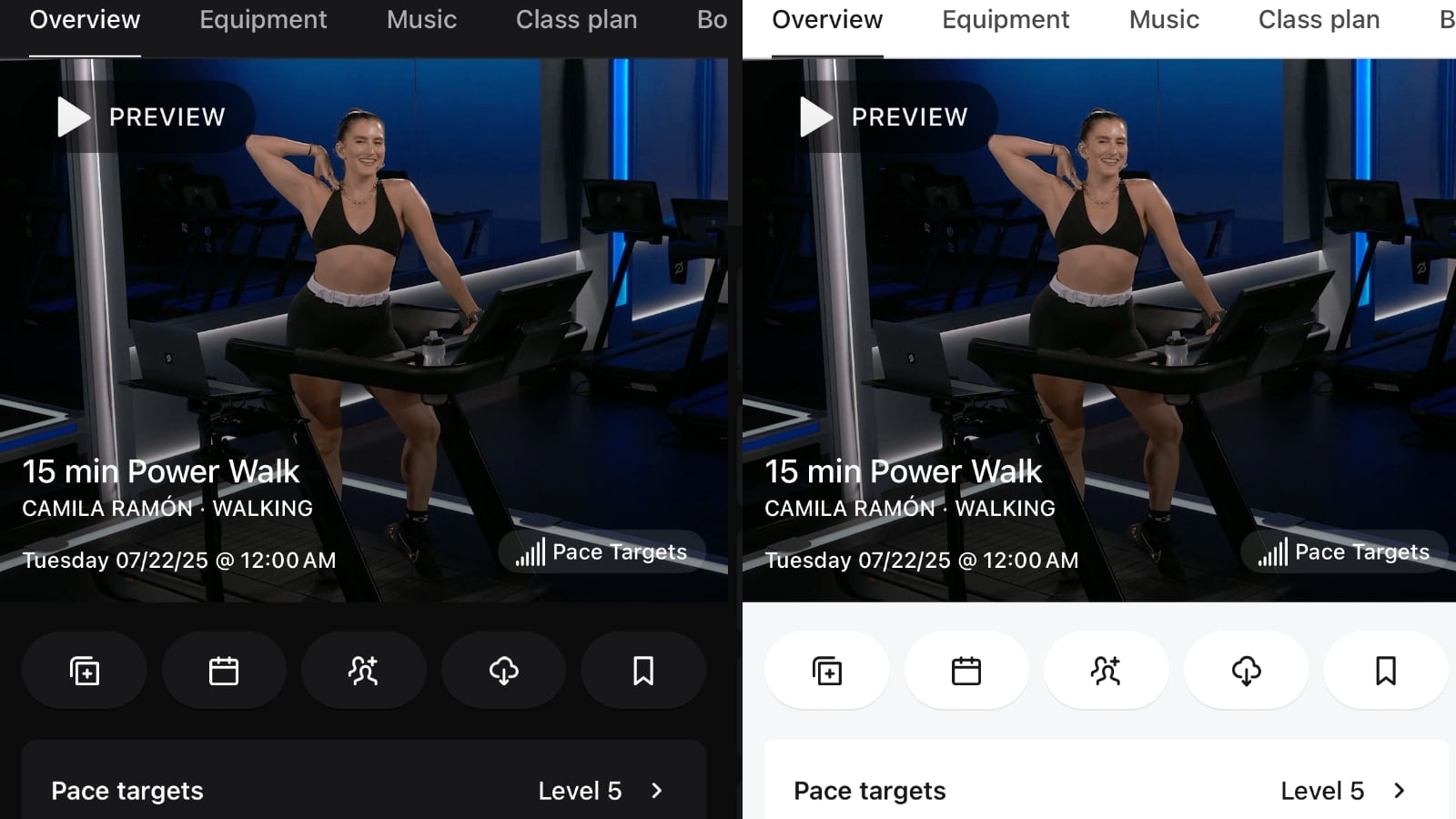
The Peloton App was updated to support some of the new changes. However, along with the functionality changes came a new style and look – including the user interface of the app updating to be “dark mode”.
Before last week the background colors of the Peloton App were lighter, with the text being dark (known as light mode). With the changes last week, the background colors of the app are dark, and the text is now light (known as dark mode).
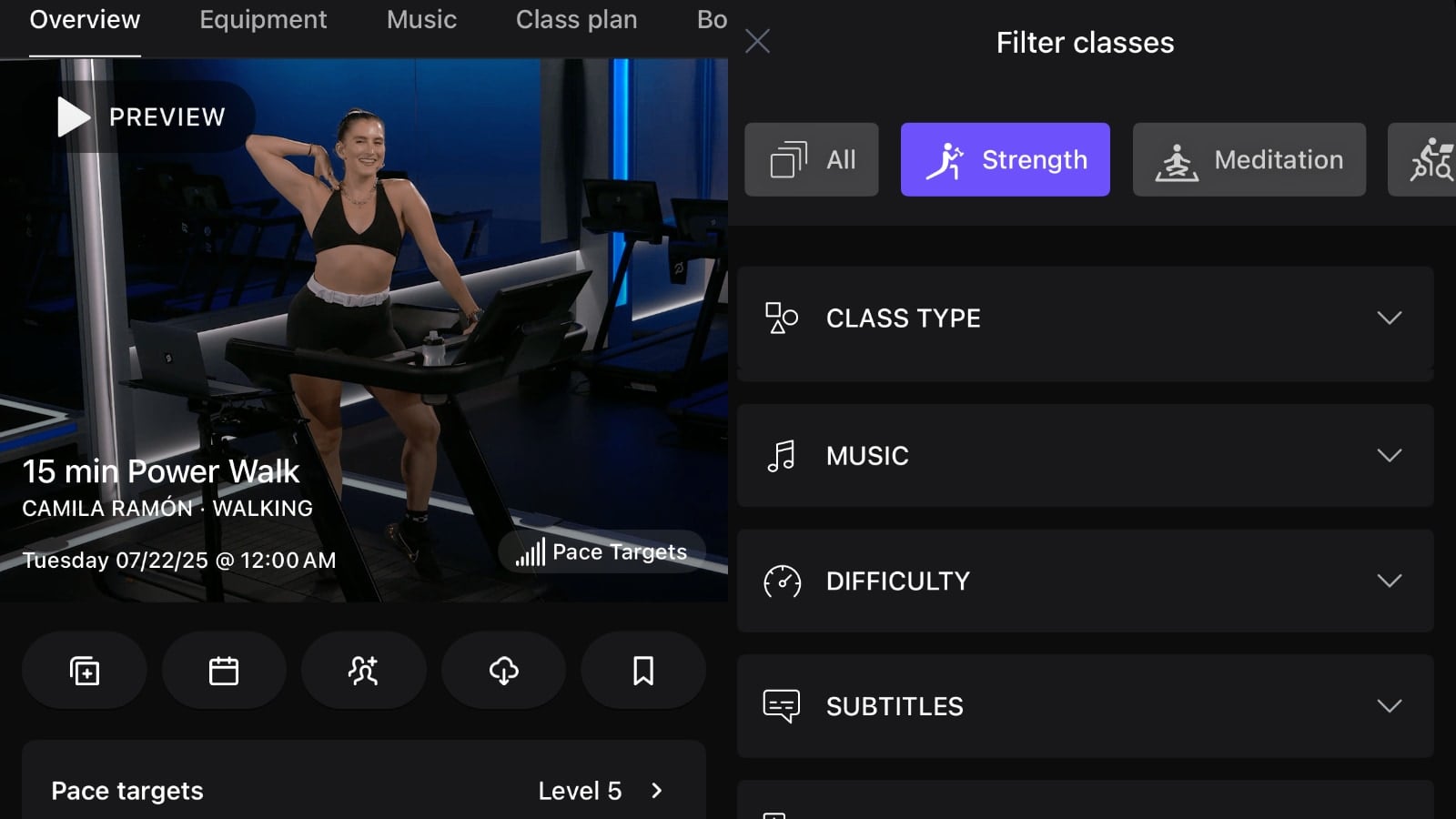
The reactions to this new styling of the Peloton app has been mixed. While there are many people who love the new dark mode of the Peloton app, others have shared they much preferred dark mode.
Unfortunately, there is currently no way to toggle back and forth between light mode and dark mode in the Peloton app.
However, Peloton customer support has shared that the Peloton developers are working to add a new toggle to the Peloton app. This will allow people to pick and choose between light mode and dark mode – and use whichever mode suits their personal preference.
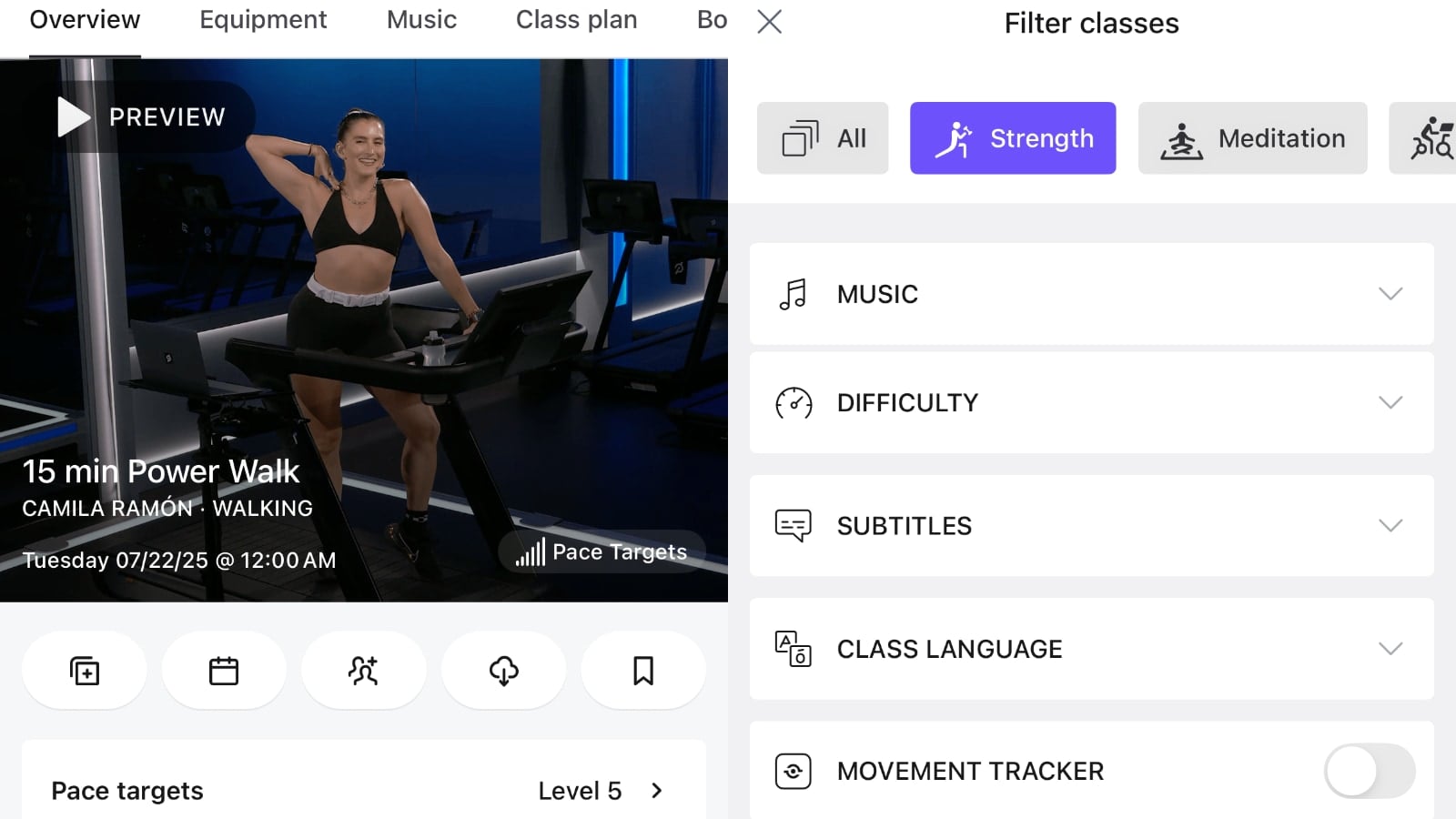
No timeline has been given for this new toggle – but we’ll share more information whenever the Peloton app is updated with this.
Support the site! Enjoy the news & guides we provide? Help us keep bringing you the news. Pelo Buddy is completely free, but you can help support the site with a one-time or monthly donation that will go to our writers, editors, and more. Find out more details here.
Get Our Newsletter Want to be sure to never miss any Peloton news? Sign up for our newsletter and get all the latest Peloton updates & Peloton rumors sent directly to your inbox.

Leave a Reply