

Peloton has added their “Total Distance” feature to the Peloton App.
This feature allows you to see how many miles you have cycled, run, or rowed on your Peloton devices since you have had it.
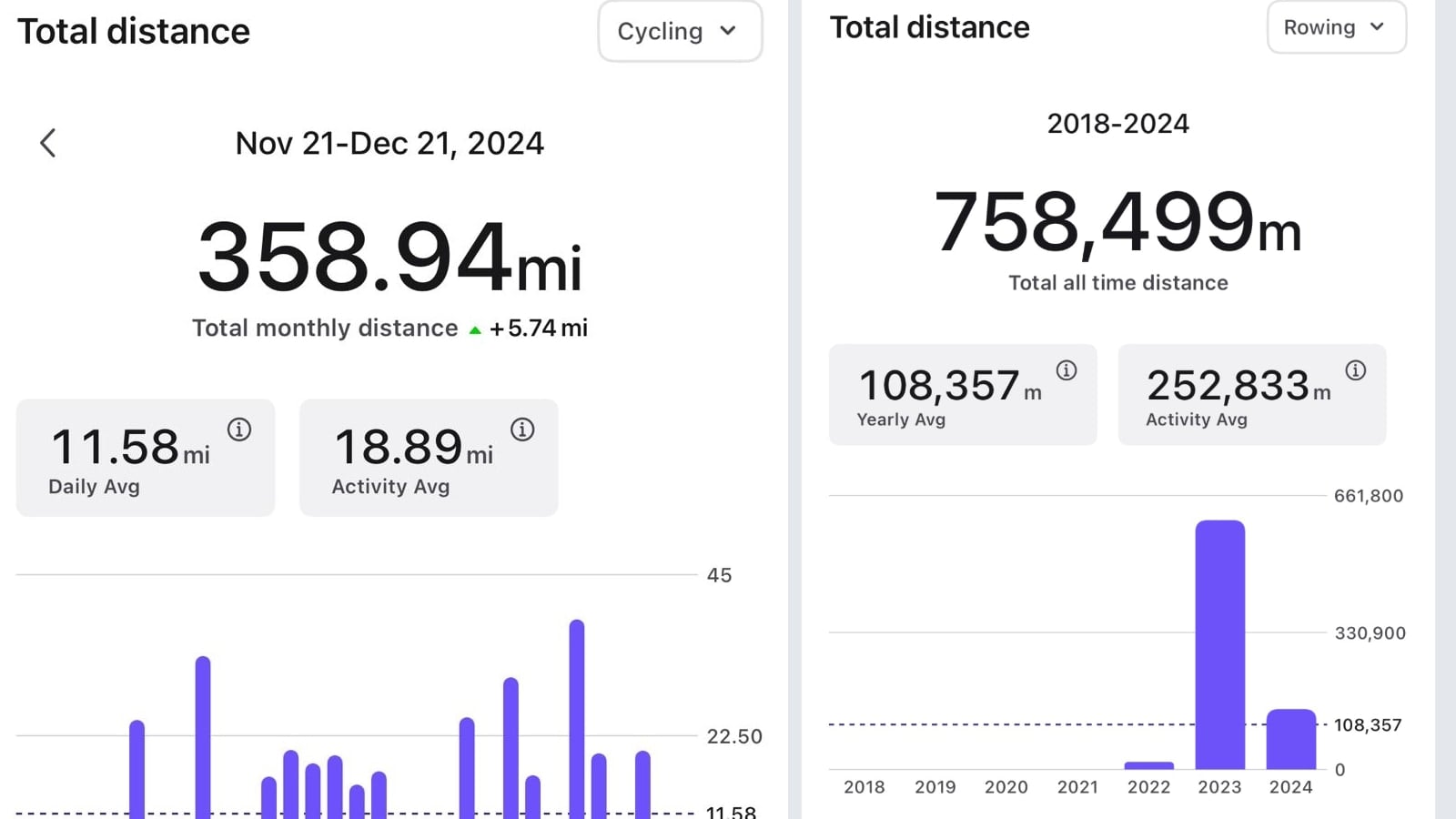
You can find this feature in the “Profile” section of the Peloton app, which you can access by clicking on your Profile picture on the bottom right. By default, you should be on the “Overview” tab, which is where this feature lives. Scroll down, past the blue dot streak calendar, and you should now see a new section called “Total Distance”.
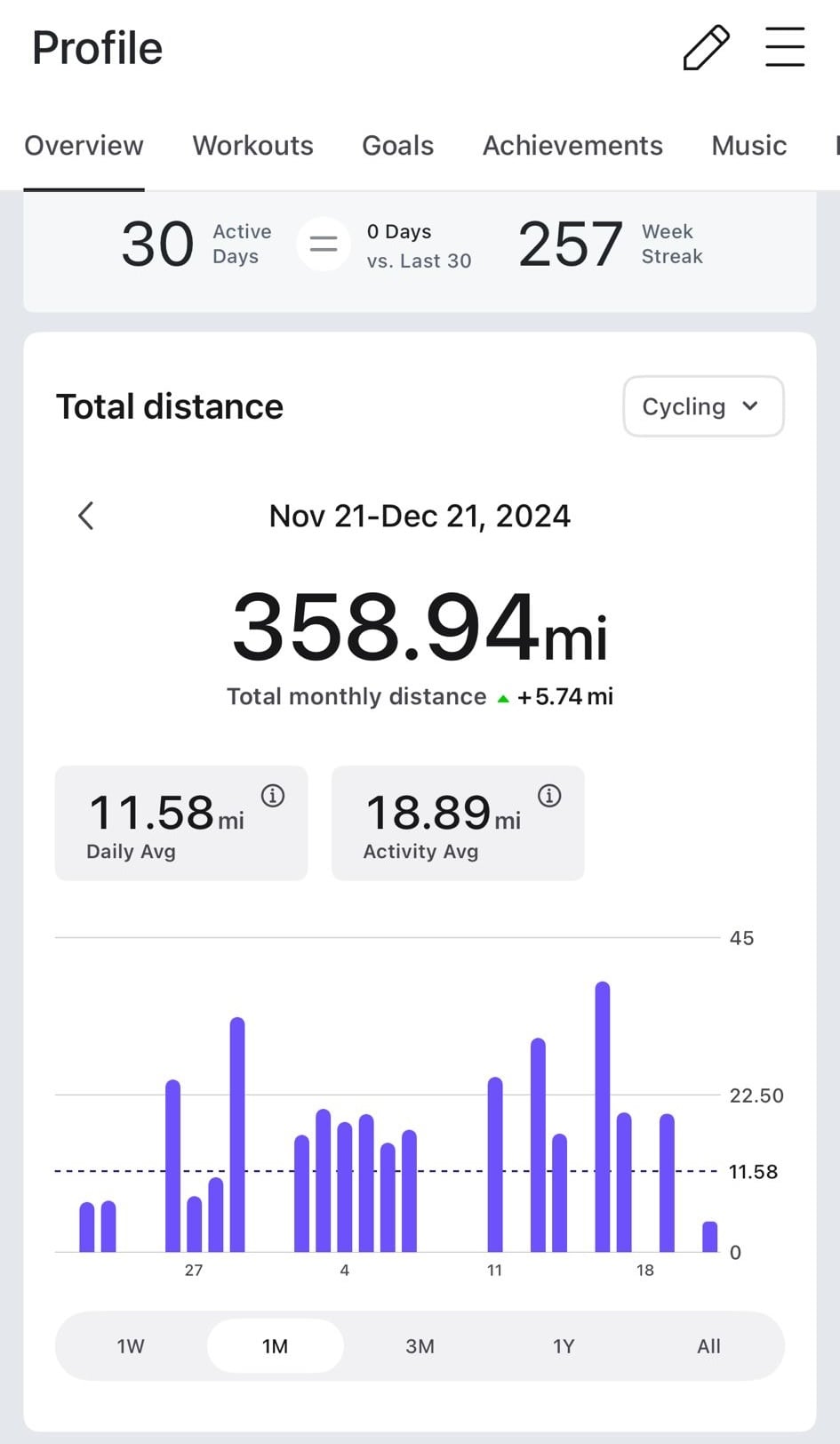
If you don’t see this new feature, you may need to update your Peloton app to the latest version.
You are able to see your Total Distance broken out by disciplines. At the top right of the section, there is a selector to choose between the different class types. There is a dropdown for Cycling, Running + Walking, as well as Rowing.
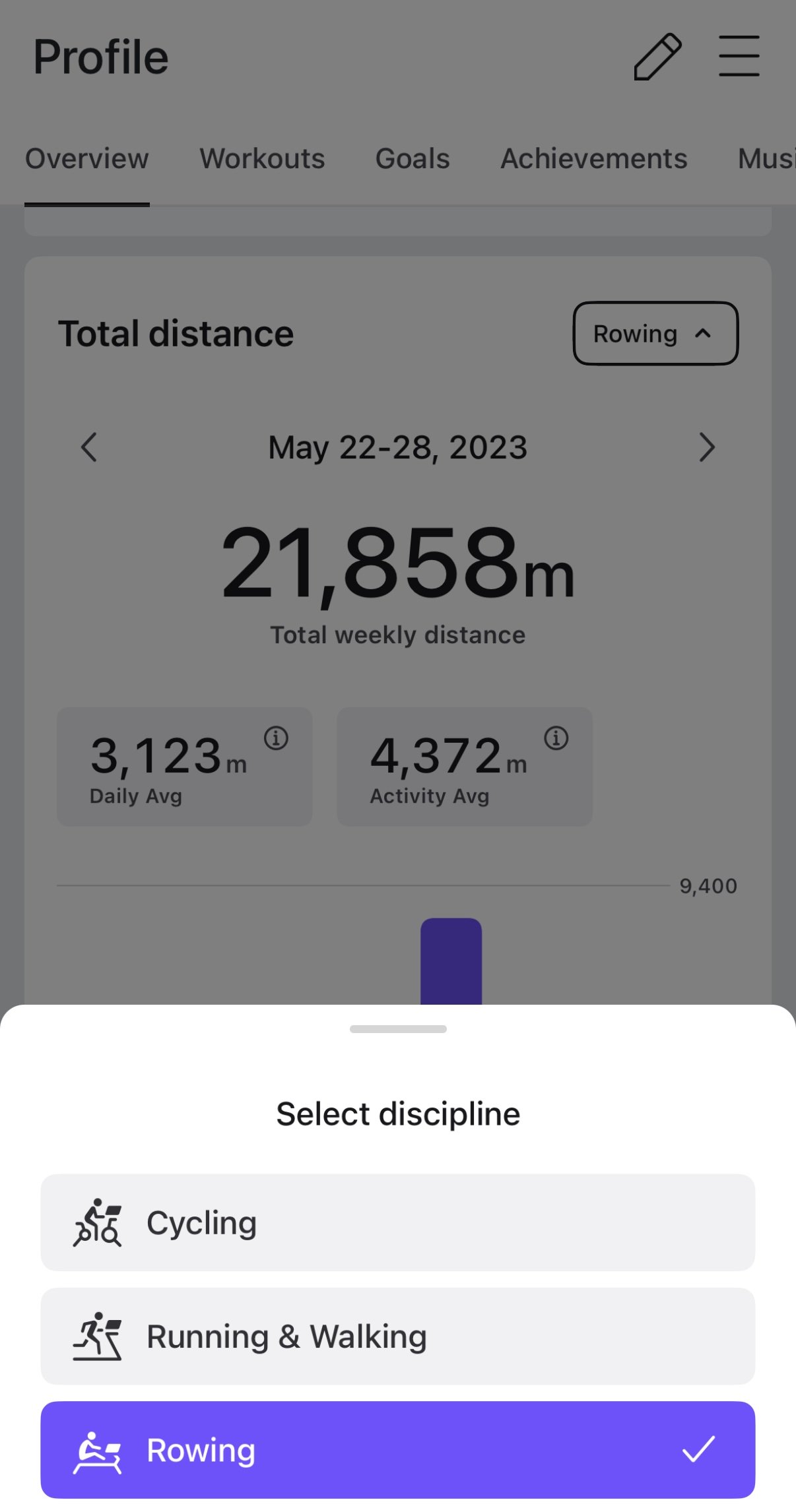
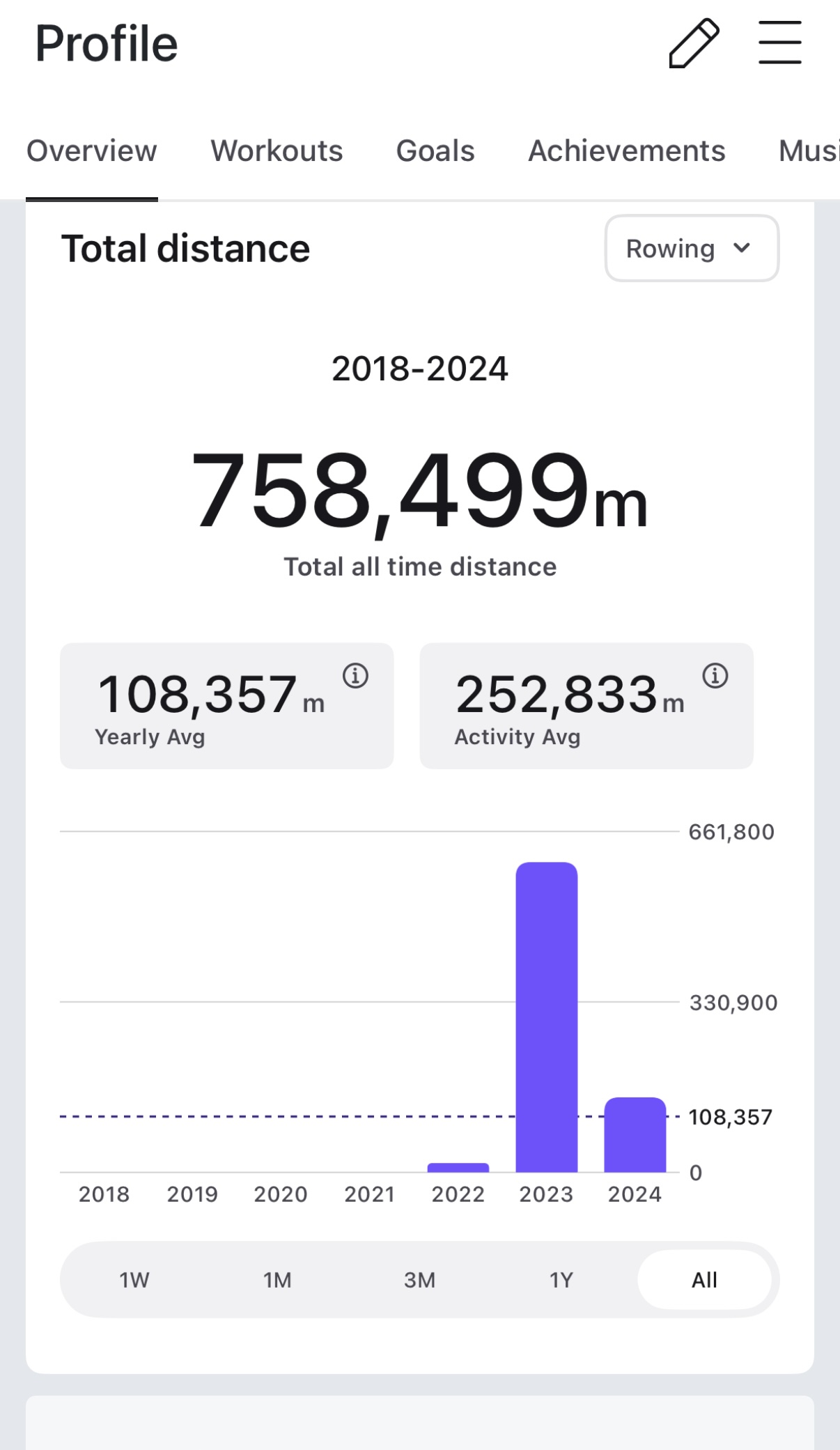
Note that if you select cycling, or Running + Walking, your distance will be shown as either miles or kilometers, depending on what your unit preference is set as. However, if you select Rowing, everyone will see their distance in meters, as that is the units that rowing is tracked on the device for everyone.
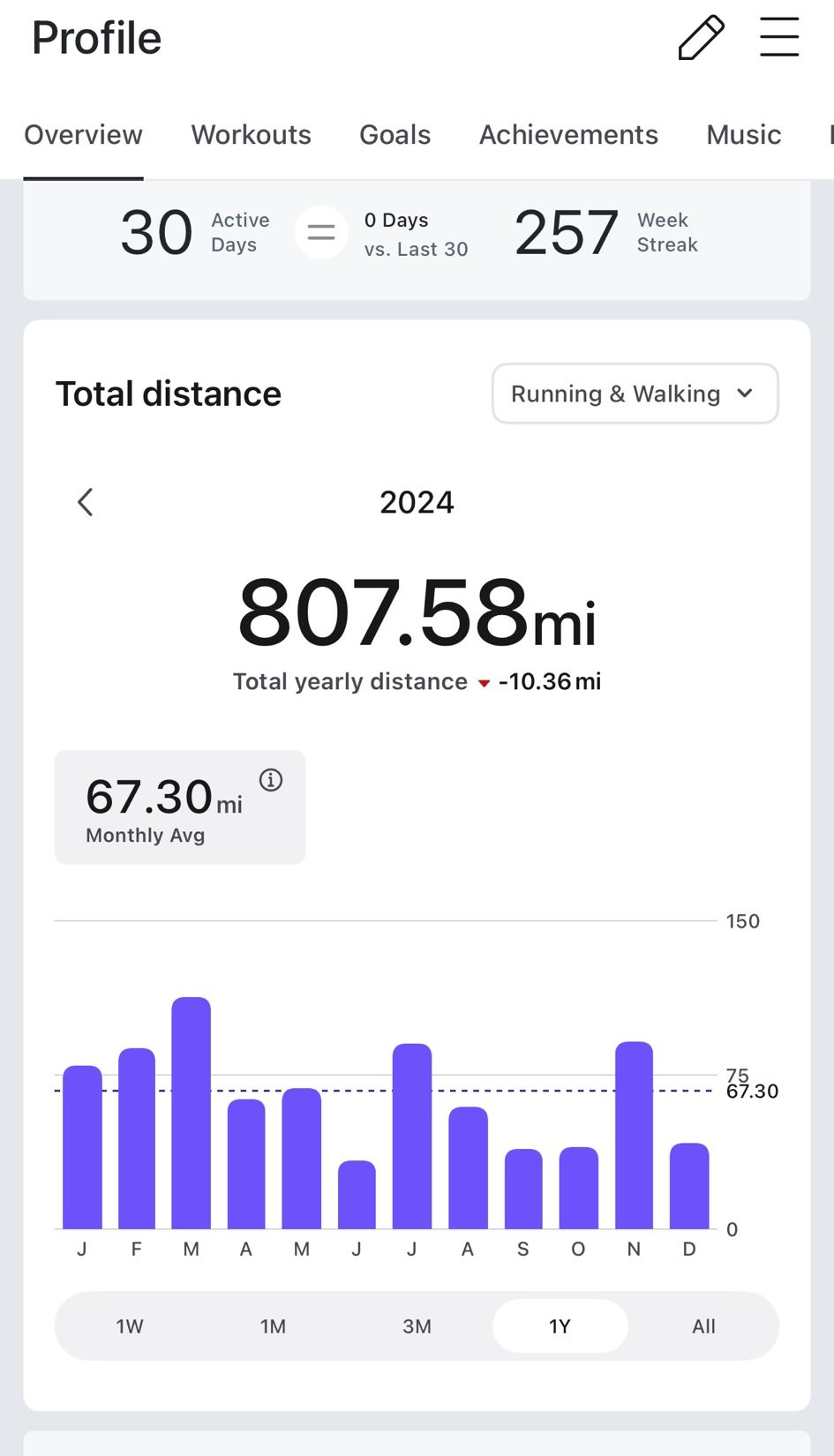
You are also able to view your total distance for specific time periods. There are toggles at the bottom of the section for this. Options are 1 week, 1 month, 3 month, 1 year, or all time.
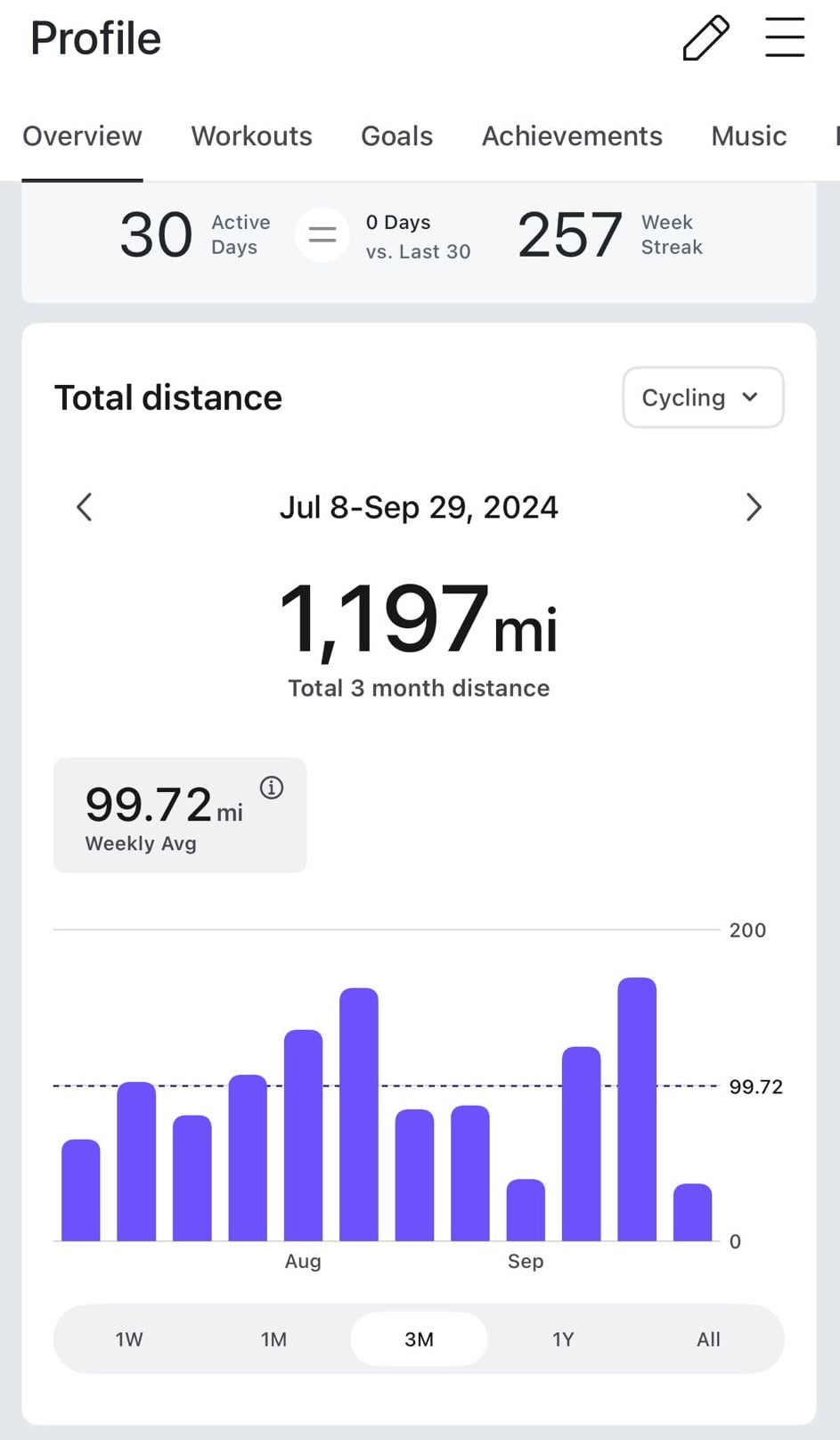
The total distance will be displayed numerically at the top center. Just underneath it, it will also show you a comparison vs the same time period prior to that, so you can see a trend of how you are doing.
If you pick the All Time option, this will be your lifetime distance on Peloton for whatever class types you are looking at (however, this may only go back to 2018, even if you have been a member prior to that date).
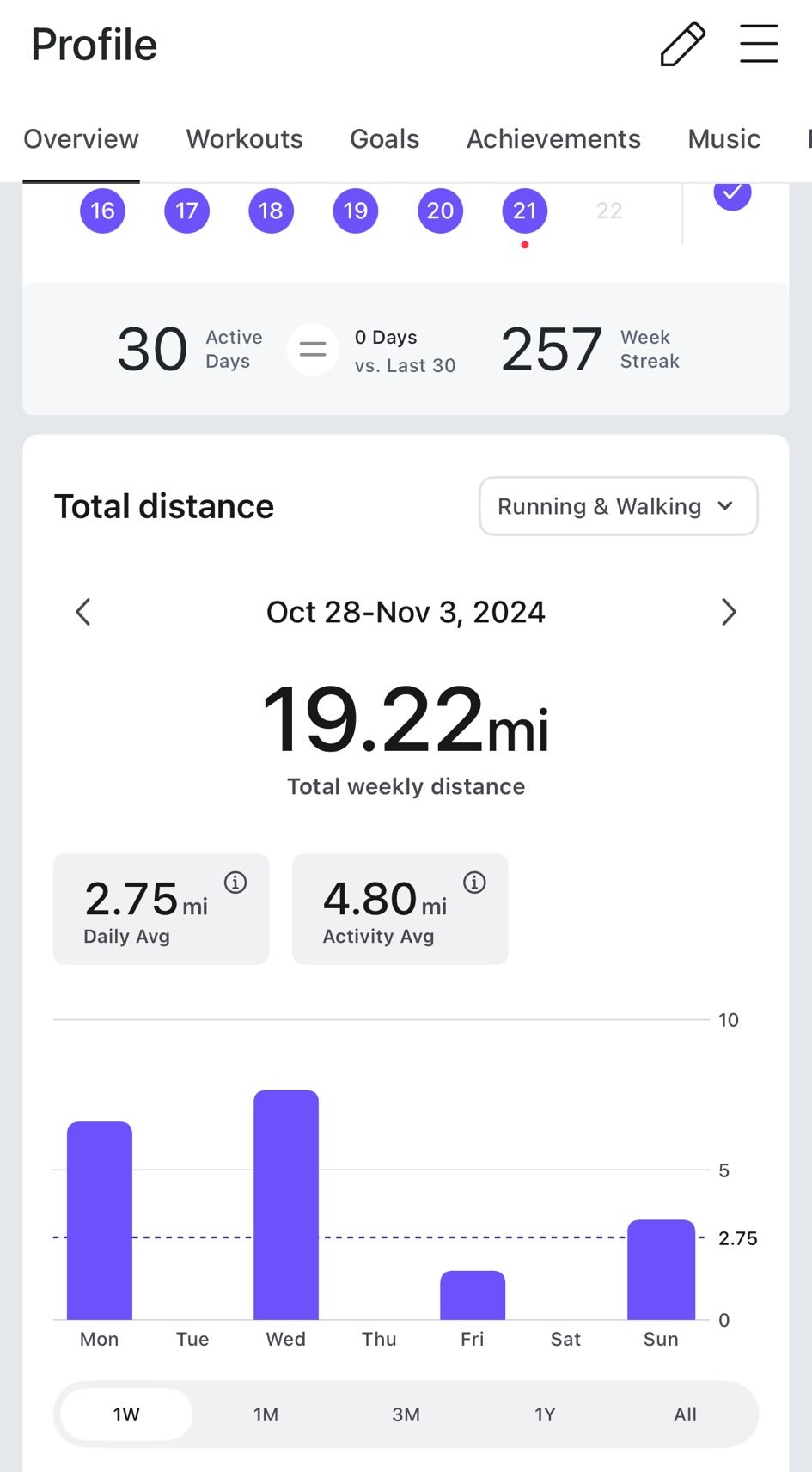
If you select any of the other options, you can go back and forth in time. There are small arrows to the left and right of the date towards the top. Using those arrows will let you jump forward and back to the previous X days, weeks, months, or years you selected.
In addition, you can click on any of the purple lines on the graph, and it will show you the exact number of miles, kilometers, or meters for that time segment.
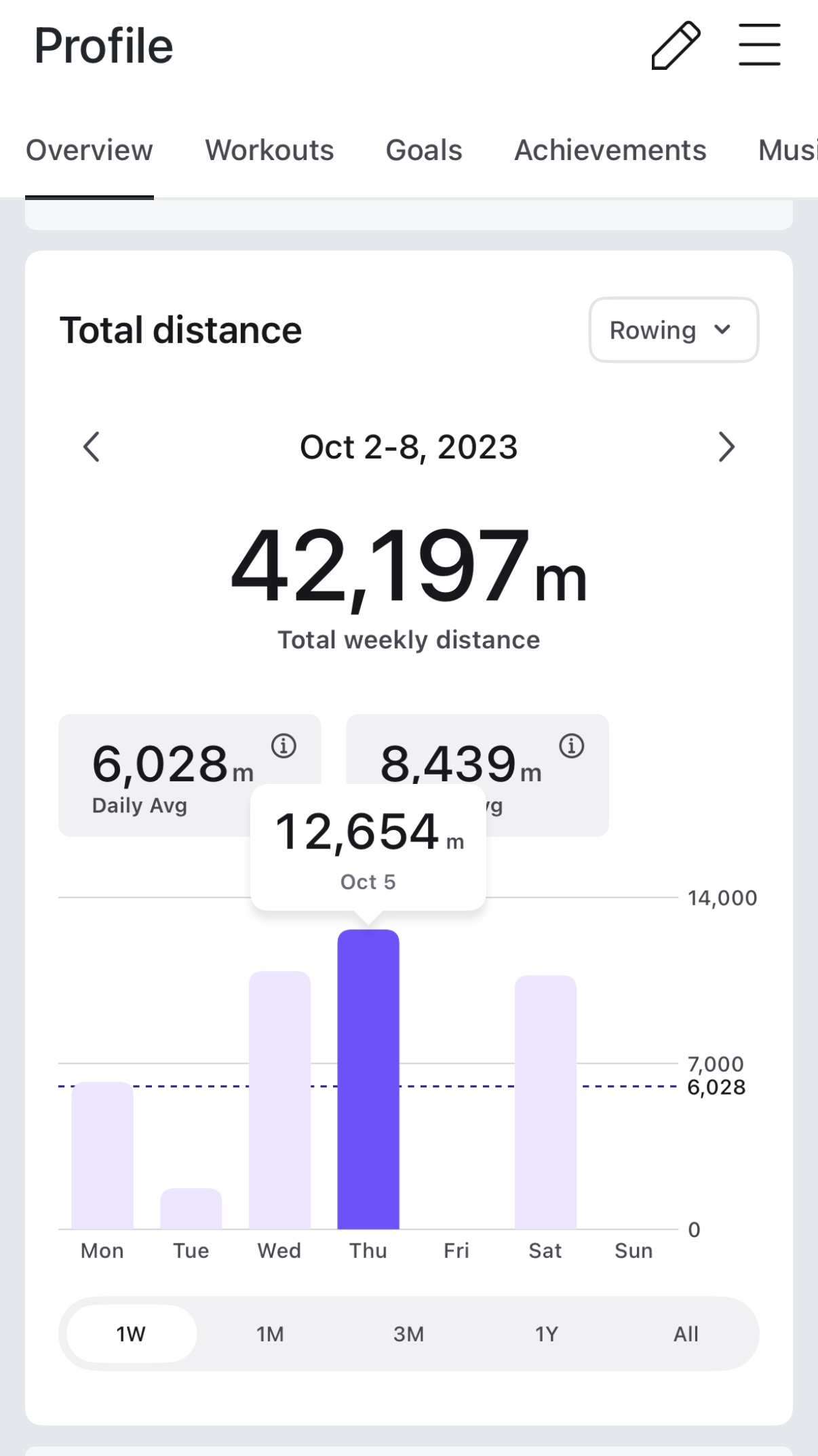
Just above the graph, there will also be a section that displays a “Weekly Average” as well as an “Activity Average” – aiming to help show you some various averages for your workouts in that time period.
Peloton first added the Total Distance feature to Peloton Bikes & Treads in October, before adding it to the Peloton Row later that month. Until now, you could only access this data via Peloton hardware, but not with the app.
This continues a recent trend of Peloton adding new summary views to the Peloton app. In October, Peloton began testing a “Total Active Time” feature on the Peloton App. After testing it for a few months, Peloton released it for everyone, as well as added it to Peloton hardware earlier this month.
Do you enjoy seeing new summary data features like this in the Peloton App?
Support the site! Enjoy the news & guides we provide? Help us keep bringing you the news. Pelo Buddy is completely free, but you can help support the site with a one-time or monthly donation that will go to our writers, editors, and more. Find out more details here.
Get Our Newsletter Want to be sure to never miss any Peloton news? Sign up for our newsletter and get all the latest Peloton updates & Peloton rumors sent directly to your inbox.

Leave a Reply