

Peloton has begin rolling out a new app feature, the “Total Active Time” widget. This is designed to give members a clearer view of their workout history and trends. This is a long-requested feature from members.
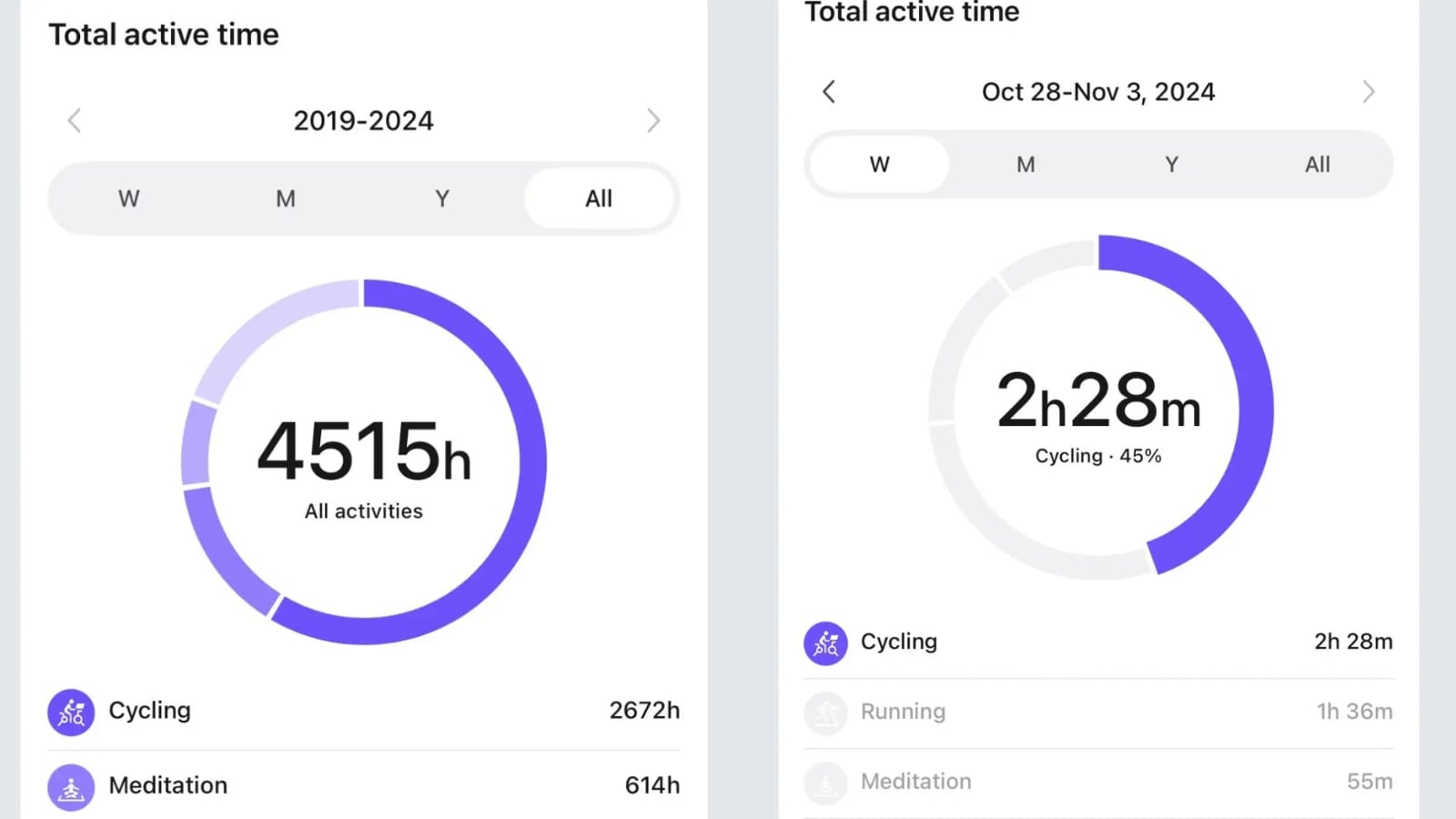
Now visible within the Peloton app’s “Overview” tab in the Profile section, this widget appears between the “Activity Goal” tracker and the “30 Day Activity” section, offering easy access to a comprehensive breakdown of workout time.
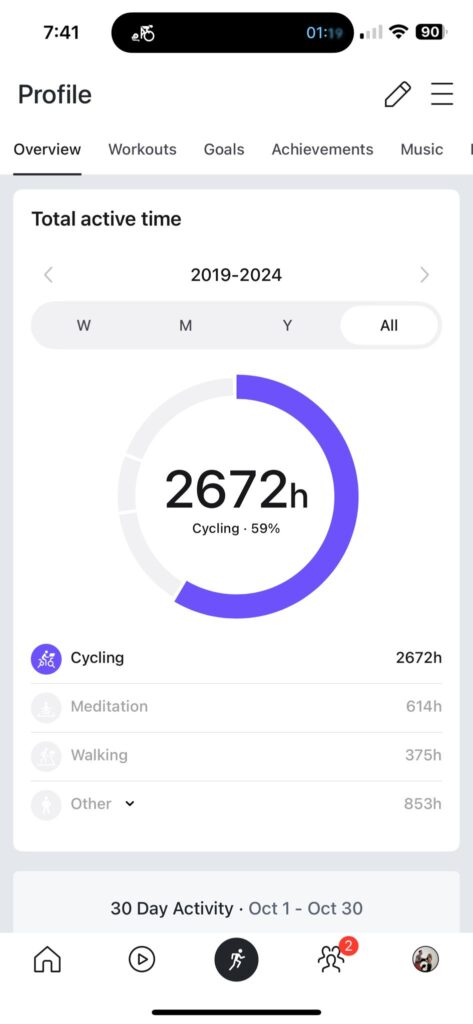
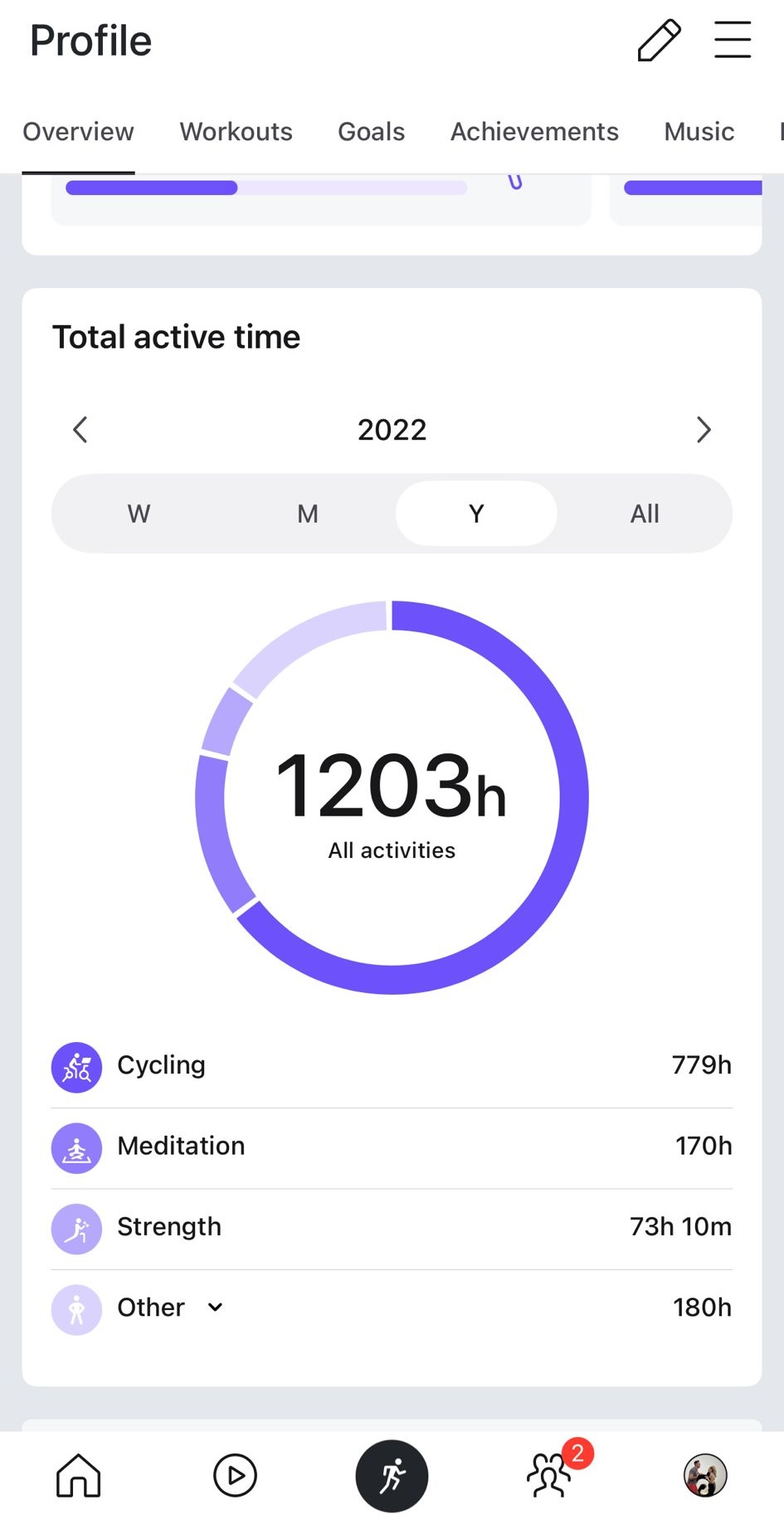
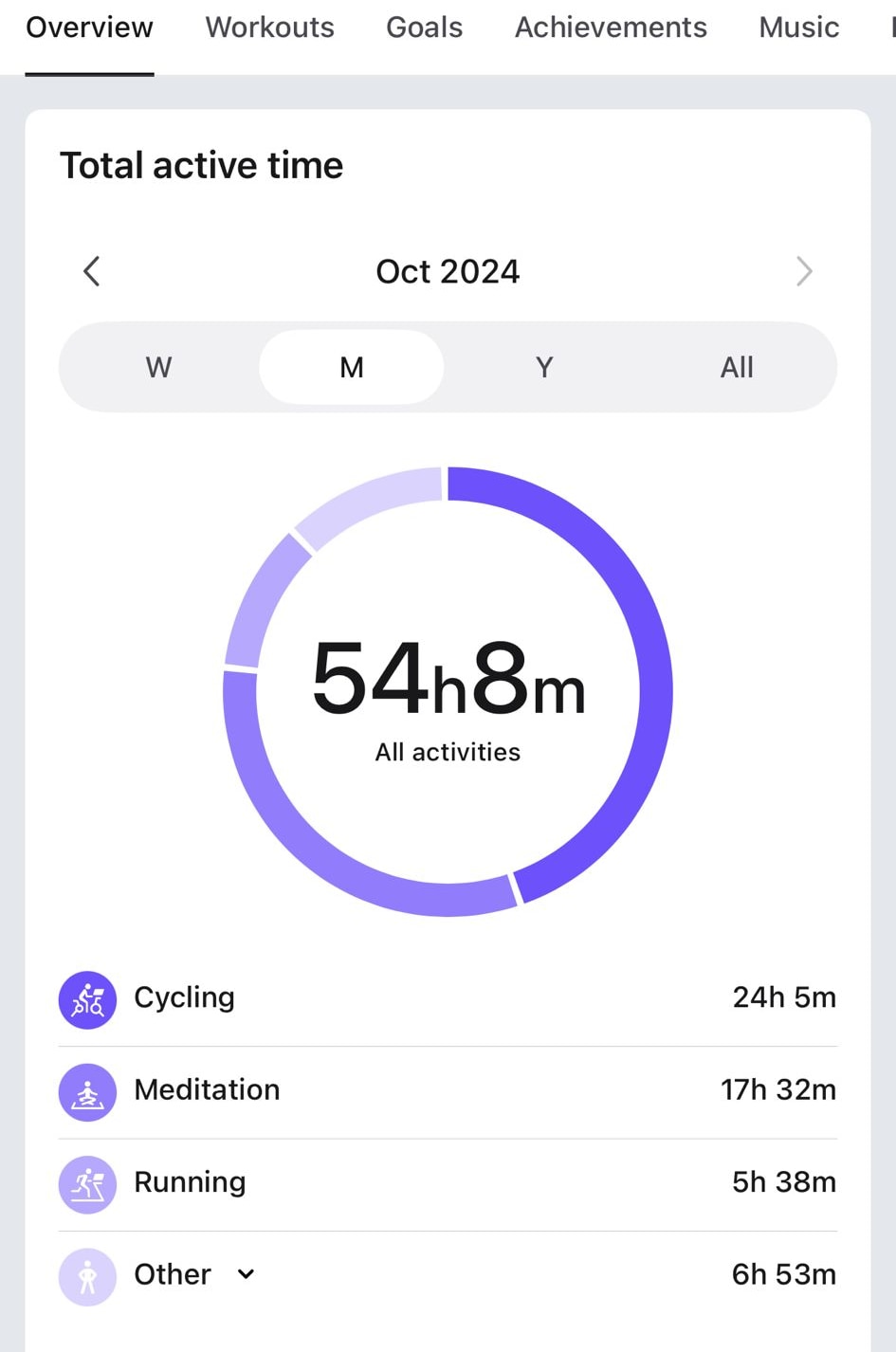
The widget lets users see their total active time across various durations – the past week, month, year, and even the total time since becoming a Peloton member. The time options are: week, month, year, and all.
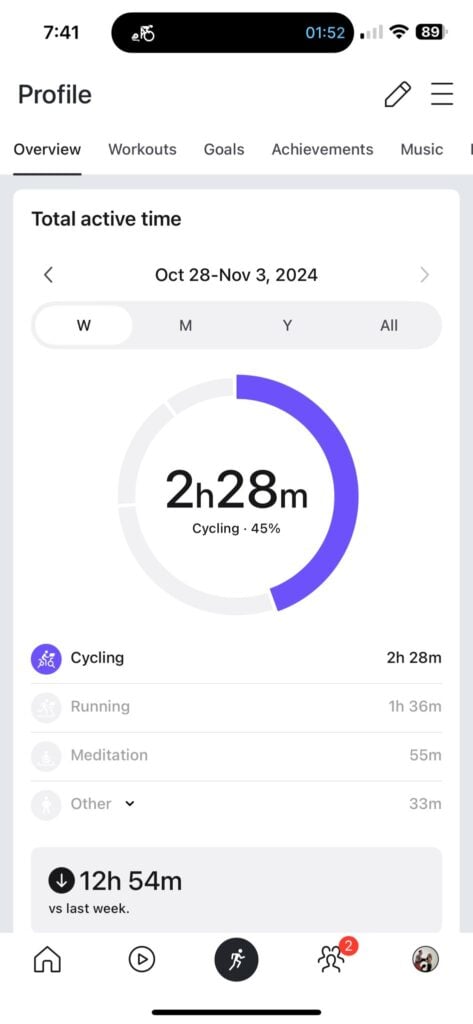
Furthermore, users can select any fitness modality, such as cycling, yoga, or strength, to focus the display on the chosen activity’s contribution to total workout time.
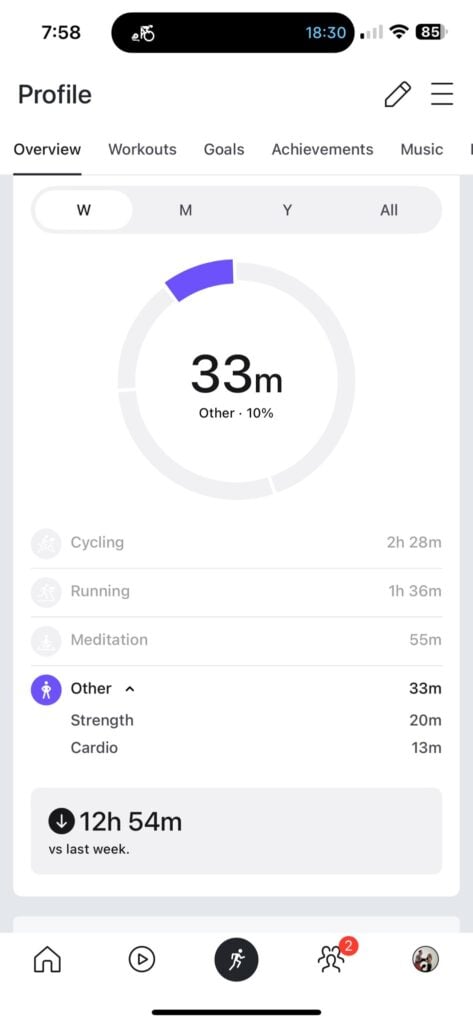
There is even a section for “Other” workouts, which provides time breakdowns for other modalities taken less frequently.
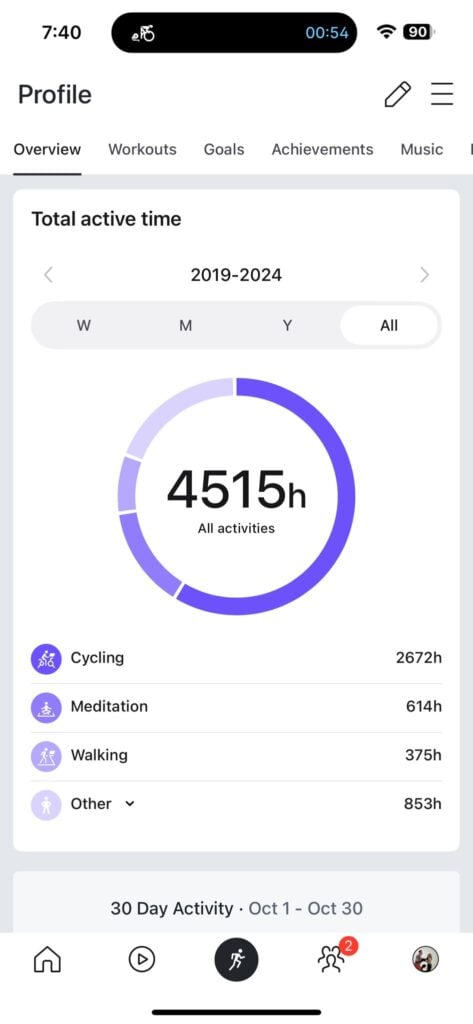
If you don’t want to view the current time period – you have the ability to go back in time. There are small arrows to the left and right of the current week, month, or year name. You can use these arrows to see the stats over time for different time periods in the past as well.
This new feature appears to be part of Peloton’s ongoing efforts to enhance personalization and visibility in user stats, following the recent “Lifetime Distance” widget released on Bike and Tread devices – and then on the Peloton Row a short time later. This new feature allowed members to view their cumulative mileage for both cycling and running, and has been a long requested feature by members.
Peloton seems to be slowly rolling out the new “Total Active Time” feature, meaning not all members will see it right away. This is expected to roll out on both the Peloton iOS and Peloton Android apps.
Are you excited about being able to see your total active time with Peloton across various modalities, and will this new feature be useful to you?
Support the site! Enjoy the news & guides we provide? Help us keep bringing you the news. Pelo Buddy is completely free, but you can help support the site with a one-time or monthly donation that will go to our writers, editors, and more. Find out more details here.
Get Our Newsletter Want to be sure to never miss any Peloton news? Sign up for our newsletter and get all the latest Peloton updates & Peloton rumors sent directly to your inbox.

My total active time was showing in the app and I was loving it. Now it’s gone, not there anymore.:-(