

Peloton has officially rolled out its revamped & updated Programs system.
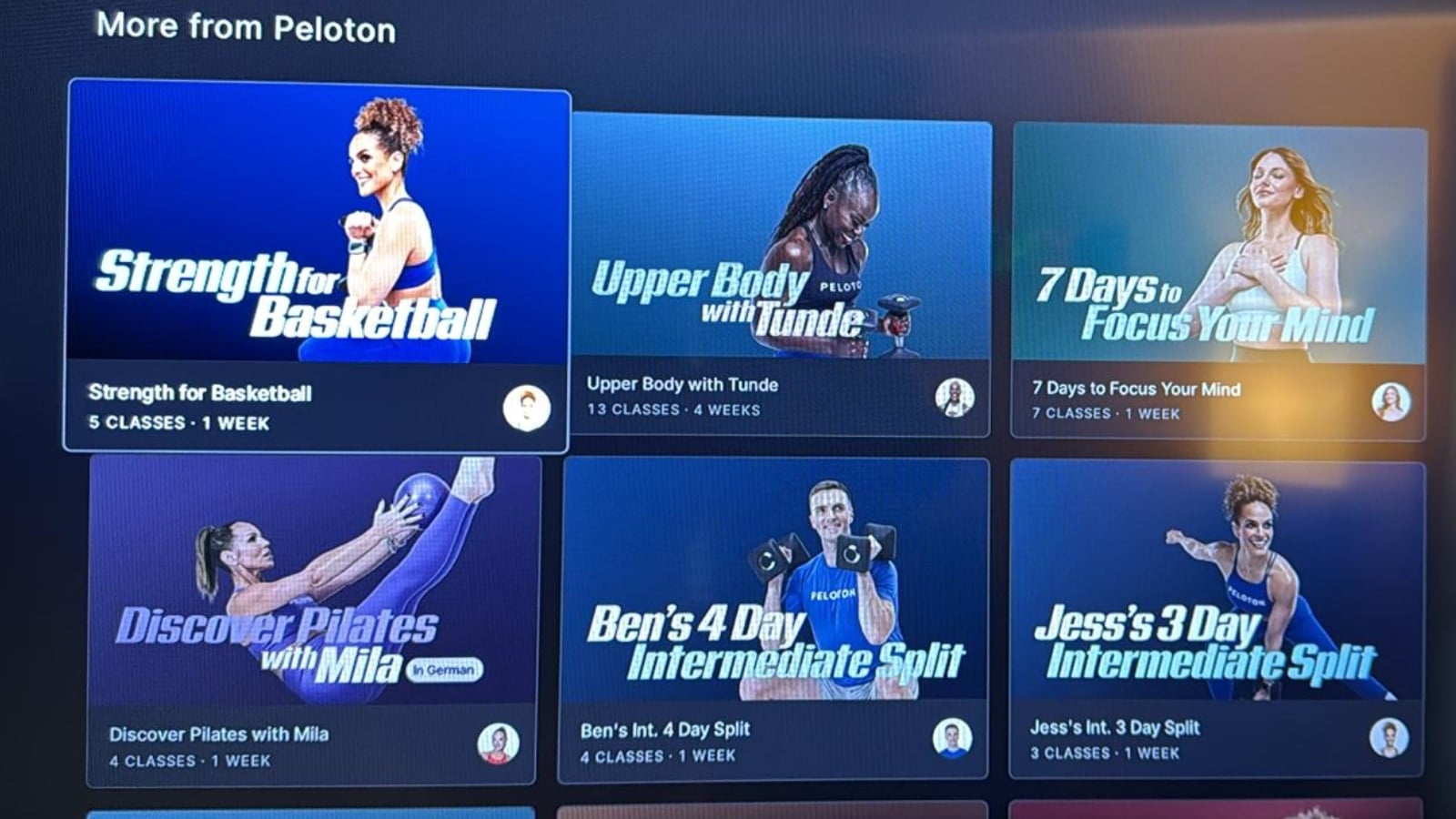
The updated Peloton Programs mark a major shift in how Peloton members interact with structured training plans. One of the most significant changes is the ability to view all classes in a Program without officially joining it – Peloton has unlocked the programs. In addition, members can now move through Programs at their own pace; a stark contrast to the previous structure, which required classes to be completed in a specific order within a limited timeframe.
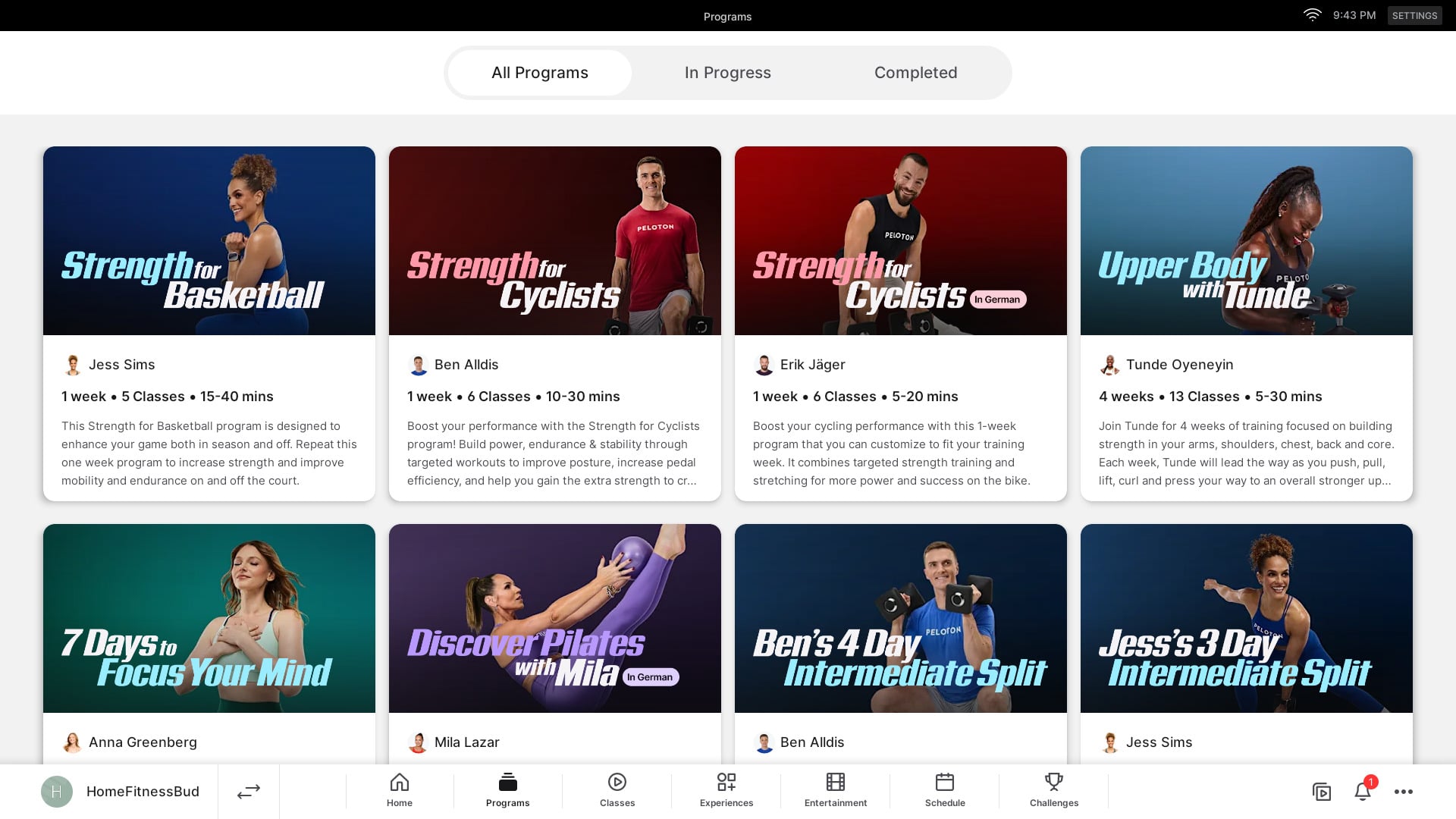
Essentially, Peloton’s programs now operate more like Collections, but also providing a “suggested” schedule & timeframe – which can be followed or ignored at each person’s own discretion.
Under the old system, missing even a single day could reset a member’s progress. This rigid structure was a frequent source of frustration among users. With the revamp, Peloton has addressed that criticism directly, offering more flexibility and control over how members follow Programs. The new programs specifically state “Easily pick up where you left off if you miss a day or need to take a break.”
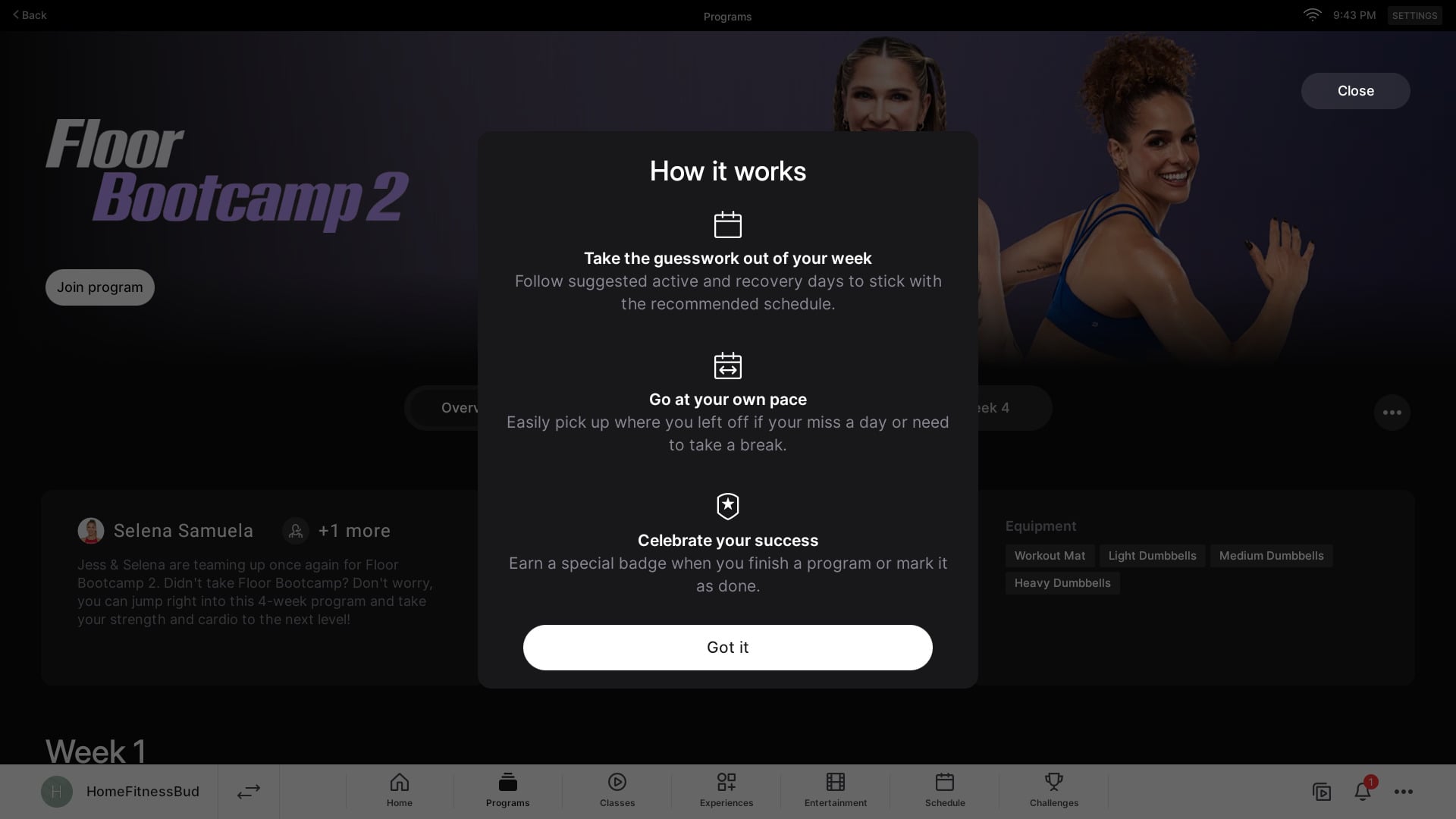
While the changes improve flexibility, they come with a tradeoff: Programs are no longer accessible via web browsers or smart TV apps. Members attempting to access Programs through those platforms are now met with a message prompting them to “Head to the app for the full experience.”

Now, to view the full program structure, you’ll need to use a Peloton hardware device (Peloton Bike, Tread, Row, Guide) or the Peloton app on iOS or Android. The workaround Peloton suggests for those who used to use TV apps like Apple TV, Roku, Google TV, FireTV and more is to either cast to your TV from your phone, or to browse the program on your Peloton app on your phone, add the program classes to your stack, and then take them from your stack on your Peloton TV app.
You still access programs in the same general area as before. On a Peloton Bike/Tread/Row, you will find a “Programs” tab at the bottom navigation area of your device. On the Peloton iOS & Android app, you use the “Play” icon (2nd from the left) of the bottom navigation area (the same area you find classes), then use the top navigation to change from “Classes” to “Programs.”
The main page of the program sections now has 3 tabs for you to find programs, based on whether you’ve completed them or not. There is an “All Programs” tab – which lists all available programs. There is an “In Progress” tab, where you can see the ones you are actively taking. There is also a “Completed” tab – so you can see ones you’ve done in the past. This aims to make it easier for members to find stats on their old ones, or find a split to start it again.
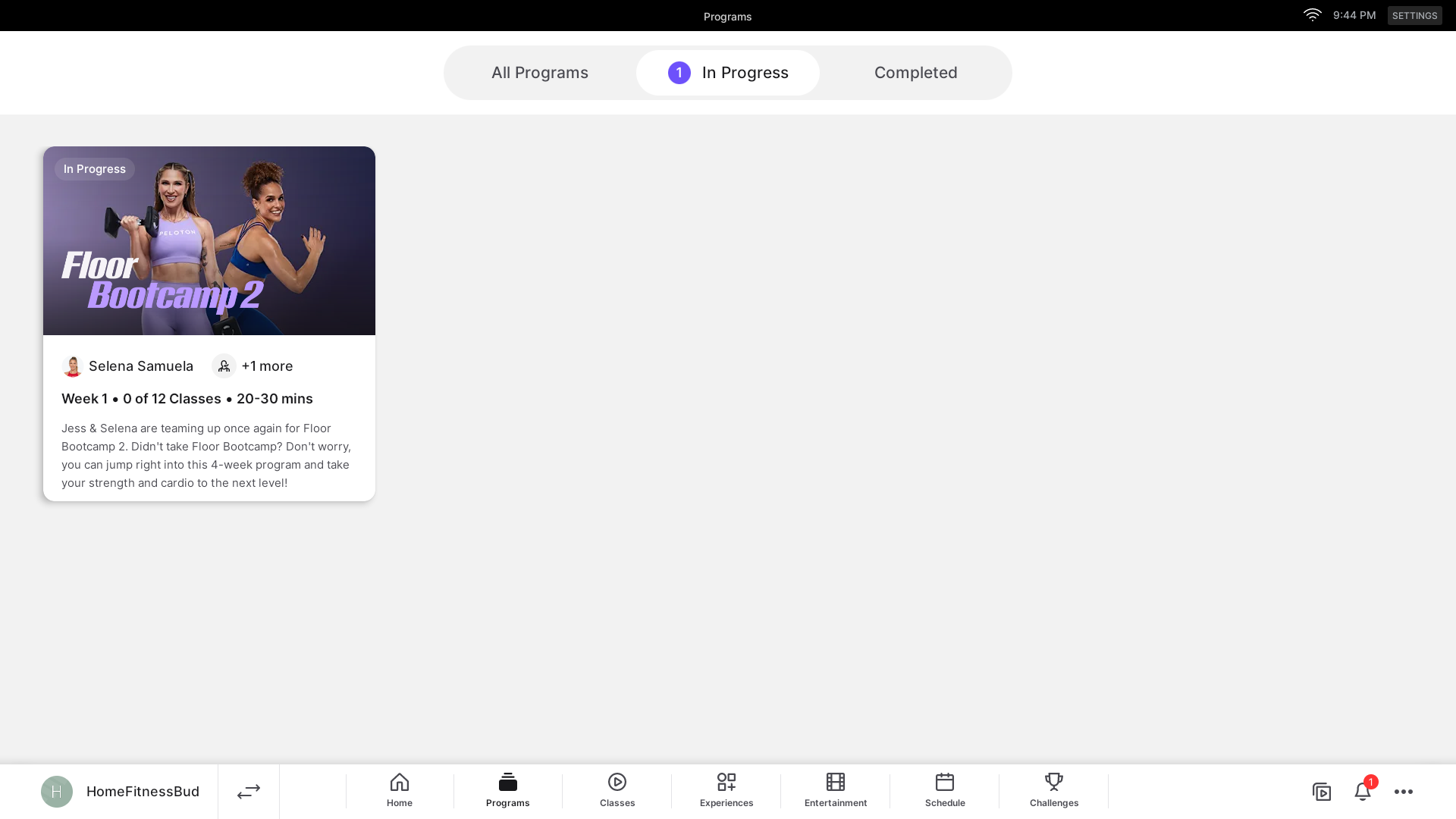
As a reminder, Peloton also recently added a way to search the different programs on the app as well.
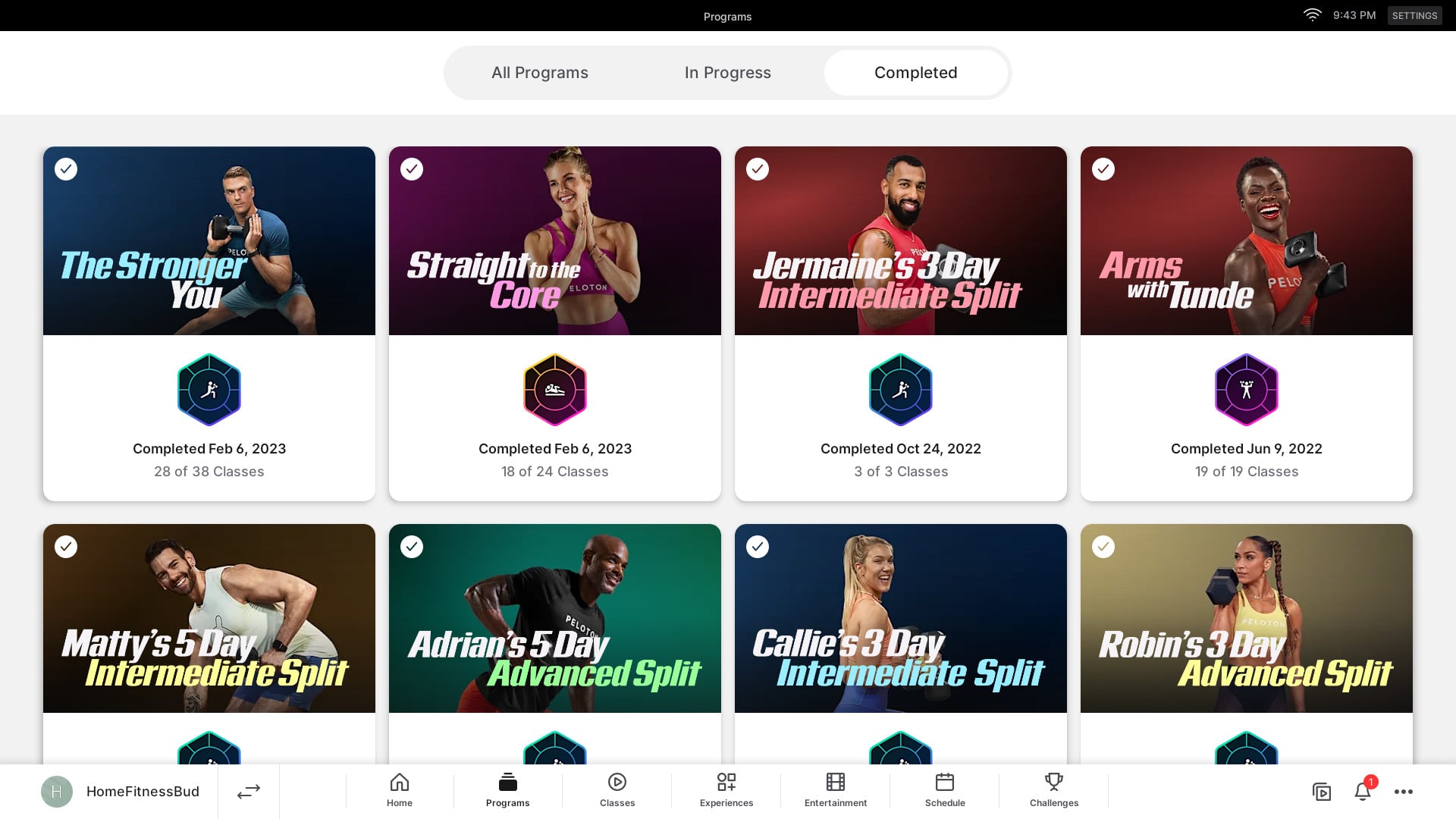
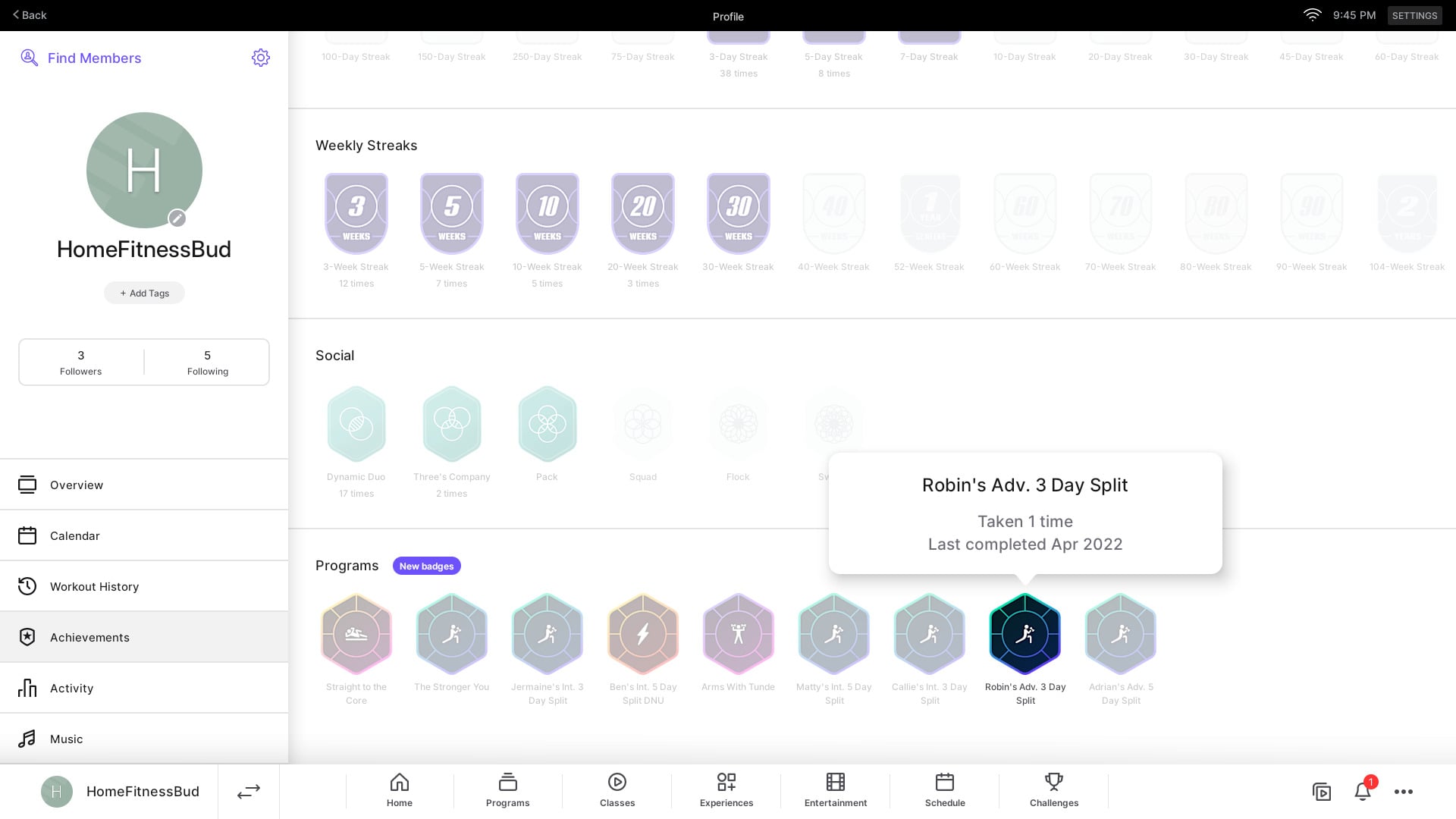
Any programs you have completed prior to today should still show up in the “Completed” section of the hardware devices & app. The landing page will show you when you last completed it, and how many of the classes you did that previous round.
For those who are taking a new program – when you navigate to a program, you are presented with an overview screen. There, you can see a description of the program, what equipment you need, and high level information.
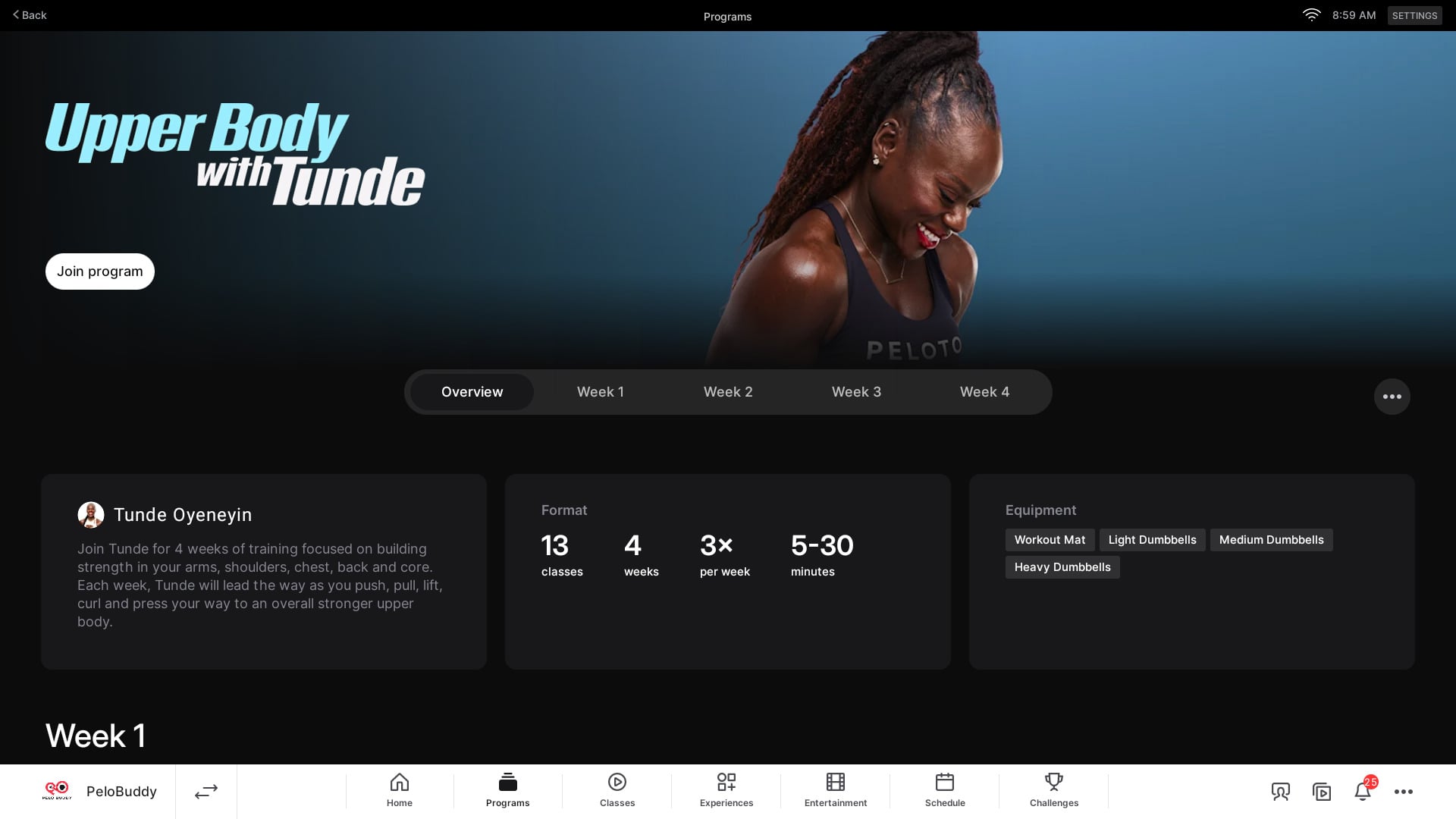
This is also where you can browse and view the entire schedule of the program – without even joining it. You now have the ability to navigate to any week, and see the full list of classes.
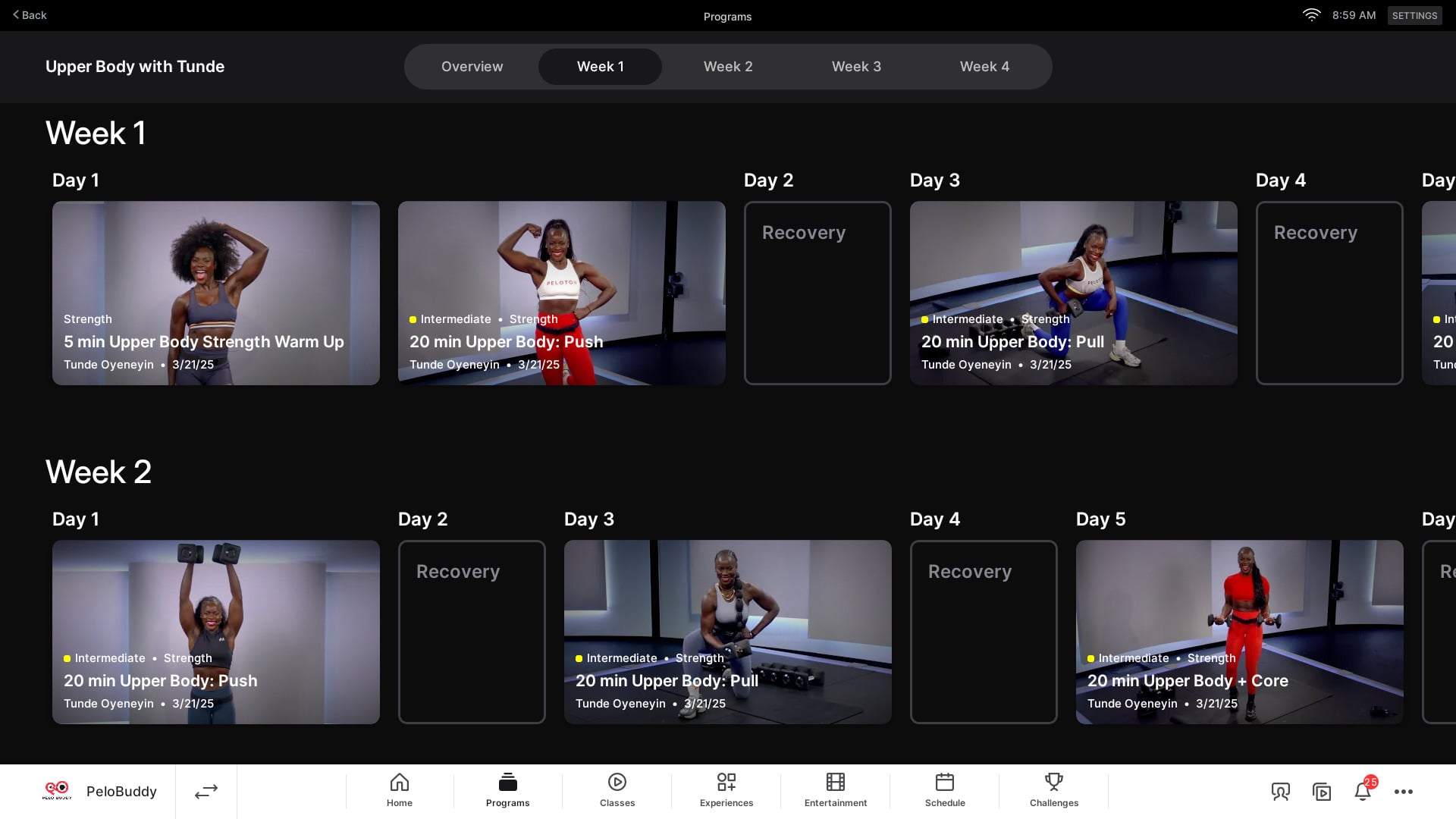
Beyond just viewing the full list – you can open any class, and start taking it right away – still without having joined it.
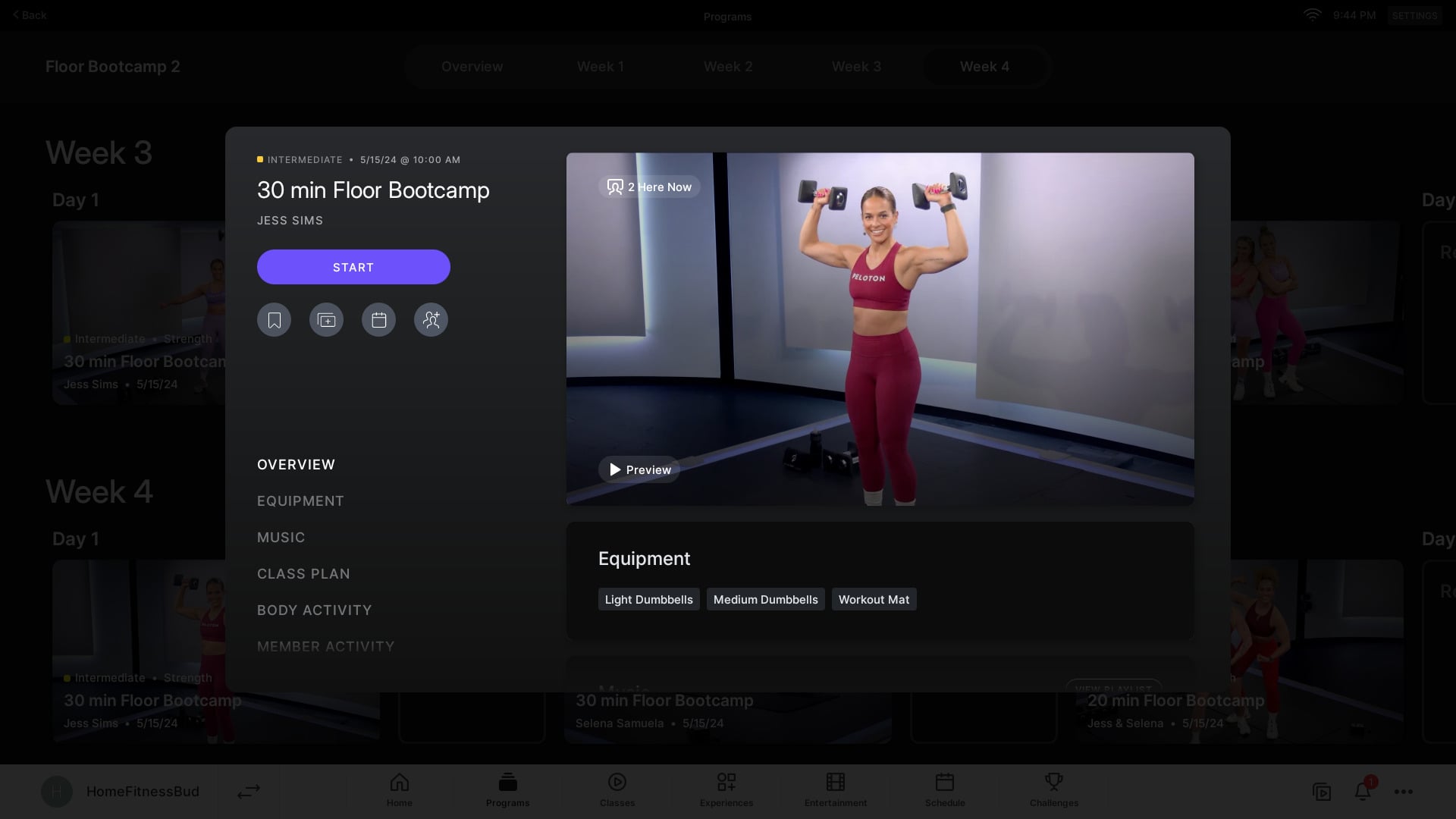
Once you do take a class from a program, it will auto-join the program for you. There are also buttons at the top of the program landing page making it easy to take the first, or next, class in the program.
After joining a program, the landing page will update you, and show you stats about your progress through the program – including a tracker showing how many classes you’ve taken and have left,
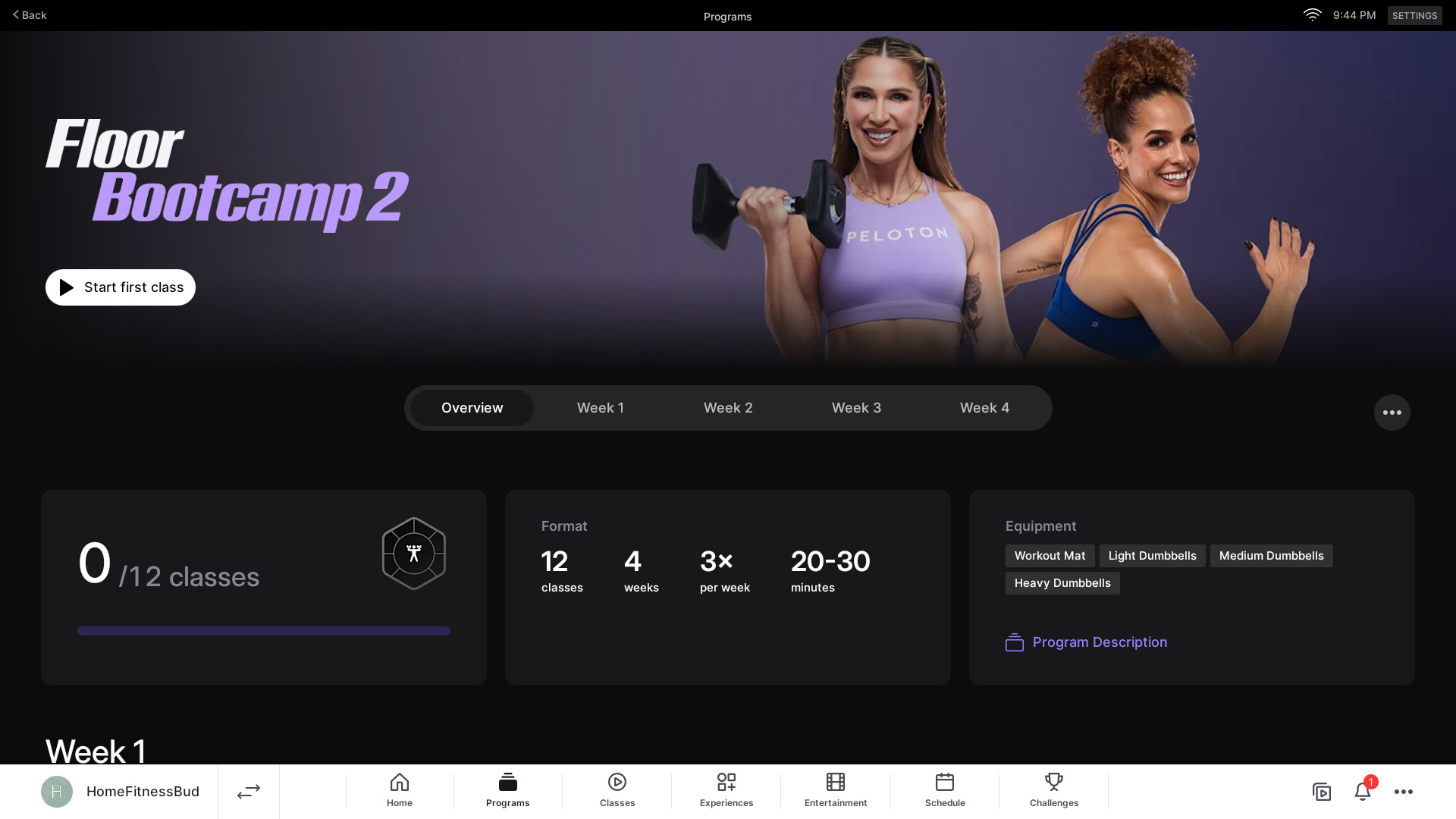
Peloton has also now provided a way for you to mark the program as complete once you have completed a certain number of clases.
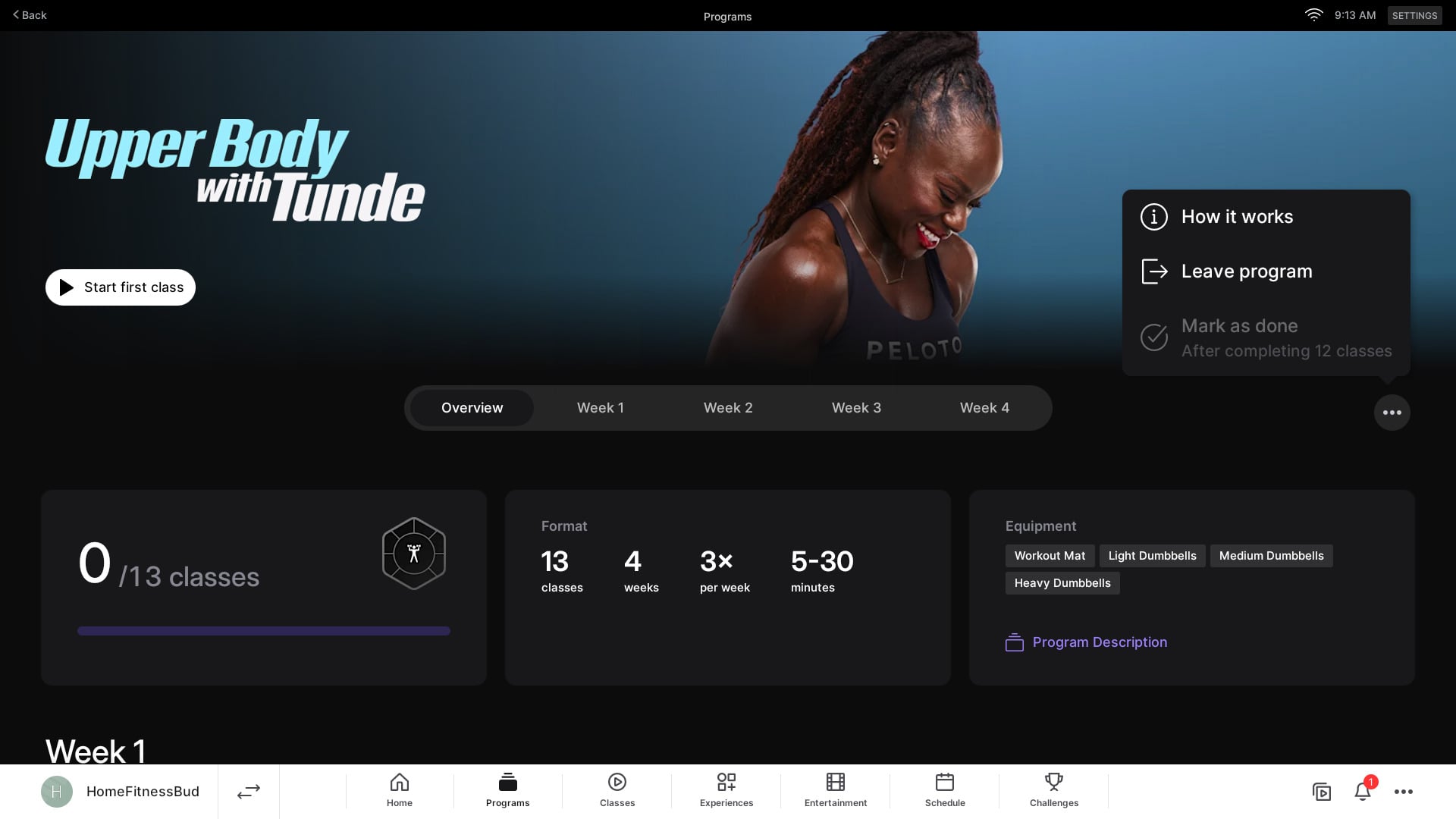
If you have joined a program but no longer want to take it, or don’t want it in your “In Progress” section anymore, you can leave the program.
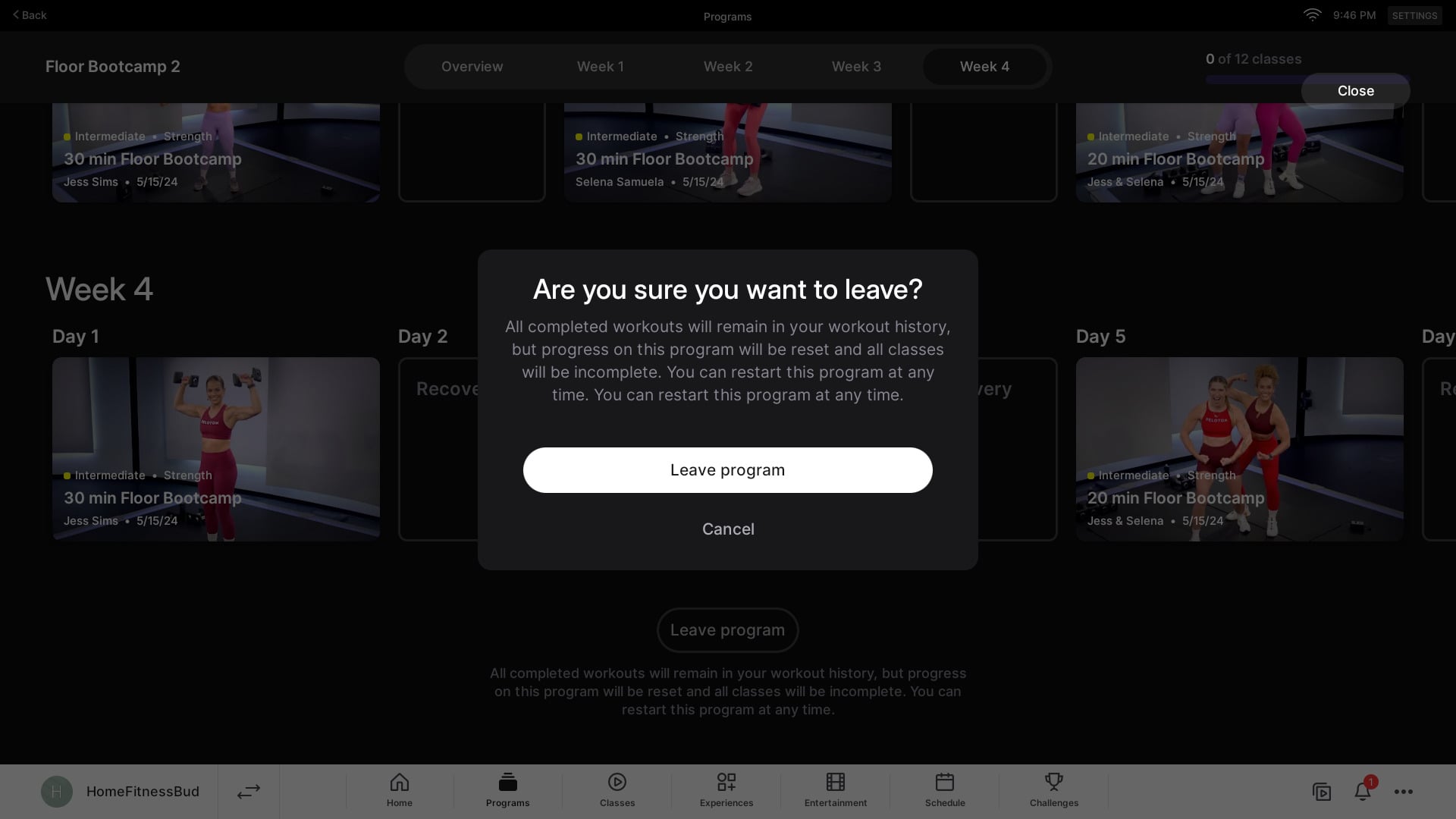
Peloton has also tied in the new program system to their badges – awarding unique badges for the programs you’ve taken.
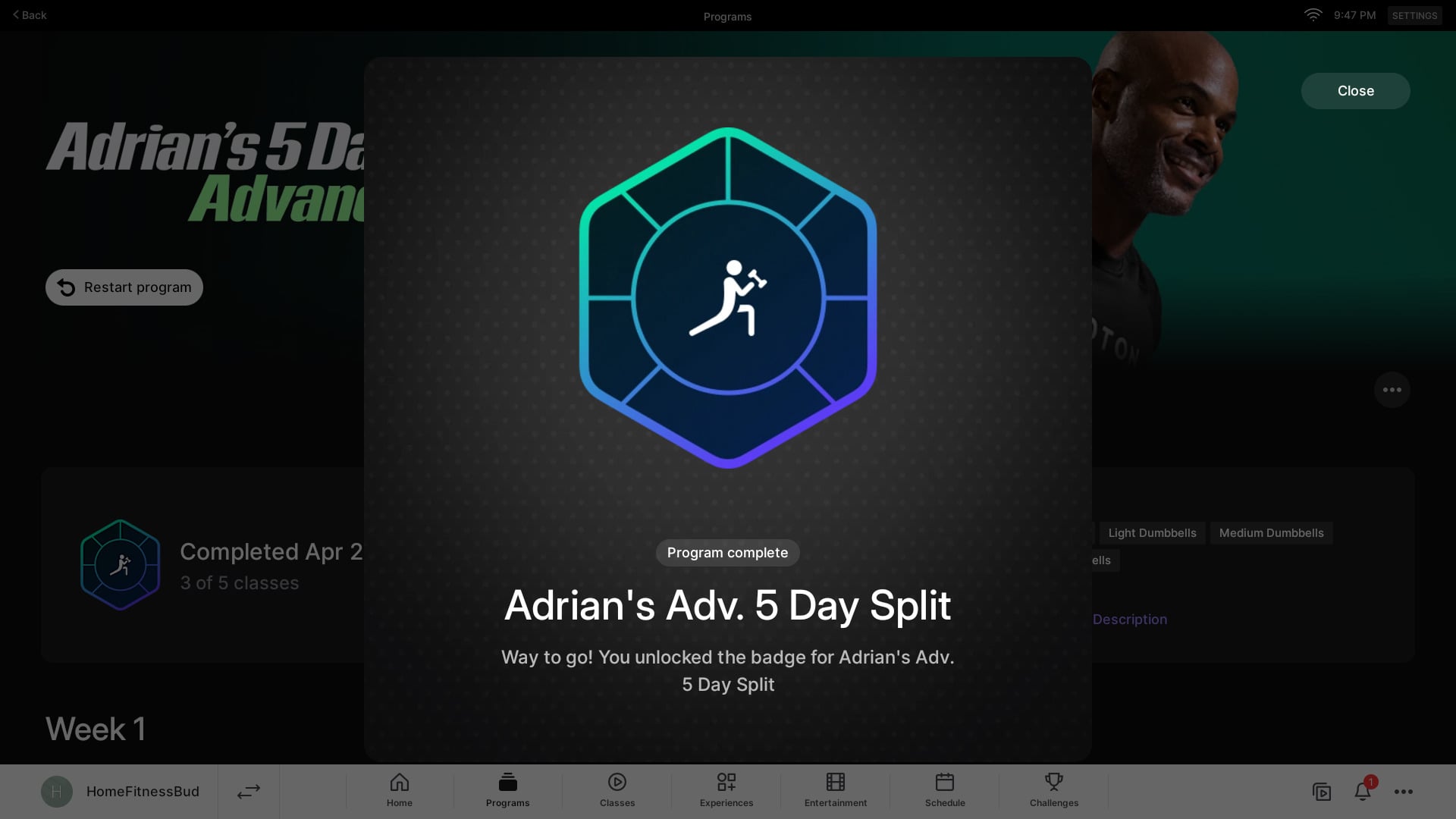
If you have previously taken any programs – you should already have the badges for these. There is a new section where you find all of your other badges (as a reminder, we have a full badge list and how to earn them). There is now a row for Program badges. You can also press on any existing badge to see how many times you’ve earned that badge, and when the last time was.
Once you have completed a program, you can go back to it in the “Completed” tab of the program area to view your overview of the program.
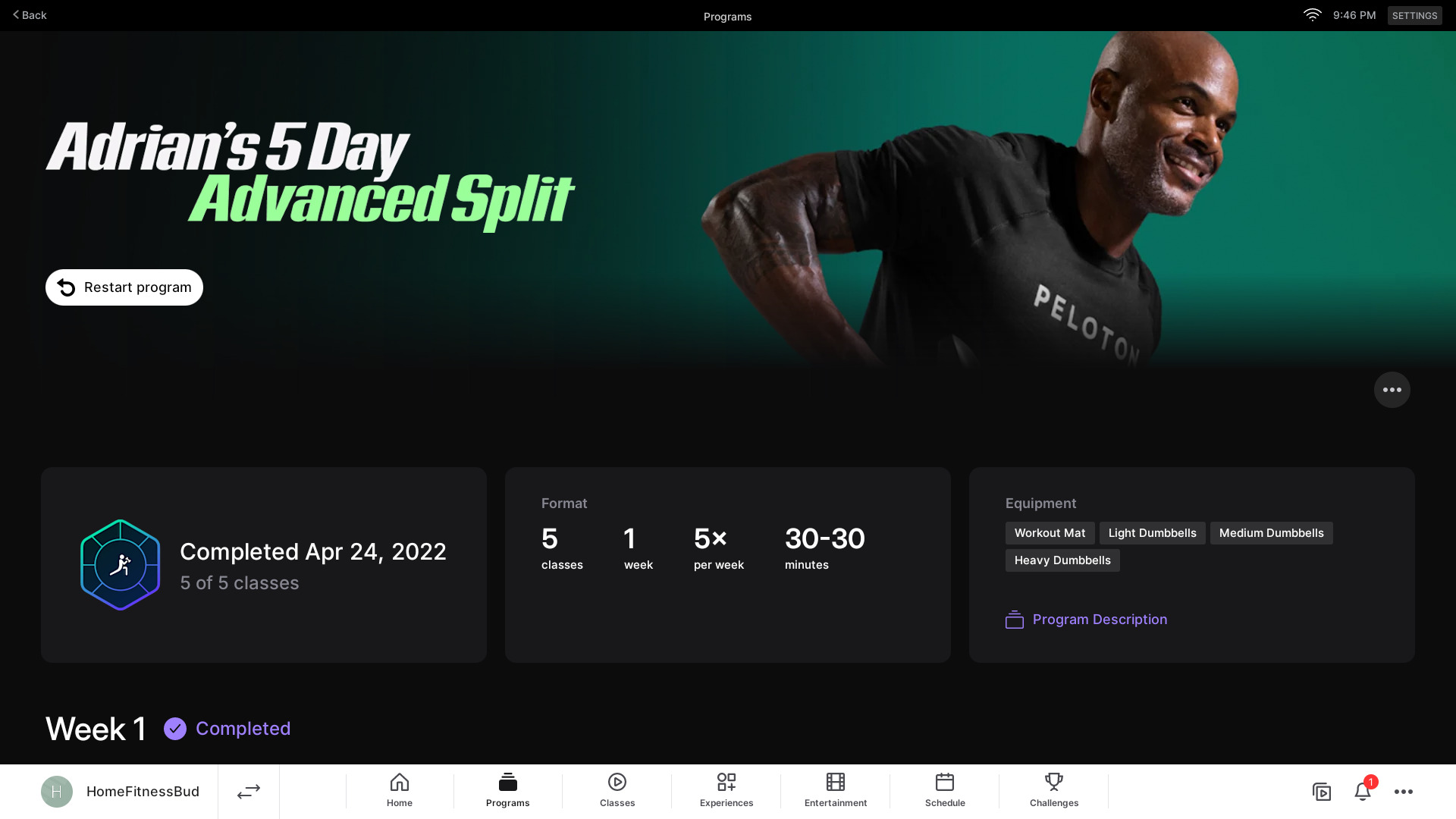
There, you can still see the list of classes in that program, and open any individual class to take that again.
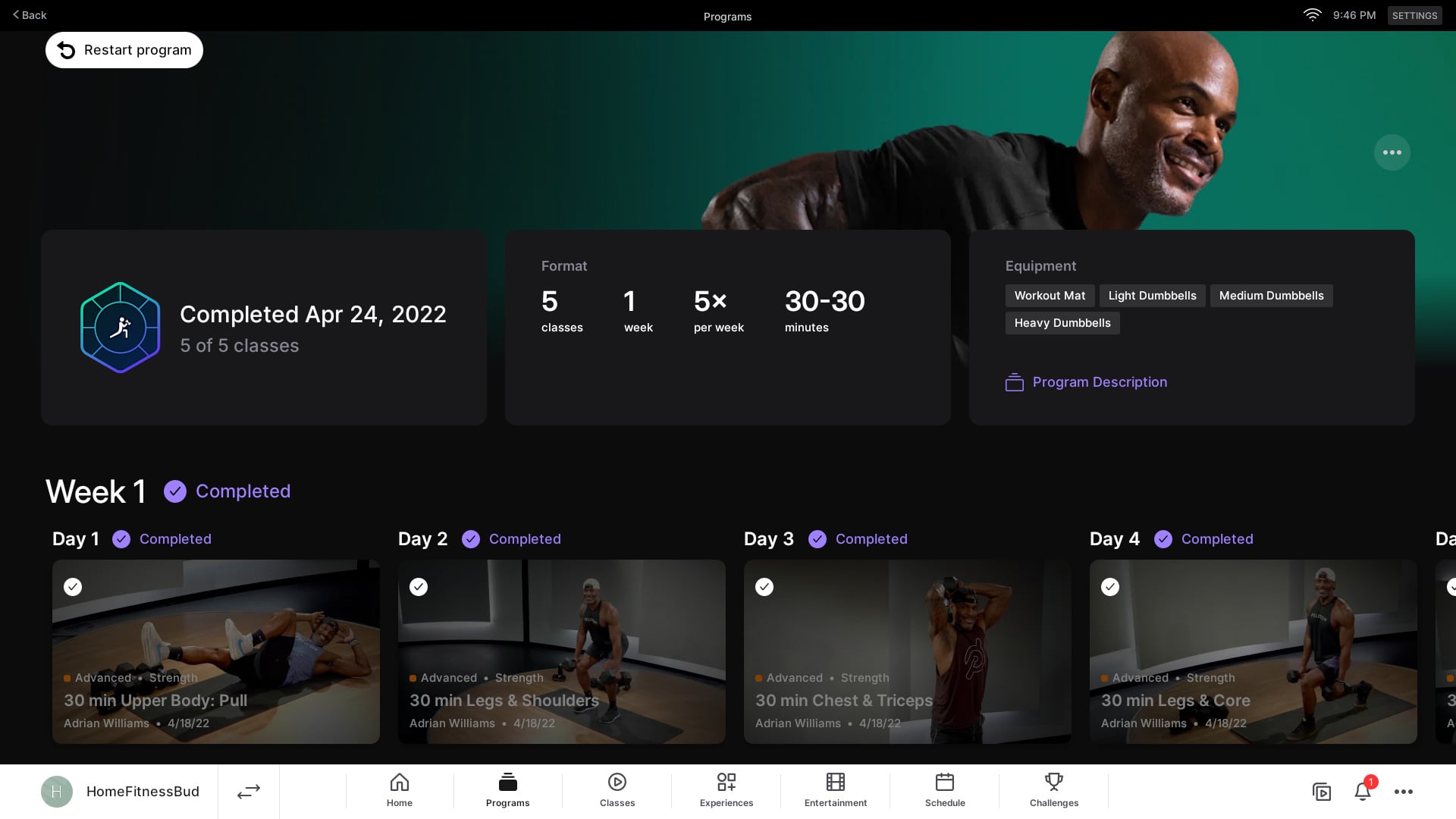
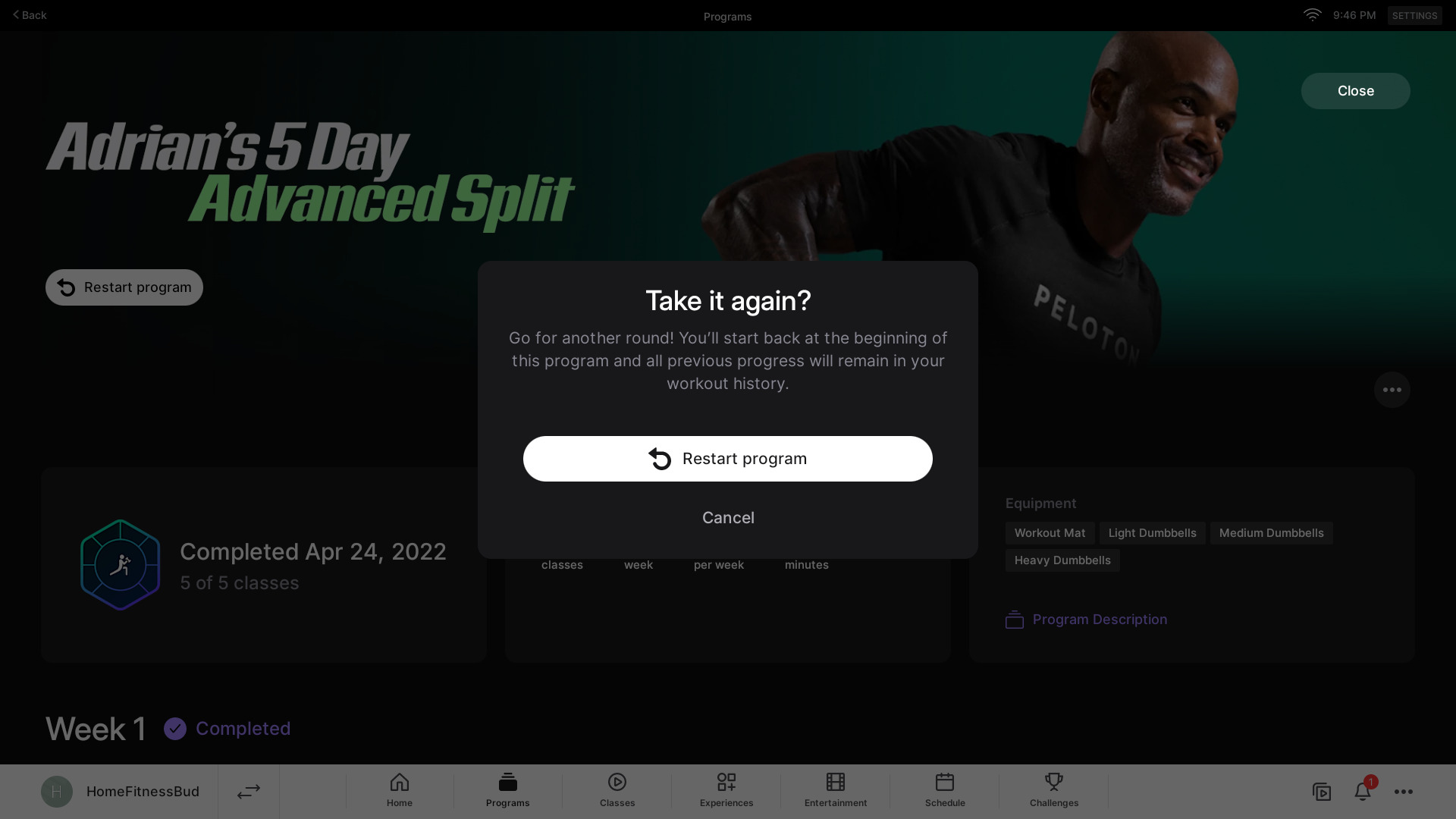
If you wish to retake the program – there is a button to do that, and it will start you back at the beginning of the program.
While the pictures above have shown screenshots from a Peloton hardware device – the new interface on the Peloton iOS app and Peloton Android apps are very similar.
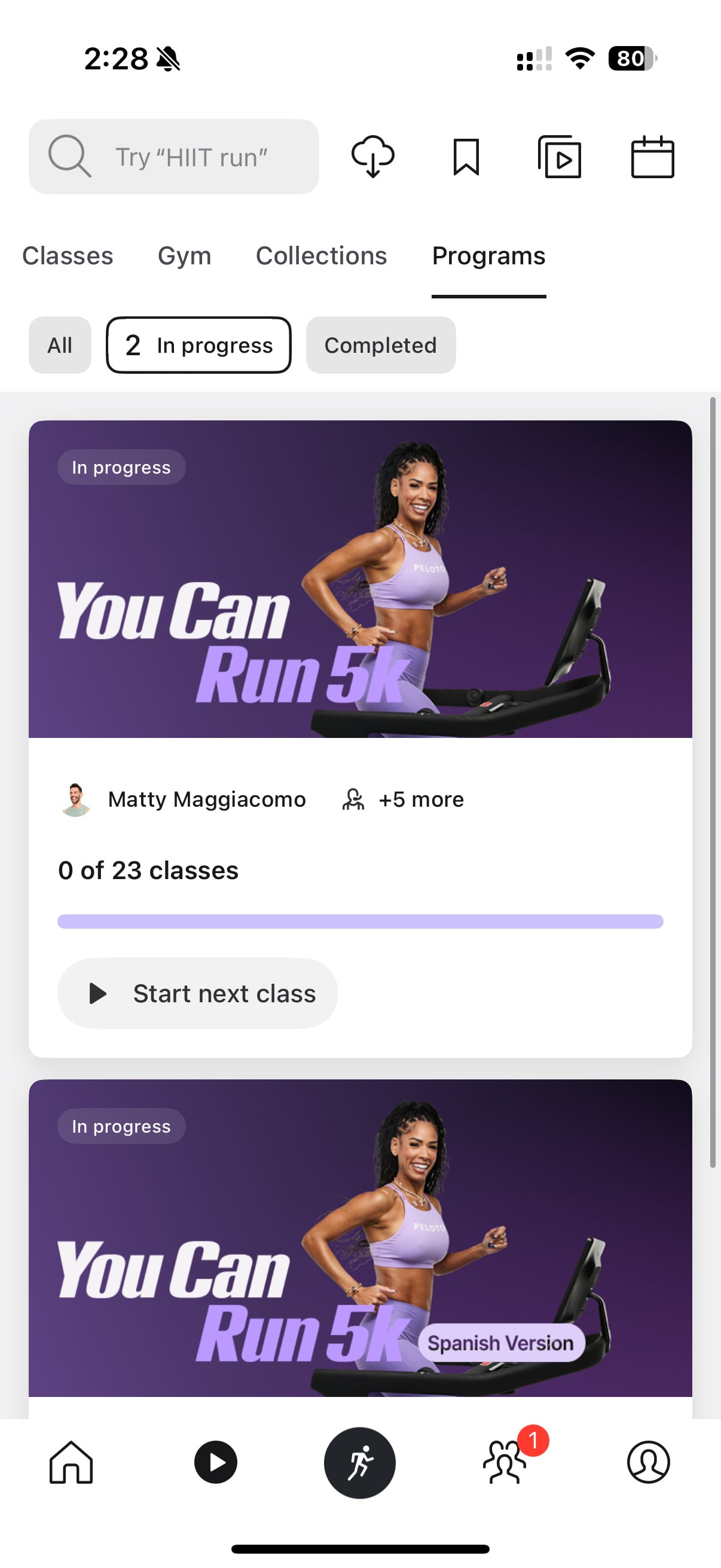
You have the same ability in the Peloton app to view the entire class list of a program, and select and take any class from any week, at any point.

In addition, the Peloton Guide has been confirmed to have the updated Program interface, and still have access to Peloton’s new program systems.
This is Peloton’s third major iterations of their program system. In 2021, Peloton previously updated their programs to what they called “Programs 2.0,” an announcement that was made during the annual Homecoming weekend. This was the system that was in place the past 4 years for programs until this week’s updates.
As always, members can explore an overview of all current Peloton training programs anytime at our page with a full list & details on Peloton’s programs. We plan to continue to keep this resource updated.
We first shared that these updates were on the way last week, and Peloton has communicated that these changes are designed to improve the overall experience.
With this latest update, Peloton is offering members increased flexibility and authority over how they manage their training programs within their own schedules.
What do you think of Peloton’s newest Programs revamp thus far?
Support the site! Enjoy the news & guides we provide? Help us keep bringing you the news. Pelo Buddy is completely free, but you can help support the site with a one-time or monthly donation that will go to our writers, editors, and more. Find out more details here.
Get Our Newsletter Want to be sure to never miss any Peloton news? Sign up for our newsletter and get all the latest Peloton updates & Peloton rumors sent directly to your inbox.

A major improvement. Not going to miss the “soup nazi” mentality that went into this misstep in the first place. Peloton should officially adopt Dennis Morton’s mantra “I’m here to make suggestions, you make the decisions.”
I like the flexibility but I’ve been doing some program workouts using a browser and also a ROKU so I’m not happy about losing that ability.
they still need a way to bookmark programs. With them adding the tabs for completed/in progress/etc, sounds like they could have added a “bookmarked”….
I am not so sure. The programs “forced” me to not miss a class. A certain amount of classes per week. I wouldn’t be the runner I am today after taking the 6 week “road to 10k” if it took me 6 months to finish it. It kept me accountable. I can take whatever class I want when I want, programs felt like a commitment. It no longer feels that way with the “flexibility”.
If you are in a program, and add your next class to your stack, and play that stack from the browser or TV, does it count towards your program progress?
It used to not. If it still does not, then there is no way to get credit for completing the program for TV app or browser users unless you’ve done enough to unlock the “mark complete” function.
I am testing this today!! I picked a meditation program to test it in!
I checked yes! They do.mark as co.pleted! Now I do wonder tho if you do a class outside of being g in a program but the class is part of the program what happens haha!
Super happy they finally changed the Programs to “At your own pace”. Due to work and life in general I could never do the Programs because I couldn’t “pause them” I would do a week or so of classes then loss it all because I couldn’t finish in the allotted time. I must have submitted a bunch of Feedback requests. Happy they finally pulled the trigger and changed it. Now the question is which Program am I taking first LOL
SINYCGIRL
The rollout of the new programs feature undid the progress I made on the You Can Run 5K. I finished it on May 29 and it now shows me in week 5 with my history showing classes completed. Am I the only one experiencing this?
I hate that I can’t find a class by filtering for time, type and instructors anymore. No I REALLY hate it.