

After the feature first appeared more than four months ago for a small group of users, Peloton appears to be rolling out the custom audio mix slider to more members throughout this past week.
The feature is still not yet available to everyone and on all devices – in fact, some members have reported that they have the feature on one Peloton device but not another – however, it is much more widespread than it was previously, and has been seen on Bikes, Treads, and Rows.
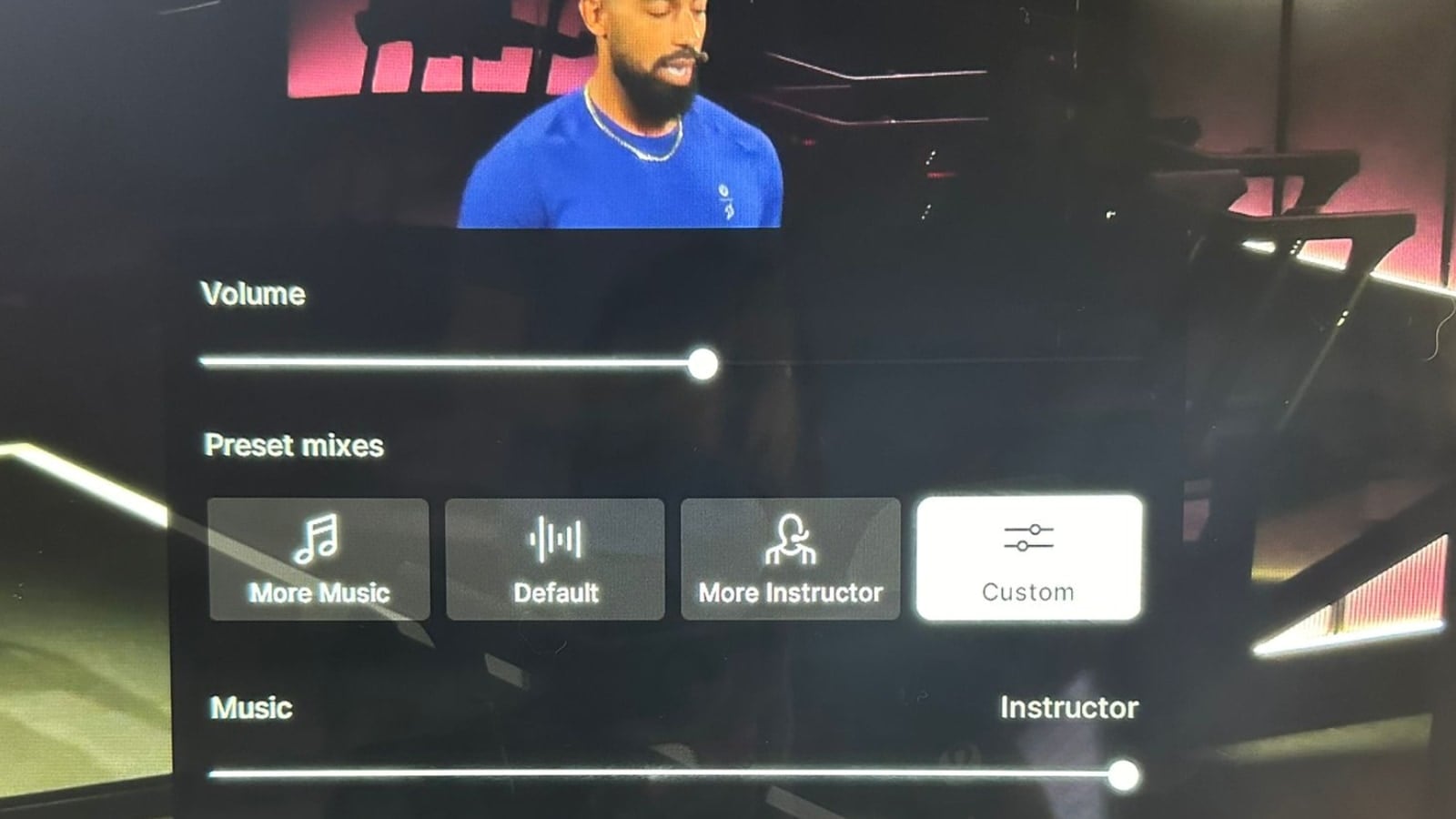
As a refresher, Peloton first began testing the custom audio slider feature in early March 2024, but since then it has only been available to a very small pool of members.
The feature allows users to essentially create a custom audio mix between the music and the instructor using a slider that can be triggered by the volume buttons. This gives members the ability to do even more fine tuning over the audio mixing, as opposed to the simple “more music” or “more instructor” buttons. You can turn up the instructor level (and down the music), or turn up the music level (and down the instructor), depending on which you want to hear more.
We have a video overview showing exactly how it works.
For those who have it, the feature can be seen through the volume controls on the hardware device (for most people, these are found on the right side of their Peloton screen).
Adjusting the volume will bring up the standard box that provides the various options; but now there is an additional “custom” box that allows you to use a slider to select a point in between the music (making the music louder) and the instructor (making the instructor louder).
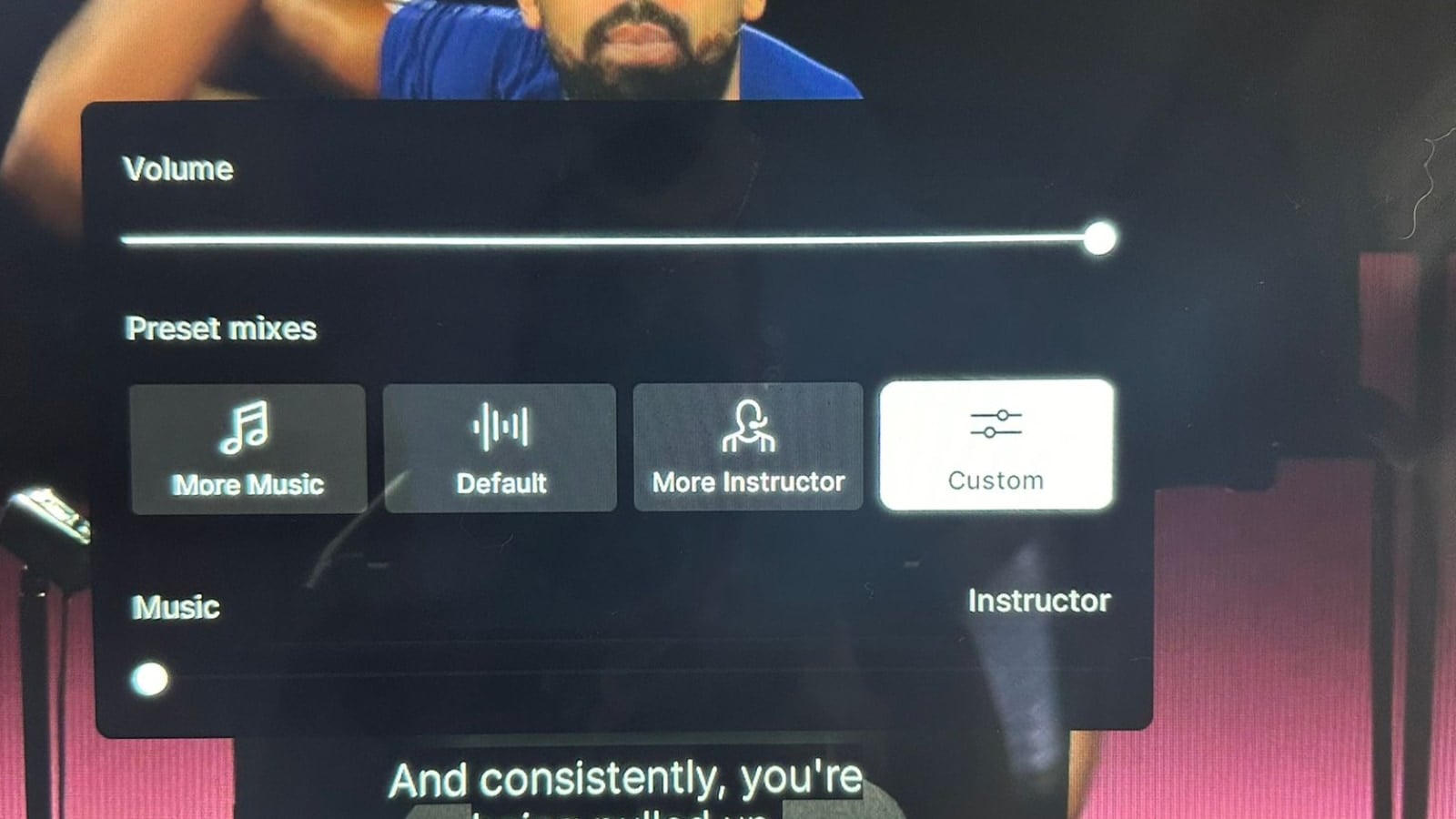
This new feature provides members with more control over the exact volume levels between the music and instructor – which can vary depending on the class itself, what audio equipment you’re using, and more.
Peloton first unveiled the sound mixing feature in 2019. There have historically been three settings: more music, more instructor, and default. Before then there was only one volume setting available on hardware devices. Back in 2022 Peloton updated the feature in an attempt to create more of a noticeable difference between the various settings – however, how well the functionality works depends on the exact class.
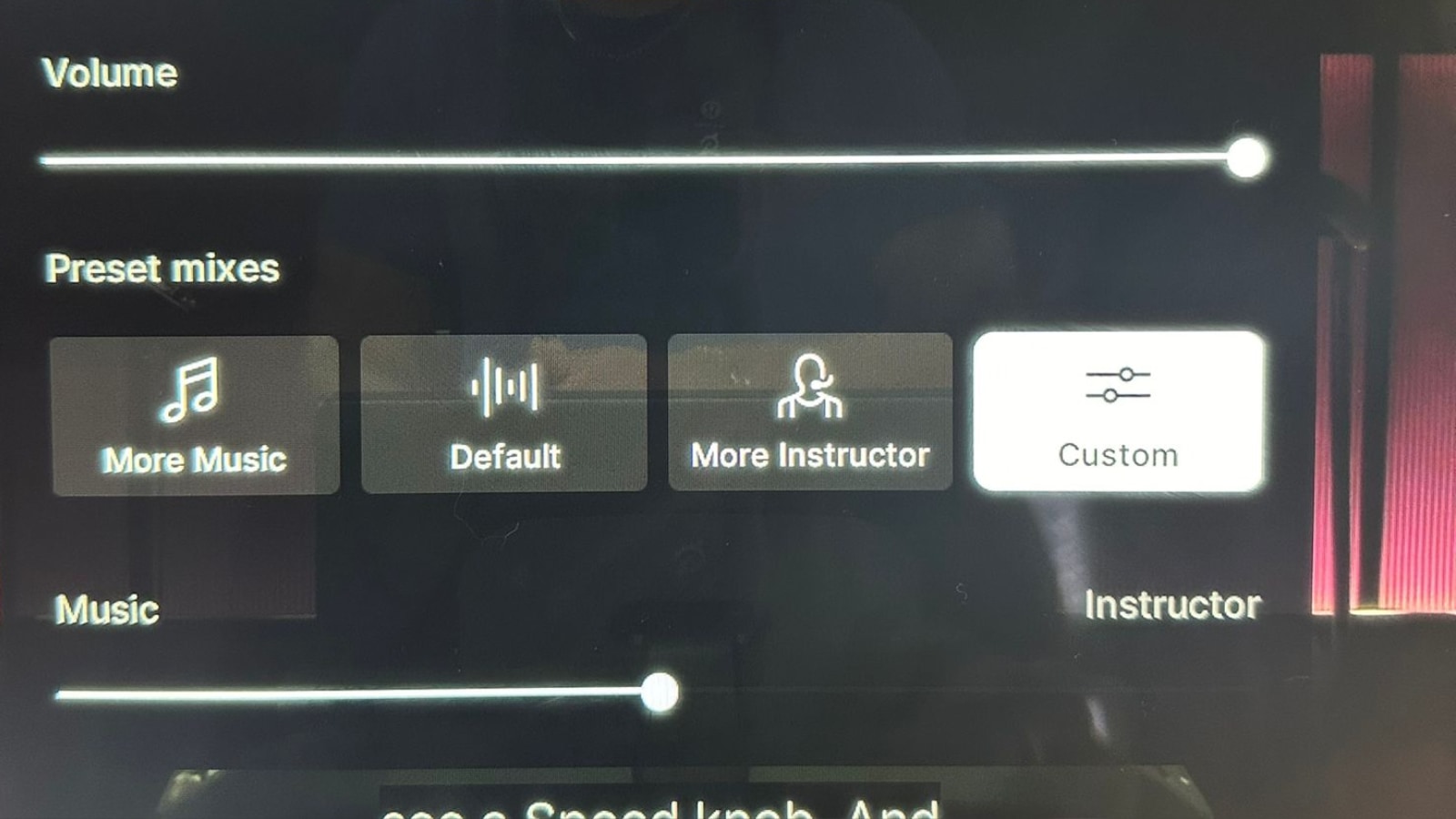
Have you recently gained access to Peloton’s new custom audio feature? If so, what are your thoughts?
Support the site! Enjoy the news & guides we provide? Help us keep bringing you the news. Pelo Buddy is completely free, but you can help support the site with a one-time or monthly donation that will go to our writers, editors, and more. Find out more details here.
Get Our Newsletter Want to be sure to never miss any Peloton news? Sign up for our newsletter and get all the latest Peloton updates & Peloton rumors sent directly to your inbox.

May I make a comment unrelated to this this post?
I’ve long been frustrated be what feels like a general shortage of live or even encore cycling classes aligned to west coast hours. Specifically, in the Noonish and 5-7 pm range. (Morning class coverage os
On classes that offer the custom slider feature, when I change the setting from the Default setting it starts buffering a lot. The buffering occurs either when I change the audio using the slider or with the preset More Music setting. Once I change back to the Default setting the buffering stops. This does not happen on older classes that do not have the new custom slider feature. Restart did not help. Network connections is “Great/Blazing”.
I had access to it – and really enjoyed it. Now it seems like that feature is gone (?)