

Peloton has added new video quality controls and an “Instructor Only” audio option to the Peloton App.
The new “Video quality” setting is in Content preferences, the same area where Peloton recently added instructor, music, and activity type preferences for class recommendations.
From your Profile, tap the menu in the top right, and select “Content preferences” under Preferences. Under “Content settings,” tap “Video quality.” You can choose from:
- HD (1080p)
- SD (720p)
- LB (540p)
Select the quality you want and tap “Save.”
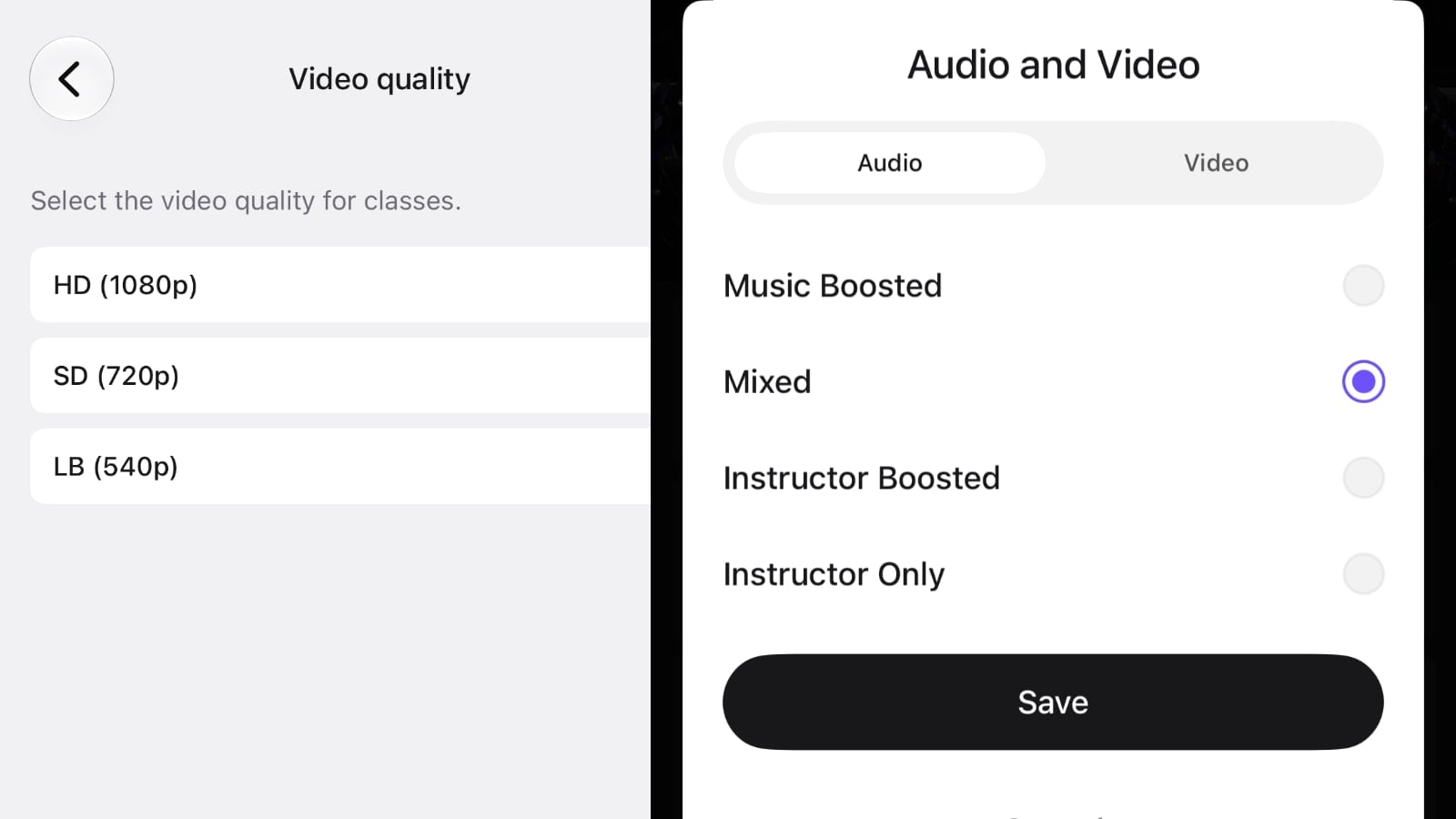
You can also change the quality while taking a class. Open the “Audio and Video” controls, choose the “Video” tab, select one of the same three options, and tap “Save.”
The “Audio” tab has a new fourth choice: “Instructor Only.” The existing “Music Boosted,” “Mixed,” and “Instructor Boosted” options remain available.
Instructor Only emphasizes the instructor’s coaching, but does not completely mute the class music. You can still hear music faintly in the background. Select the option and tap “Save” to apply it.
That could be useful if you want to follow the coaching while playing your own music separately, such as through another speaker or device.
Peloton hardware already offers a Custom audio mix slider alongside the more music and more instructor presets, allowing members to fine-tune the balance. The app does not have that slider, so Instructor Only provides another preset for members who want to just listen to the coaching as much as possible.
When Peloton added sound mix presets to the iOS app in 2021, we shared that an instructor-only option was still missing.
Will you use the Instructor Only option, or do you prefer keeping the class playlist on?
Support the site! Enjoy the news & guides we provide? Help us keep bringing you the news. Pelo Buddy is completely free, but you can help support the site with a one-time or monthly donation that will go to our writers, editors, and more. Find out more details here.
Get Our Newsletter Want to be sure to never miss any Peloton news? Sign up for our newsletter and get all the latest Peloton updates & Peloton rumors sent directly to your inbox.

Leave a Reply