

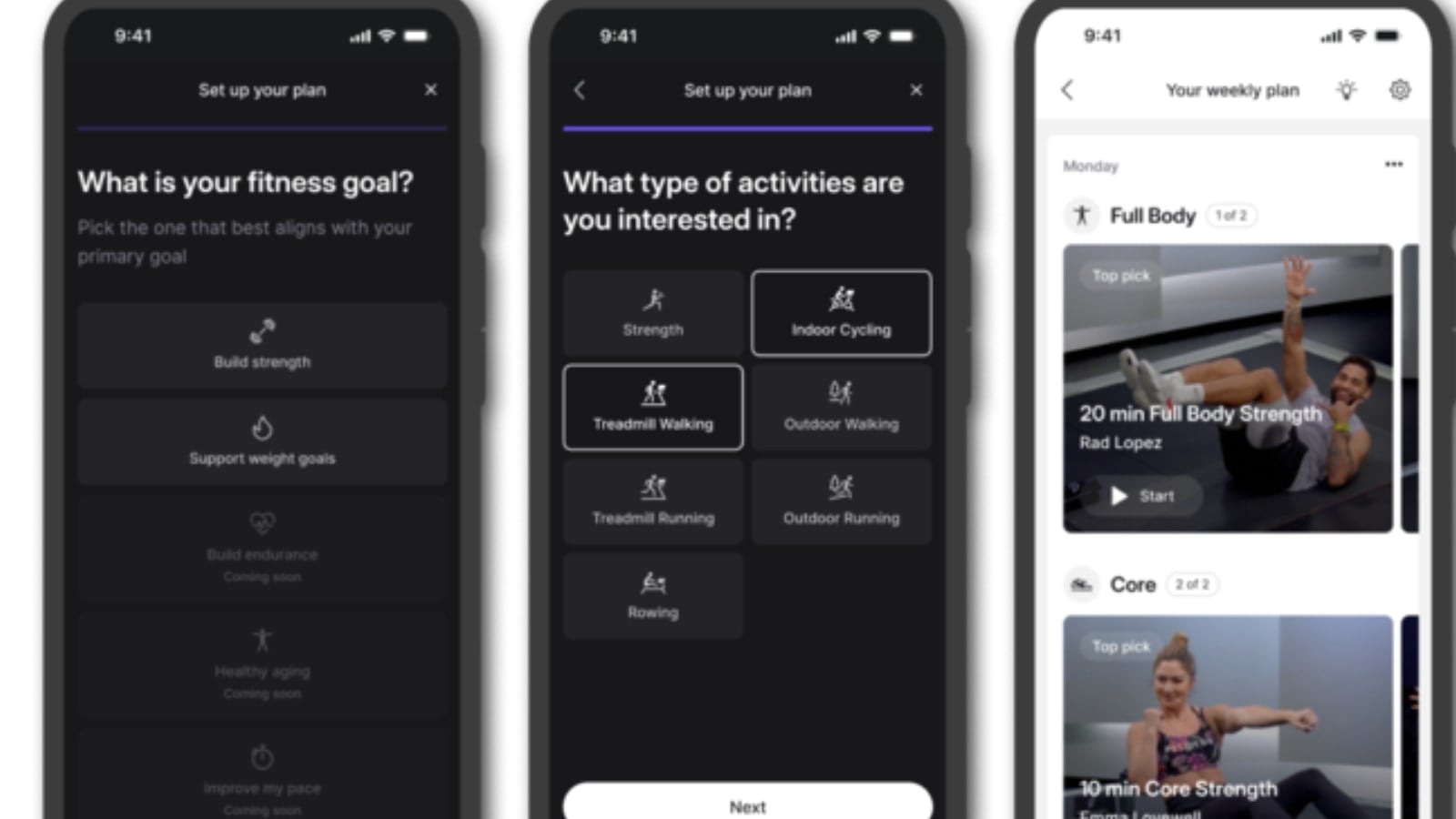
Peloton has begun rolling out its “Personalized Plans” feature in a public beta test to select Peloton app members. Peloton promotes this is as a feature that “blends cutting-edge technology and top-notch personal training to deliver weekly workout suggestions customized for you. As you work through your weekly plans, you’ll get closer to achieving your long-term fitness goals.”
As a refresher, this is one of the three large betas Peloton announced last month, along with the Strength+ app and new virtual cycling games (Peloton’s version of Zwift).
The origins of the “Personalized Workout Plans” feature can be traced back to Peloton’s Guide, which initially introduced weekly workout plans for members in 2023. The Guide’s feature curated weekly suggestions based on user preferences, workout goals, and past activities.
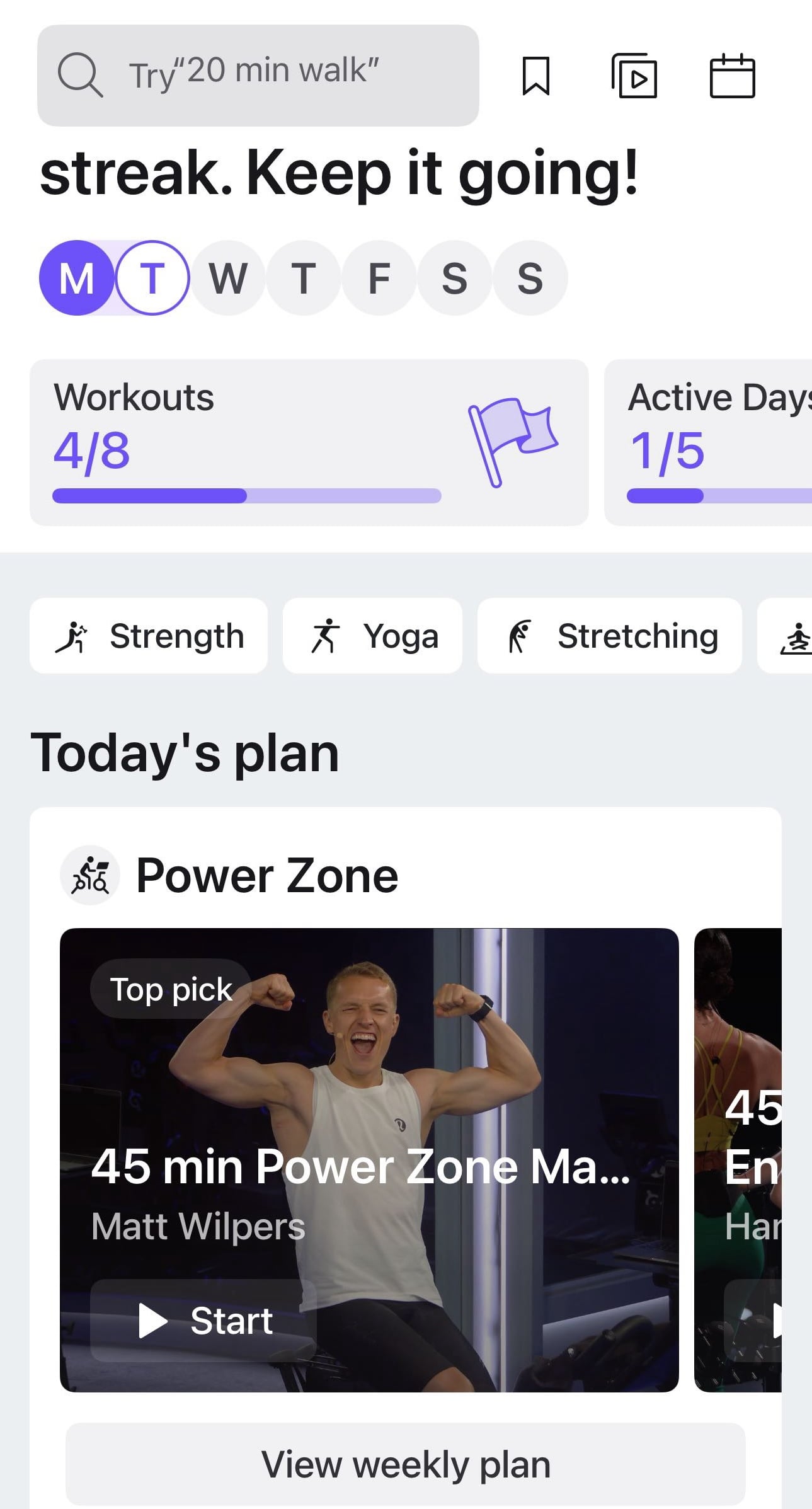
Peloton has noted that this app version of Personalized Plans offers similar functionality, albeit with slight variations from the version available on the Peloton Guide. While the core concept remains the same – delivering a weekly workout plan based on personal preferences and your past workout history – the expansion to app users increases access to personalized fitness planning beyond only those who own the Peloton Guide.
Currently, app users testing the beta version can choose between two fitness goals:
- Build Strength
- Support Weight Goal
However, Peloton has announced that more goals will be added soon, with three options slated for future release:
- Build Endurance
- Healthy Aging
- Improve My Pace
This broadening of fitness goal options suggests that Peloton is working to make the plans appealing to a wider range of users, catering to those who may have more specific or evolving fitness priorities.
One of the standout features of “Personalized Plans” is the ability to tailor the workout types to the member’s specific interests. Users can select from a list of workout options they want included in their personal plan, including:
- Strength
- Indoor Cycling
- Treadmill Walking
- Outdoor Walking
- Treadmill Running
- Outdoor Running
- Rowing
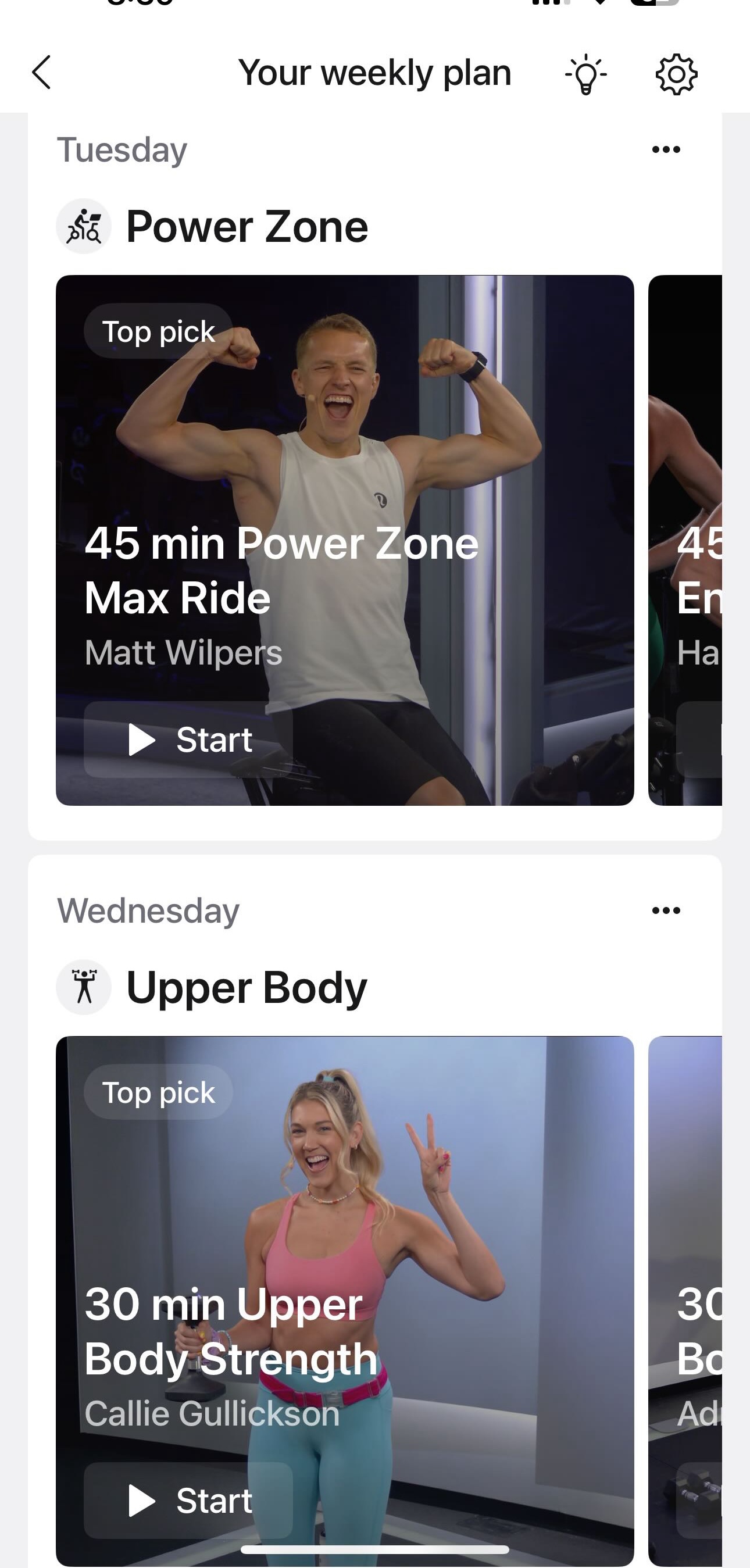
After choosing these options, users will pick how many days they want to work out each week (somewhere between 3 – 7 days), as well as what your preferred workout length is (choices being 20-30 minutes, 30-45+ minutes, or both).
Once the user goes through these setup options, Peloton generates a weekly workout plan with a selection of classes. These recommendations are customized not only to the user’s stated preferences but also to the insights Peloton gathers from the member’s workout history.
Once the schedule is made, you are able to drag days around to accomodate your preferred schedule.
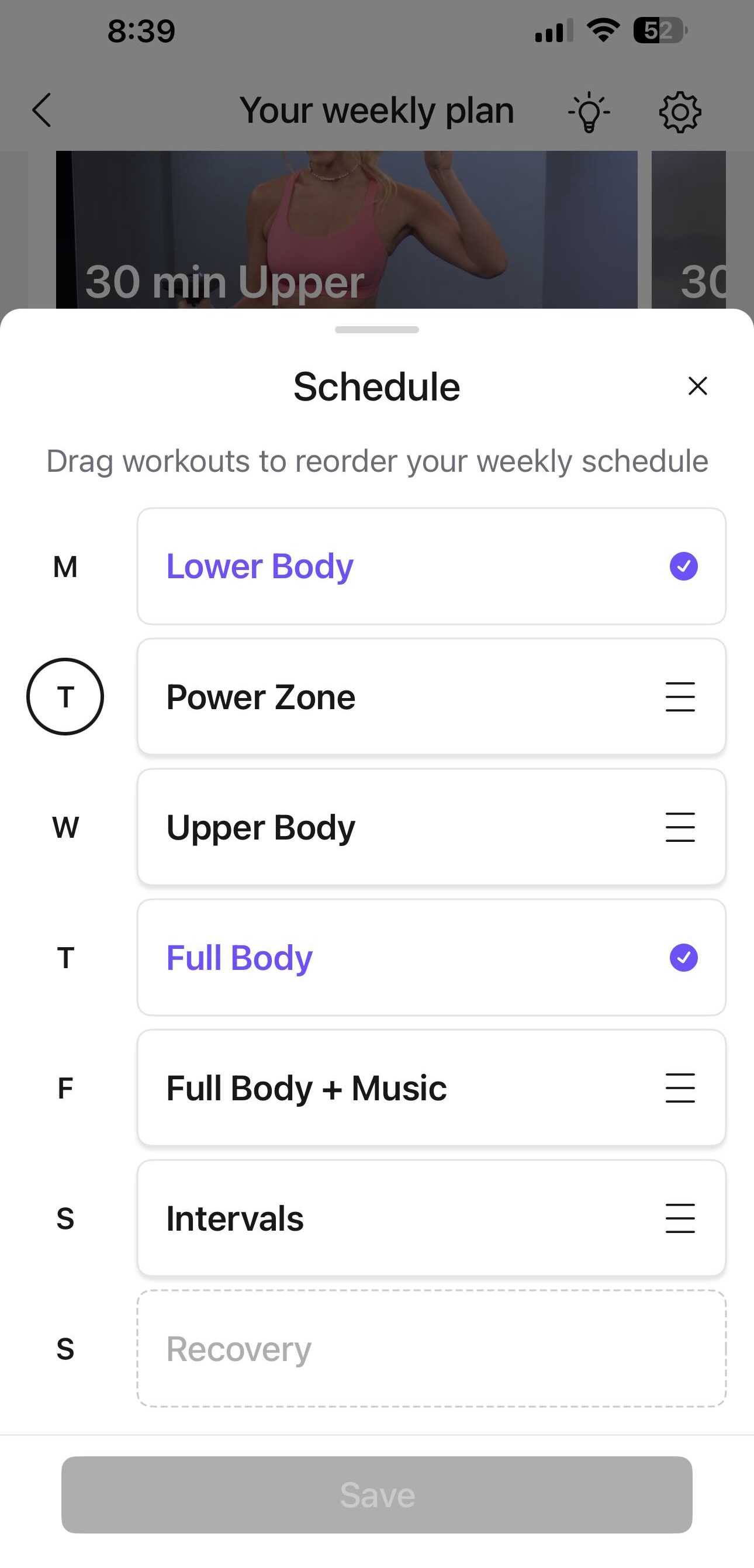
You are also able to mark a day as completed manually.
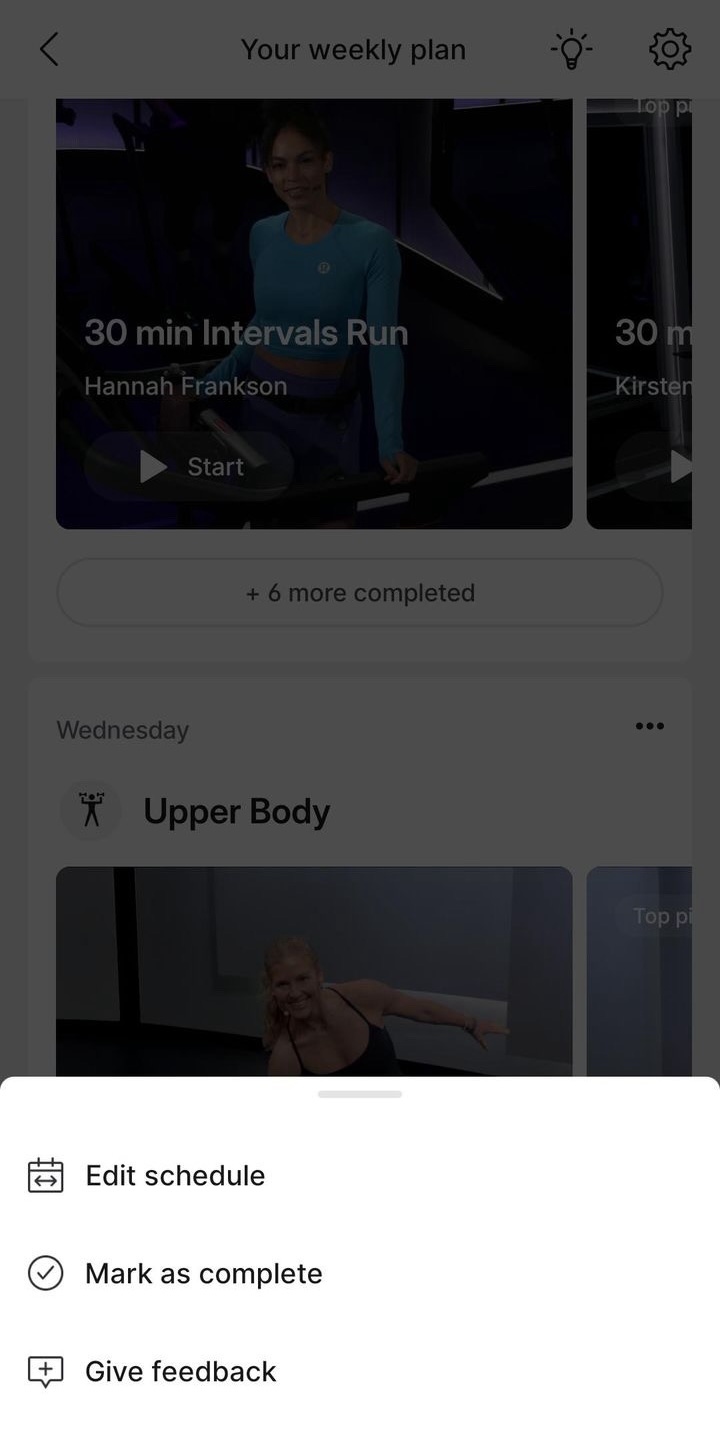
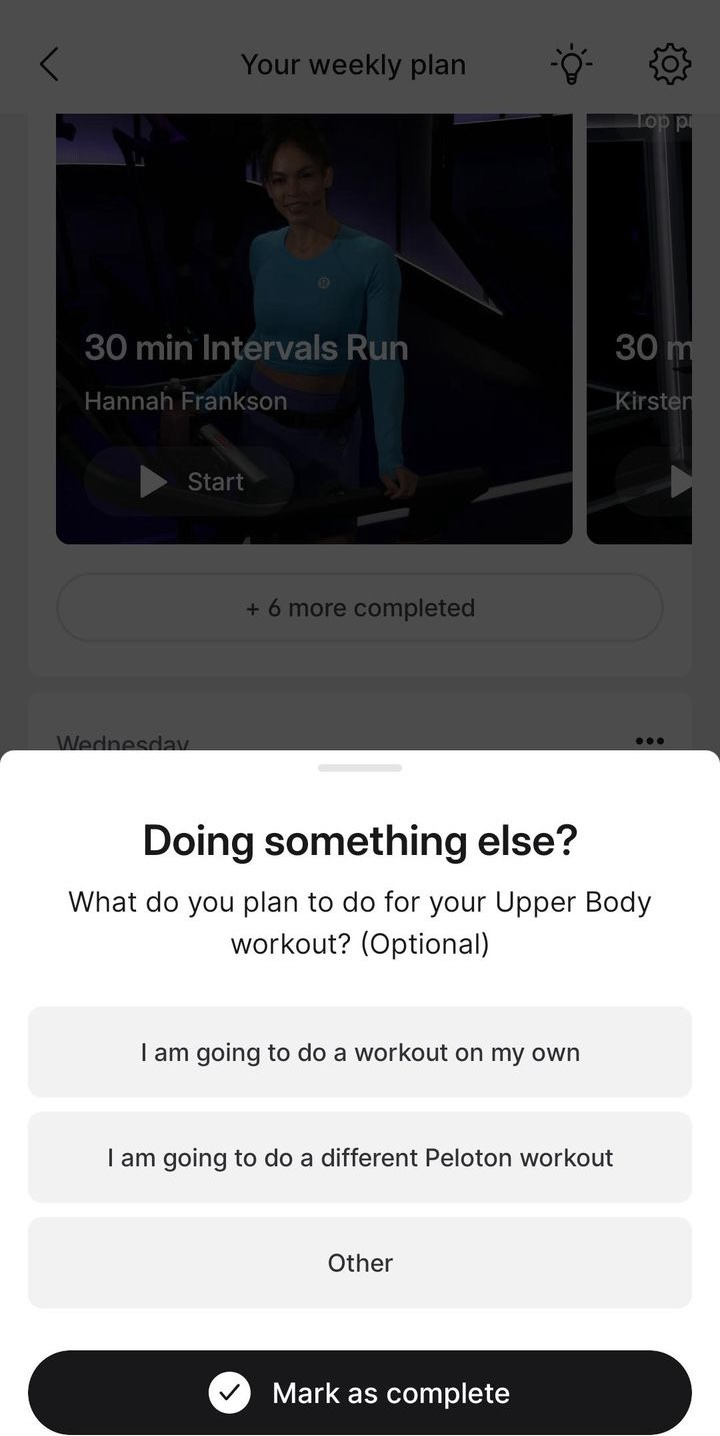
When you choose to mark a workout as manually completed, you can give some optional feedback to Peloton on what you did instead.
What makes this feature particularly compelling is its integration of Peloton’s “what it knows about you” approach. Peloton uses information such as the member’s favorite instructors, music preferences based on previous classes taken, and past class selections to build this personalized plan. Note that the member does not need to manually input this information – Peloton uses the previous workout history to determine such preferences.
Once you you are done setting up your plan, Peloton will generate a plan for you for that week. It will include suggested classes for you for each day – however, you may choose to take other classes instead if you don’t like their recommendations for a specific day.
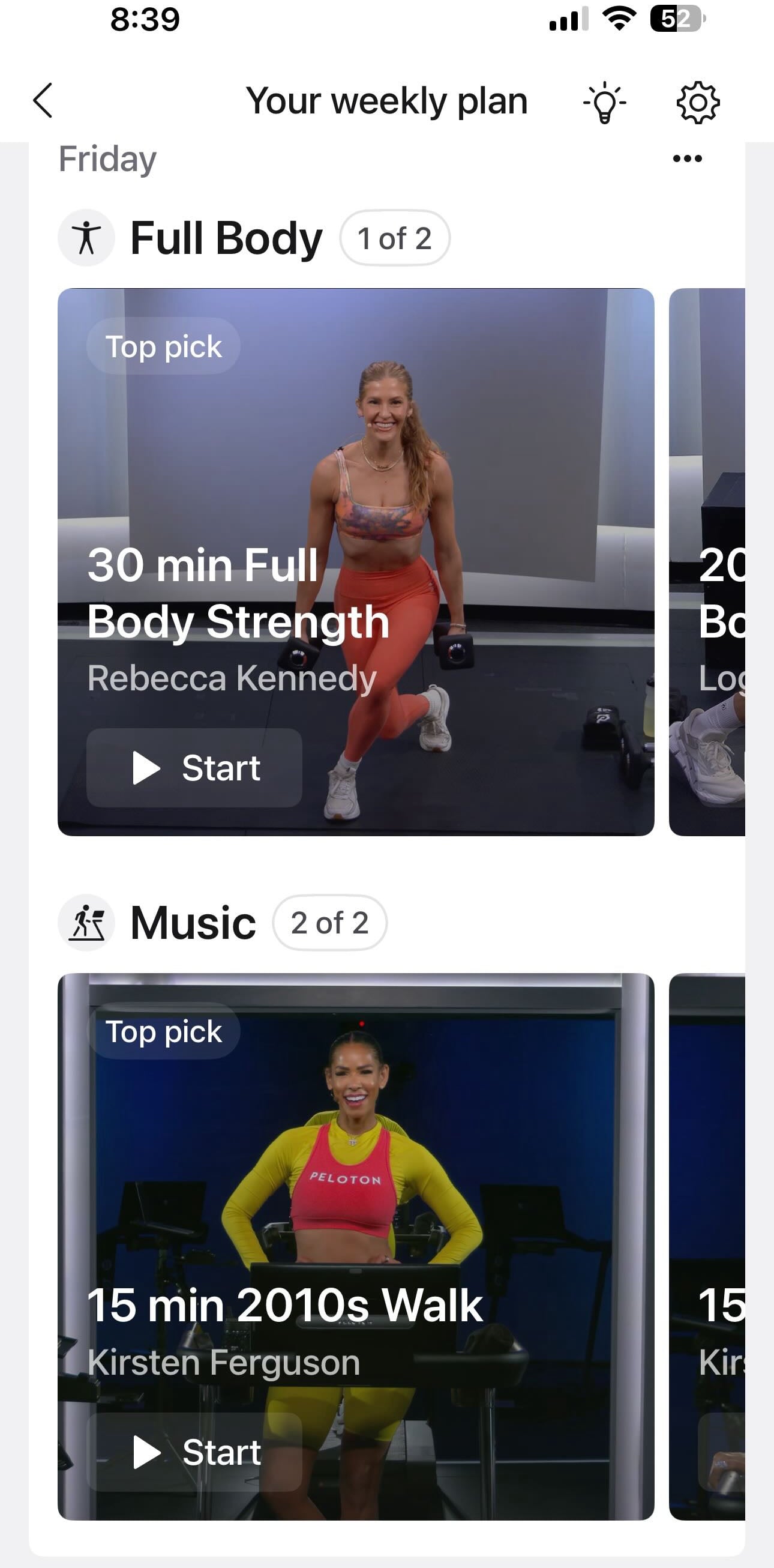
This will not impact your ability to take their suggested classes later in the week. Peloton says:
The class combinations are dynamic, so you can take them in any order you want each week. If you’re not feeling your “Top Pick,” or the class featured on that specific day, you have the option to skip it or swap it for one of the six suggested alternatives, which also count toward your goal. For Personalized Plans on the App, you can also take any class from the Library with a matching Class Type to receive credit.
Each week you will then be presented with a new plan, and a new set of suggested workouts for that week.
Once you have made a plan on the app, you are able to view it across devices like the Peloton Bike, Tread, and Row – making it easy to take the classes from the plan on any device.
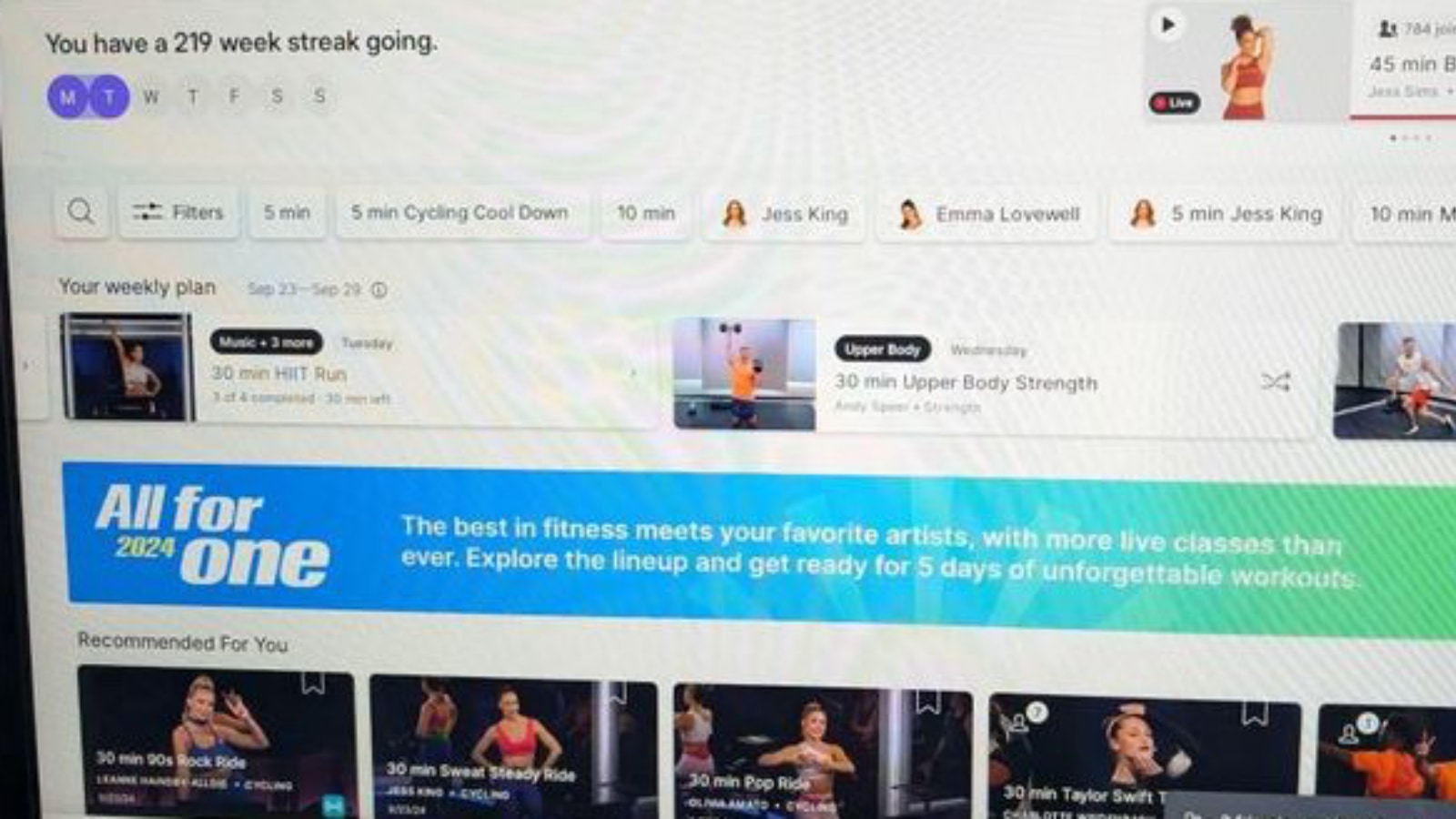
If you don’t like the suggested plan for the day, you can refresh your recommendations for that day from whatever device you are about to workout on. However, to make any overall changes to the plan itself (like including different workout types, changing your goal, or picking different durations) you’ll need to go back to the Peloton app to make those adjustments at this time.
Peloton’s Personalized Plans feature is likely to evolve throughout the beta phase with the addition of more fitness goals and other updates, as noted on the Peloton blog.
For now, the Personalized Workout Plans beta is available to select app members, but we will share updates regarding the feature’s rollout as they become available.
Support the site! Enjoy the news & guides we provide? Help us keep bringing you the news. Pelo Buddy is completely free, but you can help support the site with a one-time or monthly donation that will go to our writers, editors, and more. Find out more details here.
Get Our Newsletter Want to be sure to never miss any Peloton news? Sign up for our newsletter and get all the latest Peloton updates & Peloton rumors sent directly to your inbox.

Wondering if you know when this Personalized plan feature will be rolled out?