

Peloton has begun publicly beta testing (to a small group of users) a long-requested featured for the Peloton Guide: Form Feedback.
The feature is being described as:
You’ll now see real-time analysis and personalized tips to improve your form during Movement Tracker classes.
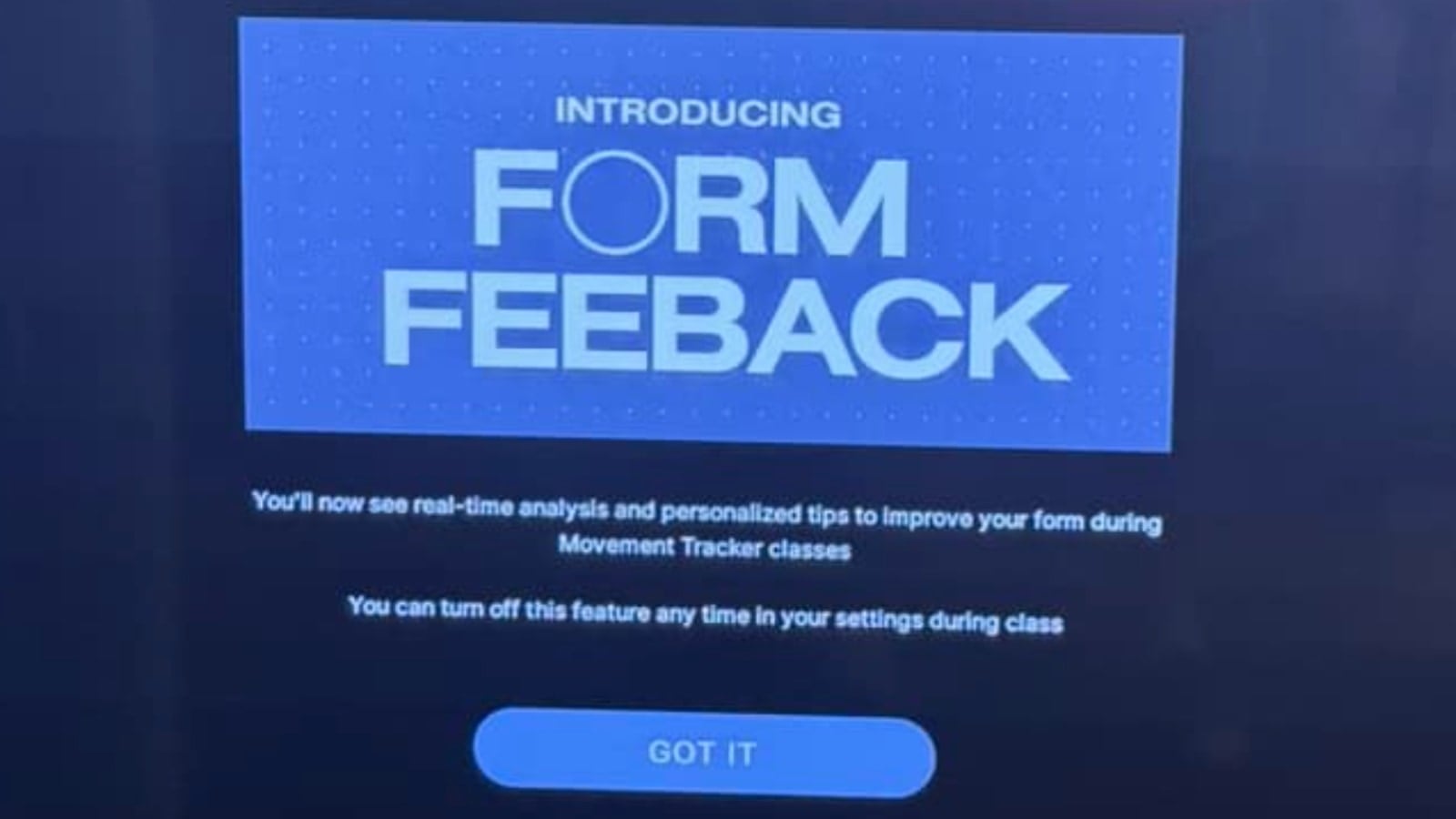
Presumably, the typo in the launch screen logo that says “Form Feeback” instead of “Form Feedback” will be fixed before it is publicly launched.
The Peloton Guide form feedback feature is currently only rolling out across some of the “Movement Tracker” classes (i.e. ones made for Peloton Guide, where it could also count your reps or time doing movements). However, it is not available on all Movement Tracker classes.
In addition, it is only available on some specific movements within classes. For example, it can give you form feedback on planks, dumbbell squats, and pushups – but it can’t for lateral lunges.
When you are taking the class, if you are doing something with improper form, the Peloton Guide will play a new noise to give you an audio indicator that your form is off. This is to help make sure you are aware, even if you are doing a movement where you are looking away from your TV.
On the screen after the noise is made, there is some text and an orange circle to indicate what you need to work on to improve that specific move – for example it might say “Keep your Chest Lifted”. At this time, there is no spoken words of what you specifically need to change – you have to look at the TV for that after you hear the sound made indicating your form needs work.
If you were doing the move correctly, you will see a green checkbox indicating your form was good for that movement.
Once your workout is complete, you are able to see the form feedback suggestions in your workout history as well. When scrolling through the movements you did that workout, it will now highlight any form suggestions in the Movement Summary area.
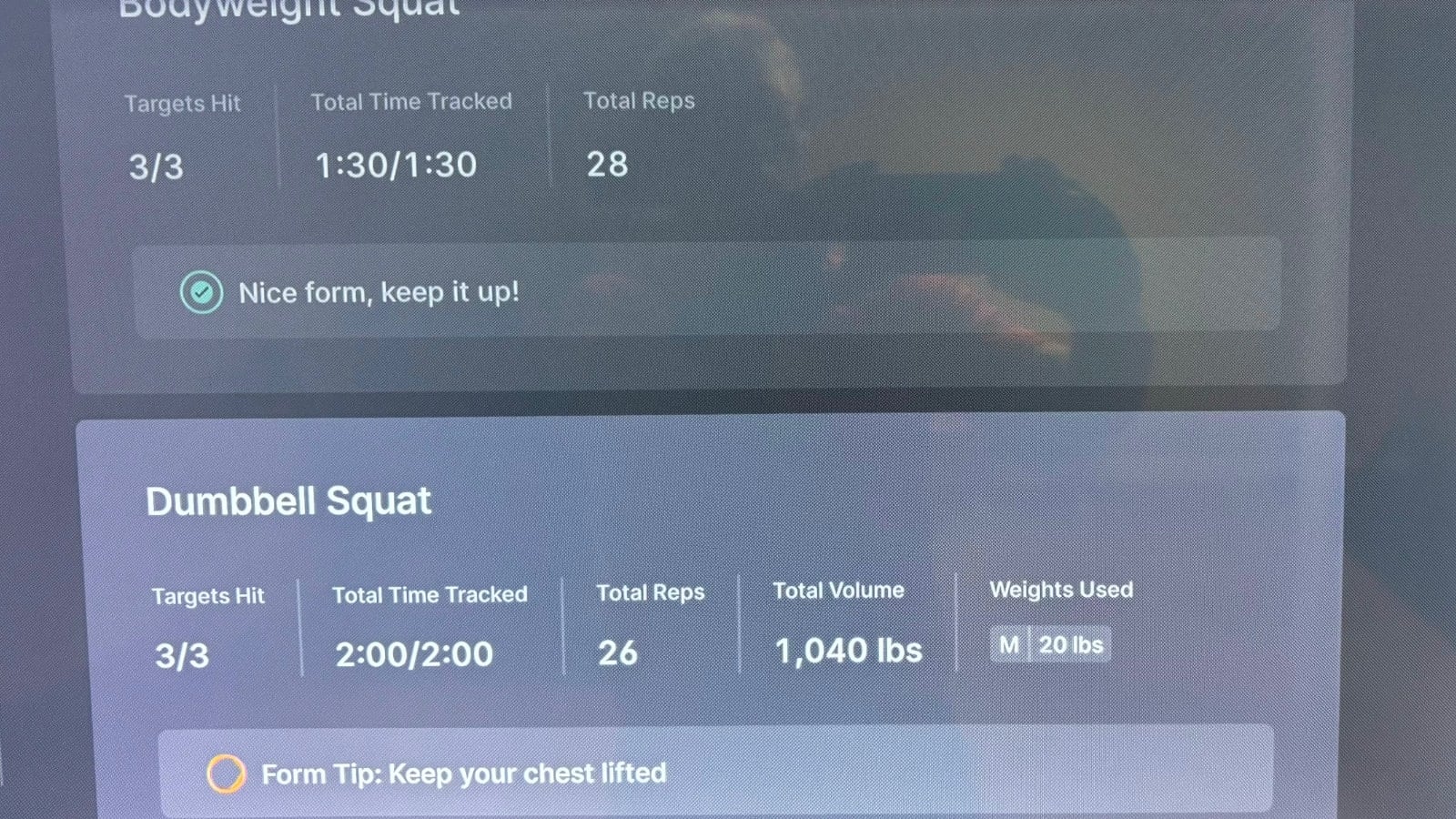
Then, there is also a brand new “Form Feedback” area in the history, that just specifically highlights the movements that could use improvement.
The form feedback tips will show up for a movement even if you only did it incorrectly for one rep – and all the others were perfect.
At this time, the form feedback tips and history are only shown on the Peloton Guide. Even if you view the same completed workout on the Peloton App or website, it will not currently show the form feedback tips from that workout.
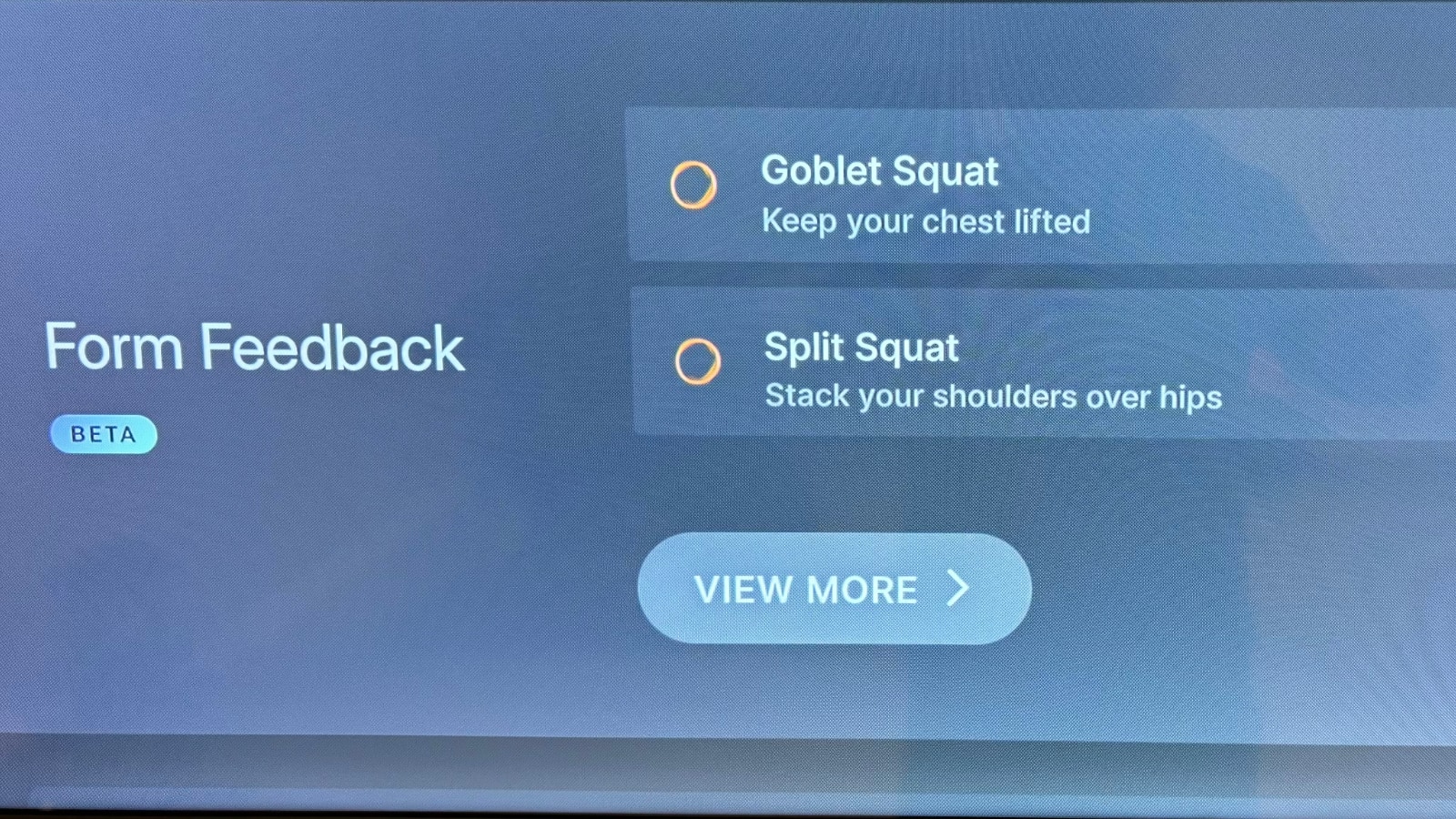
Users are able to turn off the Form feedback feature at any time during class if they no longer wish to use it.
Form Feedback is the next logical progression of Peloton Guide features that have been added over time. This builds on the rep tracking feature that was added in the fall of 2022. That feature simply counts the number of reps you are doing – whereas now it can suggest improvements to you with form feedback.
For those who don’t have the Peloton Guide, while the retail price is $195, it is fairly common to find it on sale for $95 (Peloton recently wrote down the value of their inventory). We would expect to see it for this discounted price during Amazon’s Summer Prime Day which will likely be in July.
Thanks to #bmfc1 for sharing.
Support the site! Enjoy the news & guides we provide? Help us keep bringing you the news. Pelo Buddy is completely free, but you can help support the site with a one-time or monthly donation that will go to our writers, editors, and more. Find out more details here.
Get Our Newsletter Want to be sure to never miss any Peloton news? Sign up for our newsletter and get all the latest Peloton updates & Peloton rumors sent directly to your inbox.

Leave a Reply