

Peloton is rolling out a new feature to the Peloton App – a “Change App Theme” option & preference.
This allows the user to pick between light mode & dark mode – changing the visual theme of the app for the user. This is currently rolling out on both the Peloton Android App, as well as the Peloton iOS App.
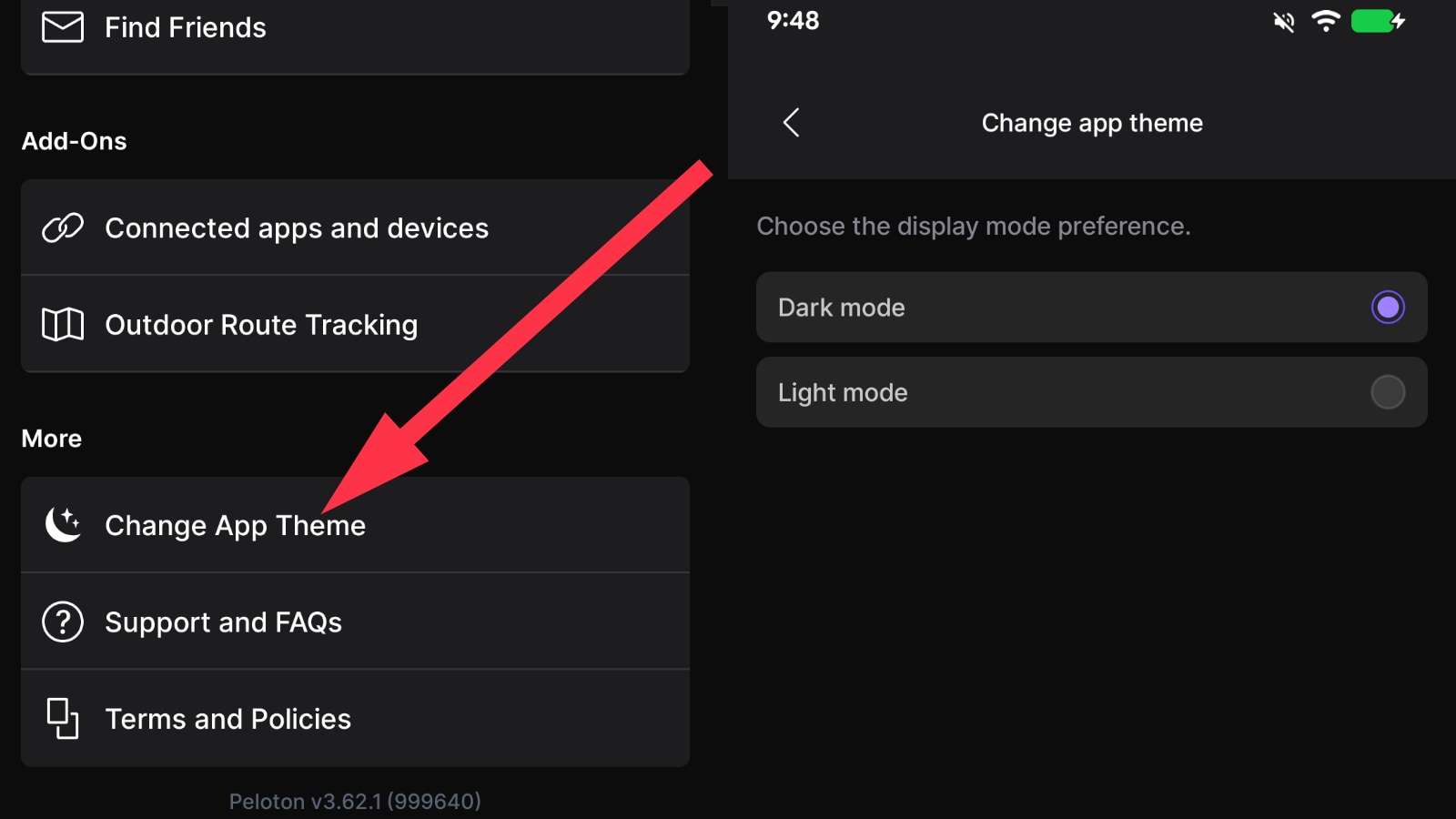
On Android, users can pick between “Dark Mode” and “Light Mode”.
For iOS users with iPhones or iPads, there is one additional option – a “Device Setting” preference. This will follow the overall settings you have set for your phone or iPad, and change appropriately. For example, if you have your phone set to change to dark mode in the evening – the Peloton app should detect that and change to dark mode at night as well, and then change back to light mode in the morning, when your phone does as well.
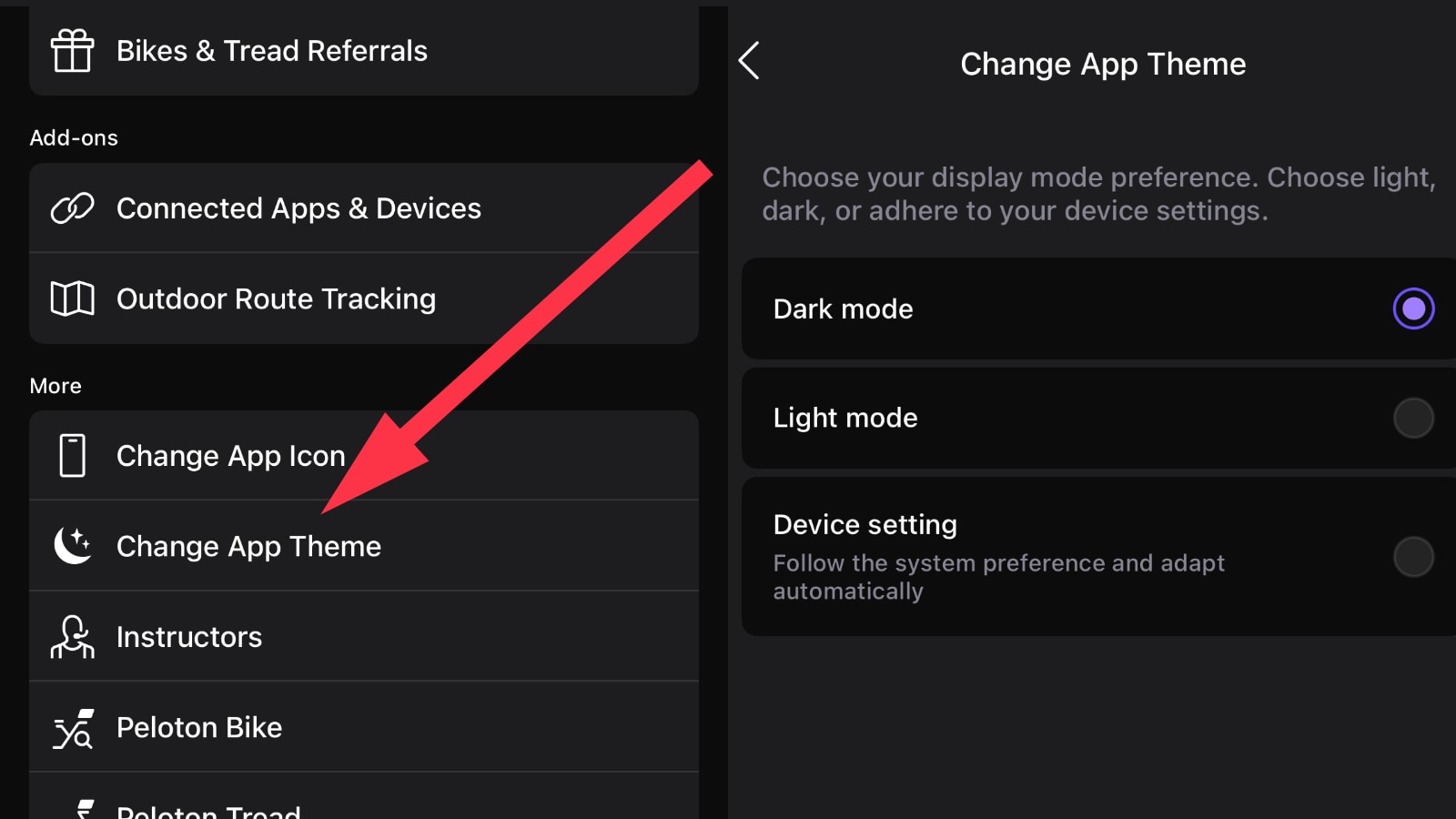
You can find this new “Change App Theme” preference in the settings area of the Peloton App. To get there, use the “You” tab on the bottom right of the app. From there, use the “hamburger menu” (the 3 lines) at the top right of the You section – which will open the menu & settings options.
Then scroll down until you find the “More” section – and there will be a “Change App Theme” option.
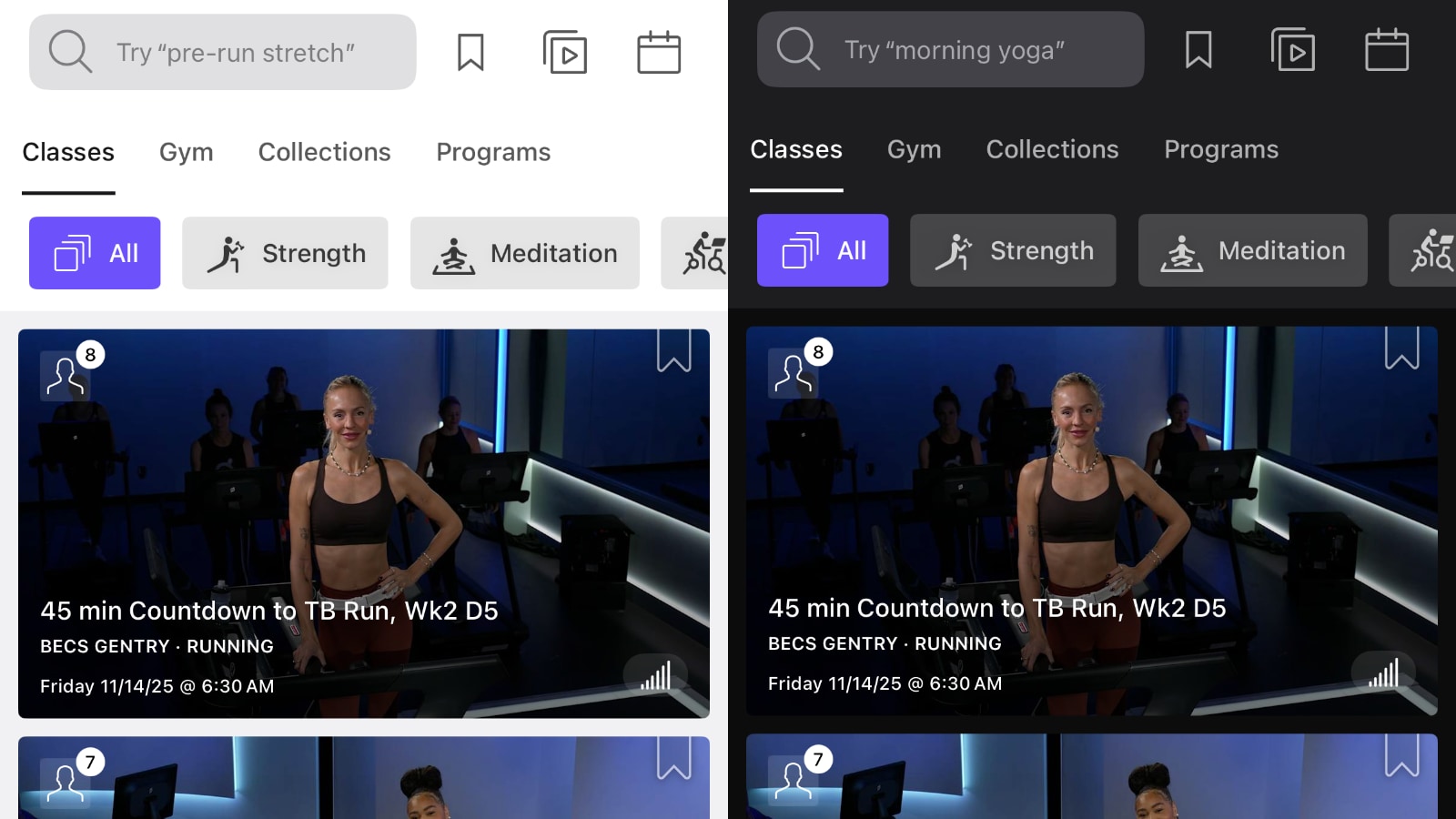
At this time, this appears to be a gradual rollout with not all users immediately having access to the new settings. For users who do not have it yet (and this applies to other new features as well) – it is worth checking the app store to see if there is an update available to the app, and downloading and installing the latest version.
The Peloton app had historically used a light mode & theme. This changed with the release of Peloton IQ & the cross training hardware last month. As part of those updates, Peloton updates everyone’s app to instead use a dark mode.
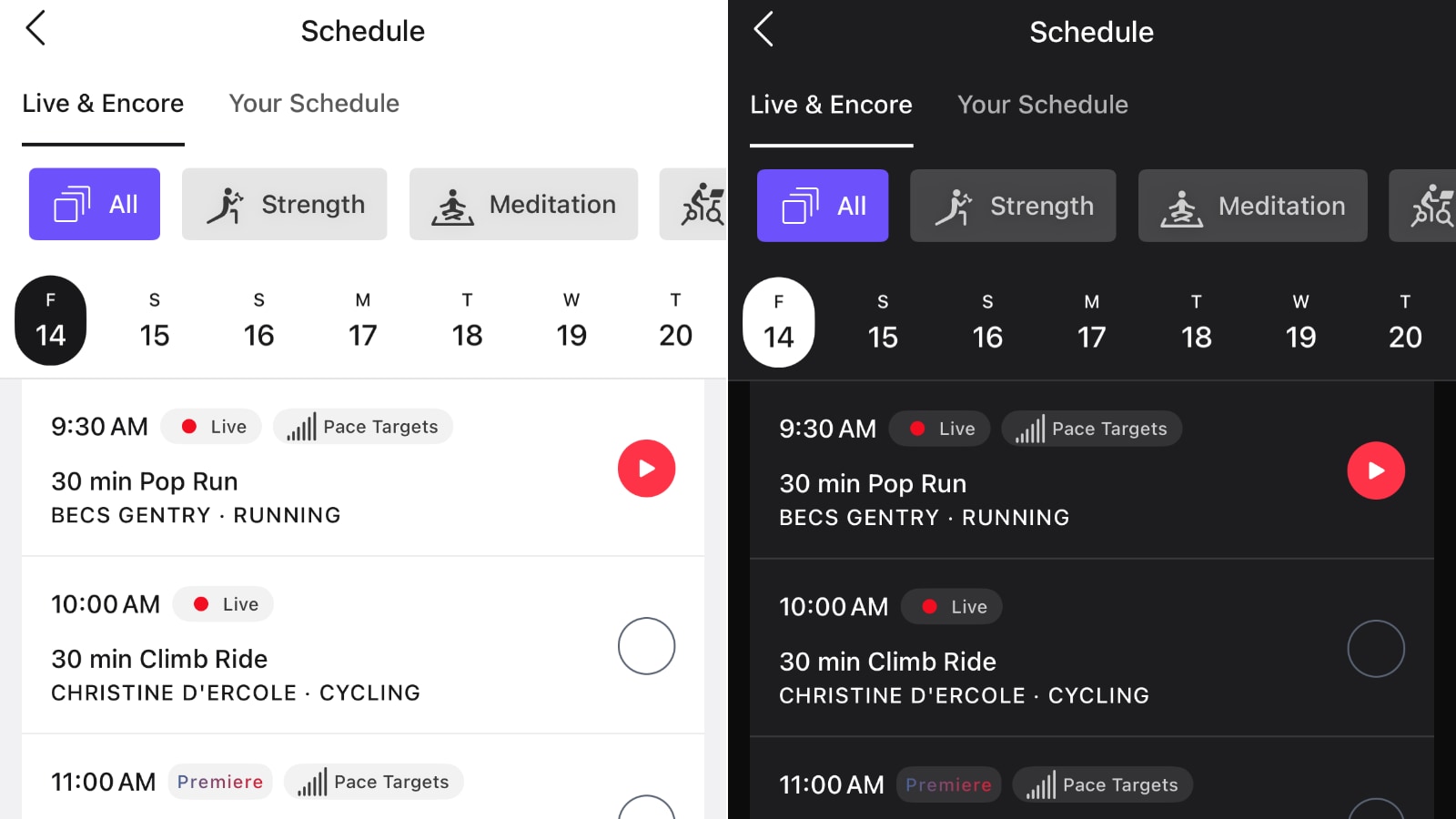
Feedback from the Peloton community was mixed to this, with many complaints being sent to customer service about this. Customer support at the time mentioned they would look at adding a toggle – which has led to today, with that toggle now starting to roll out.
Peloton has not provided any guidelines for when all users can expect to have this new feature.
Support the site! Enjoy the news & guides we provide? Help us keep bringing you the news. Pelo Buddy is completely free, but you can help support the site with a one-time or monthly donation that will go to our writers, editors, and more. Find out more details here.
Get Our Newsletter Want to be sure to never miss any Peloton news? Sign up for our newsletter and get all the latest Peloton updates & Peloton rumors sent directly to your inbox.

What about on the bike? Did I miss toggle introduction on the bike? Can’t stand the dark version.