

Peloton has quietly introduced a small but useful update to its digital app, improving the functionality of the famous purple (formerly blue) dot calendar.
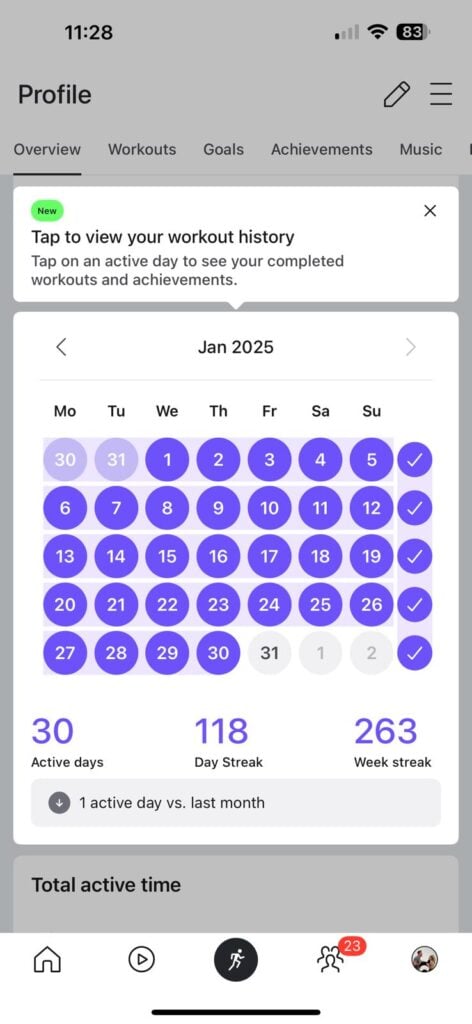
Members can now click on individual days to access detailed workout history, making it easier to look back at past workout, milestones, and achievements.
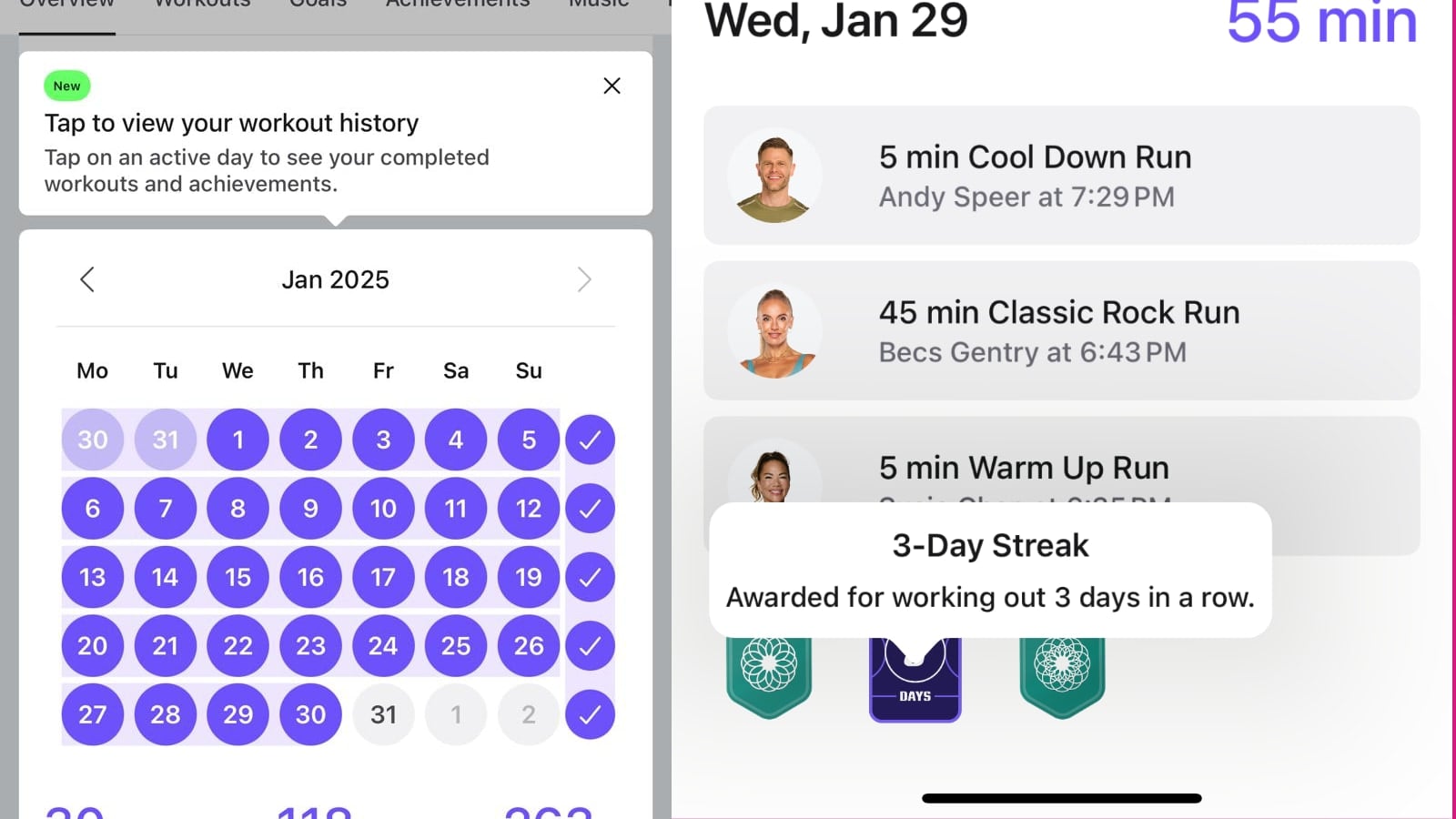
This functionality was added to the web browser approximately two years ago; however, it has remained on the web browser only since then. It has now been added to the digital app.
Previously, the calendar view provided a simple visual cue of workout consistency; but if you wanted to look at the workouts completed from a specific day, you had to manually navigate back through the workout history to locate that specific day.
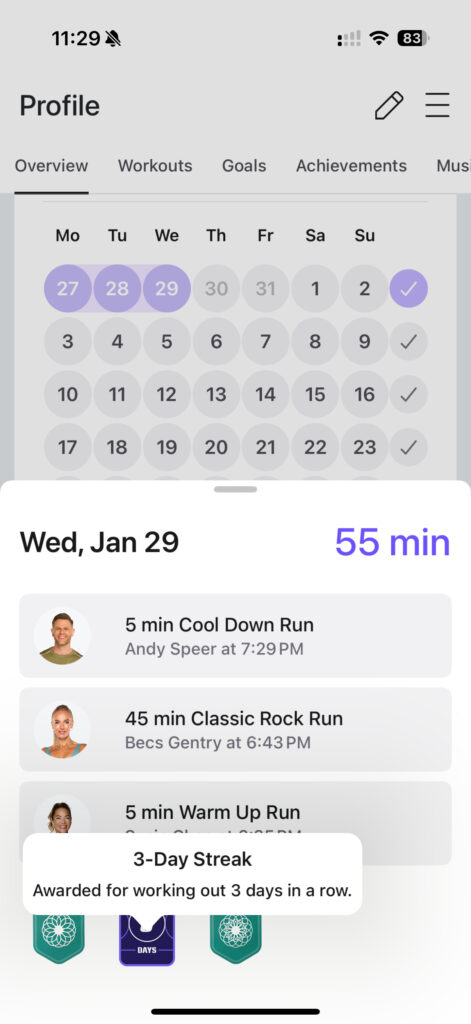
Now, tapping on a specific day offers a detailed breakdown, including a quick view of the classes you completed on a particular day, the total time spent active with Peloton, and any badges earned. In addition, clicking on a specific workout brings up the full details, including metrics and class information.
This update aligns with Peloton’s ongoing effort to provide more robust data tracking tools for members across various platforms and channels.
The next time you update your digital app to the latest version, expect to see a pop-up message calling attention to this new feature.
Will this new functionality on the app be helpful to you moving forward?
Support the site! Enjoy the news & guides we provide? Help us keep bringing you the news. Pelo Buddy is completely free, but you can help support the site with a one-time or monthly donation that will go to our writers, editors, and more. Find out more details here.
Get Our Newsletter Want to be sure to never miss any Peloton news? Sign up for our newsletter and get all the latest Peloton updates & Peloton rumors sent directly to your inbox.

Leave a Reply