

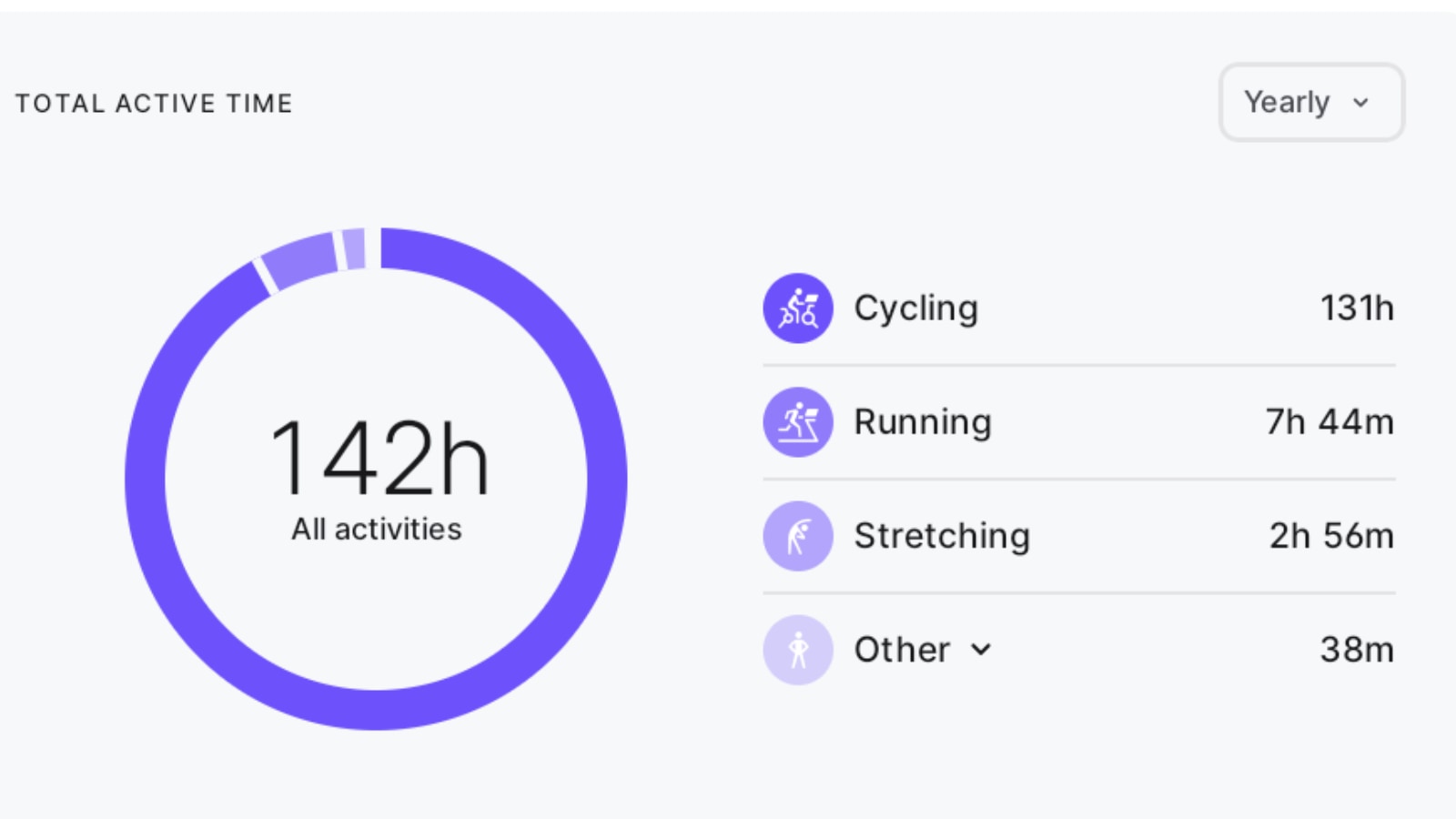
Peloton has introduced the Total Active Time widget to its hardware devices, including the Bike, Tread, and Row. This feature, which displays workout time across all workout types and hardware, enhances members’ ability to track their fitness progress directly on their devices.
The widget was previously unveiled – after years of requests from members – with a slow rollout to the Peloton app a couple of months ago, but as of this week, it is also available to all app users in tandem with its hardware launch.
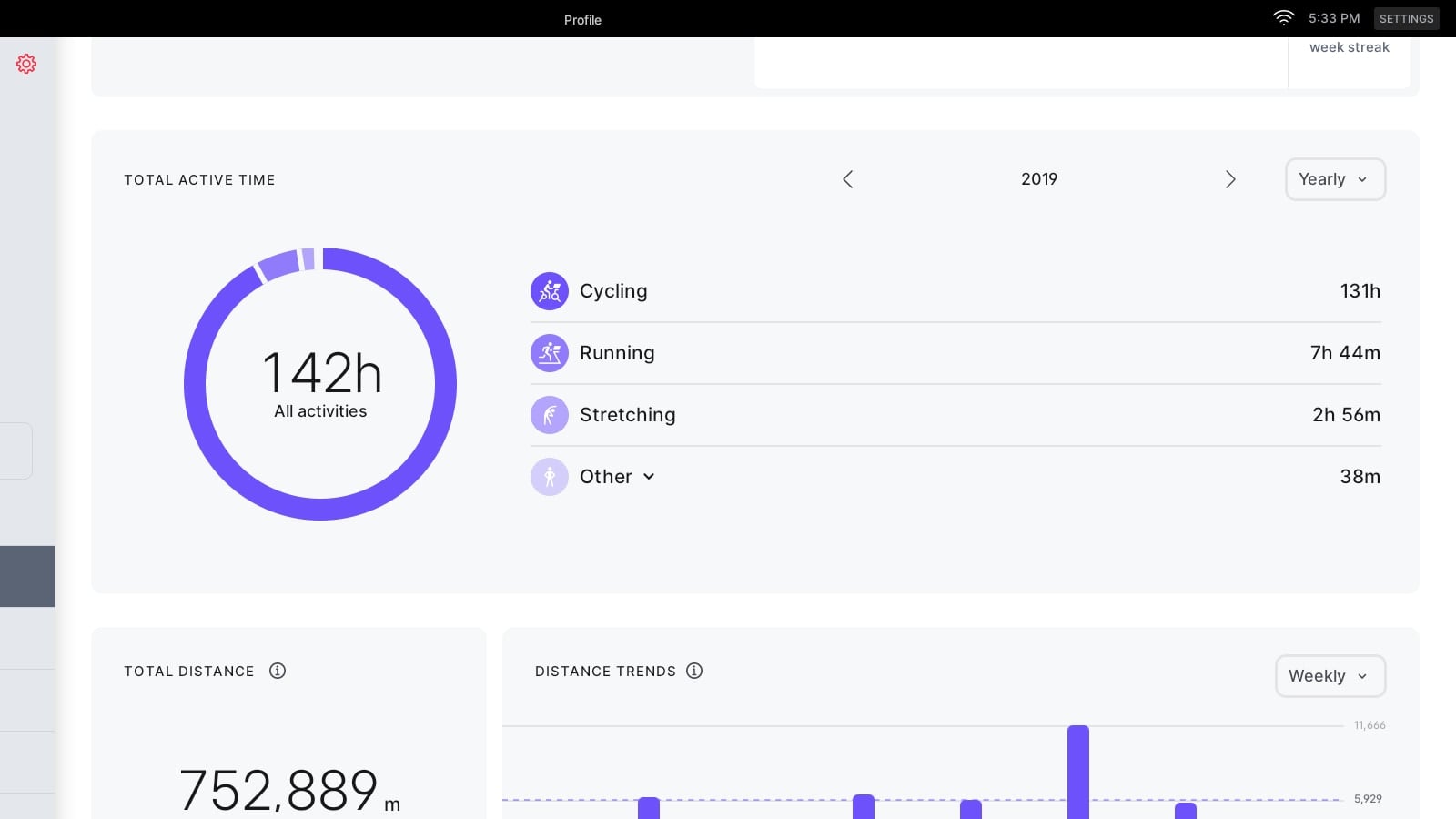
The Total Active Time widget is located on the Profile Overview tab on hardware devices, directly below the blue dot calendar and above the previously introduced Total Distance widget.
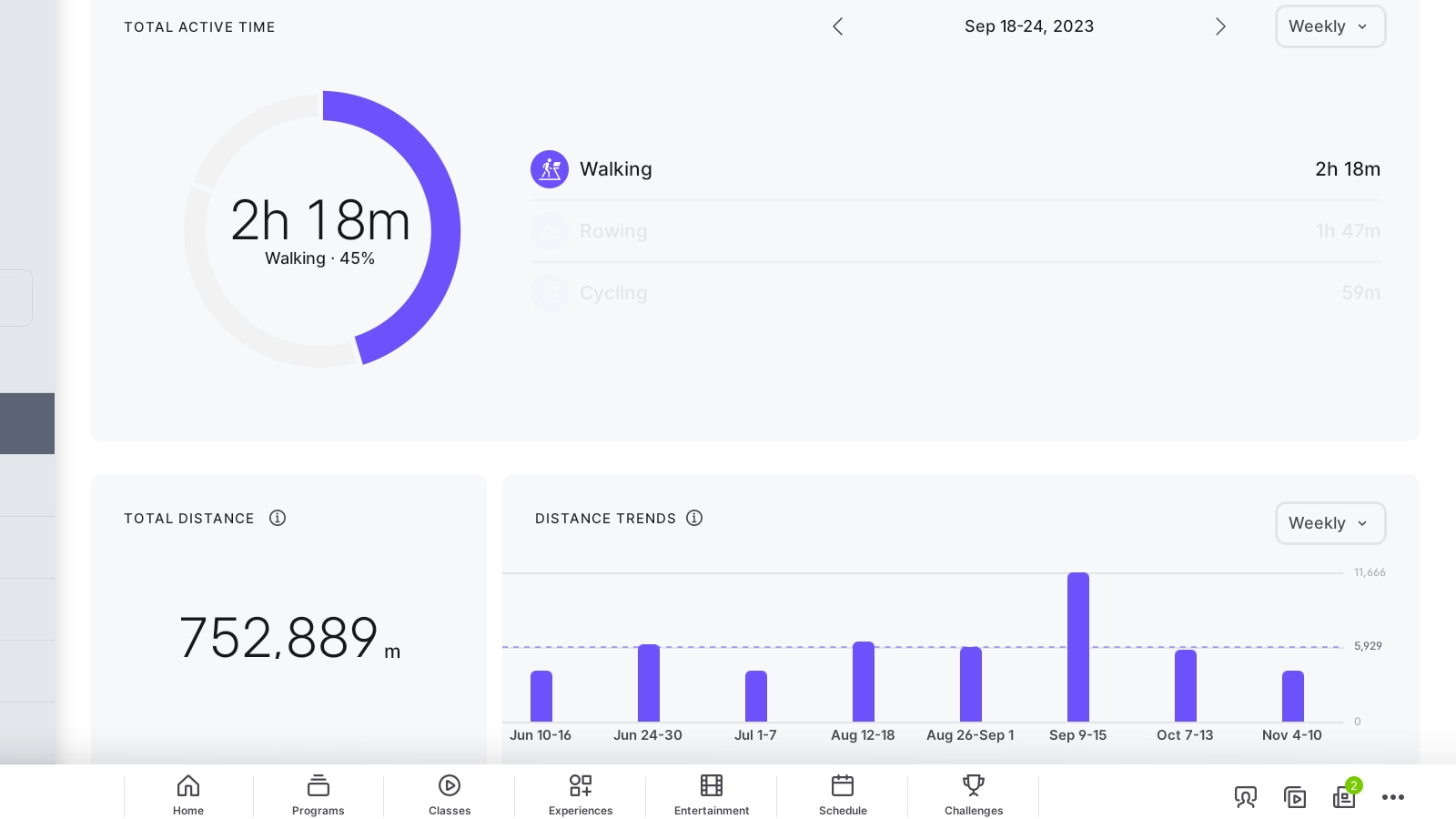
Key features of the widget include:
- Workout time across all devices: it consolidates total active time from all workout types and hardware, whether you’re viewing it on a Bike, Tread, Row, or the app.
- Flexible timeframes: members can toggle between week, month, year, or all-time views.
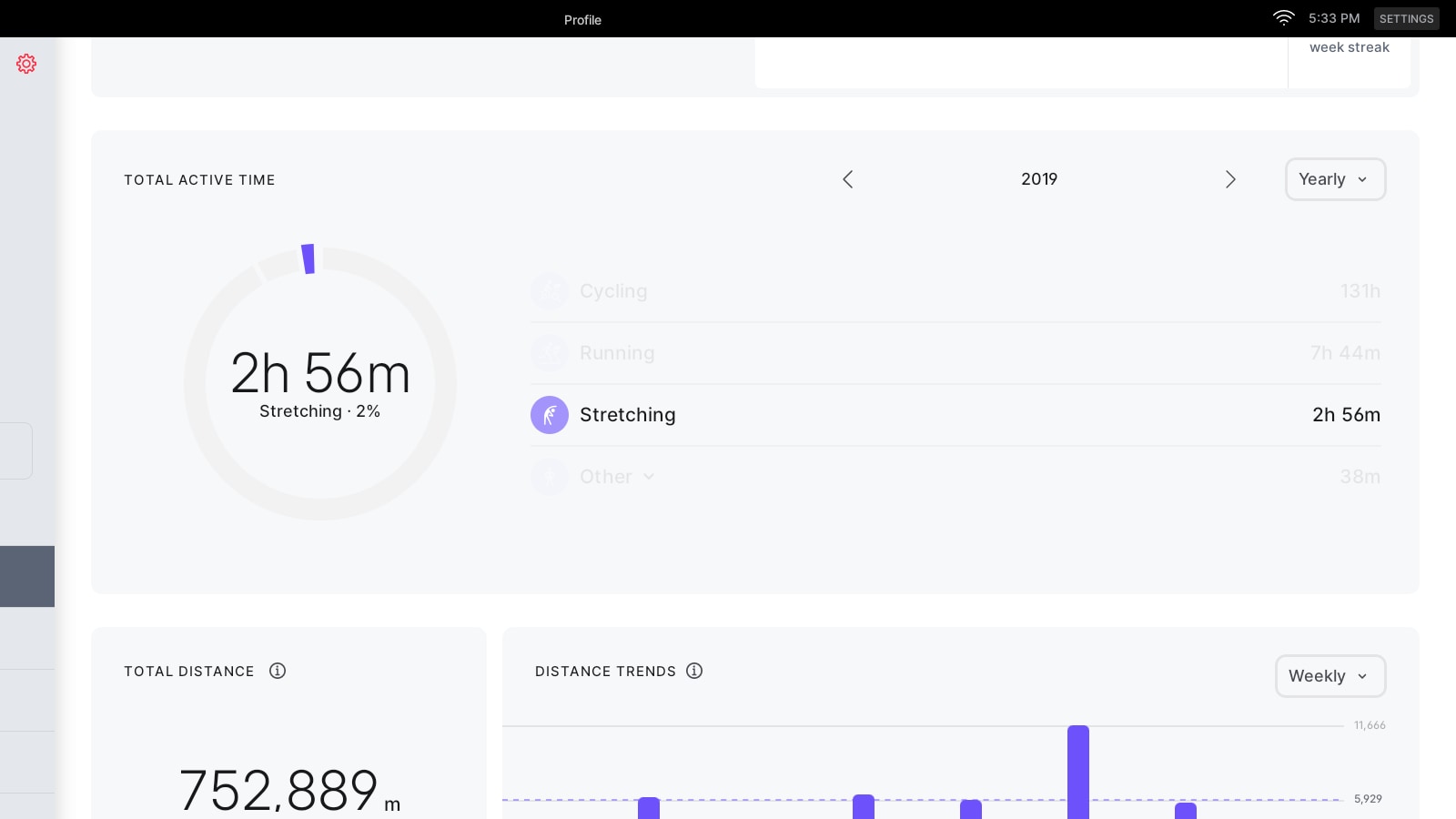
- Modality-specific insights: clicking on a specific workout type highlights its contribution in the bar graph, providing detailed breakdowns of activity.
- Navigation tools: arrows allow members to scroll back and forward in time to explore their activity history.
- Breakdown for “other”: there are additional workout types grouped into the “other” category, clicking on this category reveals a detailed breakdown by the specific modality.
Note that regardless of which hardware device members use to view the widget, it displays a comprehensive overview of the total workout time, covering all modalities and workout types.
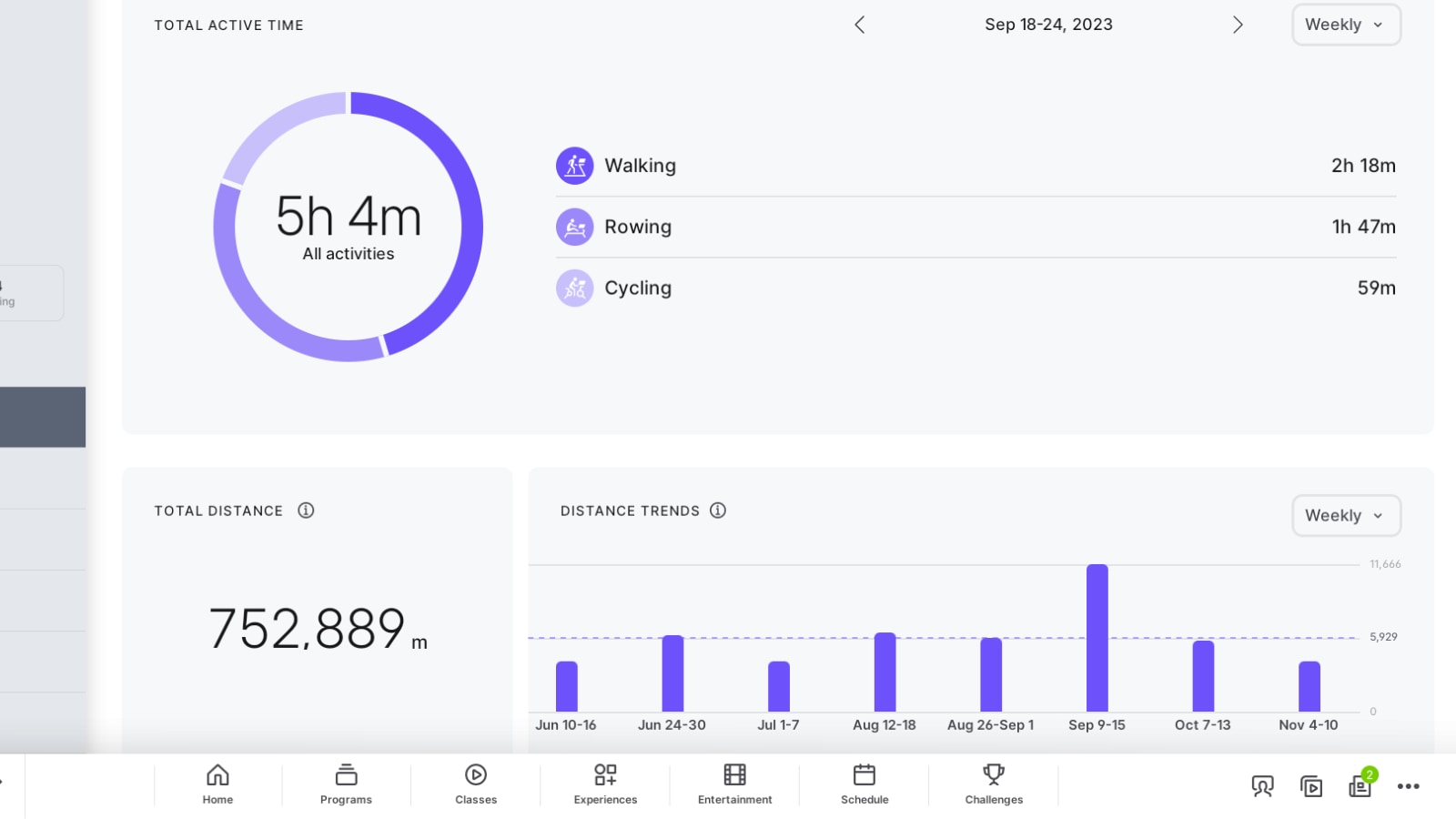
This widget isn’t new to the Peloton ecosystem. In October, we reported on its early release to some app users during a limited beta test. However, the rollout was gradual, and many app users are only gaining access this week, coinciding with the hardware launch.
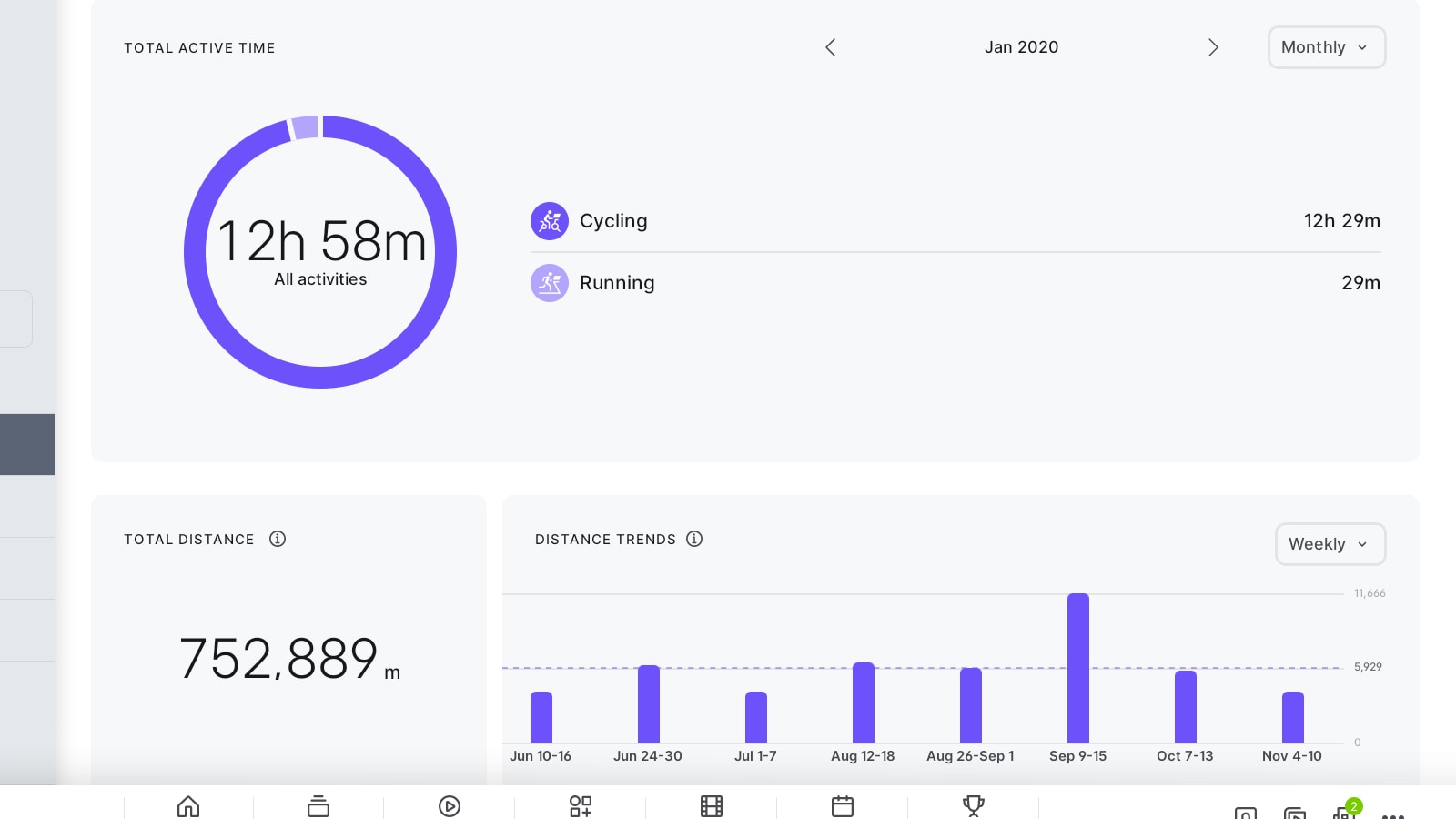
The Total Active Time widget complements Peloton’s Total Distance widget, which launched earlier this year. Together, these tools provide members with robust data surrounding their fitness routines.
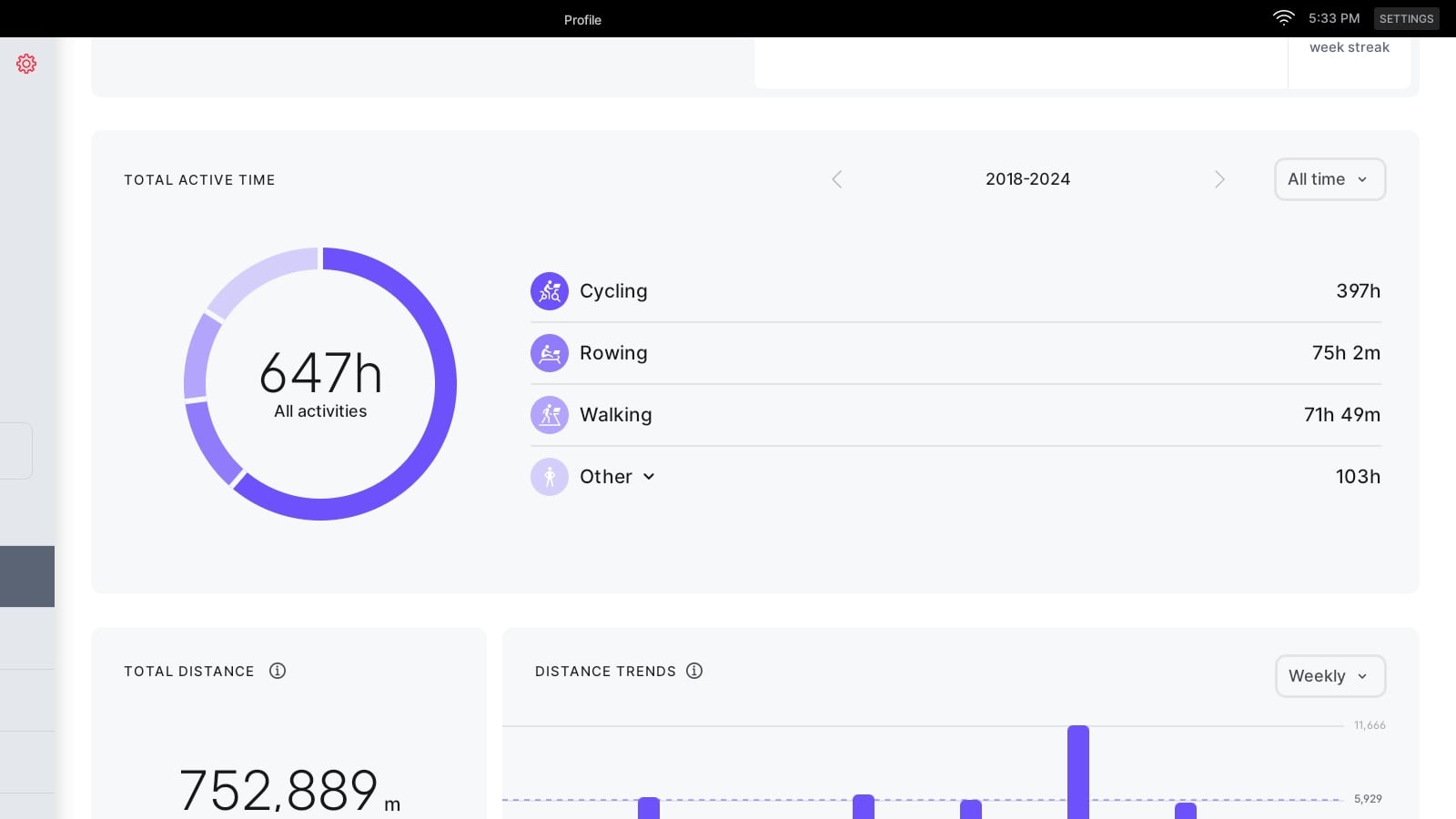
Have you explored the Total Active Time widget yet, and do you think it will be valuable to your training in the future?
Support the site! Enjoy the news & guides we provide? Help us keep bringing you the news. Pelo Buddy is completely free, but you can help support the site with a one-time or monthly donation that will go to our writers, editors, and more. Find out more details here.
Get Our Newsletter Want to be sure to never miss any Peloton news? Sign up for our newsletter and get all the latest Peloton updates & Peloton rumors sent directly to your inbox.

Leave a Reply