

Peloton has released a new feature / user interface update for users of the Peloton Tread & Tread+. When you select a “Just Walk” or “Just Run” you will now see a 400 meter virtual track display on your Tread screen.
Peloton began promoting this feature with a pop-up on the Tread that displays an example of the new display. This new UI of a virtual 400m track mirrors the way many other third party treadmills show your distance and progress during a workout.
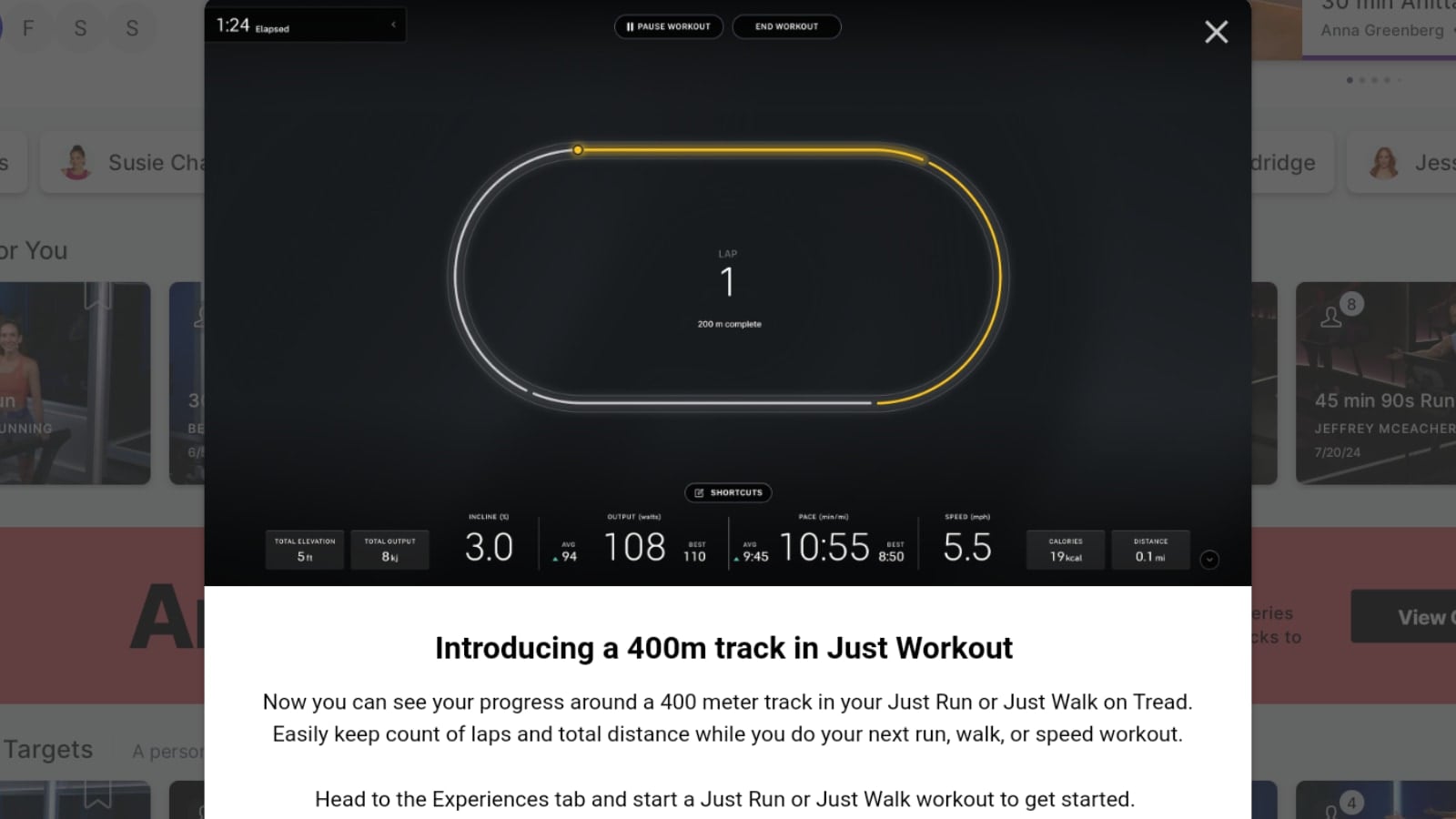
The alert notifies users that “Now you can see your progress around a 400 meter track in your Just Run or Just Walk on Tread. Easily keep count of laps and total distance while you do your next run, walk, or speed workout”
Once you choose “Just Run” under the Tread’s Experiences icon at the bottom of your screen (after which you can then change the workout type to a “Just Walk”), and select the “At Your Own Pace / No Goal” workout experience, the virtual track will appear. The way your data and metrics are recorded and displayed has not changed. The track is just a new way to view your workout while it’s in progress and could potentially provide extra motivation to members.
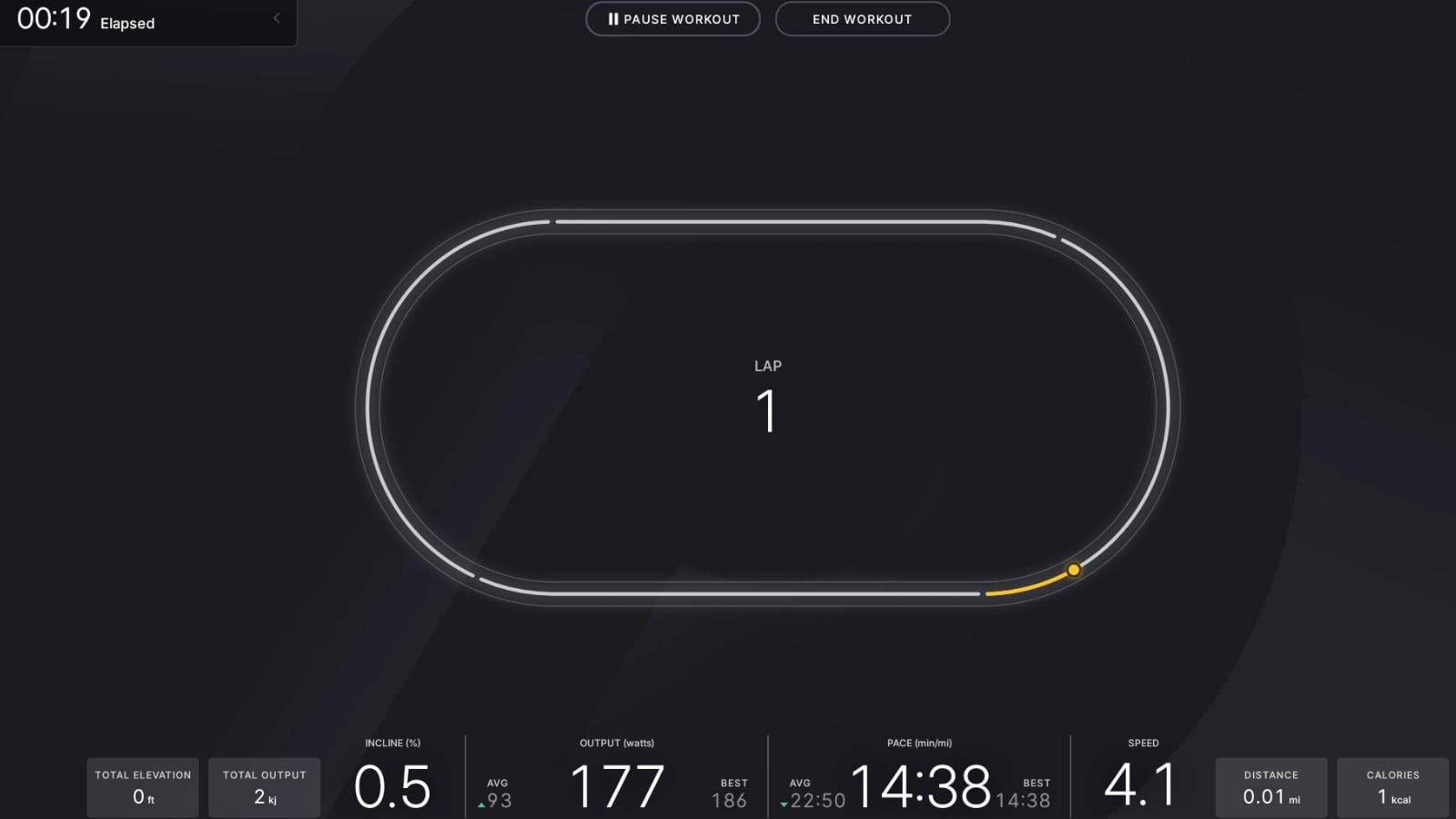
A standard 400m track is approximately equal to one quarter mile. As you progress through your workout, you will see the yellow circle moving around the track, with the part of the track completed also in yellow and the remaining track in that lap in white.
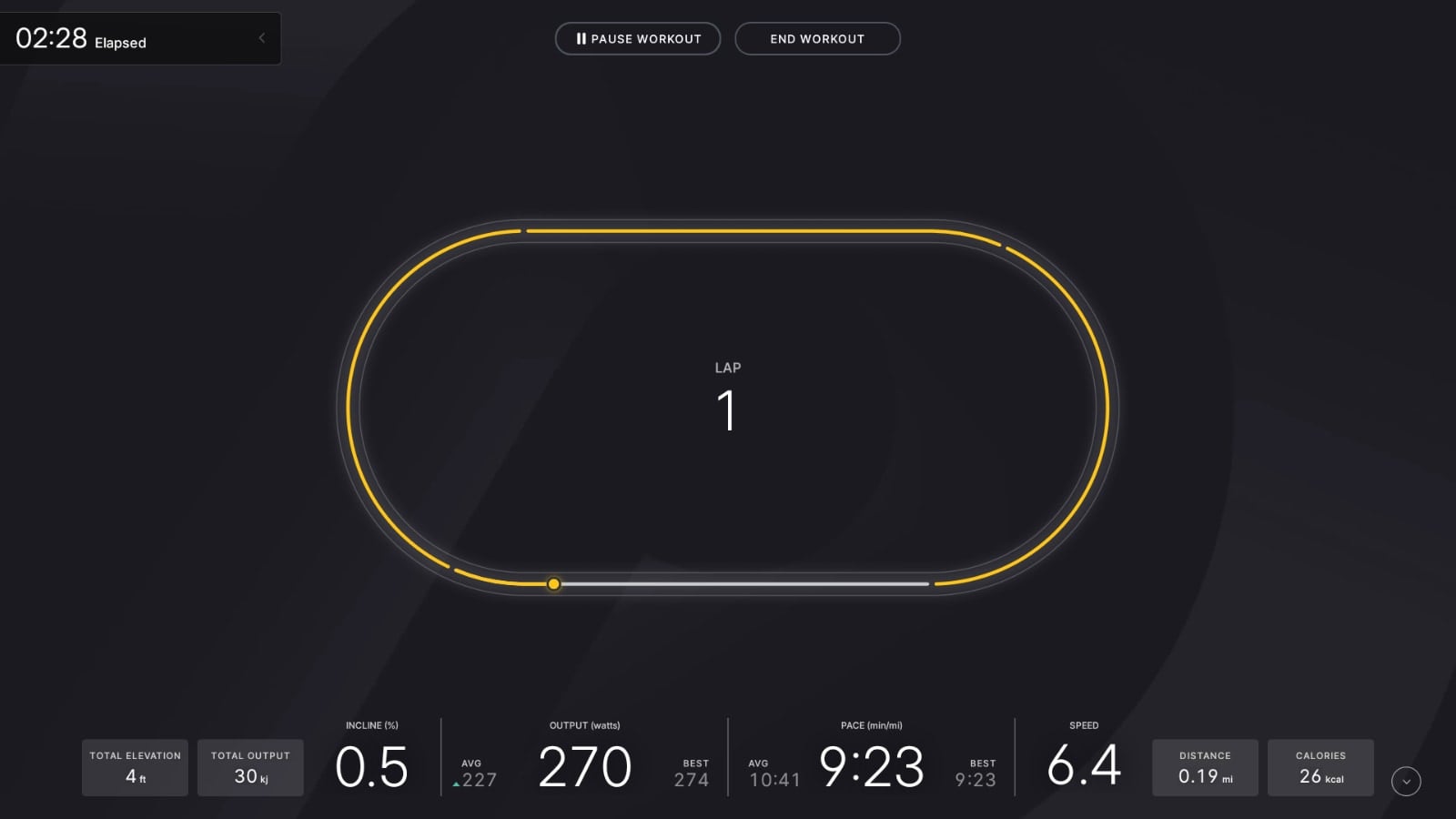
The track display will notify you at the halfway point of a lap (200m), as well as when your 400m lap is complete. It will then increase the Lap count shown in the center of your screen.
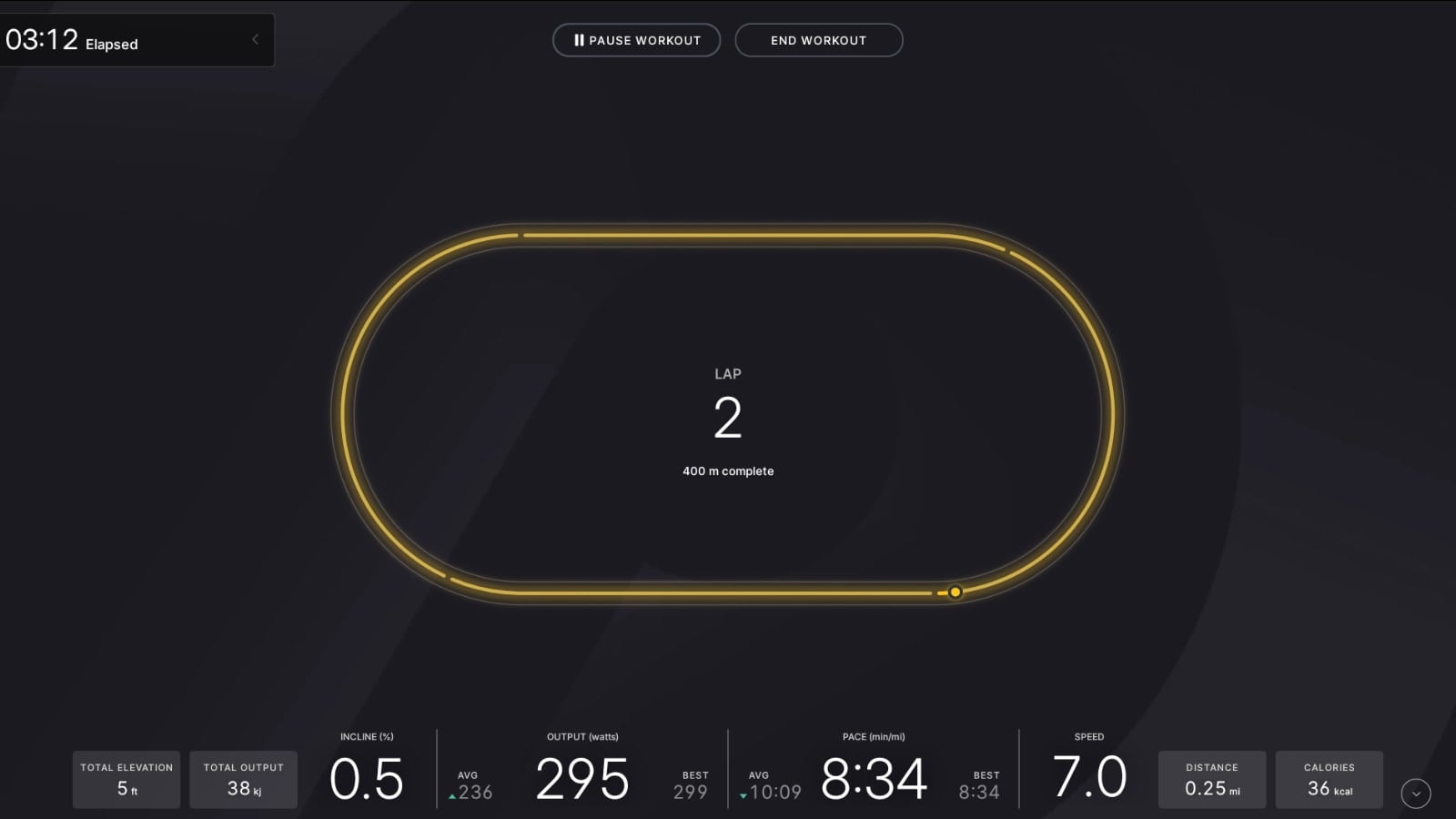
The track will also reset from completely yellow at the end of each lap back to completely white once the next lap begins. Same as the previous lap, as your icon moves around the track it will turn the completed portion of your lap from white to yellow.
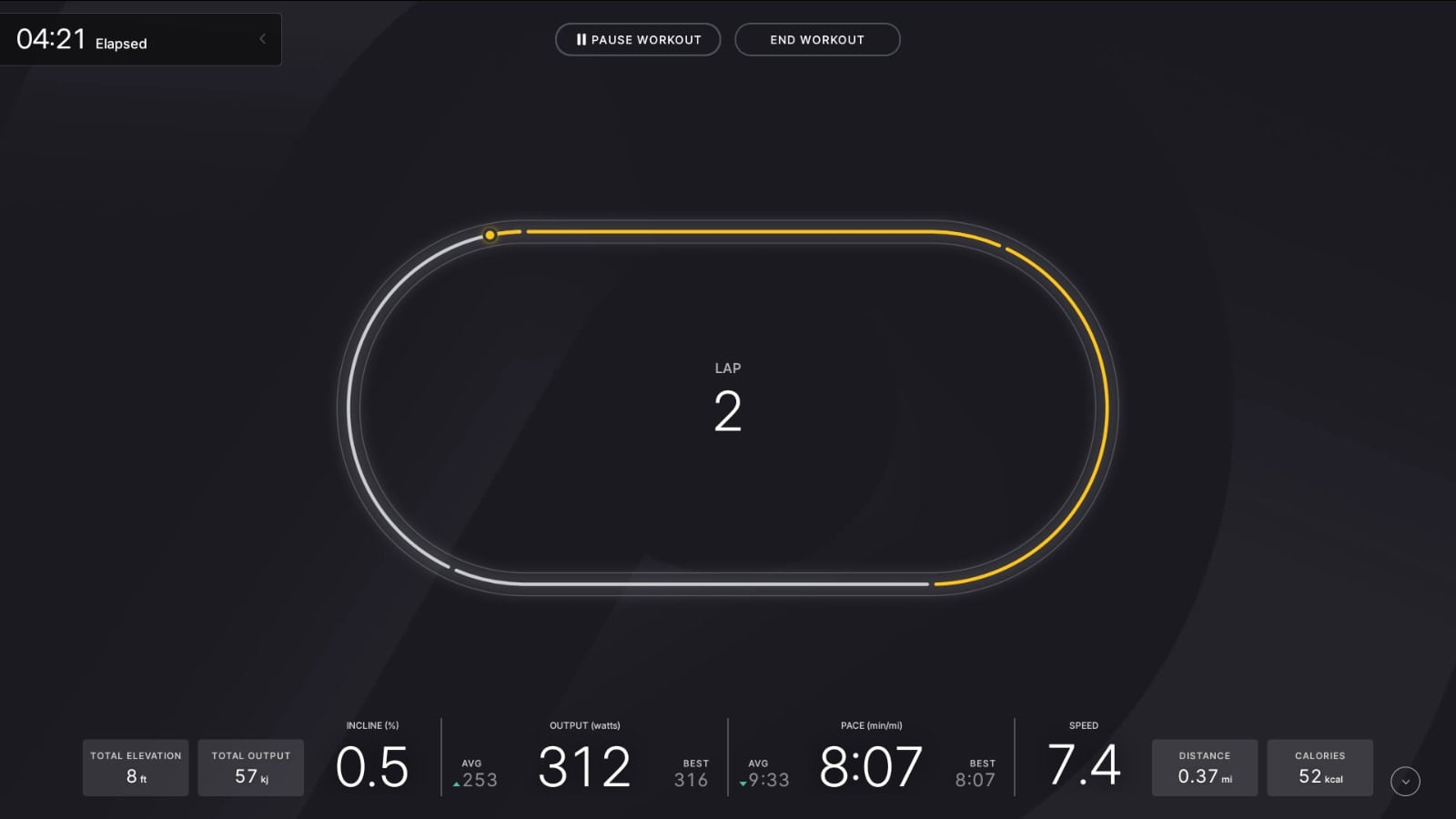
If you would rather not run or walk with the virtual track display, you do have the option to hide it from view by tapping on the track. If you hide the track, you will just see a small flag icon on your screen that does not change along with your normal metrics.
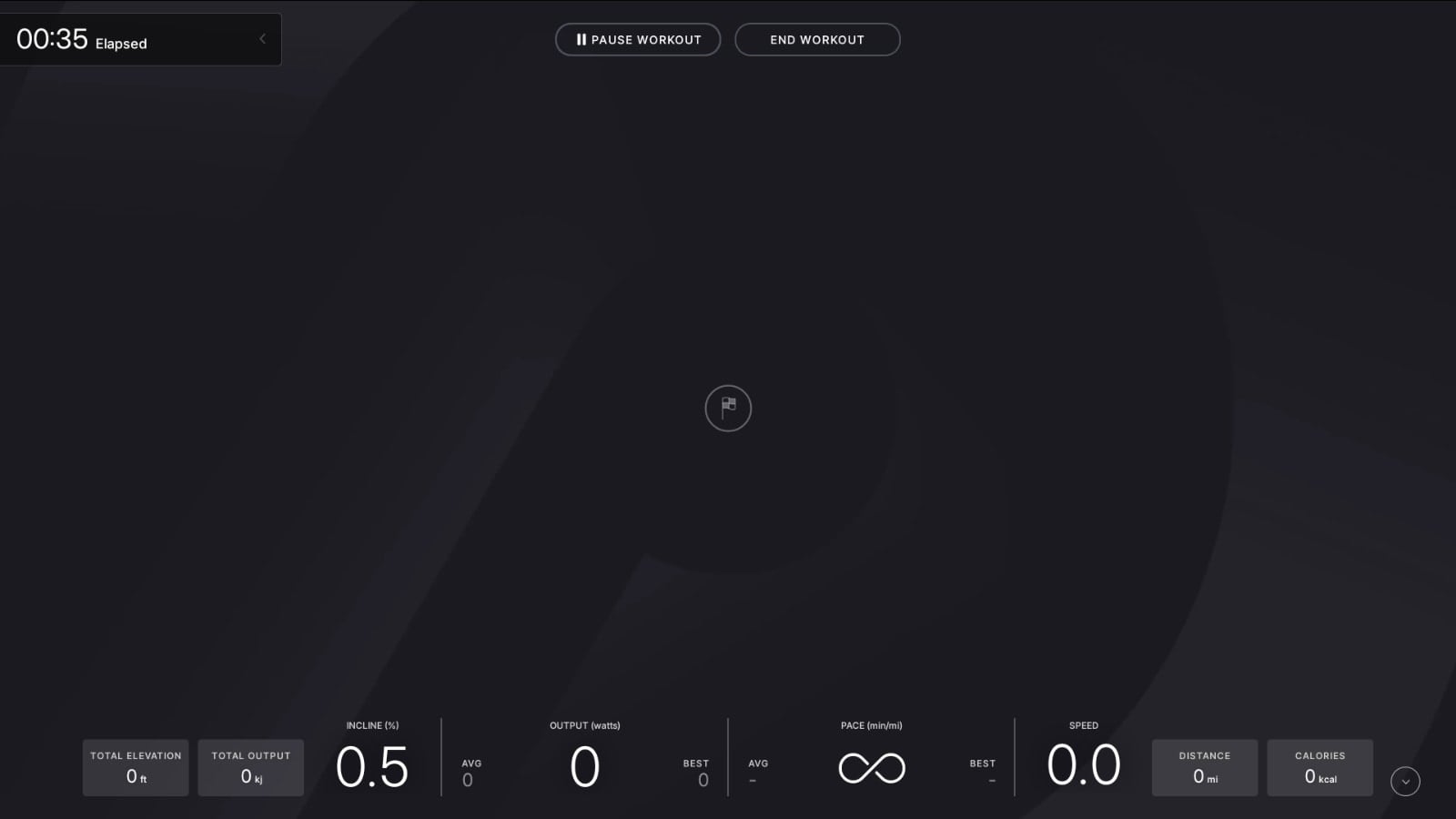
If you want to unhide the track, retap your screen and the virtual track display will return.
Remember, at this time the new track feature only works for the “No Goal” variation of the “Just Run” or “Just Walk” workout. If you choose a “Just With Goals” workout, i.e., a custom goal that is time-based, distance-based, or output-based, you will still see the old user interface without the track.
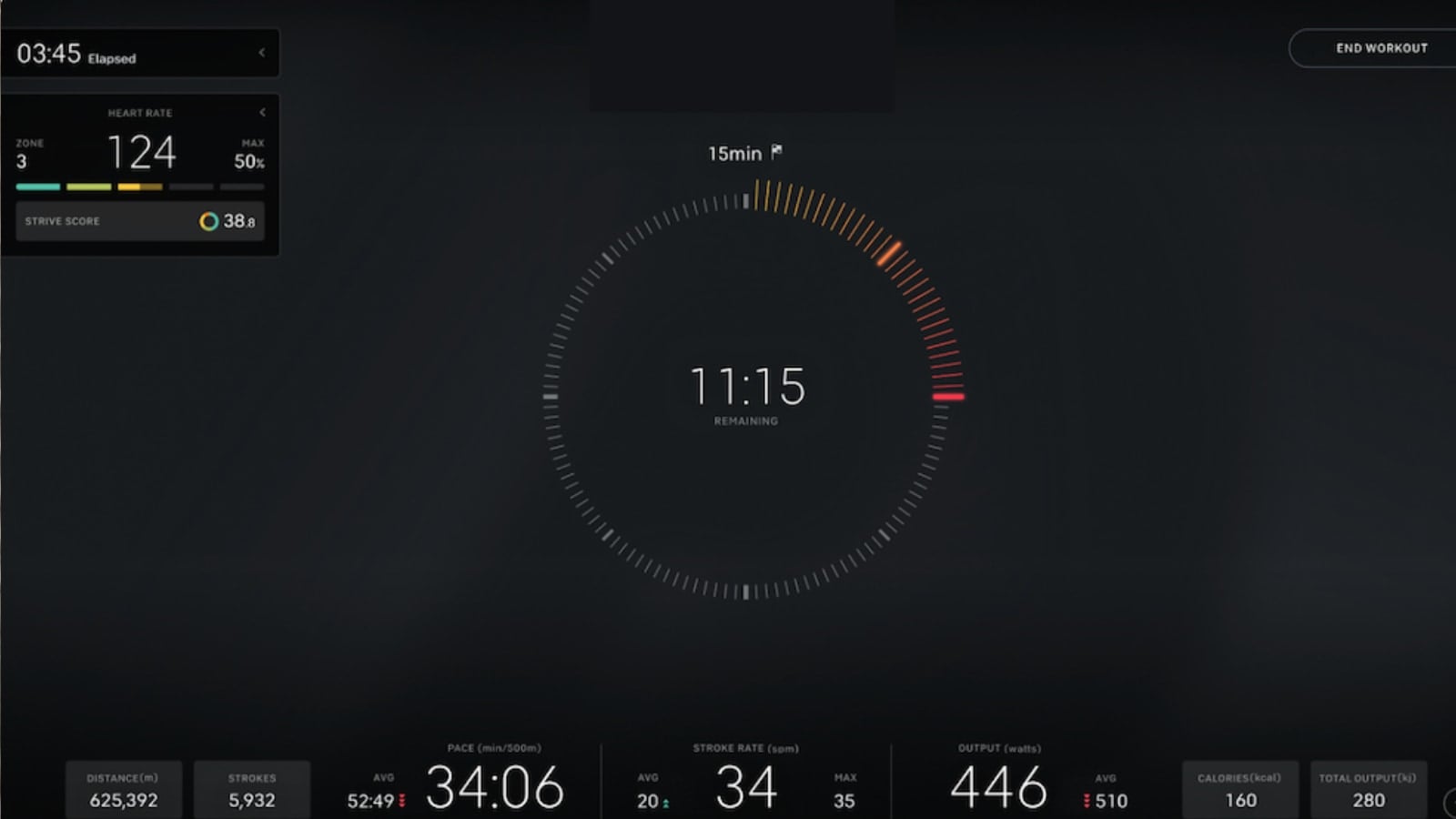
Peloton’s “Just With Goals” support page has also been updated with information about the virtual track.
What do you think of the new virtual track display? Will the track help motivate you during your walk or run? Would you like it to be added as an option to the Custom Goal workouts?
Support the site! Enjoy the news & guides we provide? Help us keep bringing you the news. Pelo Buddy is completely free, but you can help support the site with a one-time or monthly donation that will go to our writers, editors, and more. Find out more details here.
Get Our Newsletter Want to be sure to never miss any Peloton news? Sign up for our newsletter and get all the latest Peloton updates & Peloton rumors sent directly to your inbox.

FINALLY! It’s about time they added this feature that all other treadmills have had for decades!
Although, it does concern me a little that they’re incorporating these “basic” features- it points to a roadmap that doesn’t include live content and keeps the machine from being useless.
Really glad they added this I use it all the time since I also use my treadmill for my regular workouts. Nice to be able to see where I am on a track when running a 200 or 400.
when will they provide track work out classes?