

Peloton has released their “The Victory Lap”, or Year in Review, for 2025. This is a series of images outlining various stats for each member in 2025 on Peloton, giving a recap of the year.
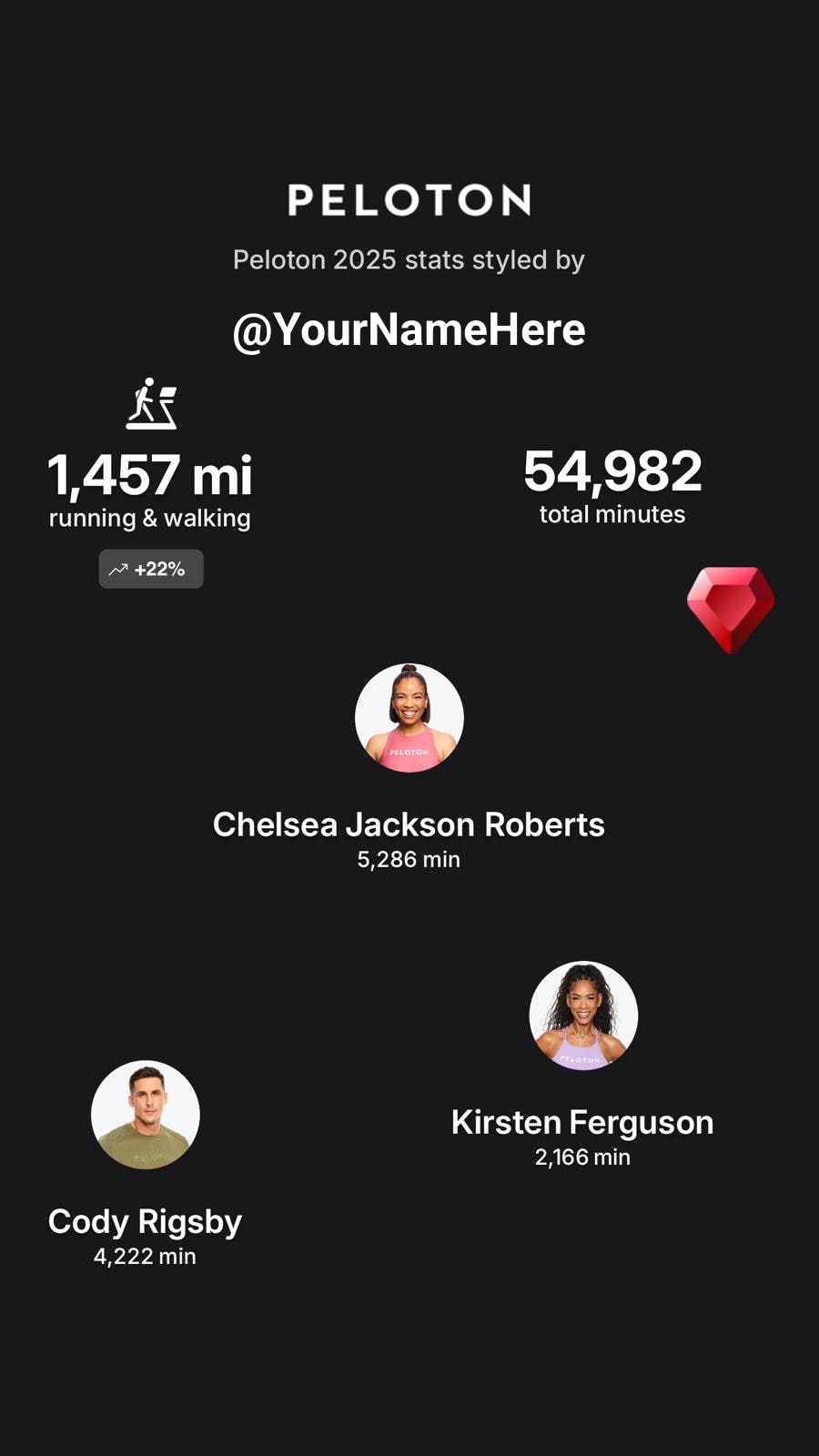
As of today, the Peloton Victory lap is showing stats from January 1, 2025 – December 22nd, 2025. However, Peloton has said that they will be updating the stats daily each day. That means if you come back on January 1st, 2026 – your Peloton Victory Lap should then reflect the entire year, and you should be able to get the entire Year In Review stats. Peloton did note that there may be a 24 hour delay in processing each day, so each day you go back, may appear to be a day behind.
Peloton also noted that stats on the Top Instructors are based only on Peloton’s current roster – so you won’t see instructors like Kendall Toole, Ross Rayburn, or Kristin McGee (who all left last year) as your top instructor even if you did them the most. The top instructor calculations also do not include classes taught by multiple instructors.
Peloton has changed where “The Victory Lap” lives – and it can now be found in the settings of the Peloton app. Here is how to access your Peloton Year In Review (or Peloton Victory Lap) for 2025 in the Peloton App:
- Choose the “You” Profile Icon tab in the bottom right
- Choose the Hamburger Menu (3 line menu) at the top right to access settings
- Chose “The Victory Lap” under the “Social” section (Underneath the Referrals & Guest Pass Options)
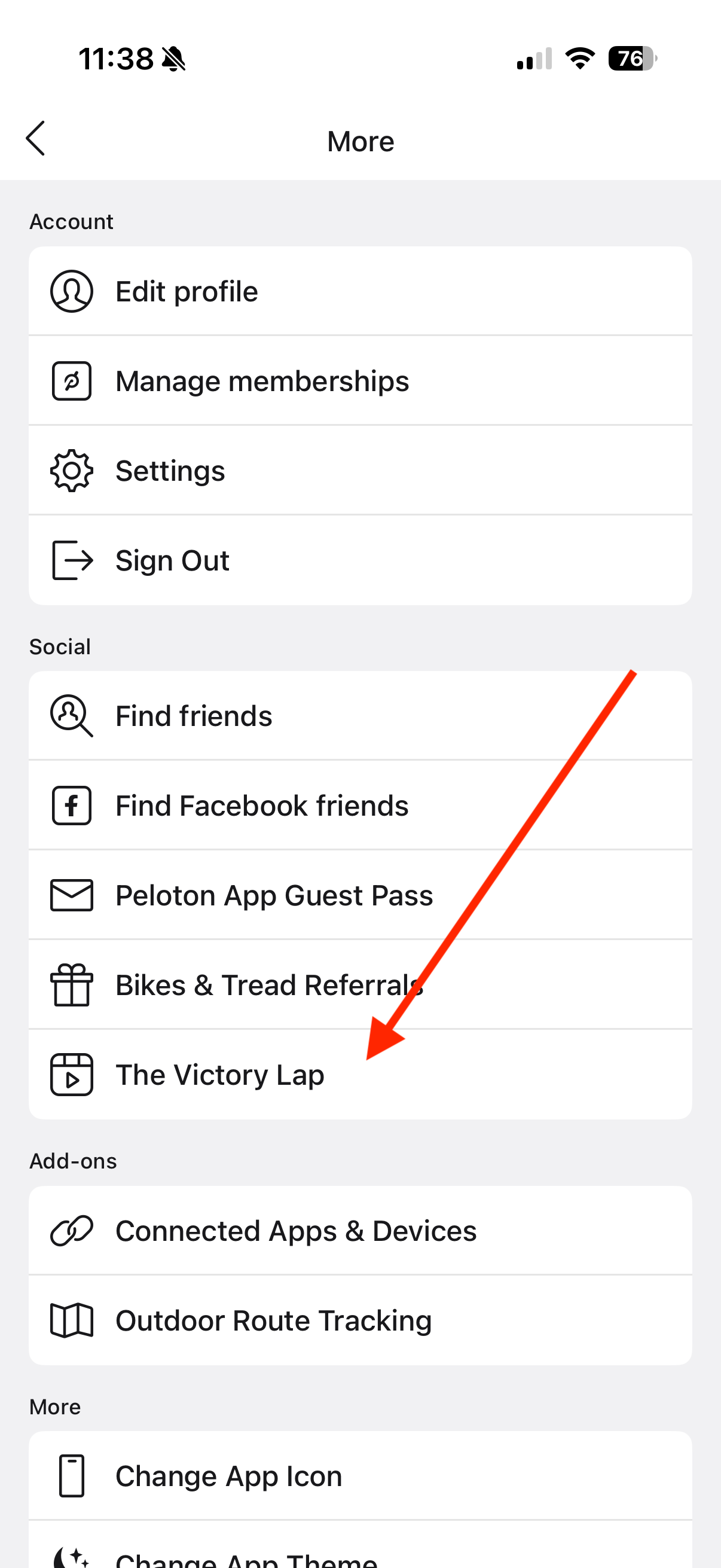
You may need to update your Peloton app to access The Victory Lap. The 2024 Victory Lap last year was accessible from the main profile screen – however, this year it has changed locations to be in the settings menu.
The Peloton Year In Review (or Victory Lap) shows a number of stats, including how many workouts you did, how many minutes you worked out, what your top activity types were, and who were top instructors were. It does this through a variety of customized images shown in the app, which you can download and share with friends.
New this year is a way to create a custom image at the end of the process, where you can add whichever of your personal stats you want into a image you design & customize, before sharing.

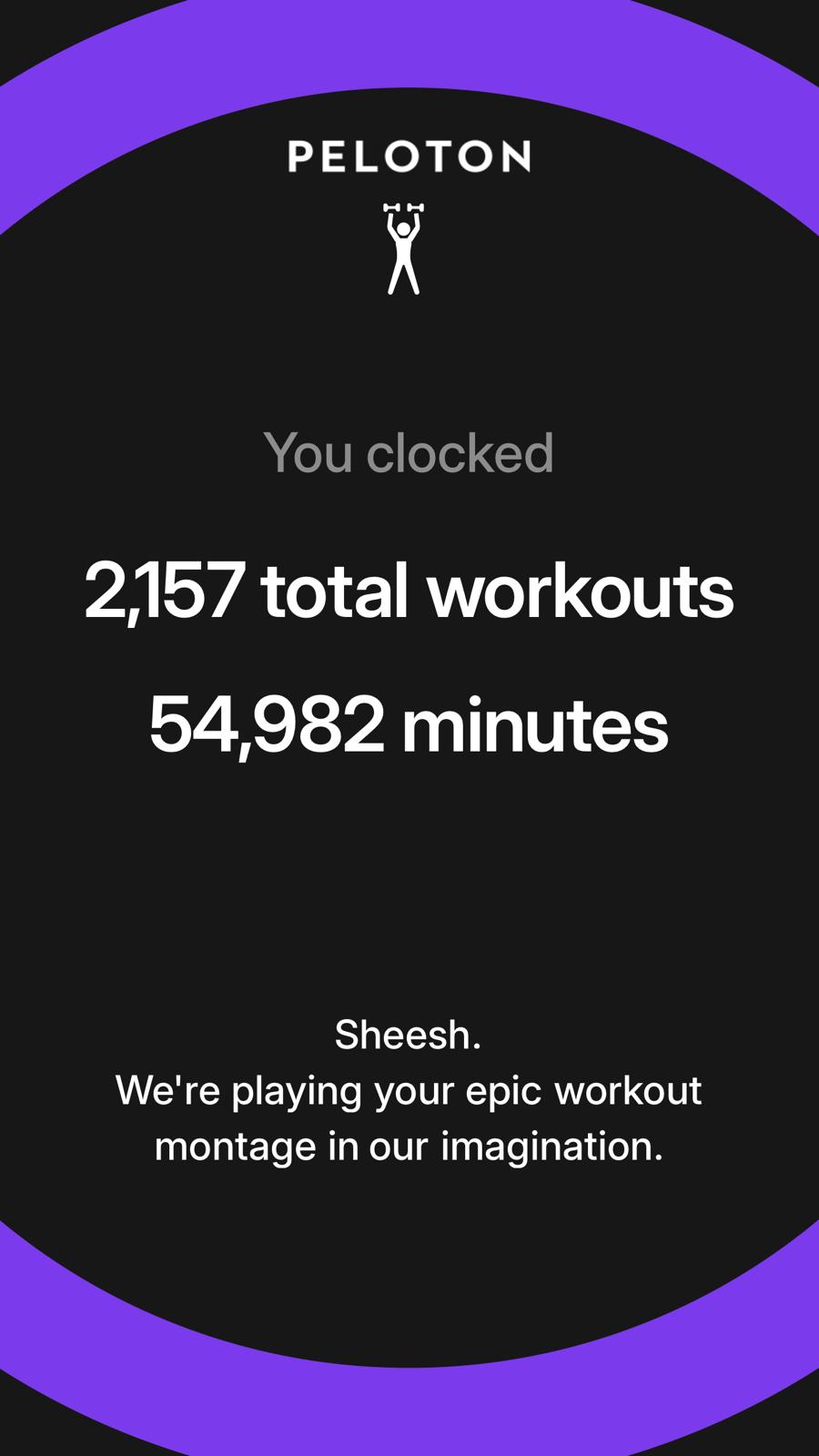
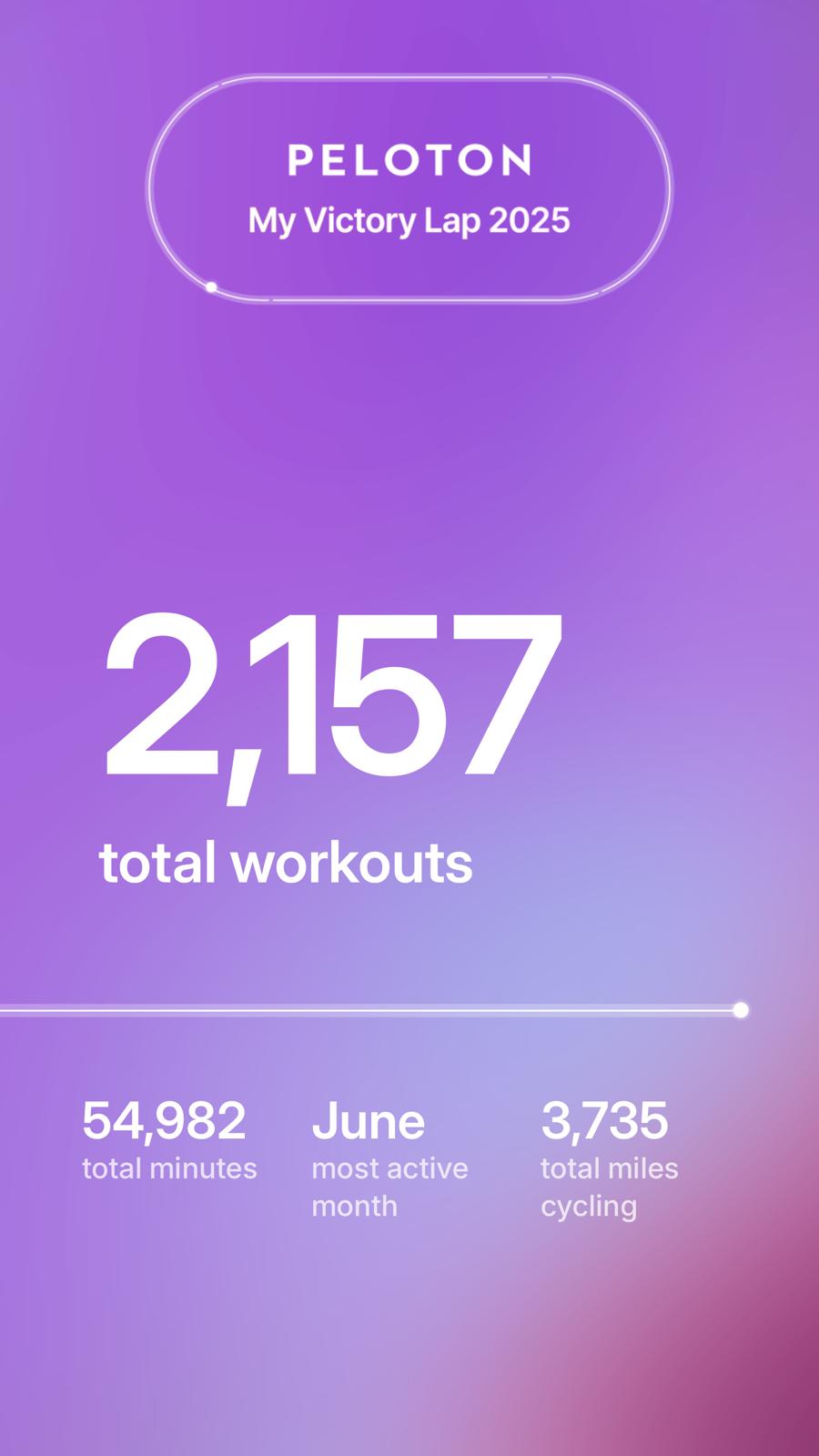
The victory lap starts with some general messaging, and then the first custom screen is a page showing how many total workouts you did, as well as how many minutes you worked out.
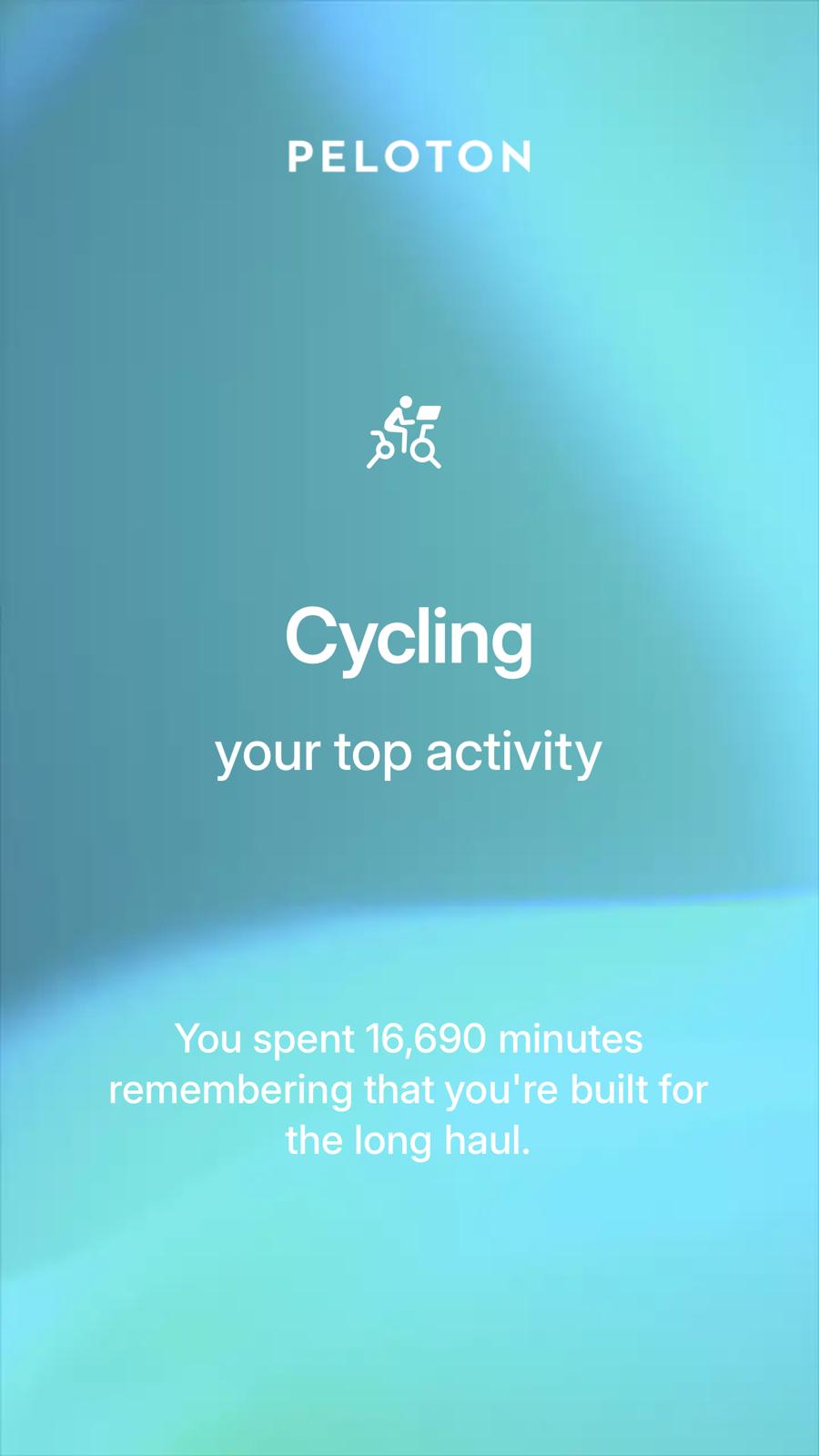
It will then break that down even further, and show what your top modality was, and how many minutes you spent on that specific modality.
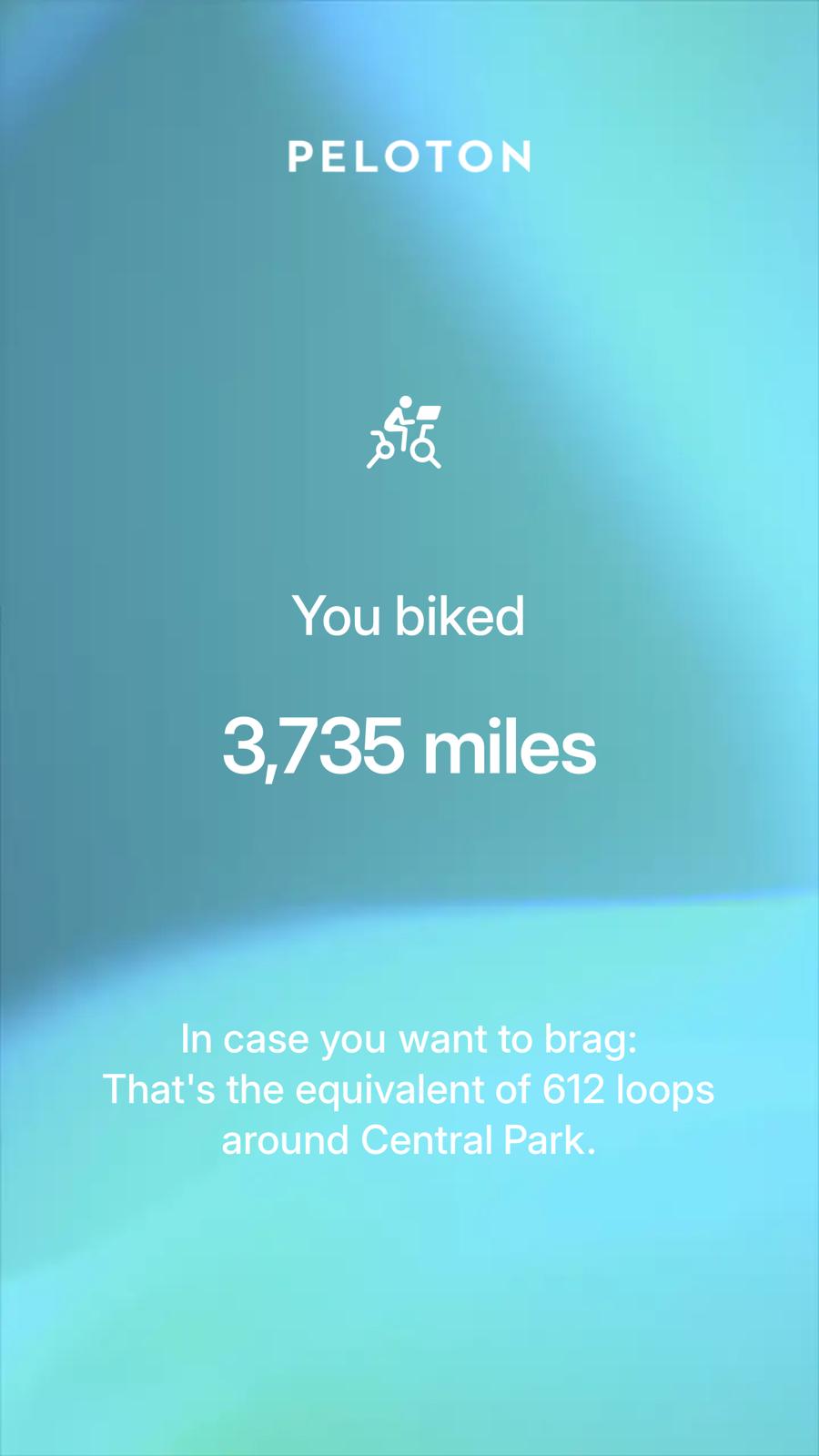
It will then share your distance for that modality, and a comparison stat of how many times around Central Park that would equate to.
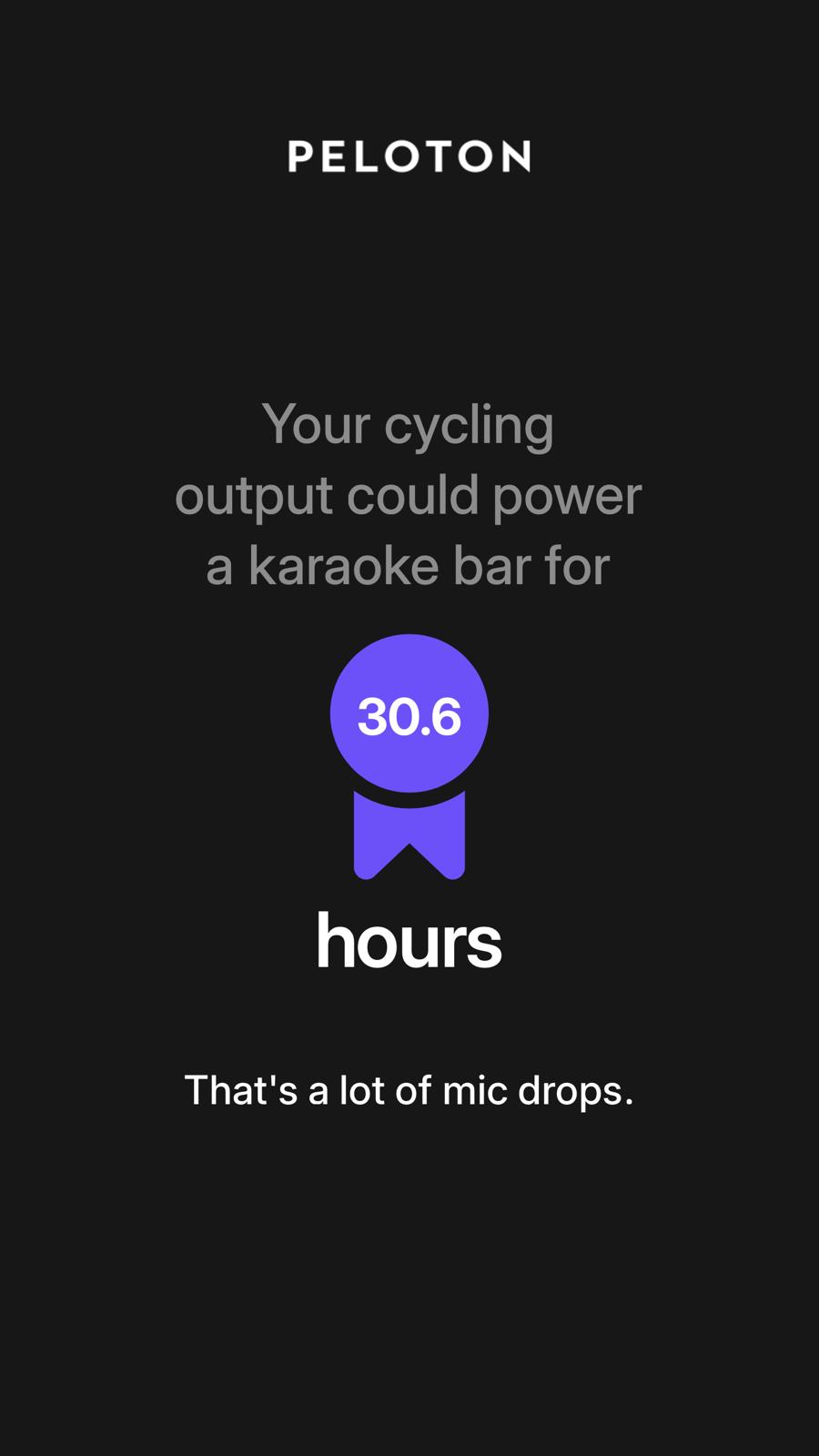
There is also a stat showing how long your output could power a karaoke bar for, if your top modality was cycling.
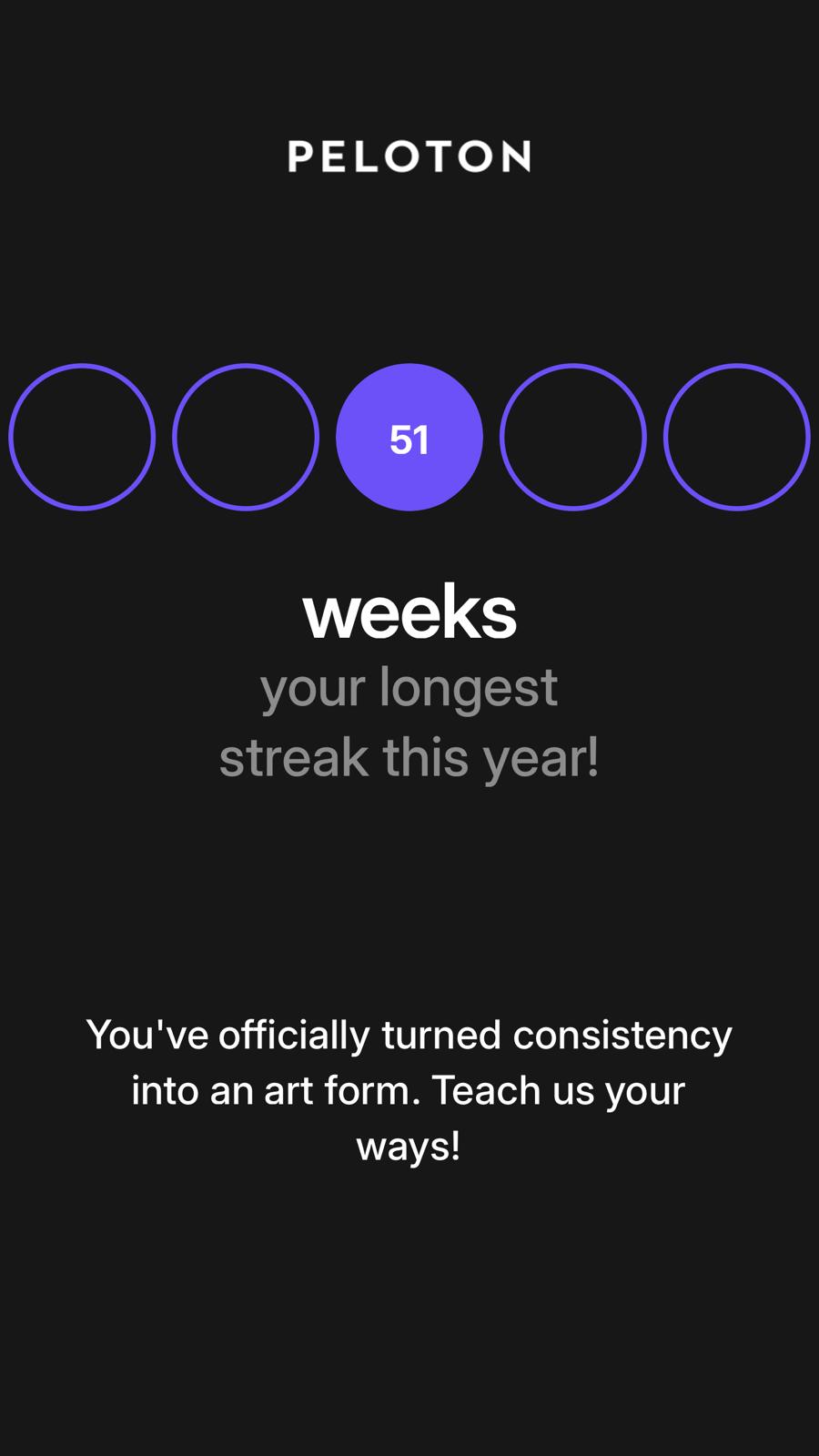
The Victory Lap will then share what your longest streak is. Because this is being released before the year is over, even if you’ve worked out every day, it will show a streak length of 51 weeks. However, as mentioned, these stats will be updated daily, so if you come back on January 1-2, you should see a full 52 week streak listed if you worked out every week.
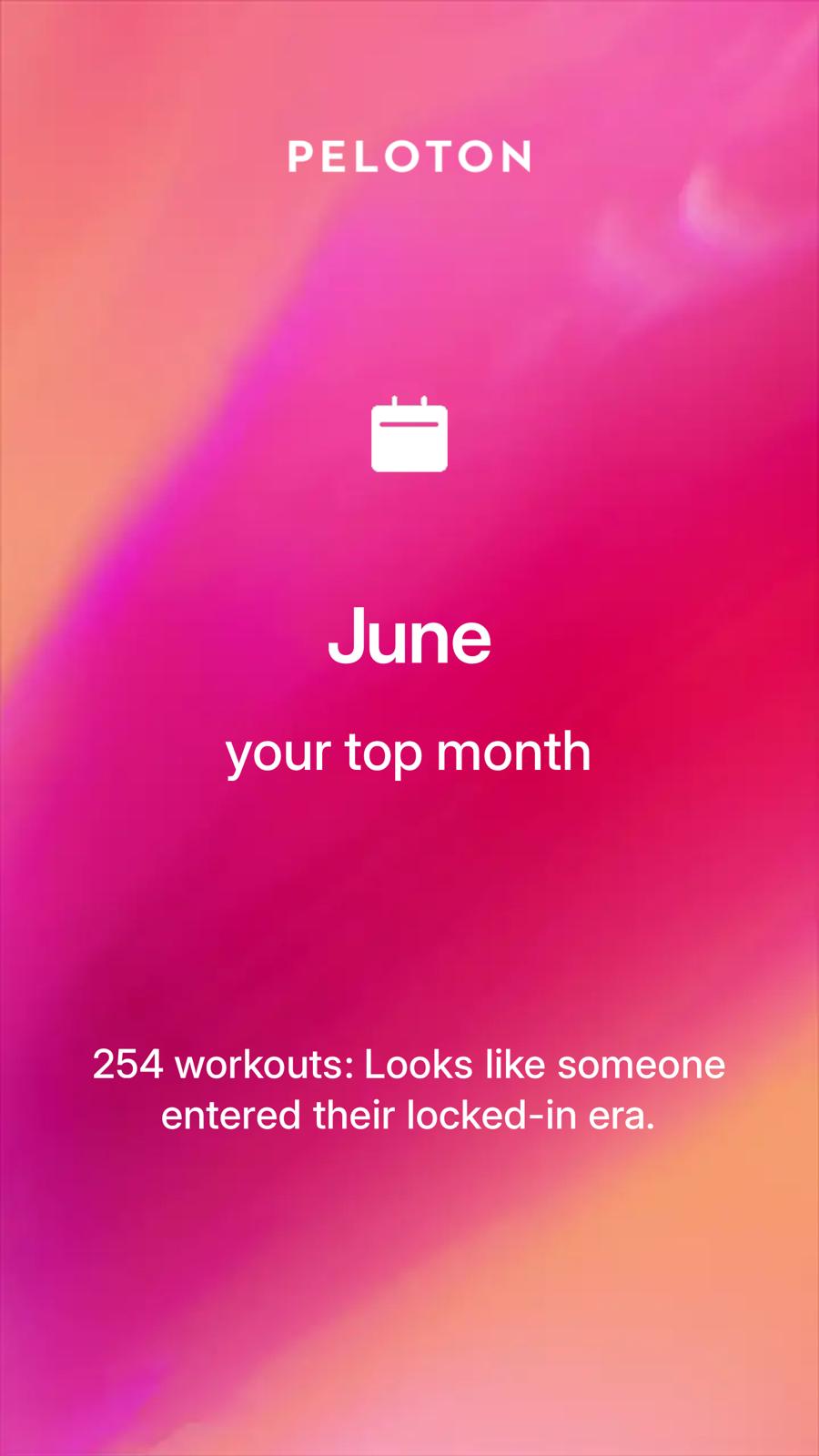
Next will be a stat highlighting what your most active month on Peloton was, based on the number of workouts.
Then, The Peloton Victory lap will start sharing information on your top instructors, starting with who your top instructor was.
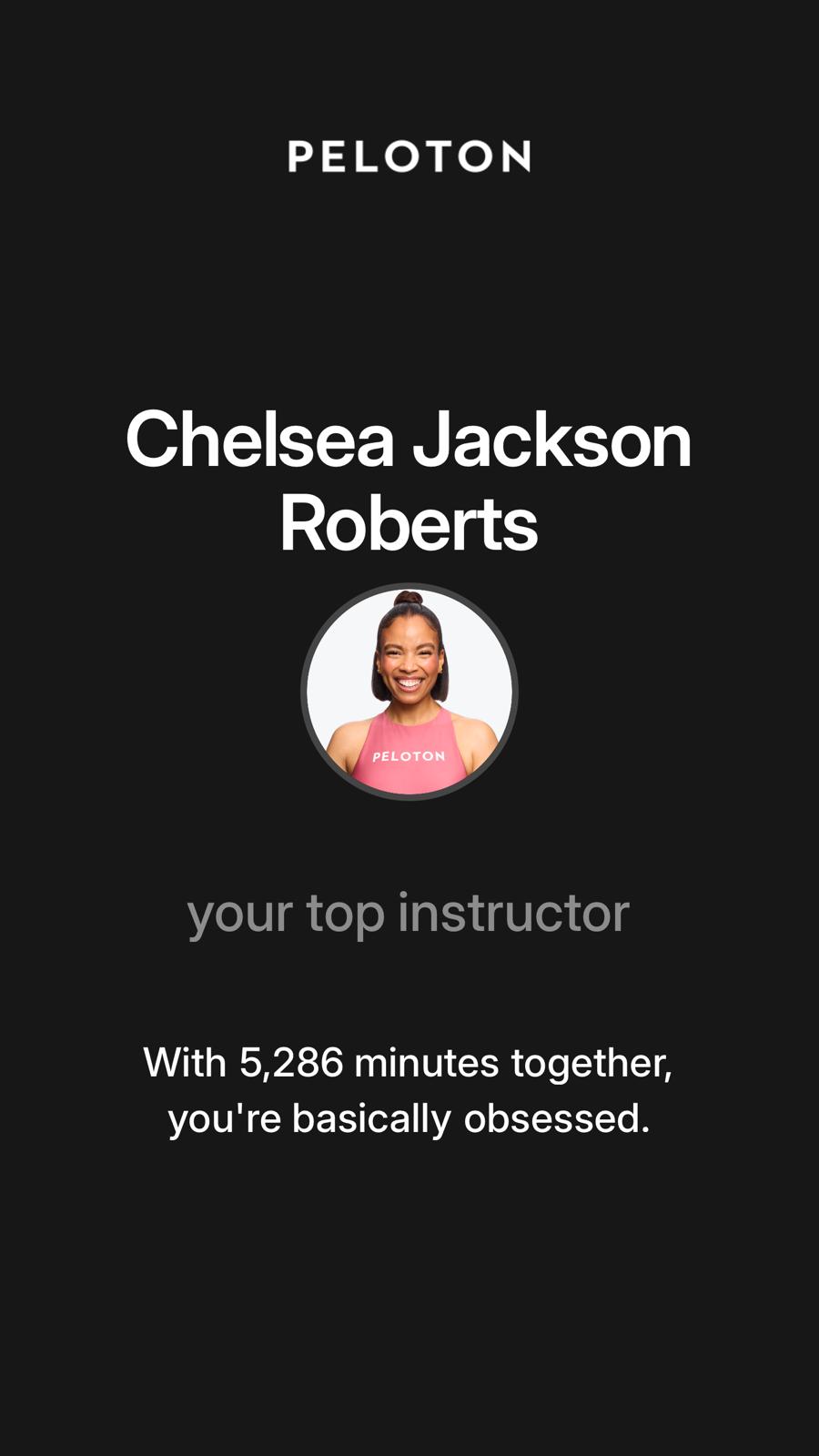
After going through those stats, Peloton will then provide some more shareable images, if you want to share varieties of those stats with your friends.
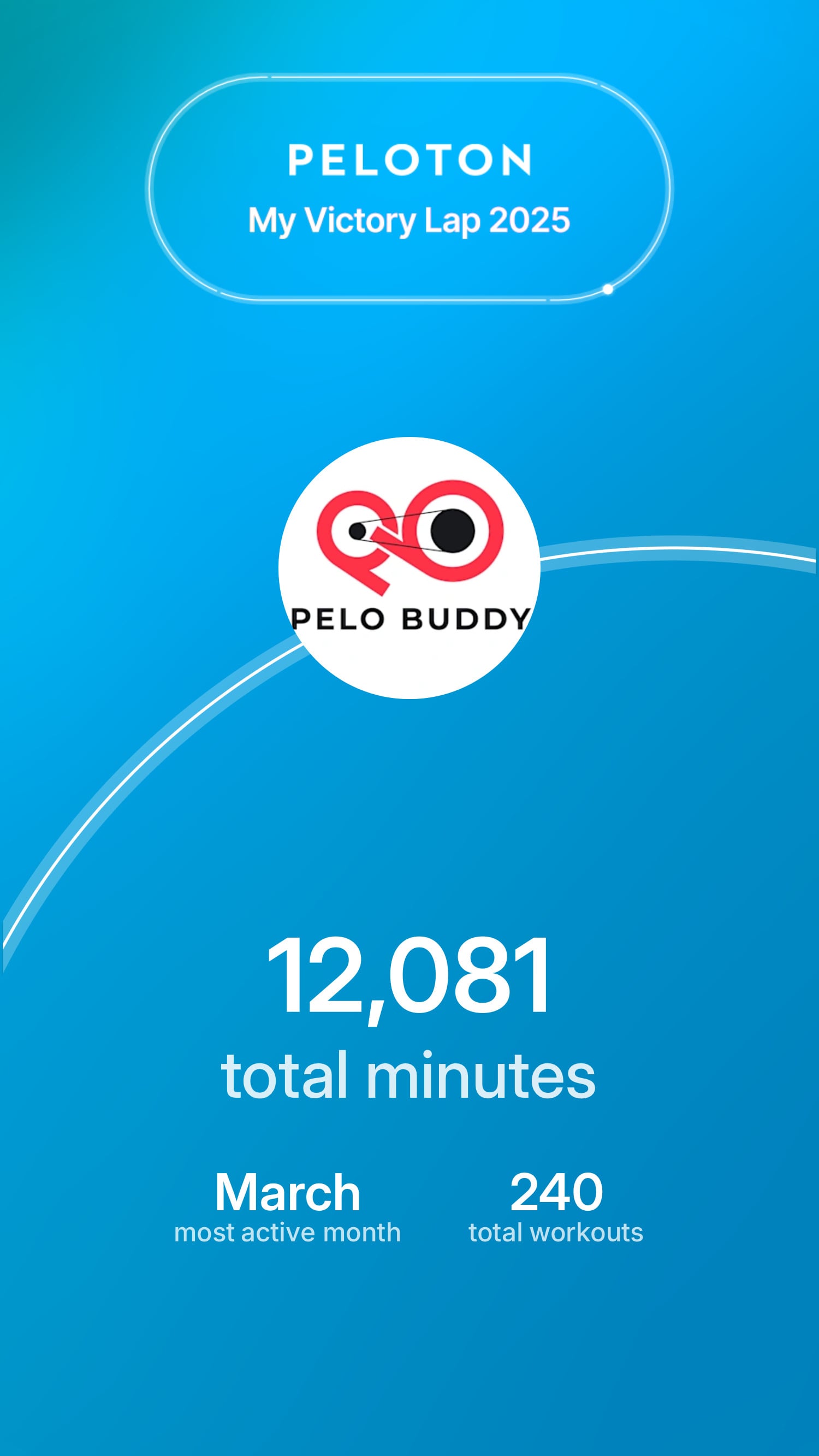
This includes a different image showing your total minutes and workouts.
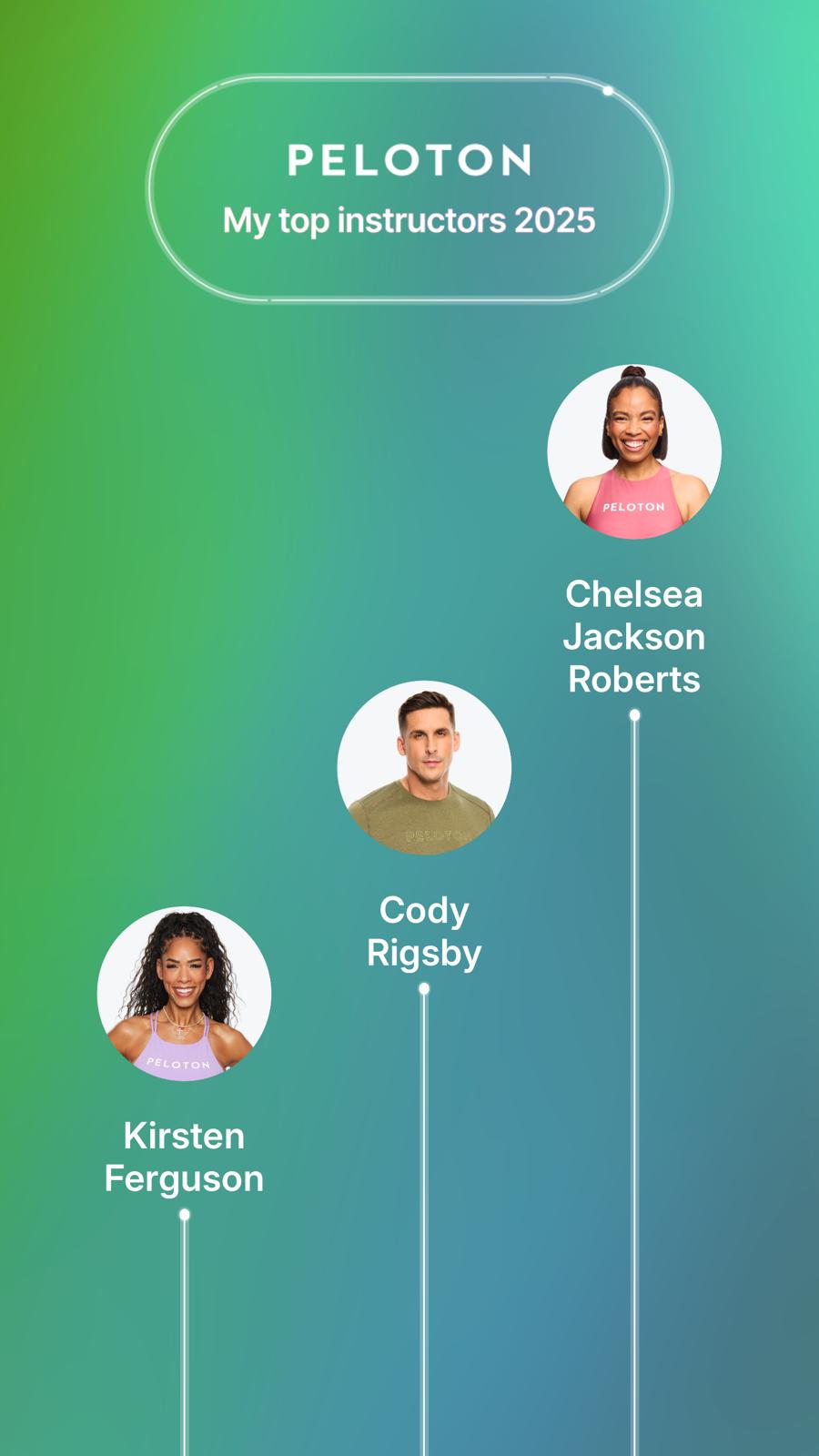
It will then create an image showing your top 3 instructors for the year.
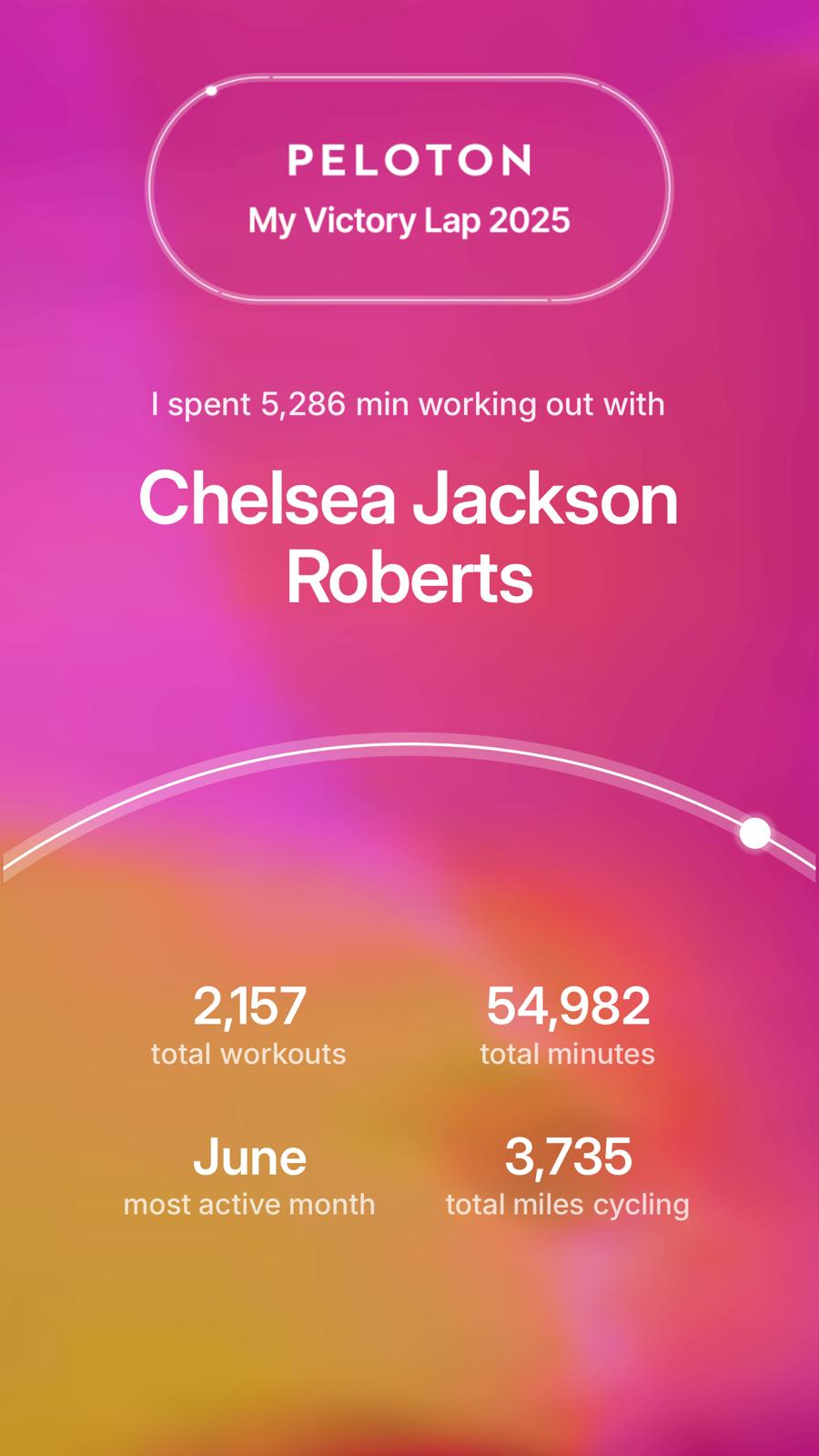
Next, Peloton will provide even more detailed stats on your workout breakdown with your single top instructor.
Then, you will get another option for an image sharing total workouts and minutes for the year.
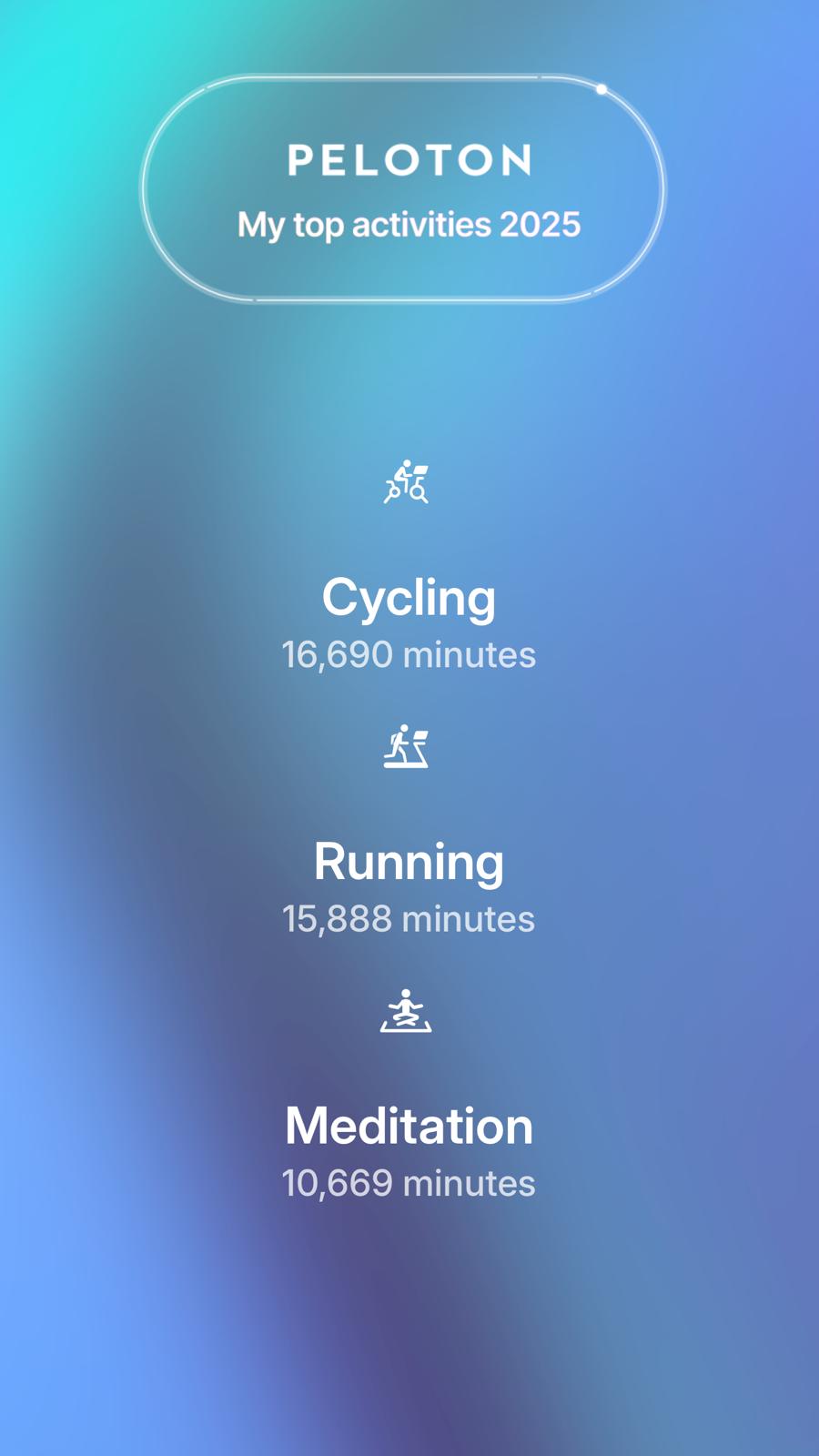
Then, another image will provide a breakdown of your top 3 modalities for the year.
The final page of The Victory Lap is a new tool that allows you to create a completely custom image – pulling in various stats from the Year In Review.
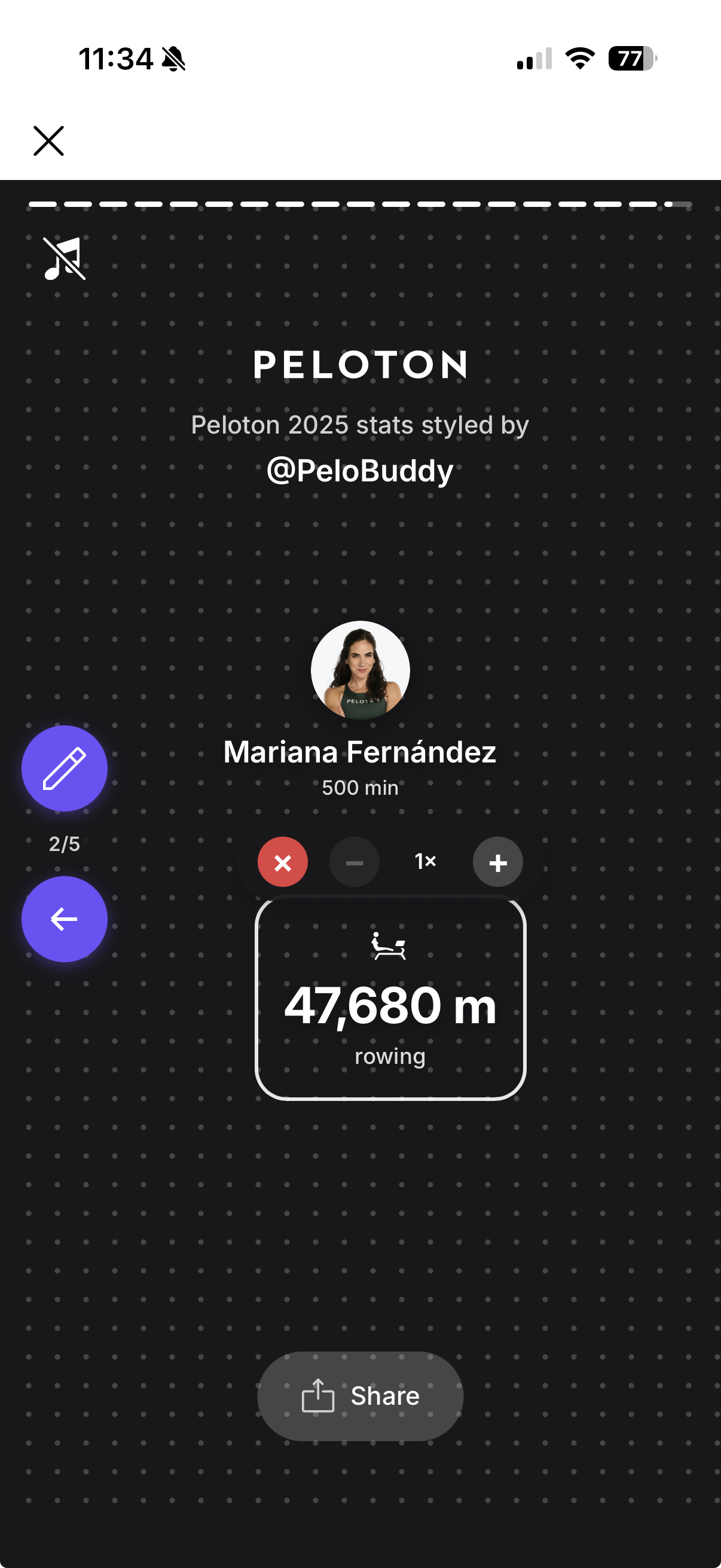
You are able to place the elements on the image where you want, and select from a list of pre-defined stats you wish to include.
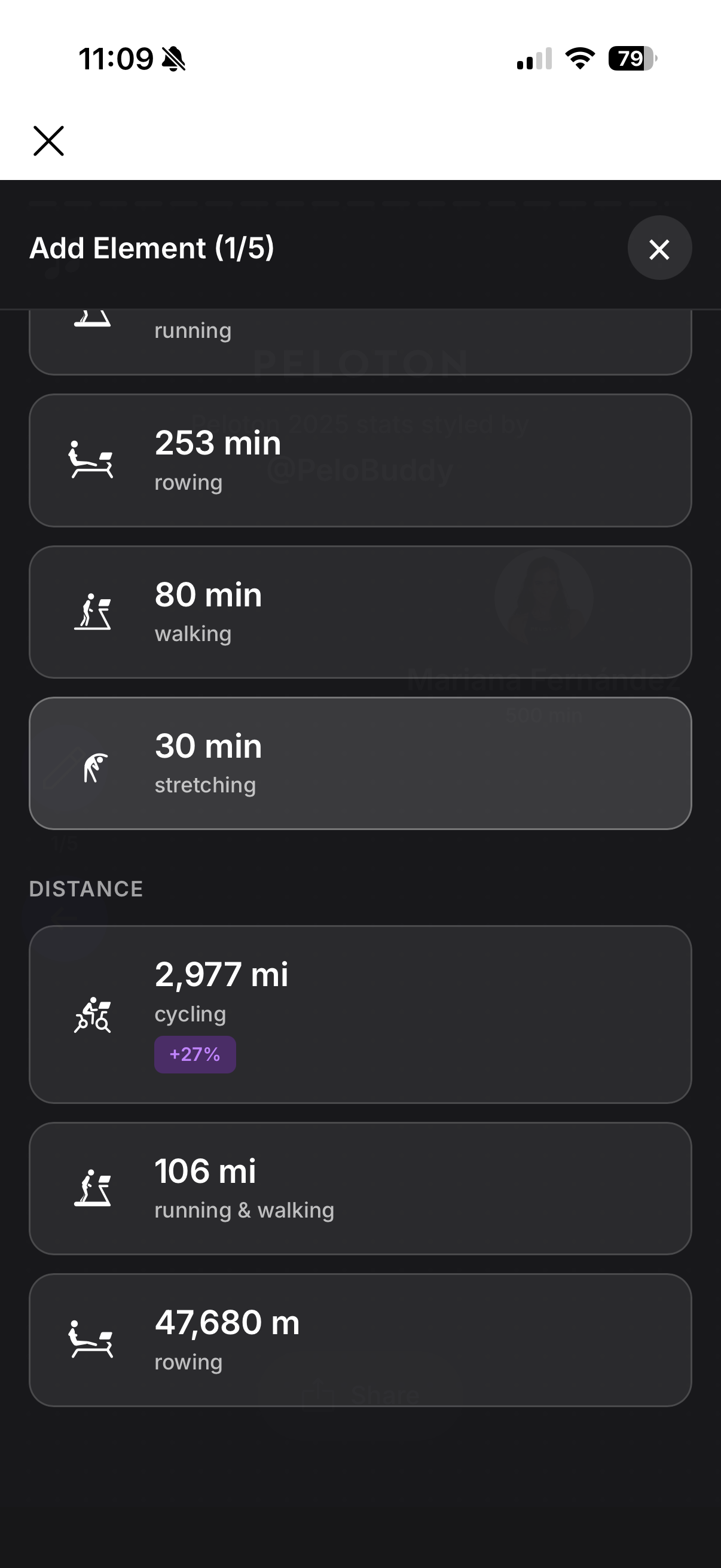
Once you are finished, you can export your custom image to share with friends.
Peloton has created Year In Reviews for several years in a row now, and each year, they come out with a different format for them. They typically are released in mid to late December. You can see details about 2024 here (which was released on Dec 18), 2023 here (December 14th release), or 2022 here (December 15th release).
While some versions of The Peloton Victory Lap in the past have included a recap video you can share, there is no overall video (unless you screen-record the app as it goes through the various pages) – instead, just the single images of the various stats (or the custom one you can put together yourself).
The custom version of The Victory Lap, with personalized stats, is only available to those who worked out at least 60 minutes on Peloton this year. For those Peloton members who worked out less than 60 minutes for the year, they will receive a generic “Community Stats” version of The Peloton Victory Lap.
In a social post announcing this year’s recap, Peloton also shared some overall stats for the community. It started by pointing out that Peloton members moved 1.3 billion+ miles total for the year. There were over 15 million personal bests (or personal records) earned. And more than 328 million high fives were given out on Peloton during the course of the year.
Did Peloton’s The Victory Lap capture the stats you are interested in?
Support the site! Enjoy the news & guides we provide? Help us keep bringing you the news. Pelo Buddy is completely free, but you can help support the site with a one-time or monthly donation that will go to our writers, editors, and more. Find out more details here.
Get Our Newsletter Want to be sure to never miss any Peloton news? Sign up for our newsletter and get all the latest Peloton updates & Peloton rumors sent directly to your inbox.

Did they send an email this year and do you by chance have an example of that?