

Peloton is adding a new feature that will allow you to give high fives to a friend who is working out without having to join the class yourself.
Unlike the previous “feed” high five feature, which was only for giving support once a class was complete, this new feature will work just like a regular high five you give or receive while working out on the leaderboard – except you no longer have to be in the same class to give them.
The person working out will see the high five in real time in the middle of their workout, just like any other regular mid-class high five – except for the fact it will say “high-fived from out of class”
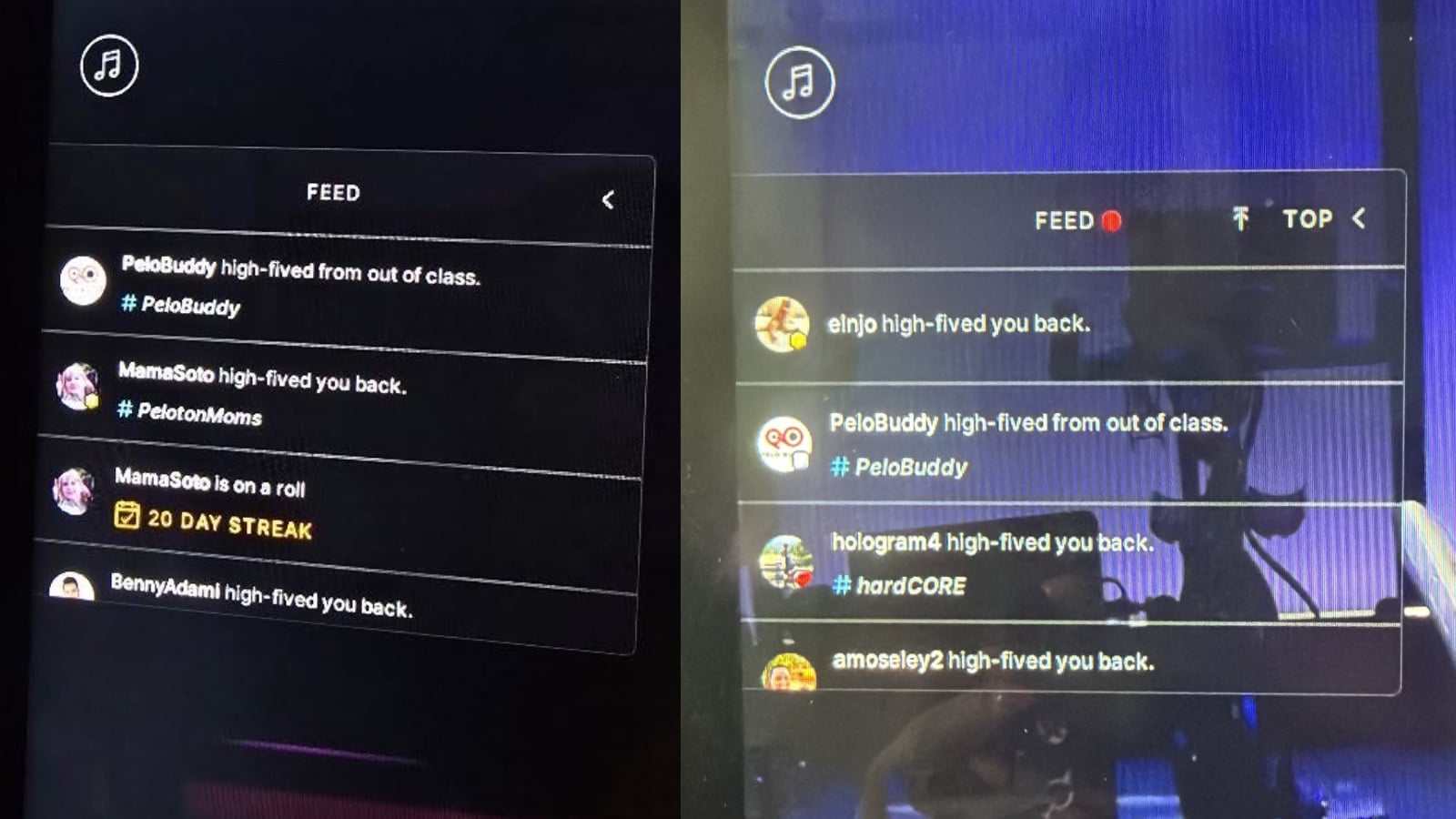
Unlike a normal high five, where you can press next to it to high five back, you are not able to return these high fives – because the person who gave them is not in class.
Before this feature, people would give “drive by high fives”: they briefly join a class, give a friend a high five, and jump back out without actually taking the class. But, you were required to actually join the class to give that high five.
This new feature removes the step of joining the class to give a friend working out that high five, but your friend will still get it during their workout.
Peloton says that there will be two different ways to send these new “out of class” high fives. On a Peloton device (Bikes, Treads, Rows, etc), you’ll be able to give the high fives in the “Here Now” popover section.
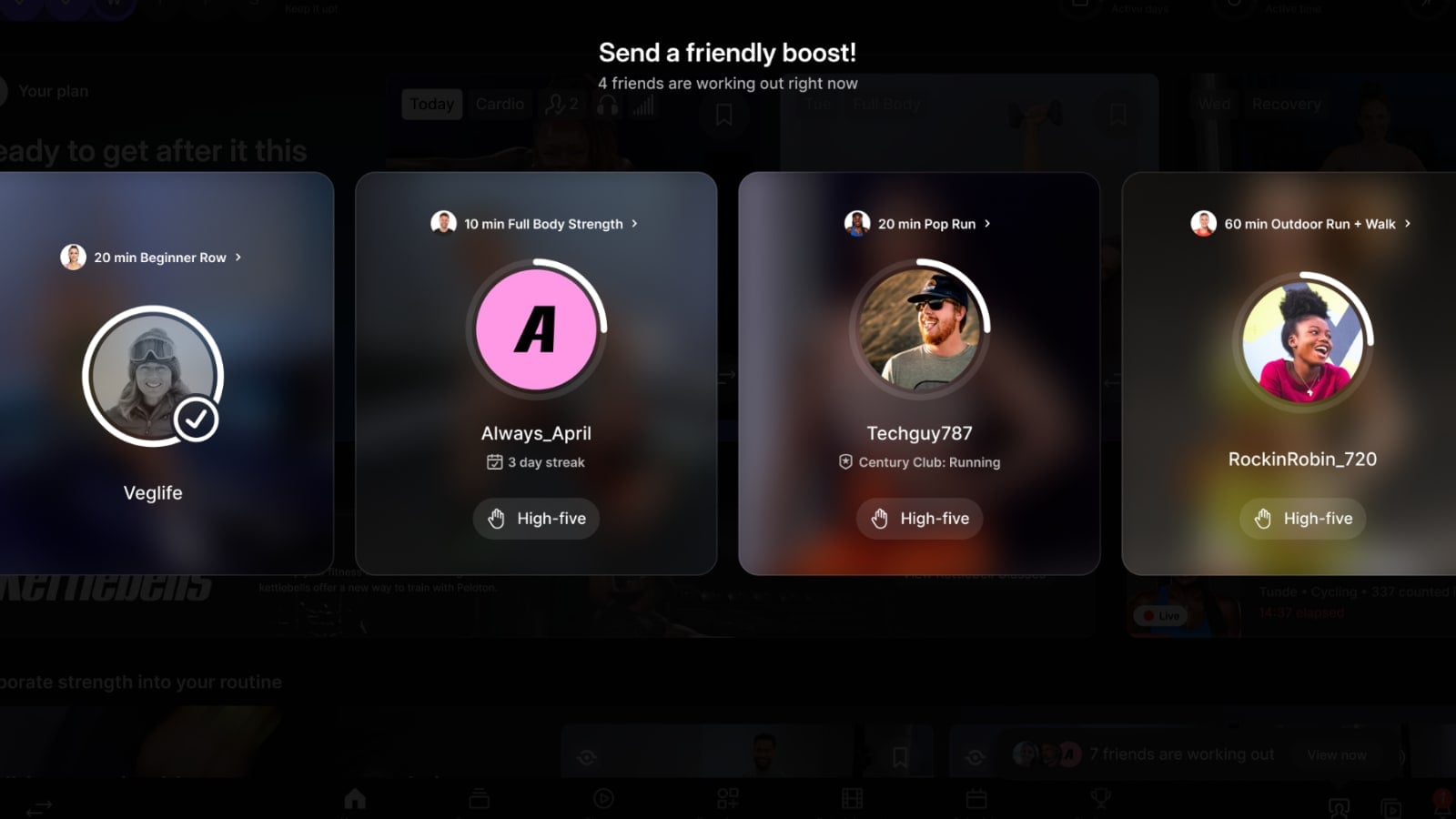
This was the same place you could see which friends were working out – just now with the new feature to give them a high five at the same time.
In the Peloton app on iOS or Android, you do so from the “Community” section of your app (where your Feed, Teams, and Challenges sections are).
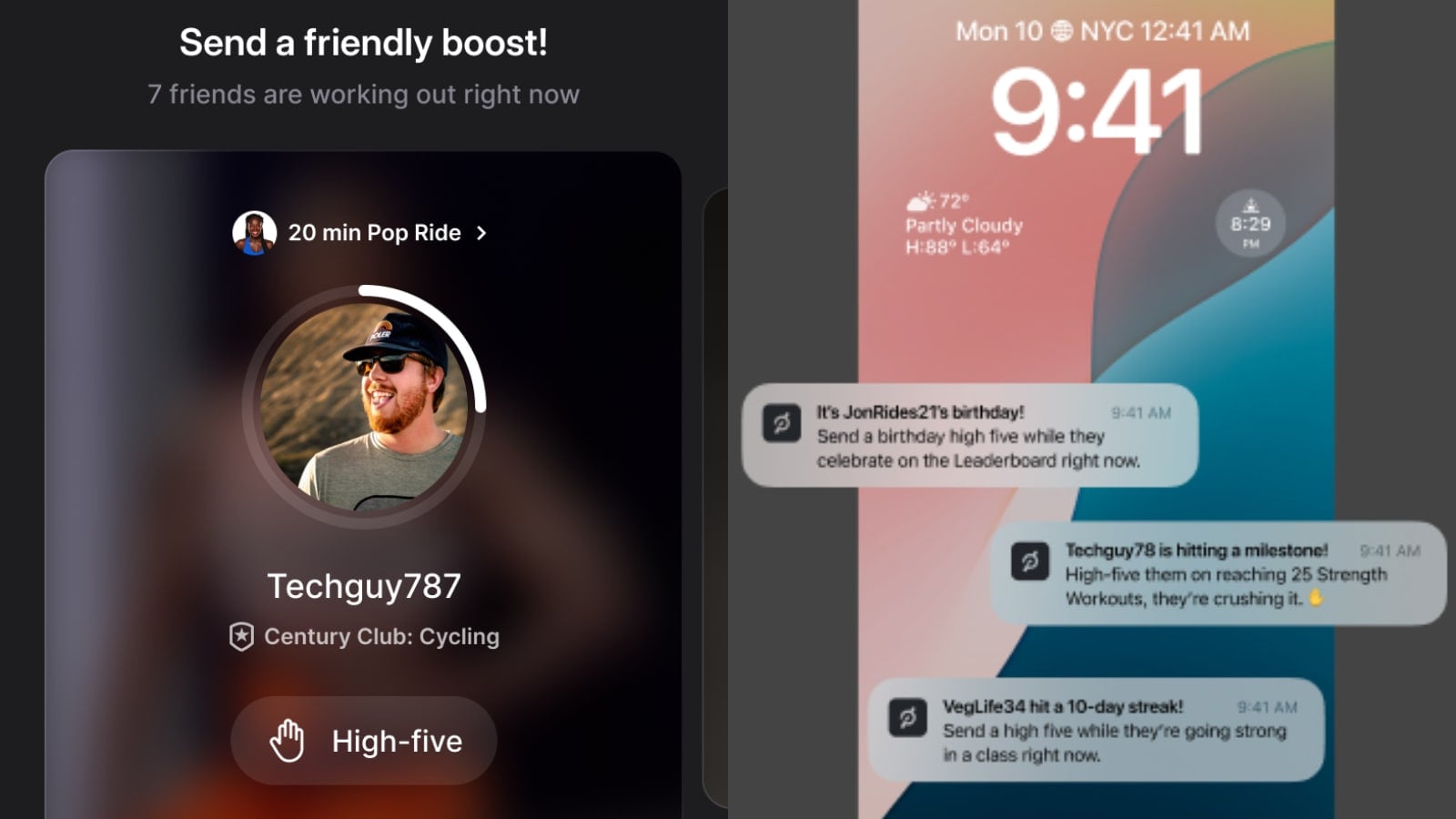
Now, at the very top of your feed, you’ll see a new section for which “friends are working out”. It shows how many friends are working out, and has a dark circle around each leaderboard profile image, showing the rough percentage through the class they are. Clicking on any profile image brings open a new modal, showing which class they are in, their leaderboard name, as well as the new option to “High Five”. Pressing that will send them an in-class high five.
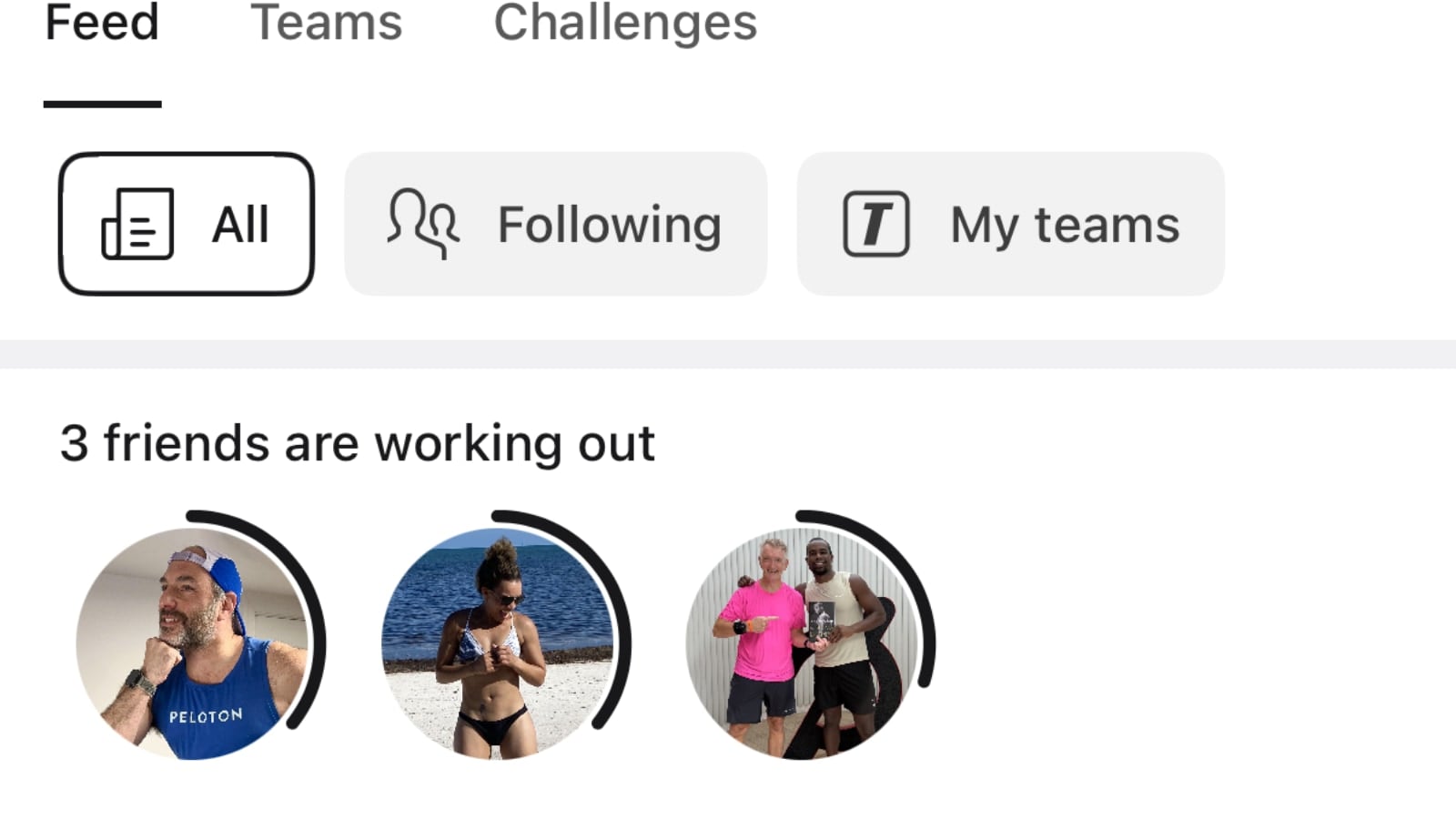
When you first open the Peloton app, Peloton will also show a few profile images of people who are currently working out just over the Community tab icon at the bottom of your app – indicating there are people who are working out right now you can give high fives to.
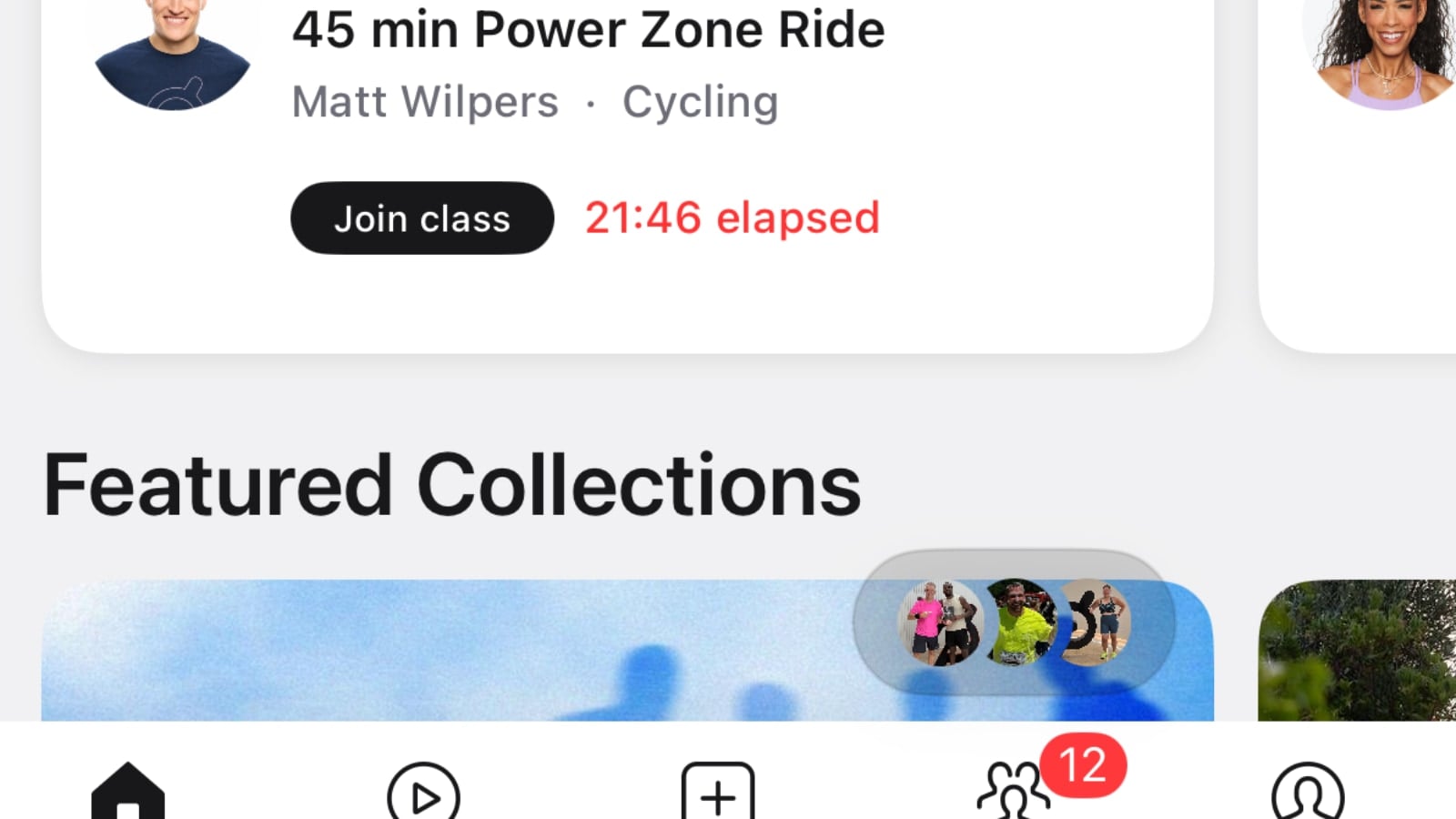
This update may also come with additional info being added to the Here Now section, such as showing if it’s a milestone, streak, or other key moment.
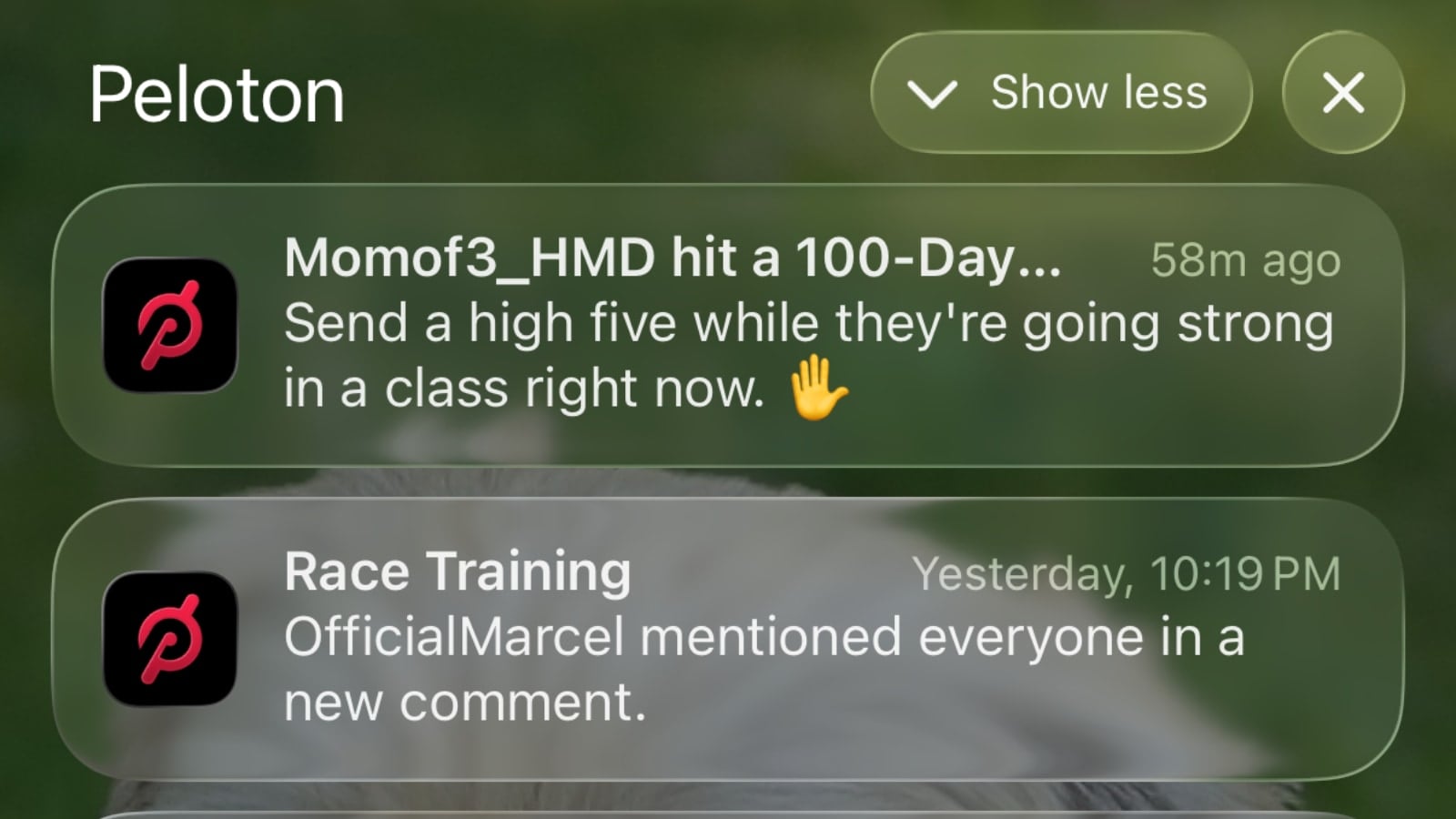
Peloton says they will also have the option for people to get push notifications in the app, giving extra prompts to leave friends an out of class high five from the app for milestone events, birthdays, etc.
This is not expected to be a slow rollout – most members should be getting access to this feature today.
Peloton first added high fives on the activity feed back in 2022.
Do you see yourself using out-of-class, or drive by high fives?
Support the site! Enjoy the news & guides we provide? Help us keep bringing you the news. Pelo Buddy is completely free, but you can help support the site with a one-time or monthly donation that will go to our writers, editors, and more. Find out more details here.
Get Our Newsletter Want to be sure to never miss any Peloton news? Sign up for our newsletter and get all the latest Peloton updates & Peloton rumors sent directly to your inbox.

Leave a Reply