

Peloton has rolled out a new feature that many members have been asking for: the ability to search for classes that contains specific songs (i.e. search by song name & title on Peloton).
The new functionality is now live across Peloton Bikes / Treads / Rows, the Peloton app, and the web browser.
Until now, Peloton’s search capabilities allowed members to look up classes by artist or band name, a feature that first launched in 2022. While that made it easier to find classes featuring certain musicians, it did not help as much when seeking a specific song.
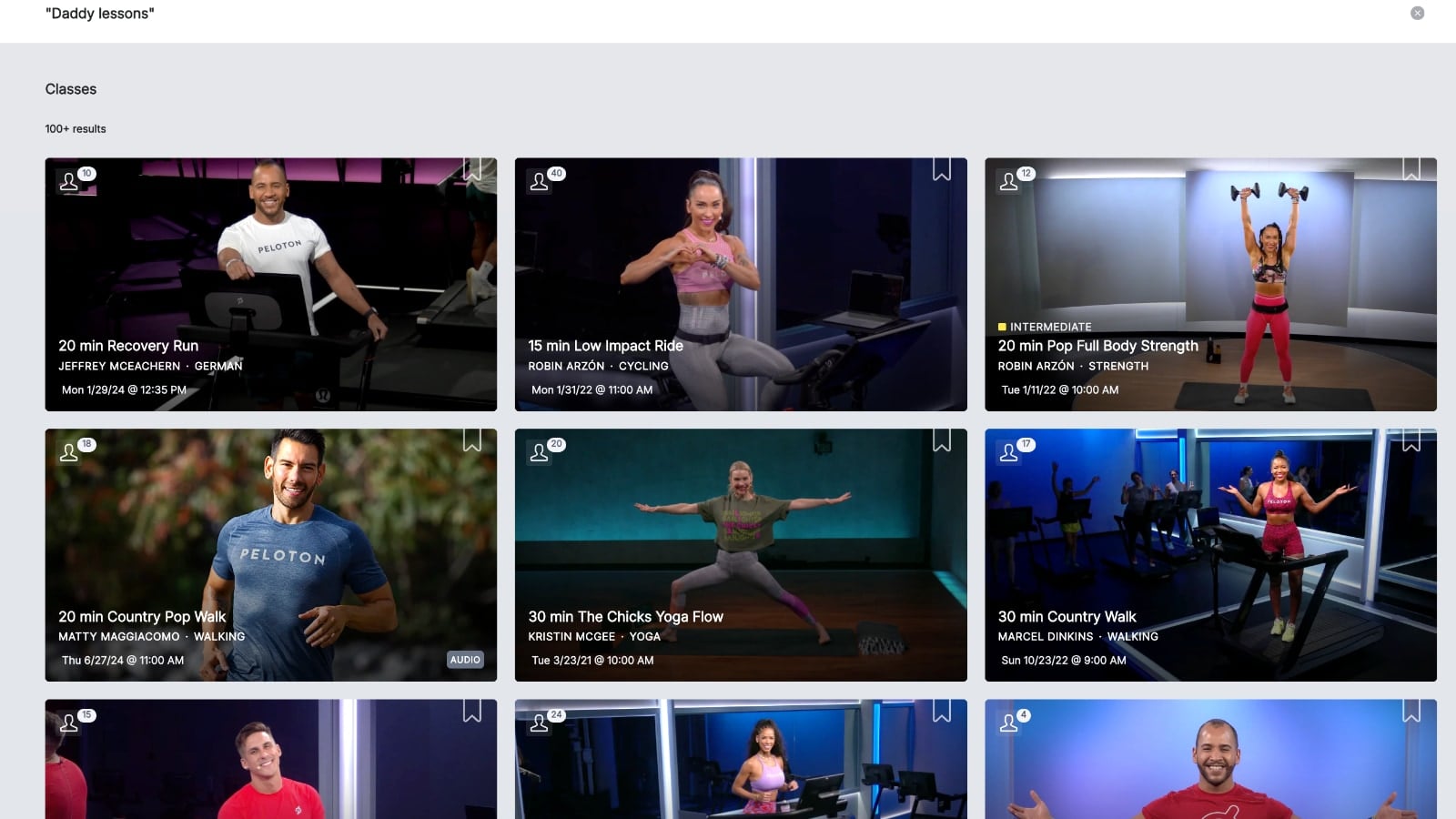
With this latest update, members can now search by exact song names, and Peloton will display classes in which that specific track appears in the playlist.
In order to use this new feature, members can simply type the song title into the search bar – and Peloton will return classes that include that song.
For example, searching “Daddy Lessons” brings up classes featuring Beyoncé’s hit from Lemonade.
Searching “All Too Well” displays classes that include one of Taylor Swift’s most well-known songs.
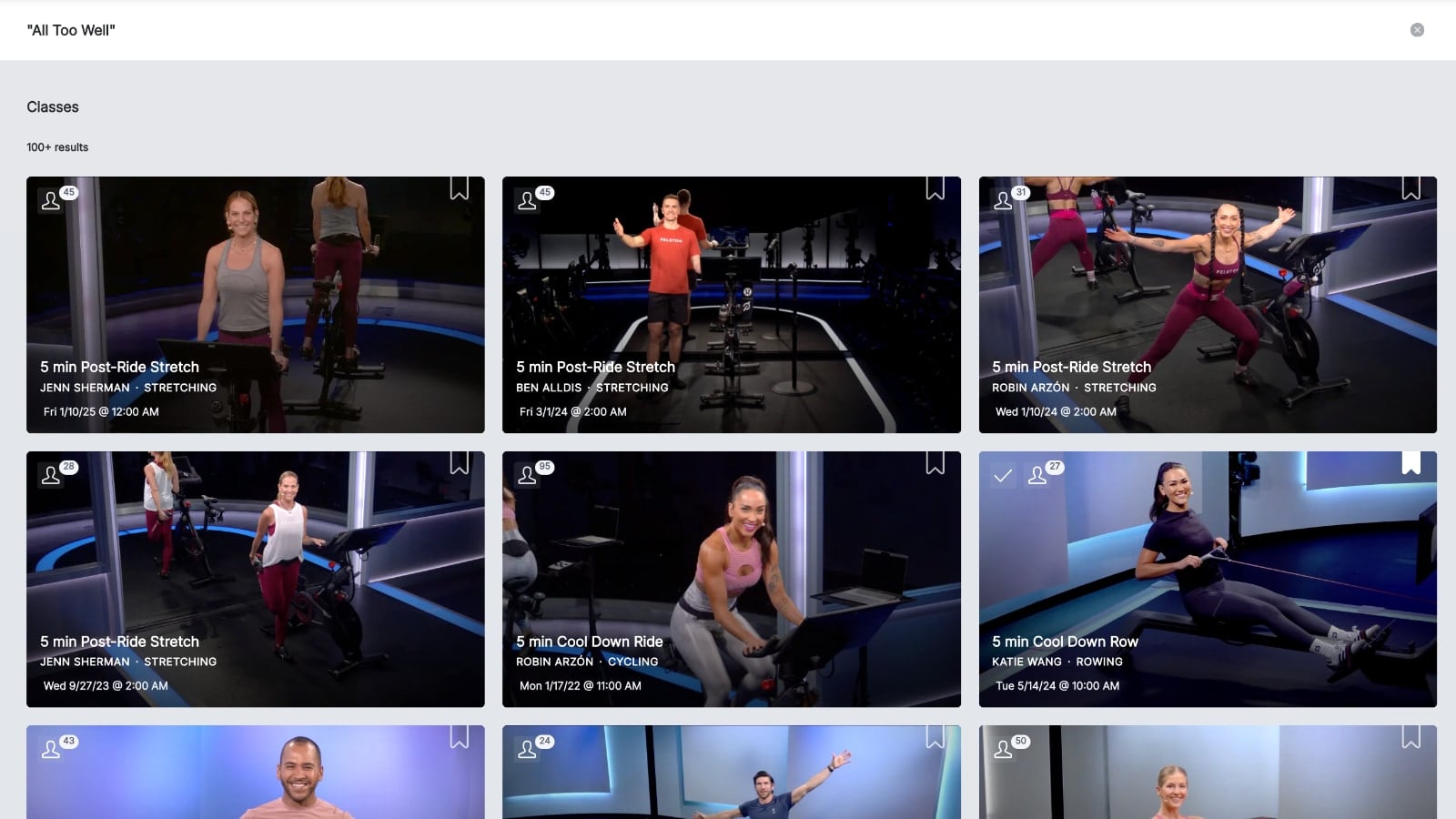
At this time, the search does not surface artist series classes containing those songs to the top of the search results.
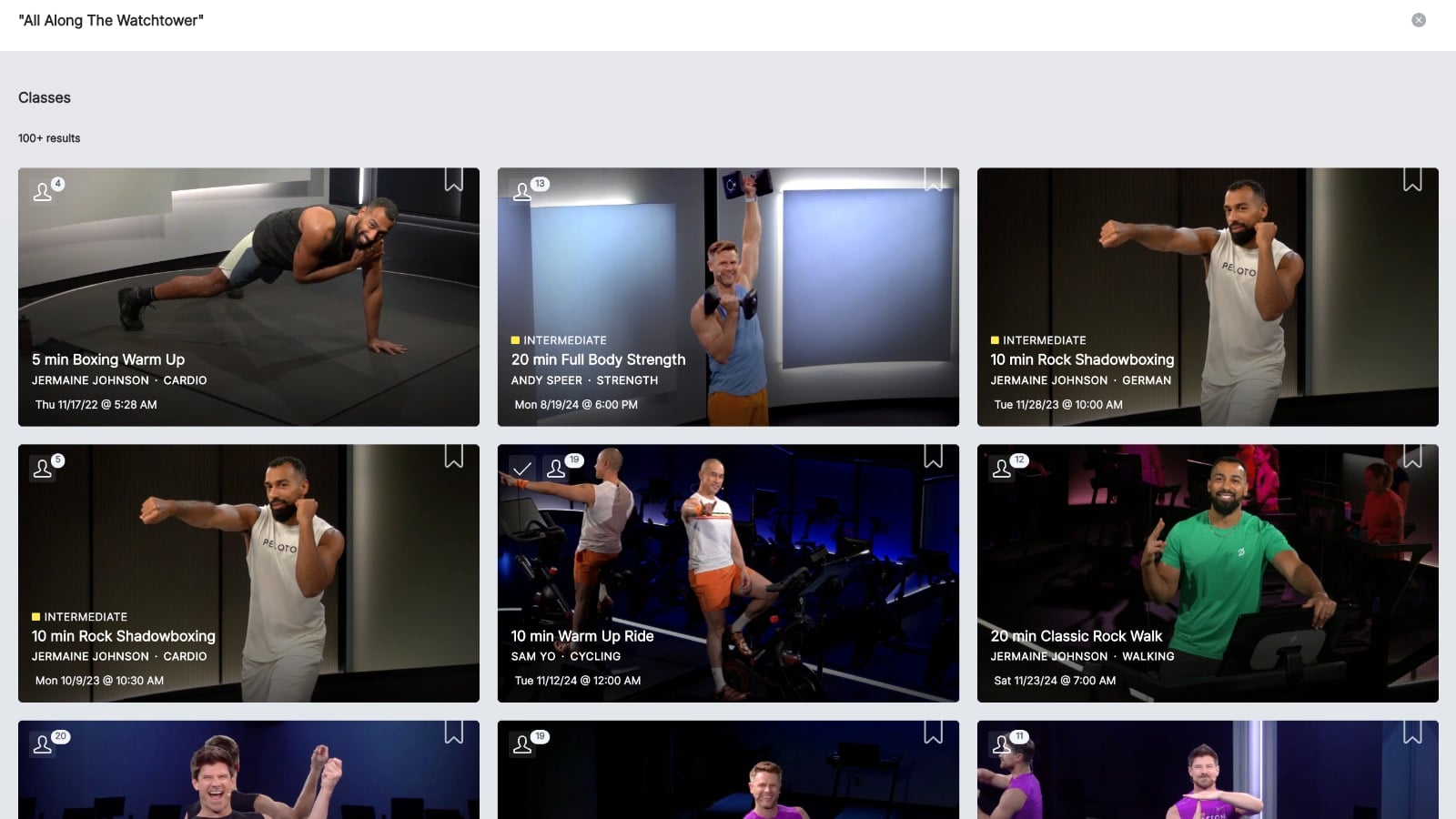
It is also worth noting that you will want to use quotes while searching for song titles with more than one word. For example a search of “All Along the Watchtower” (with quotes) returns classes containing the song, mostly by Jimi Hendrix.
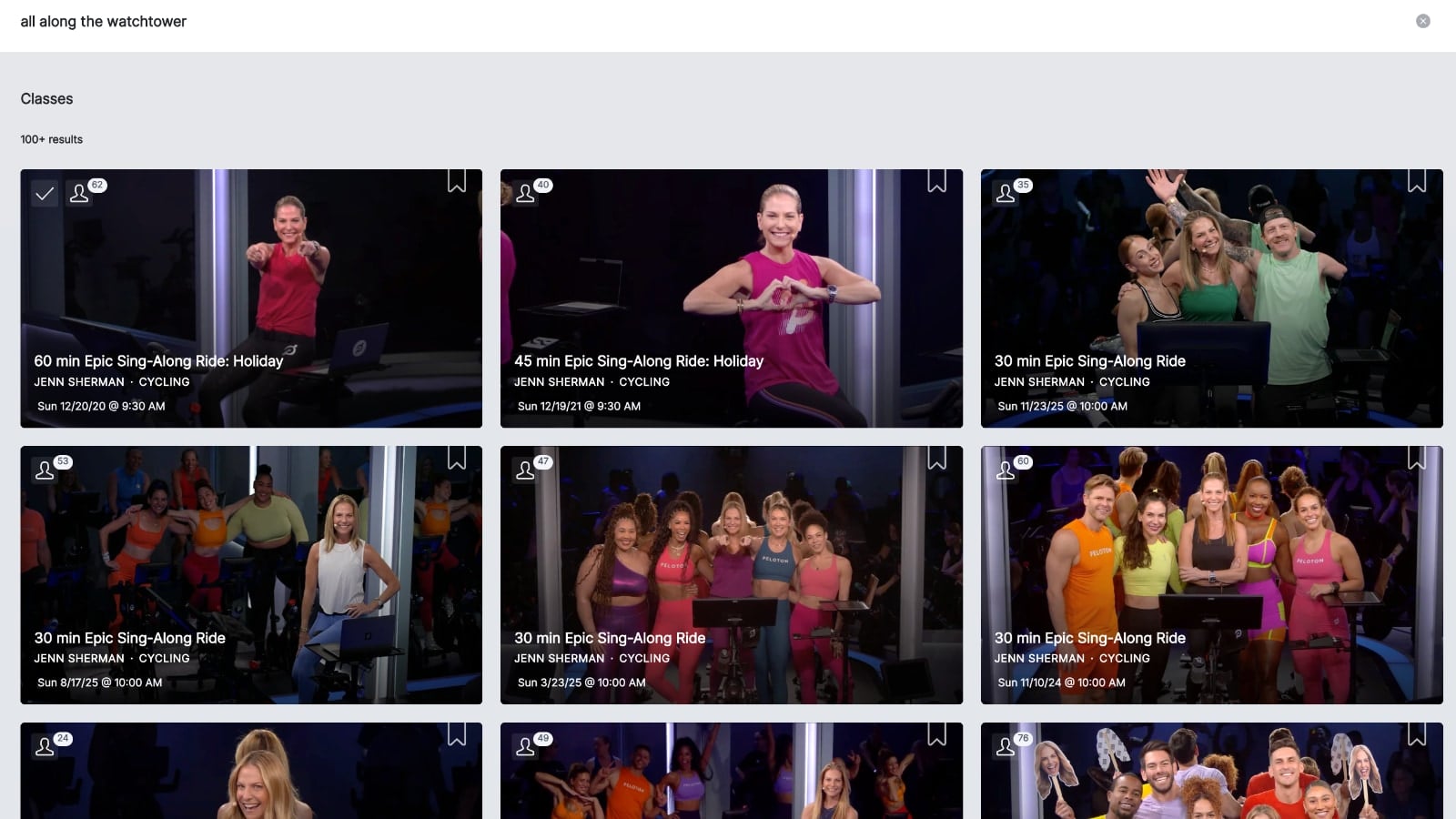
However, the same search without quotes returns Jenn Sherman’s “Epic Sing-Along” classes (matching the word “Along” in the class title).
Results for all of these searches span multiple class types and modalities, instructors, and durations. At this time, there is no way to filter the results. In other words – searching “All Too Well” returns yoga classes, rides, runs, and more. There is no way to sub-filter to specific class types on the web & app currently, beyond just scrolling through and seeing which ones you want.
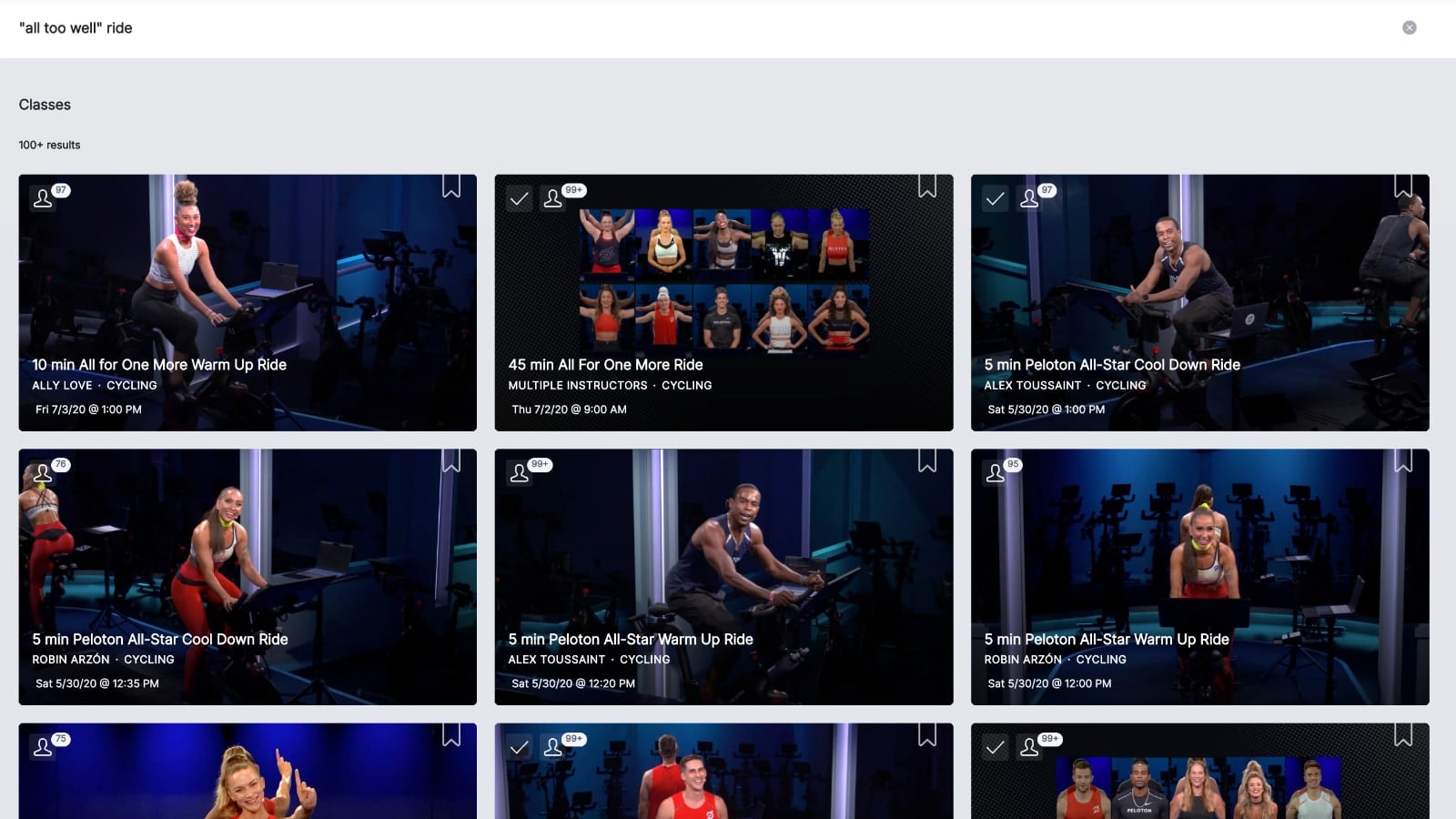
If you try to do a combined search, for example [“all too well” ride] – it no longer searches for the song title, and instead, returns the “All For One” rides – matching the word “All” from the search.
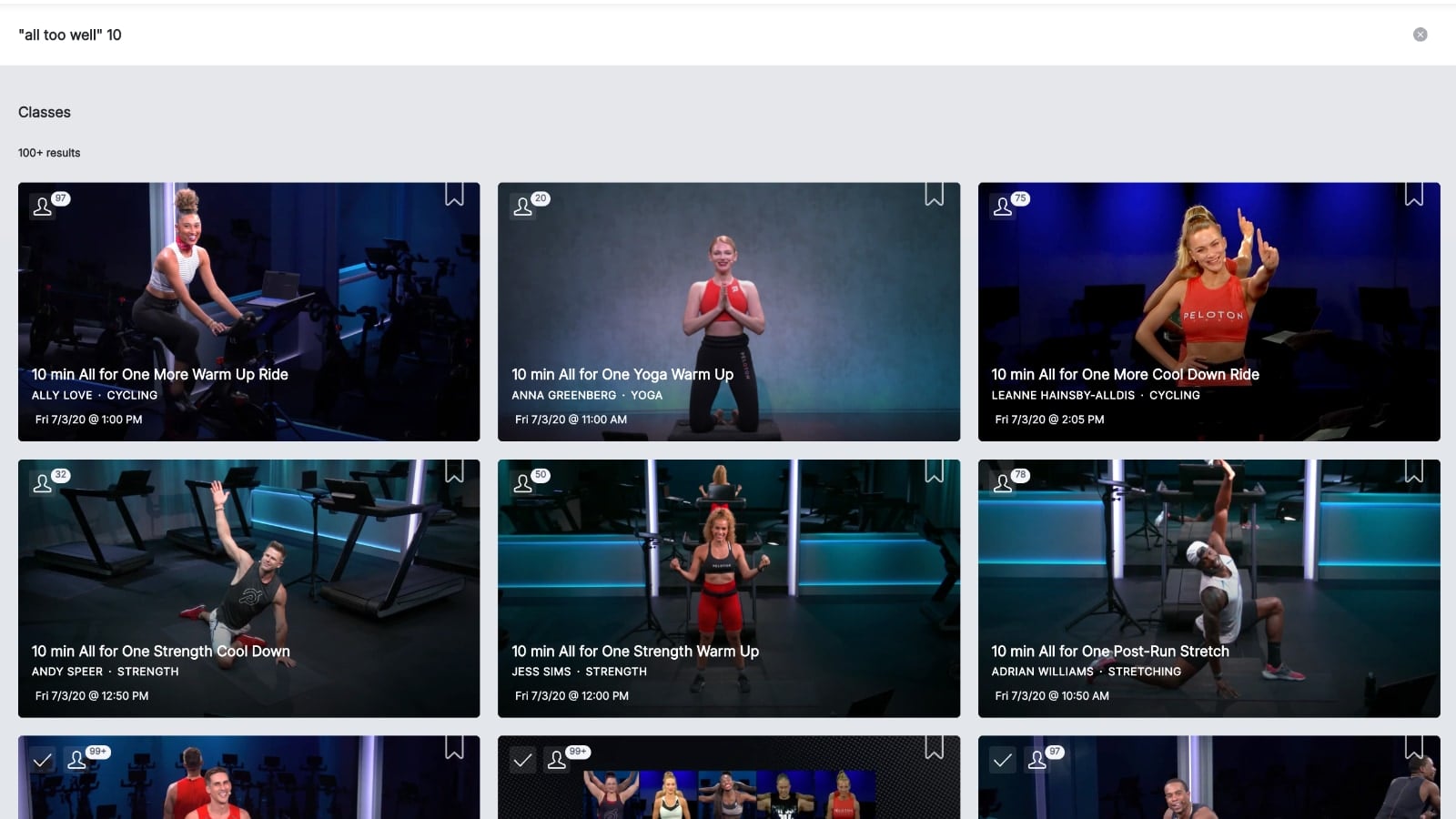
Similarly, a search for [“All Too Well” 10] returns 10 minute all for one classes, rather than 10 minute classes containing the “All Too Well” song.
This new search update gives members even more control over how they choose their classes. Do you plan to utilize this feature?
Support the site! Enjoy the news & guides we provide? Help us keep bringing you the news. Pelo Buddy is completely free, but you can help support the site with a one-time or monthly donation that will go to our writers, editors, and more. Find out more details here.
Get Our Newsletter Want to be sure to never miss any Peloton news? Sign up for our newsletter and get all the latest Peloton updates & Peloton rumors sent directly to your inbox.

Leave a Reply