

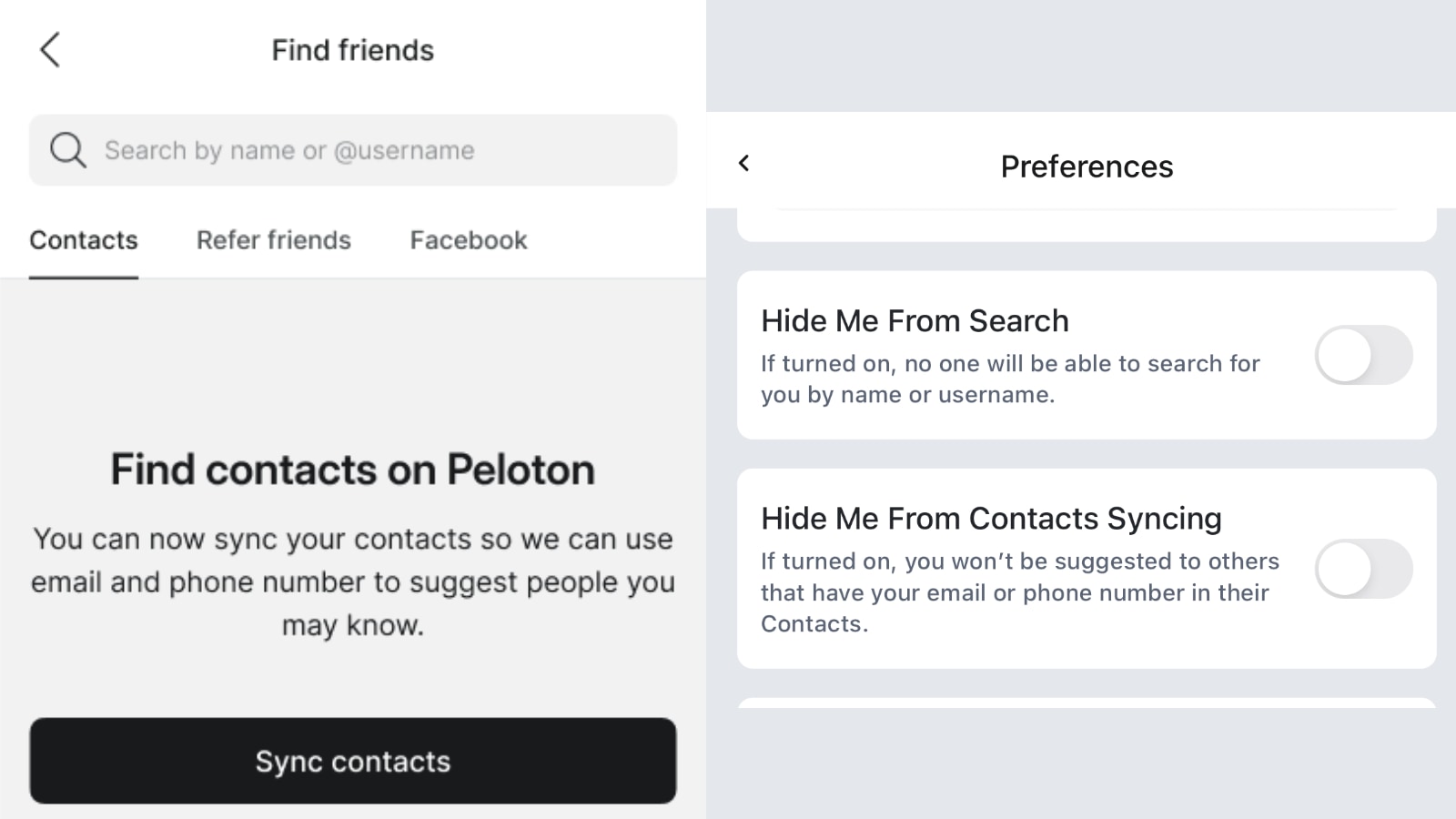
Peloton is rolling out a new feature that will allow you to search and find other friends on the Peloton platform by their real name. In addition, you can find friends by phone number or email address with a new “contact syncing” feature. At time of publishing, the privacy settings have been added in the app, but the actual search will go live “next week” according to an email from Peloton.
Up until now, the only way to find friends on the Peloton platform was by searching for their Peloton username / leaderboard name – which could be anything.
Peloton is now hoping to let people more easily connect. The biggest change is that now, when you search for friends, it will search against user’s leaderboard name, as well as their real name.
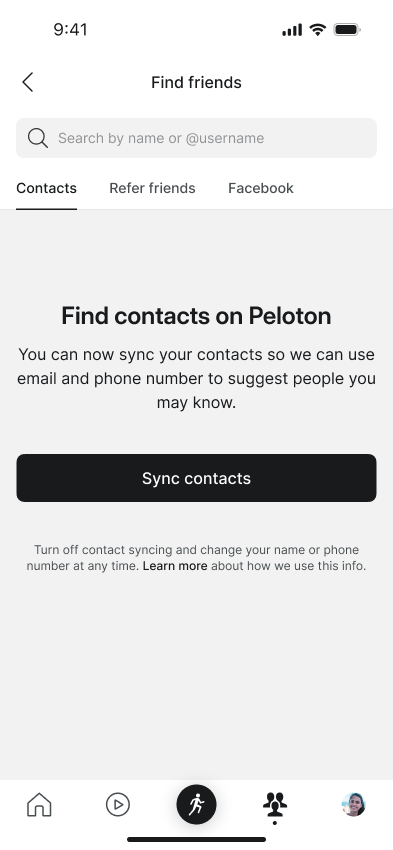
In an email, Peloton said:
Starting next week, you’ll be able to search by name and sync your contacts on the Peloton App to find others more easily. Names will now be viewable across Peloton—review your name today to decide how you will appear. Staying connected means you’ll be able to see your followers’ latest activity, send high fives on completed workouts and more!
Don’t want to be discoverable by name or contact info? Update to the latest version of the Peloton App and review your privacy settings to control how you’ll appear to others.
Note that your real name is going to be public by default. Given how long Peloton has existed without this feature, it seems like the right move would have been to make your real name private by default, and allow people to opt into making their real name public, rather than forcing them to opt out – but at time of publishing, that is how Peloton is advertising this will work.
To opt out of this feature, you have a few choices. First – you can go into your profile and remove your first and last name – these are not required fields.
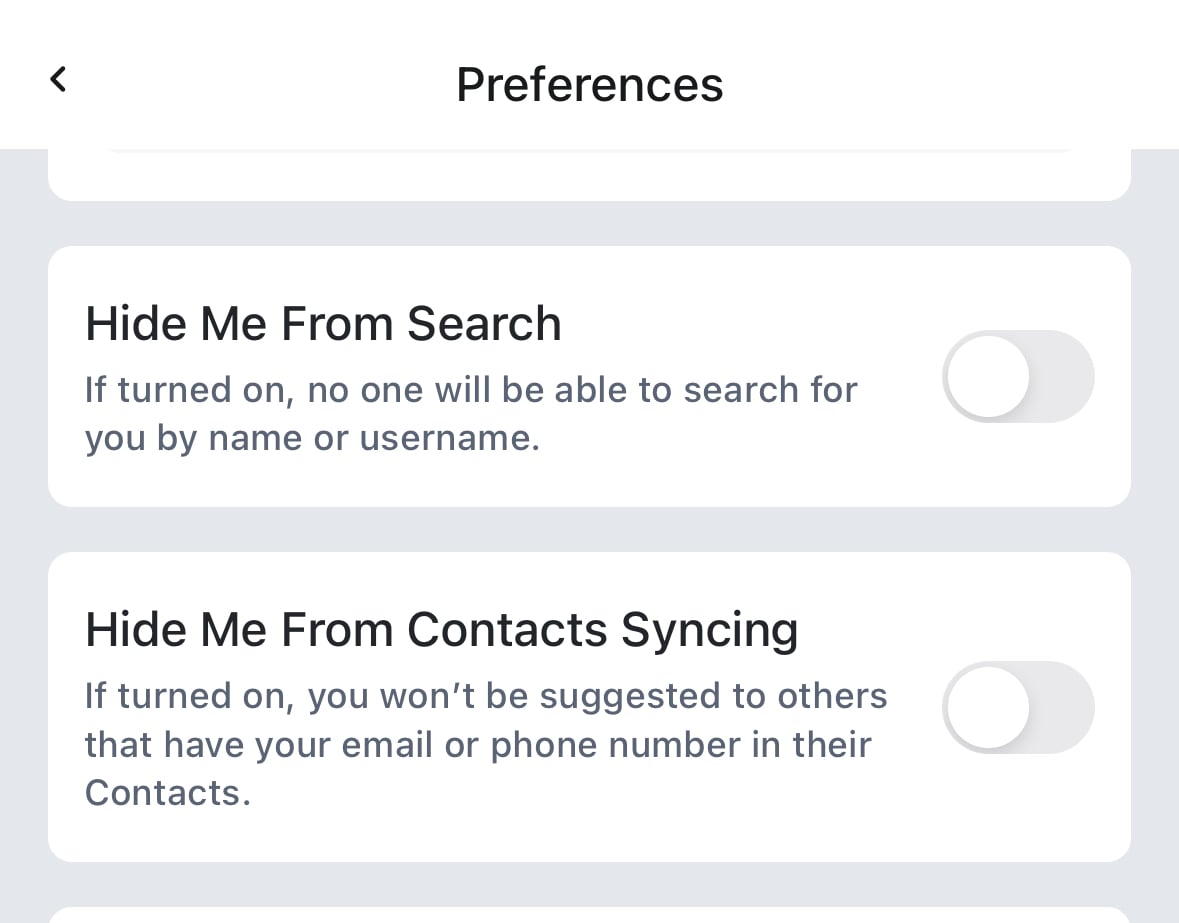
A second way to opt out is with new options to the “Privacy” settings page in the Peloton app. The first is a “Hide Me From Search” option, which will keep your real name from showing up in searches. Note that this will also keep you hidden from searches by your leaderboard name as well – which may not be what users want. In other words – if you still want people to find you by your leaderboard name in searches, but not by your real name, at this point, the only option you have is to log into your profile and completely delete your real name.
In addition to being able to search for people by the real name, Peloton is also enabling “contact syncing”, so that the Peloton app can automatically suggest friends on the Peloton platform for you if you have them in your phone contacts. It will do this by matching against the phone number and/or email address you have stored for them in your contact.
The contact syncing feature is partially opt in – meaning Peloton won’t have access to your contacts unless you explicitly allow them. And you can remove the access at any point. Once you grant access, it will periodically sync with your contacts to keep them up to date, and so it can continue to suggest more of your contacts to you as you join Peloton.
However, users will be automatically opted into being suggested to their friend if their friends have them as contacts by email address or phone number. Peloton is again providing a new option in the Privacy settings pages to allow you to remove this feature – but users are being automatically opted into this.
The new setting is called “Hide me from contacts syncing”, and once you remove it, friends won’t be suggested your account based on them having you as a contact. You will have to explicitly change this toggle to be on if you don’t want friends finding you based on your phone number or email address.
The two new privacy settings are currently going live in the Peloton apps, but the actual search features do not seem to be live. So members will have a little time to update their accounts to opt out of these features or hide their names, before their identities are accidentally exposed if they don’t want them to be.
Peloton has updated their privacy policy as well with changes for these new features. It says:
Name, mailing address (including zip code), billing address (including zip code), email, date of birth and phone number. These are collected when you register for Services, subscribe to Peloton marketing, communicate with us, or register for a test ride. Please note, If you provide a name in your Profile, it will be Public and Members can search for you by name, unless you have toggled on “Hide me from search” in Preferences. If you add your phone number to your Profile, it can be used to suggest you to Members who have your phone number in their mobile device, unless you have toggled on “Hide me from contacts syncing” in Preferences.
What do you think of this change / feature?
Support the site! Enjoy the news & guides we provide? Help us keep bringing you the news. Pelo Buddy is completely free, but you can help support the site with a one-time or monthly donation that will go to our writers, editors, and more. Find out more details here.
Get Our Newsletter Want to be sure to never miss any Peloton news? Sign up for our newsletter and get all the latest Peloton updates & Peloton rumors sent directly to your inbox.

Leave a Reply