

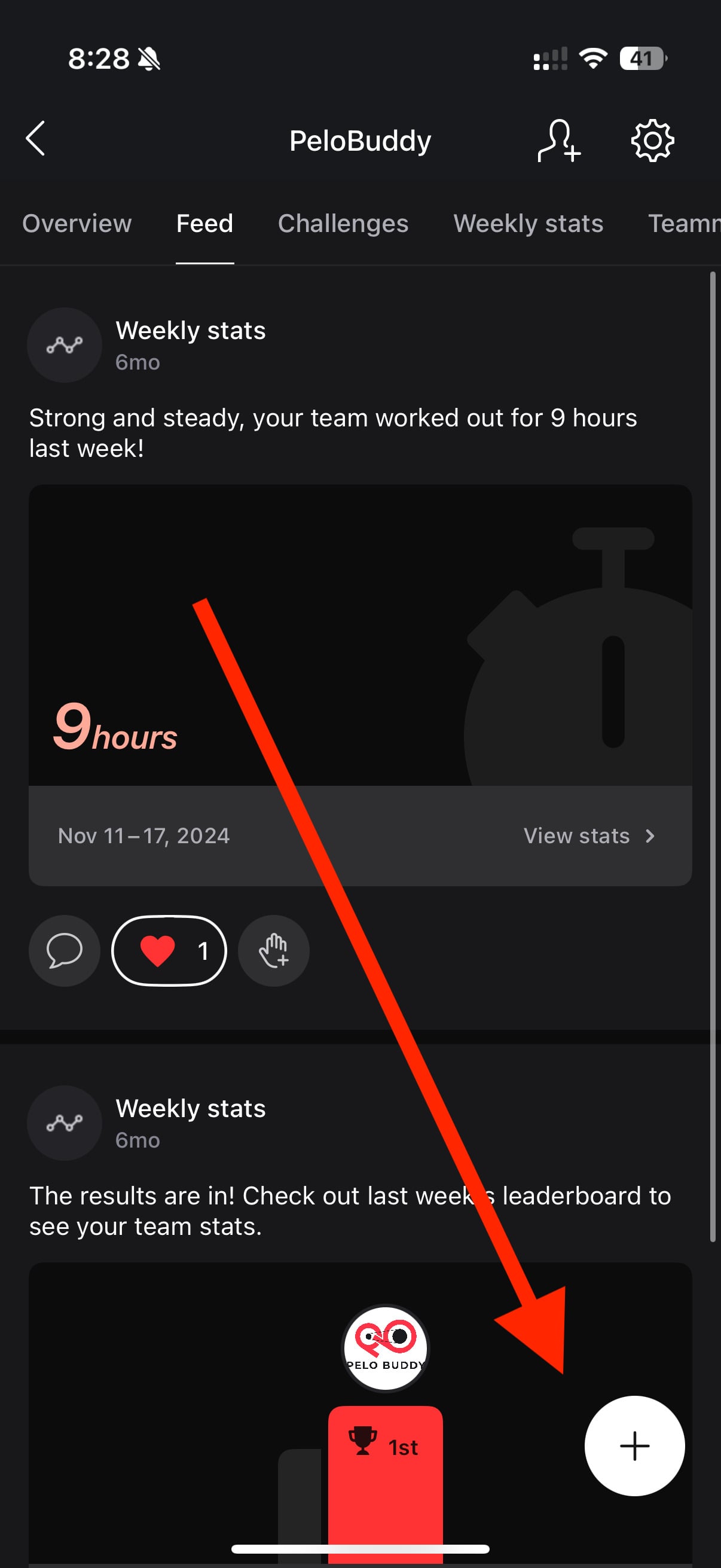
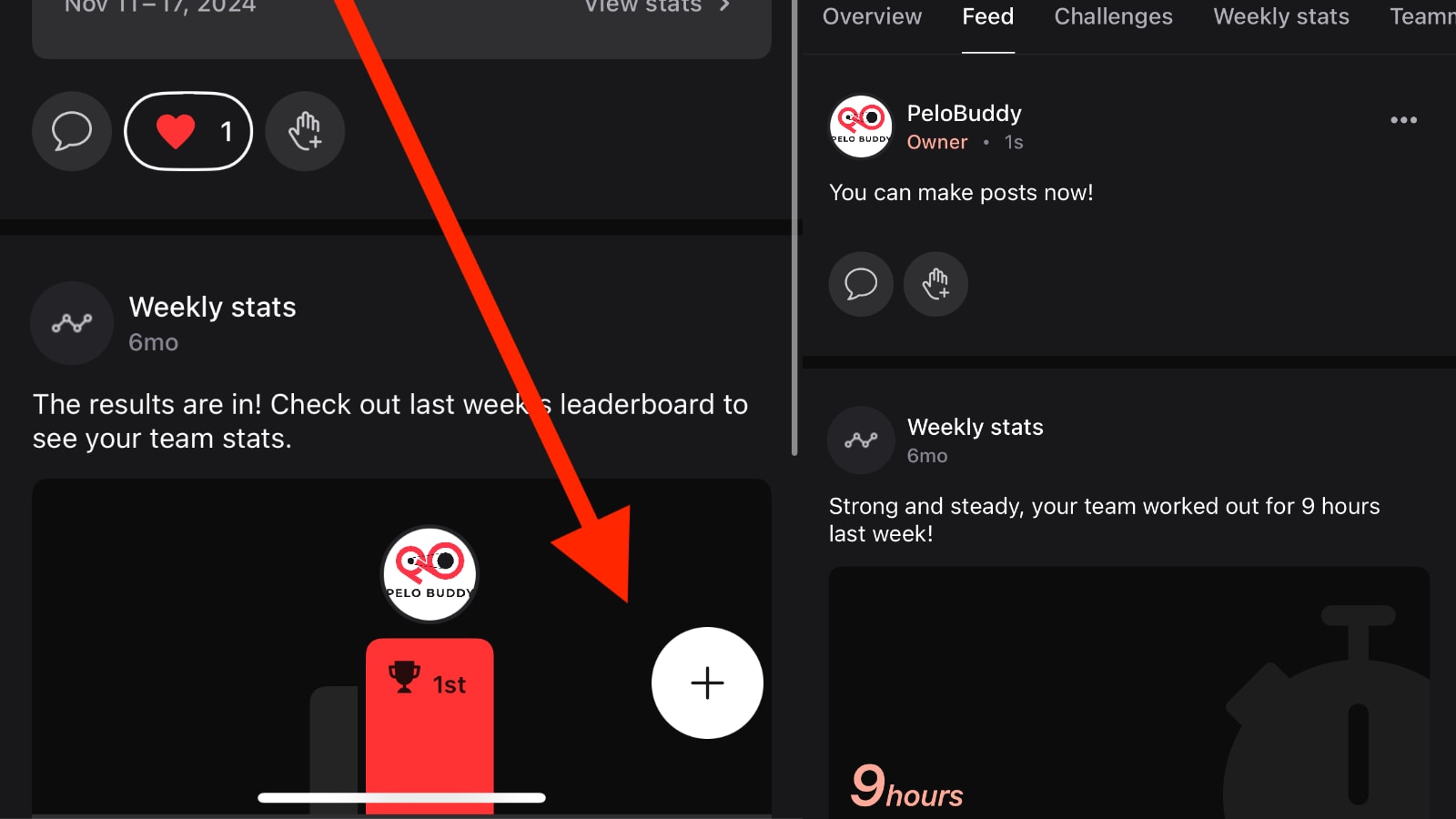
Peloton is continuing to build on its community features with a new update to the Teams section of the Peloton app: members can now create free-form text posts within team feeds.
This marks a shift of the Teams feature, transforming it from a primarily stats and challenge-based feed into a space Peloton hopes that members will interact with each other.
When Peloton first introduced the Teams feature, it allowed members to create groups with friends to track challenge progress and compare stats. Earlier this year, Peloton made it possible for users to create public teams, opening the door to broader group participation based on interests, instructor preferences, or fitness goals.
Until now, the Feed section of each team was fairly limited – primarily displaying automated updates such as group challenge milestones, weekly summaries, or new member joins. The latest update brings a shift: members can now initiate original posts with text on any topic.
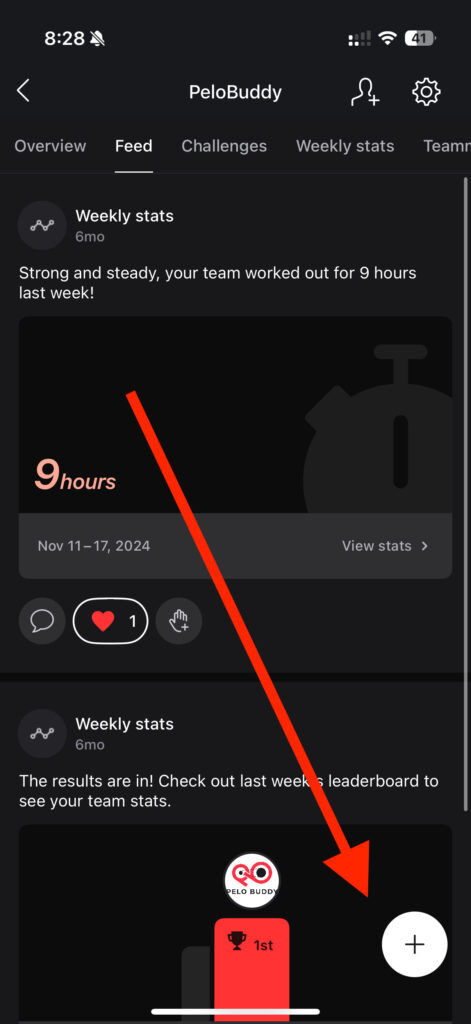
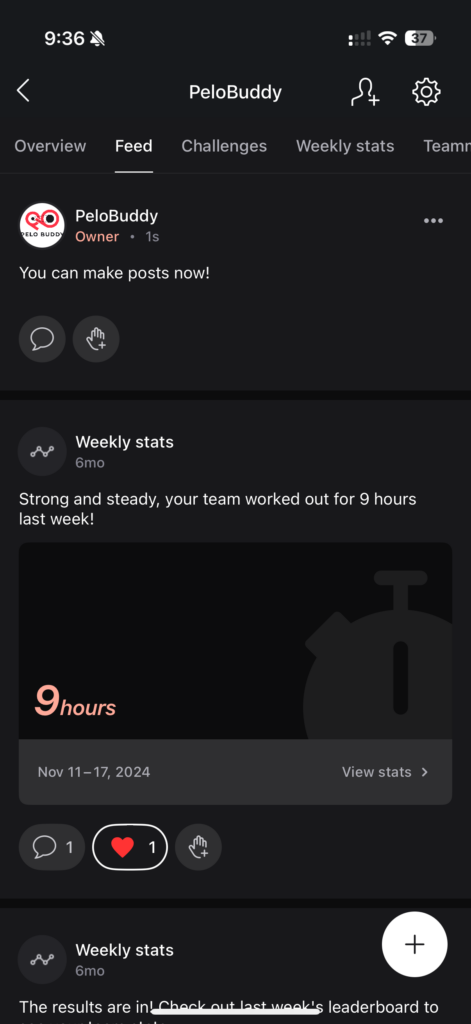
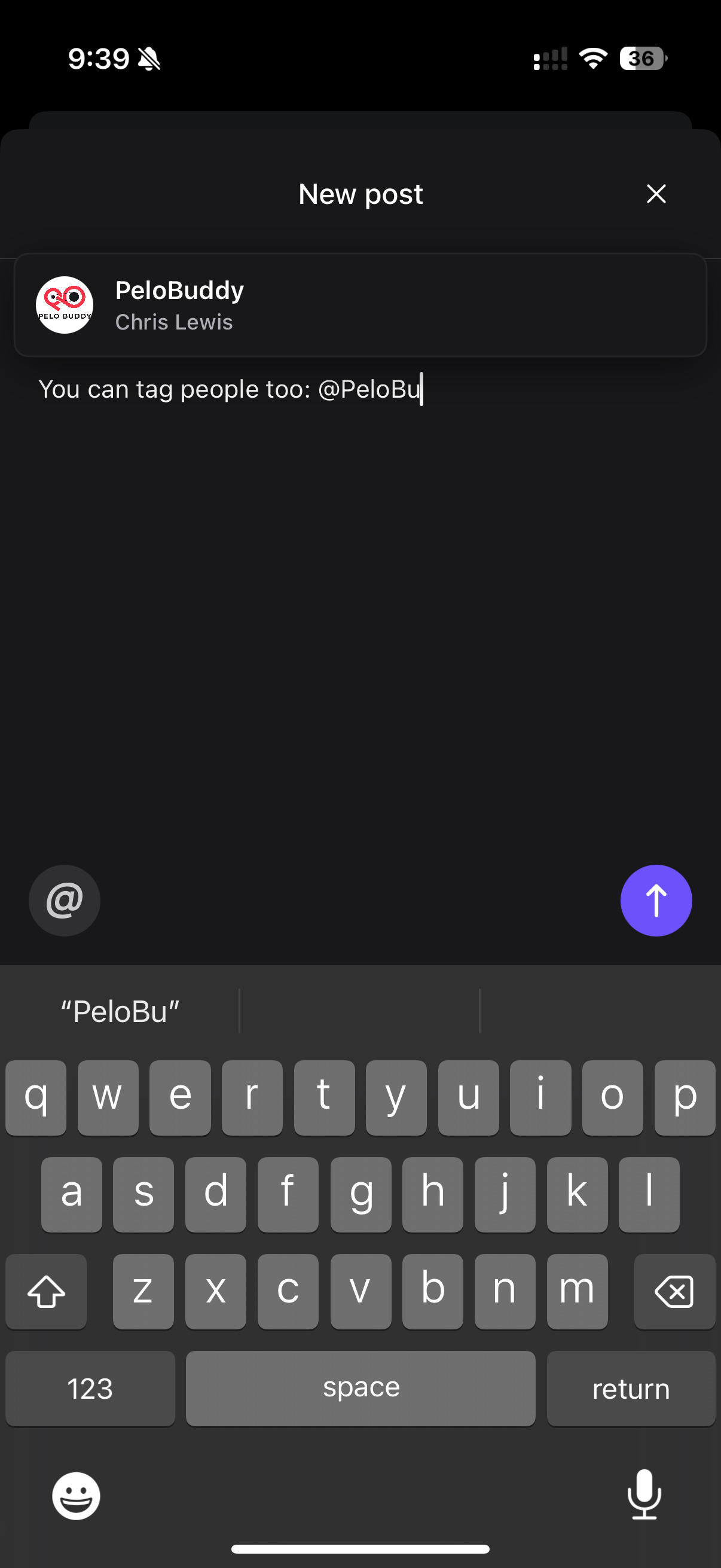
Creating a post in your team feed is simple. Start by navigating to the Teams section of the Peloton app and selecting the team you want to post in. From there, tap the Feed tab and then hit the “+” (plus sign) button in the bottom-right corner. Type your message – up to 500 characters – and if you would like to tag someone, you can do so by selecting the “@” button or typing “@” followed by their leaderboard or real name; a list will appear so you can easily select the right person. Tap the purple arrow button to publish your post.
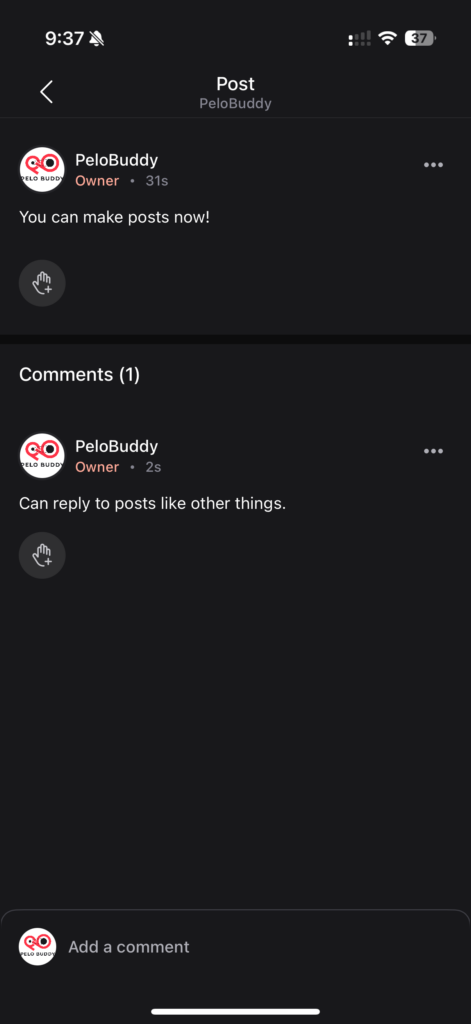
After posting, teammates can interact with your message by liking or commenting, and comments – just like posts – can include mentions and are limited to 500 characters.
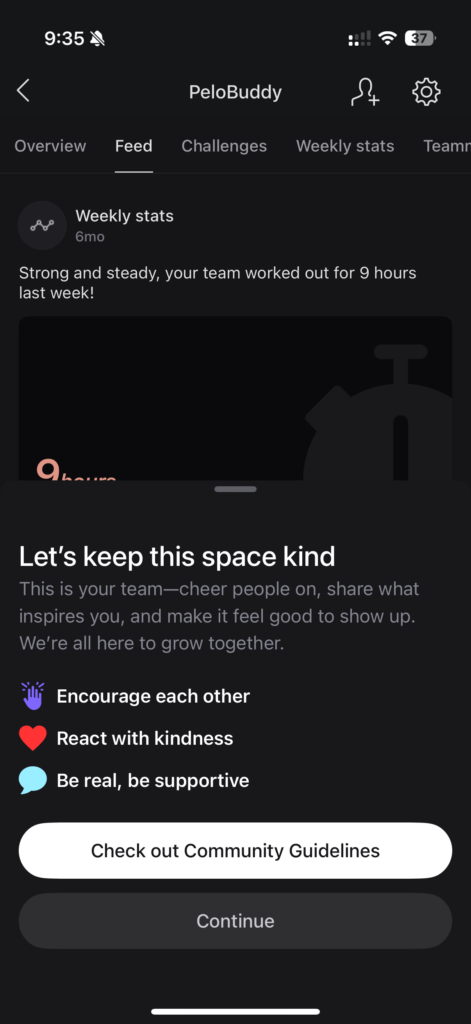
Before you make your first post, Peloton will prompt you to review the Community Guidelines. These rules are intended to ensure all content is respectful, inclusive, and aligned with Peloton’s community values. This is a one-time confirmation before members are allowed to post.
Both members and team admins have the ability to manage content. You can delete your own posts and comments at any time by selecting the three-dot menu next to the content and choosing “Delete Post” or “Delete Comment.” Primary and secondary team admins also have the power to delete any post or comment within the team feed. If a post has comments, deleting it will automatically remove all associated replies.
If you see content that violates Peloton’s guidelines, you can report it by tapping the three-dot menu next to the post or comment. Choose “Report Post” and specify your concern, and Peloton’s moderation team will review the report and take action if necessary.
Visibility is straightforward: if you are a member of the team, you can see all posts – unless someone has blocked you or you have blocked them. Posts remain visible in the team feed even after a member leaves the team, unless they or an admin delete the content.
With more than just stats and challenge updates, Teams are now intended to become spaces where members motivate each other, exchange insights, and celebrate milestones together.
While social interaction has long been a part of the Peloton experience – through leaderboard tags, high-fives, shout-outs, following friends, and more – this new Teams functionality adds another method for connection.
However, now Peloton is trying to drive some of the community engagement that happens in Facebook groups and other channels into their own app.
Are you excited to see this new feature added to Peloton Teams?
Support the site! Enjoy the news & guides we provide? Help us keep bringing you the news. Pelo Buddy is completely free, but you can help support the site with a one-time or monthly donation that will go to our writers, editors, and more. Find out more details here.
Get Our Newsletter Want to be sure to never miss any Peloton news? Sign up for our newsletter and get all the latest Peloton updates & Peloton rumors sent directly to your inbox.

Leave a Reply